GTA 6 Loading Screen AI Video Generator – Your Photo Wipes In
Upload one photo and AI turns it into your GTA 6 loading screen — the wipe transition, cel-shaded poster art, and trending-style sound in one 8-second clip. No watermark, ready for TikTok & Reel.
Create with this template
Adjust the media or text in each step, then click Generate to see the results.
Step 2: Generate Your "GTA 6 Loading Screen" AI Image
Step 3: Generate Your "GTA 6 Loading Screen" Effect AI Video
Please do not close this page while generation is in progress. If you close it, you can check the progress and results in History in the top-right corner.
What Is the GTA 6 Loading Screen AI Trend?
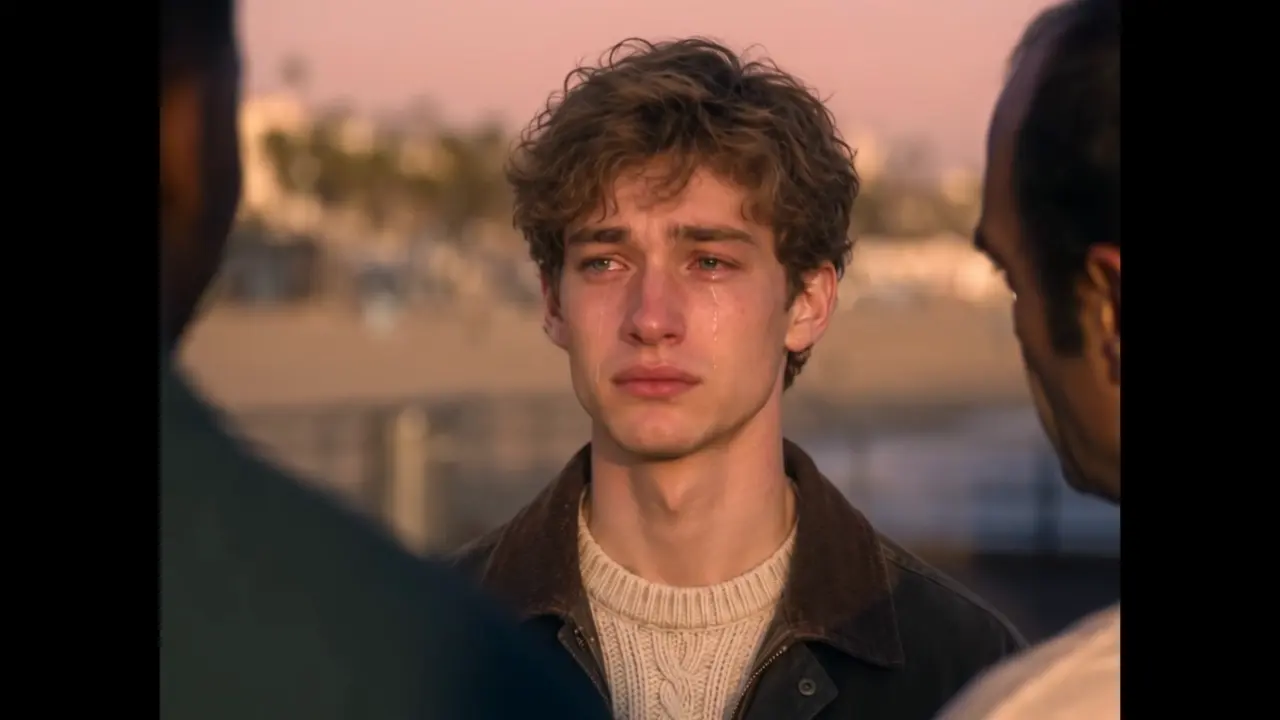
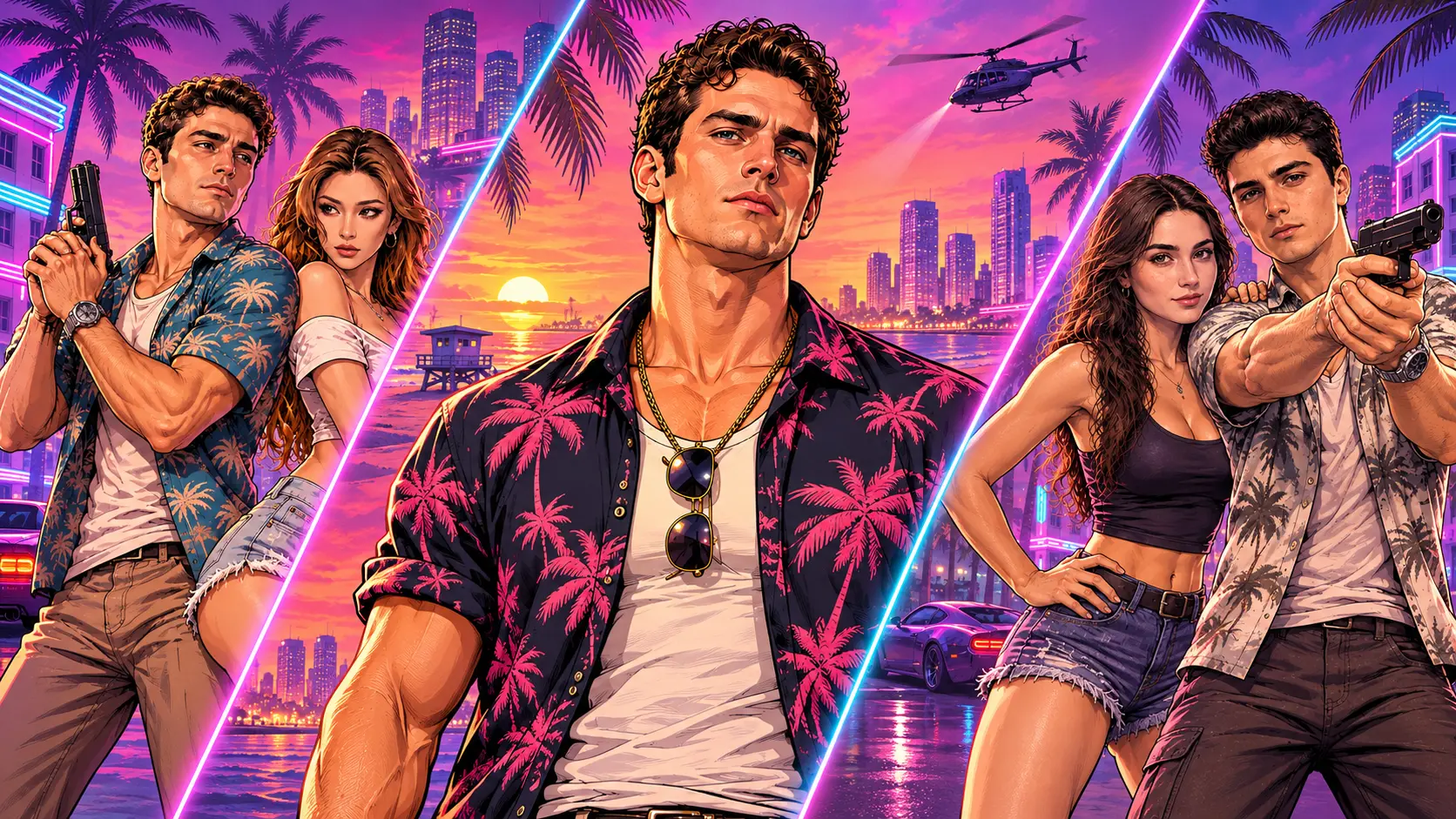
The signature move of GTA 6 launch week: a real photo of you wipes away and transforms into a GTA 6 loading screen — bold cel-shaded promo art, Vice City colors, main-character pose — with the zoom transition and trending sound that made the edit take over TikTok. The format started as a CapCut template called "Your GTA 6 loading screen" and spread across every feed during launch week, with fan-made tools and tutorials multiplying daily.
It's the video version of the GTA 6 style-photo trend: the still poster is the destination, but the wipe transition is the content — your real face dissolving into launch art in one seamless motion is the moment people rewatch and share. This template does the full two-stage pipeline for you: photo → loading-screen image → animated effect video. No CapCut, no keyframes, no editing timeline.
Note: This is a fan-made template inspired by the GTA 6 launch. It is not affiliated with Rockstar Games or Take-Two Interactive, and contains no game assets.
How to Use — Three Steps, One Photo
Step 1: Upload Your Photo
One clear, front-facing photo — yourself, a friend, or any character you want to cast as the loading-screen star. JPG, PNG, or WebP, up to 10 MB.
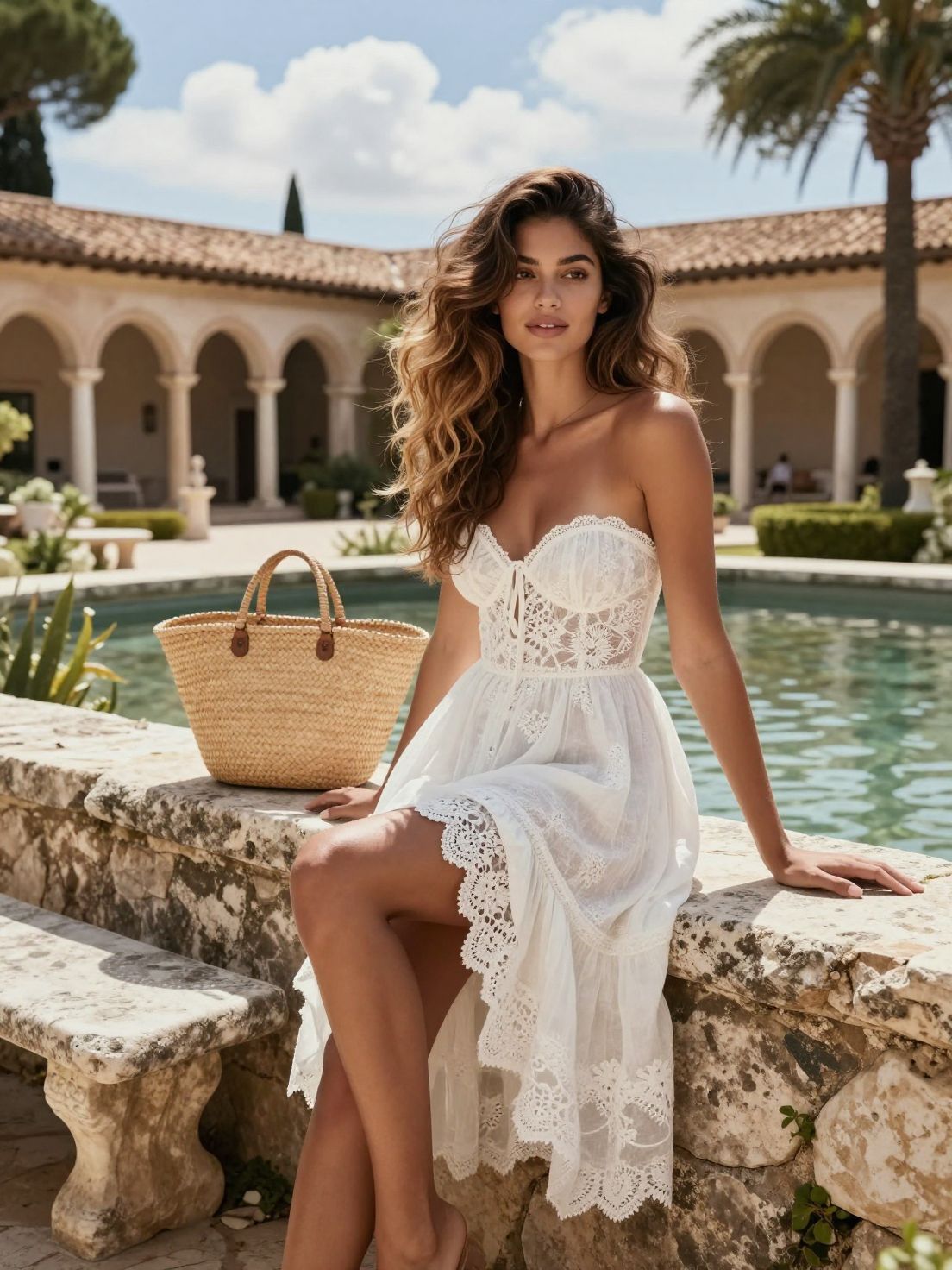
Step 2: Generate Your "GTA 6 Loading Screen" AI Image
Click generate for the first stage: the AI transforms your photo into the cel-shaded GTA 6 loading-screen poster — the still that becomes the destination frame of the transition.
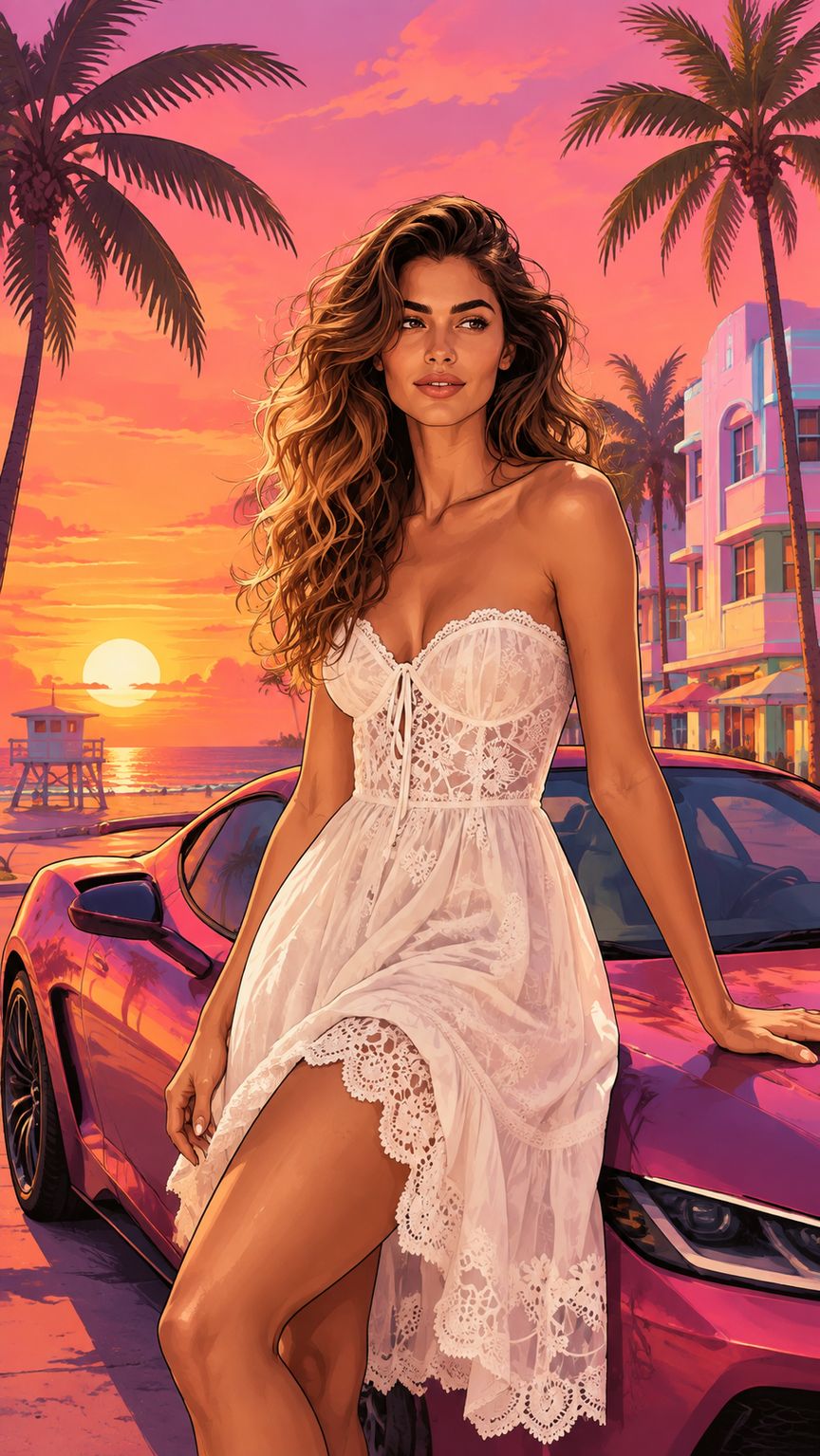
Step 3: Generate Your "GTA 6 Loading Screen" Effect AI Video
The final stage animates the wipe: your real photo dissolves into the poster with the signature transition and trending-style sound — an 8-second clip ready to download and post.
Why This GTA 6 Loading Screen AI Generator Stands Out
- The transition is the content — the wipe from your real photo into the painted poster is the exact moment that makes this trend loop-worthy. Most still-photo generators skip it entirely.
- Full pipeline in one template — poster image and animated effect video, generated in sequence from one upload. No jumping between tools.
- Launch-week native — the loading-screen format came from GTA 6 launch week itself; this is the trend in its most viral form.
- No prompt, no CapCut, no timeline — the CapCut route means hunting templates and hand-editing transitions. Here it's one photo and two clicks.
- Privacy-friendly — uploaded photos and generated videos are automatically deleted after 7 days and are not used for training.
Creative Ideas to Try
- The launch-day transformation — you, wiping into a Vice City loading screen on release day. Peak timing, peak relatability.
- Duo loading screens — generate one for you and one for your duo partner; post back to back like twin loading screens.
- Pet edition — a cat dissolving into a Vice City loading screen. Instant comments.
- Group-chat roster — one loading screen per friend, posted as the "character select" series.
- Before / after — the real photo next to the loading-screen frame: the transformation side by side.
- Pair it with the farewell — post the Goodbye GTA 5 handover clip first, then this: the full two-era story.
- Want more? — the GTA 6 Style Photo Generator makes solo portraits, duo frames, and couple key art in the same style — build a whole launch-week set.
Best Practices for the Best Result
- Use a clear, front-facing photo — your face carries both the "before" frame and the poster art.
- Good lighting and a plain background help the cel-shaded style composite cleanly.
- Higher-resolution originals keep the poster art sharp when the camera zooms in.
- One person per photo — the loading screen frames a single character.
Frequently Asked Questions (FAQ)
What is the GTA 6 loading screen AI trend?
A launch-week video format for GTA 6's release (November 19, 2026): a real photo wipes away and transforms into a cel-shaded GTA 6 loading screen, styled after the game's iconic promo art — popularized by a CapCut template during launch week.
How do I make a GTA 6 loading screen AI video?
One photo drives the whole pipeline: upload it, generate the loading-screen image, then generate the effect video from that image. Both stages run inside this template.
Do I need to write a prompt or use CapCut?
No — the reference video, transition, style, and sound are all preconfigured. One photo and two generate clicks replace the entire CapCut timeline.
Does the video include sound?
Yes — the effect video comes with trending-style sound synced to the wipe transition. You can also swap in the official GTA 6 audio when posting on TikTok or Reels.
What do I get exactly?
Two outputs from one photo: a cel-shaded GTA 6 loading-screen poster image, plus the 8-second animated wipe-transition video with sound — 720P, include viral sound effects,no watermark, ready to post.
How long does generation take?
Usually a few minutes for the full pipeline, even at peak times. You can switch to other tabs while it renders — just keep this tab open, and your results appear here when they're ready.
Want more GTA 6 style photos?
One template run gives you the loading-screen poster and video. For a full set of GTA 6 style photos — solo character portraits, duo frames, or couple key art — switch to the GTA 6 Style Photo Generator and pick your mode. Same launch-week style, more compositions.
What if my generation fails?
Failed generations are refunded automatically — credits return to your account instantly.
Do my credits work on other templates?
Yes. Credits are universal across OimiTV — every trending template on the platform accepts the same credits.
Will my photos be stored or used for training?
No. Uploaded photos and generated videos are automatically deleted after 7 days and are not used for training.