Goodbye GTA 5 AI Video Generator – The Sunset Pier Farewell
Upload one photo — Michael, Franklin and Trevor hand you the keys on the sunset pier as you drive off into the GTA 6 era. No watermark, ready for TikTok&Reel.
Create with this template
Adjust the media or text in each step, then click Generate to see the results.
Step 2: Generate Your "Goodbye GTA 5" AI Video
Please do not close this page while generation is in progress. If you close it, you can check the progress and results in History in the top-right corner.
What Is the Goodbye GTA 5 AI Trend?
Thirteen years. Since 2013, GTA 5 has been more than a game — it's the backdrop for an entire generation's online life. And on November 19, 2026, GTA 6 finally launches, closing the longest-running era in gaming history.
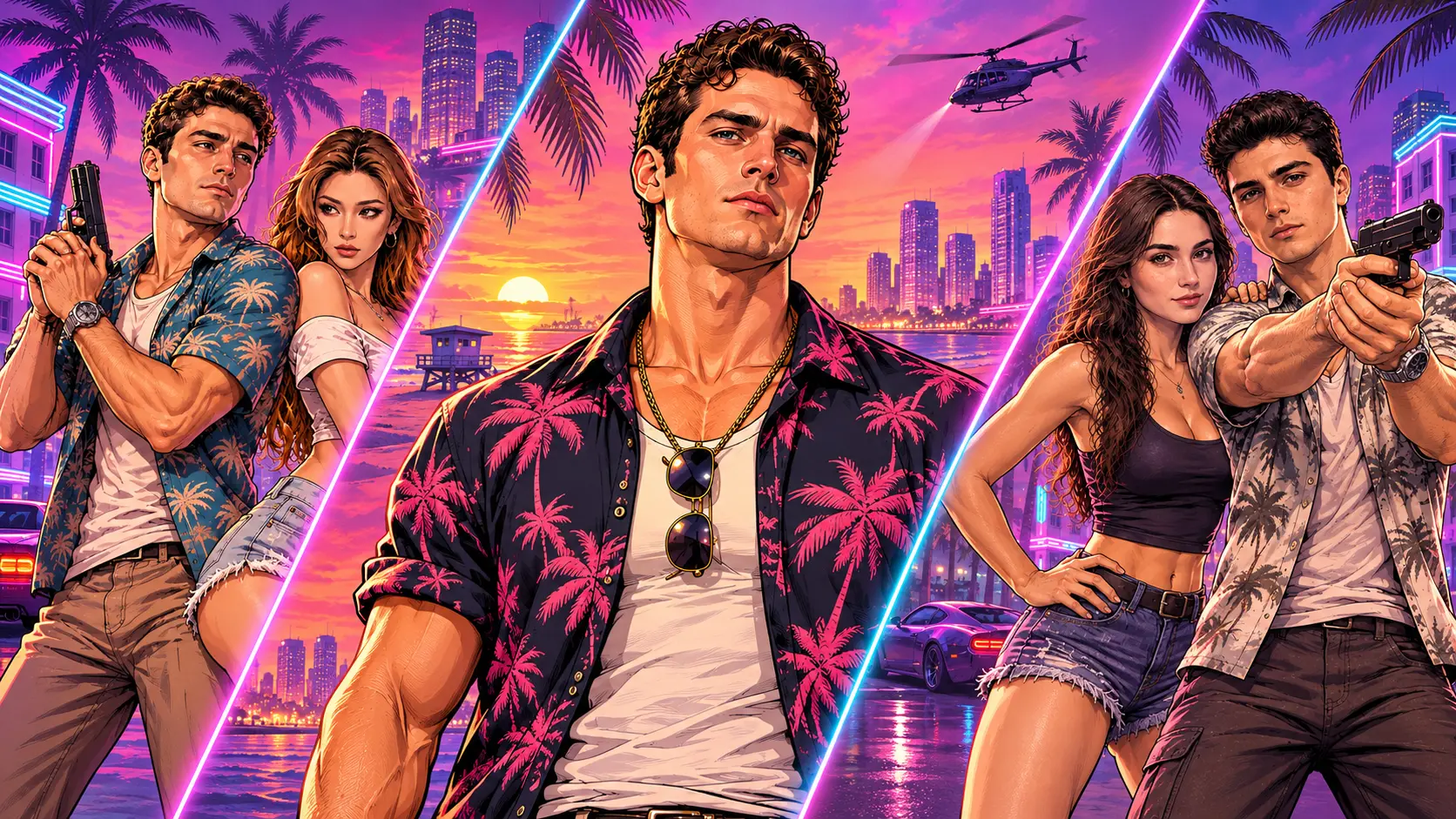
The farewell trend captures that exact feeling in one cinematic shot: on a sunset pier, Michael, Franklin and Trevor — the legendary trio from GTA 5 — hand you the game and the car keys, and you drive off toward the horizon, straight into the GTA 6 era. It's a passing-of-the-torch scene between two generations of the same legend, and the AI version puts you in the driver's seat.
The AI wave started around November 16 when the first generators launched the format, and it's spreading fast through the launch-week hype — with millions of players worldwide counting down the final hours of GTA 5.
Across social feeds, many players also layer in nostalgic radio vibes and DJ Cara farewell references as a backdrop to the send-off.
It's a one-shot farewell to Los Santos as the 2013–2026 era wraps up and players look ahead to Vice City.
Note: This is a fan-made template inspired by a viral trend, made to celebrate the GTA 5 era. It is not affiliated with Rockstar Games or Take-Two Interactive, and contains no game assets.
GTA 5 era: 2013–2026. Farewell, and welcome to Vice City.
How to Use — Two Steps
Step 1: Upload Your Photo
One clear, front-facing photo — this face becomes the driver who receives the keys. JPG, PNG, or WebP, up to 10 MB.
Step 2: Generate Your Goodbye GTA 5 AI Video
Click generate. The AI places you on the sunset pier for the handover scene — the trio, the keys, the drive into the sunset — and outputs a finished video ready to download and post.
How to use "2013 First Time Meet GTA 5" template?
Step 1: Upload Your Photo
Upload one clear, front-facing photo (JPG, PNG, or WebP, up to 10 MB). The template uses your facial features as the anchor so your identity stays recognizable from your younger self in 2013 through the finished video.
Step 2: Generate Your Childhood photo
Instead of manually editing age progression or writing prompts, the workflow automatically generates a nostalgic 2013-era childhood/younger version based on your uploaded photo
Step 3: Generate Your "2013 First Time Meet GTA 5" Video
Once the younger-self image is ready, generate the final short video showing your 2013 self first meeting the GTA 5 era—ready to download without a watermark for TikTok, Reels, or Shorts.
Why This Goodbye GTA 5 AI Generator Stands Out
- The passing-of-the-torch scene — the trio hands you the game and the car keys, exactly like the viral edit. Not a generic goodbye: the actual farewell beat.
- One photo, zero prompt — upload and generate. No editing timeline, no settings.
- Clean output, no watermark — ready for TikTok, YouTube, or X.
- Launch-week timing — make it now, post it while the whole internet is saying goodbye to GTA 5.
- Privacy-friendly — uploaded photos and generated videos are automatically deleted after 7 days and are not used for training.
Creative Ideas to Try
- The 13-year veteran — for everyone who's had the same character since 2013.
- Duo handover — generate one for you and one for your co-op partner; post them side by side.
- The last ride montage — pair this clip with your favorite GTA 5 screenshots for a full farewell post.
- Pet inherits the keys — your dog receiving the keys to Los Santos. The comments will lose it.
- Complete the handover — after the farewell clip, turn your photo into a GTA 6 style photo for the welcome-to-Vice-City profile pic — or grab the streetwear character poster prompt for the DIY version.
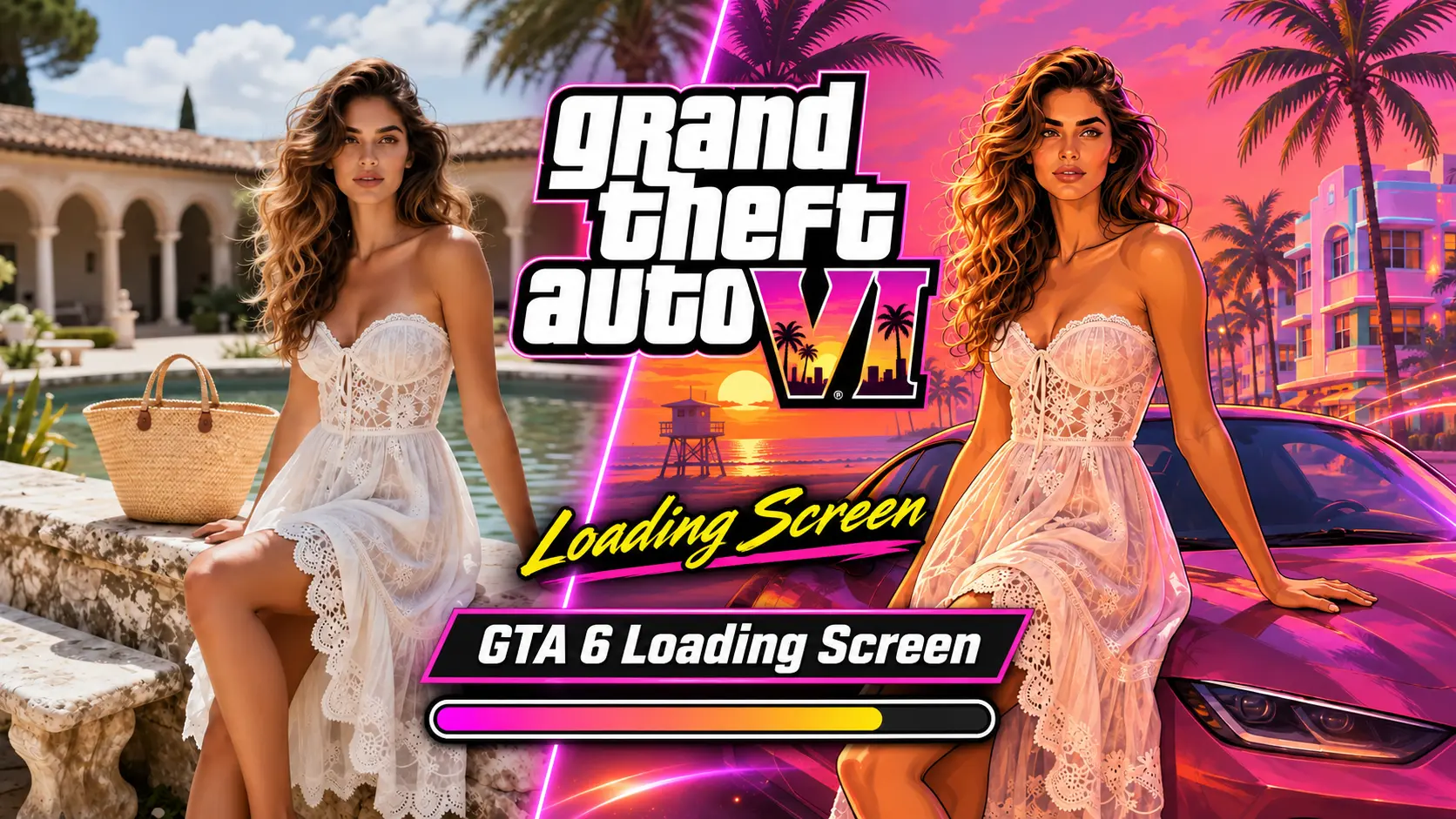
- Enter the GTA 6 era — the farewell isn't the end: turn your photo into a GTA 6 loading screen and drive into Vice City as the new era loads in.
Best Practices for the Best Result
- Use a clear, front-facing photo — the handover is a close-up moment; face sharpness matters most.
- Neutral or confident expressions match the cinematic tone of the scene.
- Plain backgrounds help the sunset pier composite cleanly around you.
- Higher-resolution originals keep your face sharp through the slow-motion drive.
Frequently Asked Questions (FAQ)
What is the Goodbye GTA 5 AI trend?
A viral AI video format marking the end of the GTA 5 era (2013–2026) and saying goodbye to Los Santos as GTA 6 launches: one photo becomes the driver receiving the keys from the GTA 5 trio on a sunset pier, then driving off toward the new era.
How do I make a Goodbye GTA 5 AI video?
Upload one clear photo and click generate. The AI recreates the sunset-pier handover scene with you as the driver and outputs a finished video — no prompt, no editing.
Do I need to own GTA 5 or record any gameplay?
No — one photo is the entire input. The scene, the trio, and the sunset are all AI-generated; no game footage is used.
When does GTA 6 launch?
November 19, 2026. This trend is part of the launch-week celebrations — made to say goodbye to GTA 5 and welcome the new era.
Is this an official Rockstar product?
No — it's a fan-made farewell template. It is not affiliated with Rockstar Games or Take-Two Interactive, and it contains no game assets or footage.
What do I get exactly?
A finished video of the sunset-pier handover scene with your photo as the driver, no watermark — ready to download and post.
How long does generation take?
Usually 1 ~ 3 minutes for fast mode. If failed, You can switch to backup slow mode, it usually cost 10 ~ 15 minutes. You can switch to other tabs while it renders - just keep this tab open, and the video appears here when it's ready.
What if my generation fails?
Failed generations are refunded automatically — credits return to your account instantly.
Do my credits work on other templates?
Yes. Credits are universal across OimiTV — every trending template on the platform accepts the same credits.
Will my photos be stored or used for training?
No. Uploaded photos and generated videos are automatically deleted after 7 days and are not used for training.