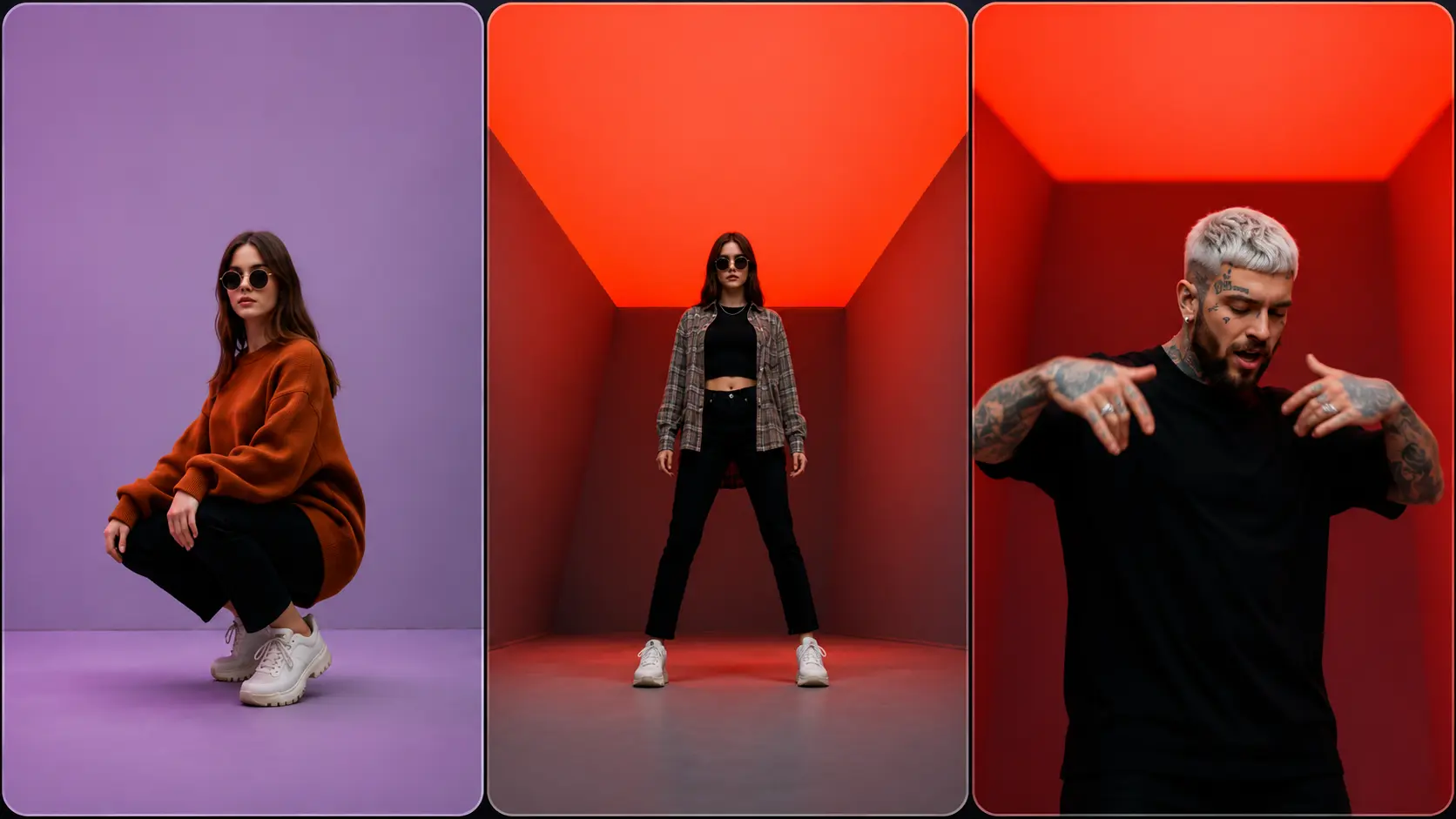
End of Watch AI Video Generator – The Locker Scene
Recreate Jake Gyllenhaal's iconic End of Watch locker scene from the 2012 cop film with your photo. One upload, no prompt, no watermark, 720P vertical.
Create with this template
Adjust the media or text in each step, then click Generate to see the results.
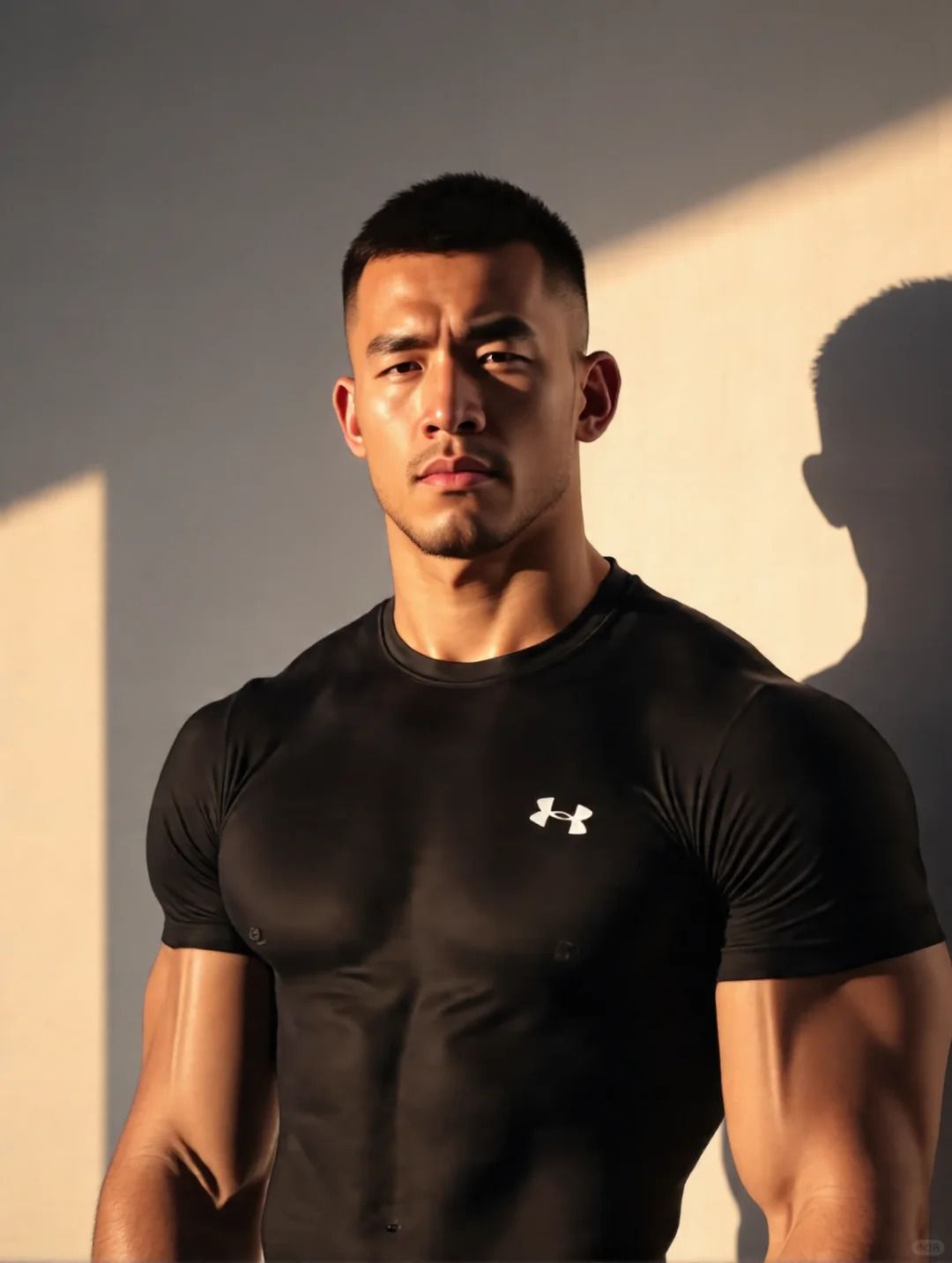
Step 2: Generate Your Jake Gyllenhaal police locker scene trend Video
Please do not close this page while generation is in progress. If you close it, you can check the progress and results in History in the top-right corner.
What Is the End of Watch Locker Scene Trend?
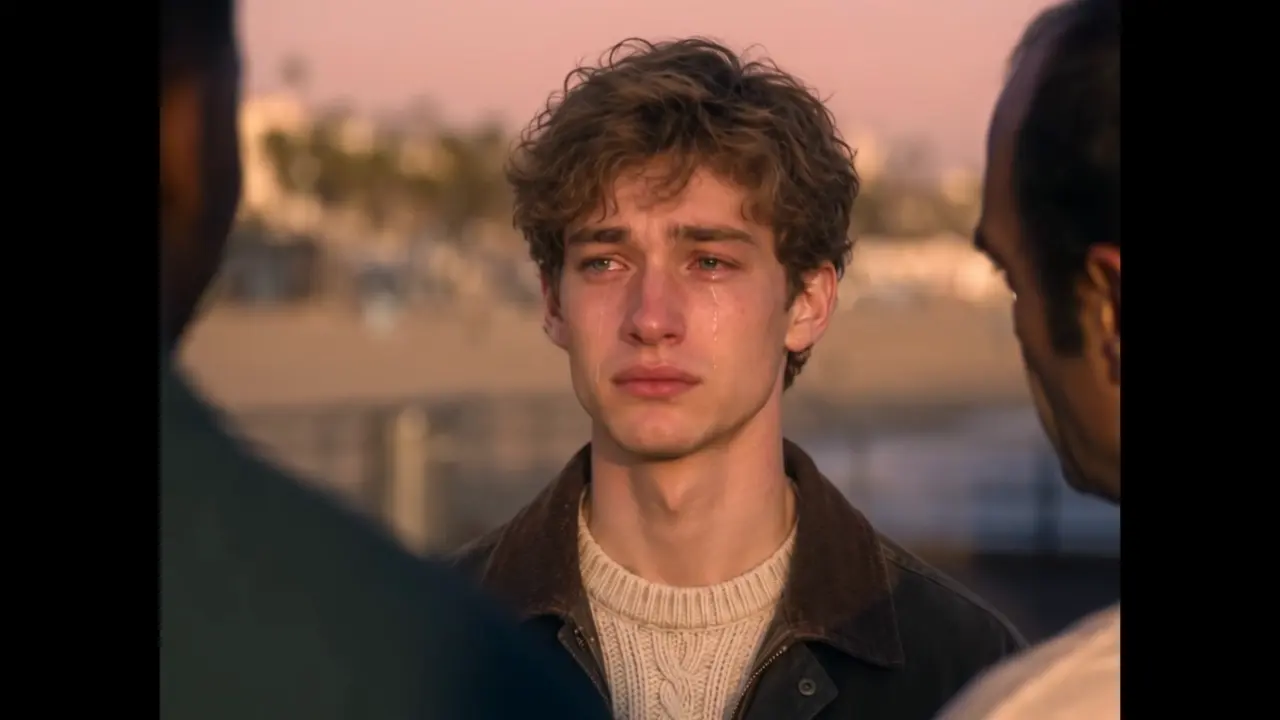
The scene comes from End of Watch (2012) — Jake Gyllenhaal and Michael Peña as LAPD partners, in the film's iconic locker-room moment: squaring up your gear piece by piece, then glancing back at your partner before rolling out. No dialogue needed; the ritual says everything — duty, readiness, and having someone's back.
The moment first trended on TikTok in 2023 as a "gear show" format, then came back hard in late 2026 when AI made it personal: one photo puts you in the locker scene, methodically gearing up like the film. It hit hardest with the people who live it for real — cops, military, first responders — and everyone who's ever loved a gear ritual.
Note: This is a fan-made template inspired by a film scene. It is not affiliated with End of Watch, its studio, or its actors.
How to Use — Two Steps, No Prompt Needed
Step 1: Upload Your Photo
One clear, front-facing photo. This photo becomes the officer in the locker scene — the face carries the ritual, so make it sharp. JPG, PNG, or WebP, up to 10 MB.
Step 2: Generate Your End of Watch AI Video
Click generate. The AI places you at the locker and performs the full sequence — the gear-up, beat by beat, finishing on the look back — as a 720P vertical video with no watermark, ready to download and post.
Why This End of Watch AI Generator Stands Out
- The full ritual, not a clip — every beat of the locker scene: the gear, the method, the glance back at your partner.
- One photo, zero prompt — upload and generate. No settings, no editing timeline.
- No watermark, 720P, 9:16 vertical — download and post straight to TikTok or Reels.
- Fast turnaround — most videos finish in around 10 minutes, even at peak times.
- Risk-free credits — failed generations refund automatically, and credits work across every template on OimiTV.
Creative Ideas to Try
- For the real ones — cops, military, EMTs, firefighters: your own locker ritual, cinematic edition.
- Partner edition — generate one for you and one for your partner; post them side by side.
- The gear guy's portrait — airsoft, fishing, photography: whoever has "a locker" of equipment deserves this format.
- Father's Day flex — dad and his tools, dad and his golf bag. The format adapts to any gear ritual.
- Gym partner roll-out — you and your lifting partner, pre-leg-day ritual, End of Watch energy.
Best Practices for the Best Result
- Use a clear, front-facing photo — the scene plays in close-up, so face sharpness matters most.
- Neutral or focused expressions match the scene's tone best.
- Plain backgrounds help the locker scene composite cleanly around you.
- One person per photo — the partner's glance is staged by the template.
Frequently Asked Questions (FAQ)
What is the End of Watch locker scene trend?
A viral AI video format based on the iconic locker scene from End of Watch (2012): methodically gearing up, then glancing back at your partner. Upload one photo and the AI recreates the scene with you in it.
Where does the End of Watch locker scene come from?
The 2012 police film End of Watch, starring Jake Gyllenhaal and Michael Peña as LAPD patrol partners. The scene trended on TikTok in 2023 as a "gear show" format, then returned in 2026 as an AI face-swap trend.
How do I make an End of Watch AI video?
Upload one front-facing photo and click generate. The AI animates the full locker sequence and outputs a vertical video — no filming, no editing, no prompt.
Can I make a version with my partner?
Yes — generate one video per person and post them side by side. The partner's glance in the scene makes dual posts a natural fit.
How long does generation take?
Usually around 10 minutes during peak hours, often faster off-peak. Keep the page open while your video renders.
What do I get exactly?
A 720P vertical (9:16) video with no watermark — the full gear-up sequence with your photo as the officer, ready to download and post.
What if my generation fails?
Failed generations are refunded automatically — credits return to your account instantly.
Do my credits work on other templates?
Yes. Credits are universal across OimiTV — every trending template on the platform accepts the same credits.
Will my photos be stored or used for training?
No. Uploaded photos and generated videos are automatically deleted after 7 days and are not used for training.