 1 / 2
GTA 6 Cover Collage: Vice City Game Poster
Turn your portrait into a 3:4 GTA 6 cover collage featuring a central protagonist, 4–5 Vice City mission scenes, neon lights, and stylized game titles. Free to copy and generate.
Full prompt
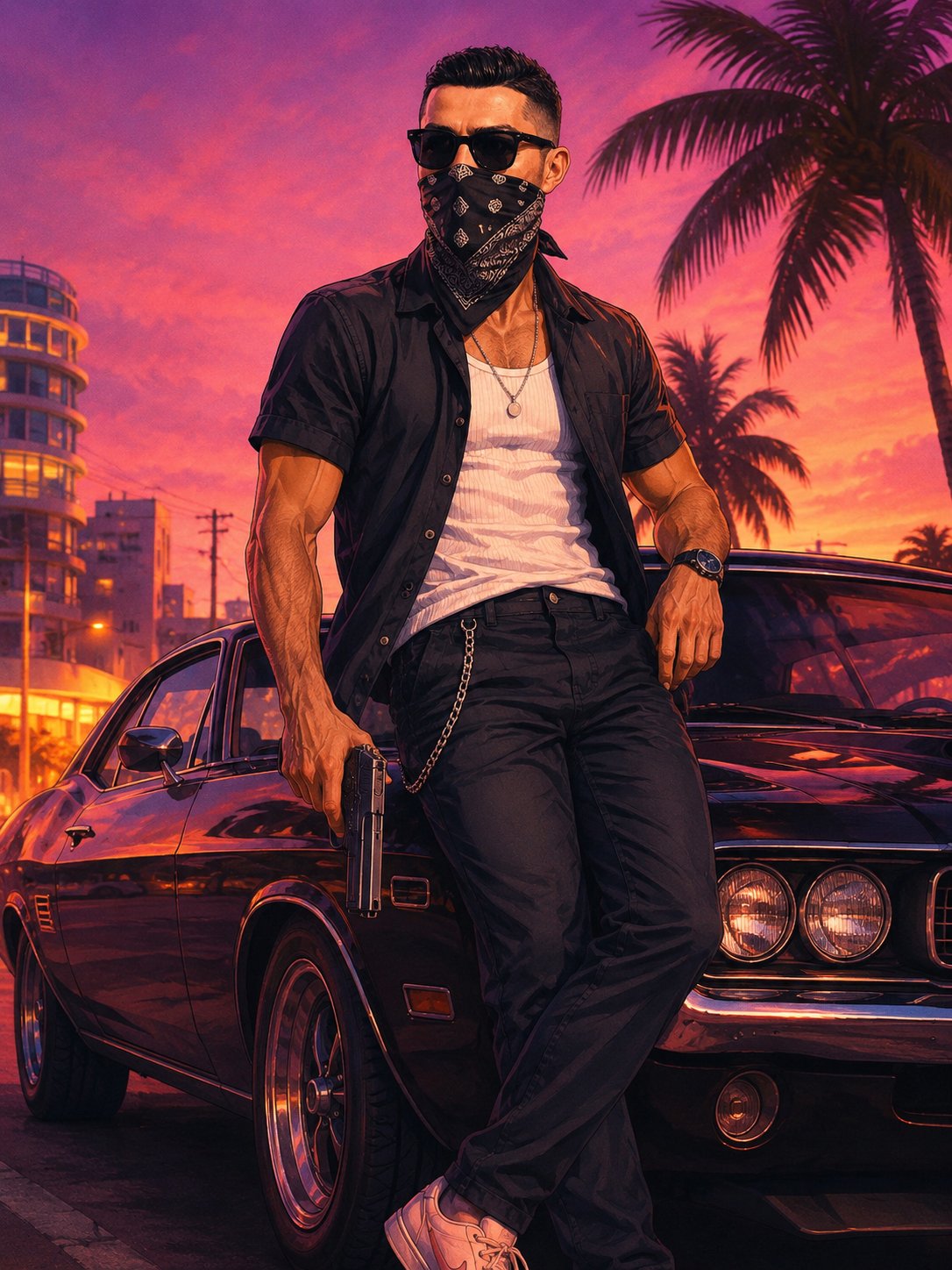
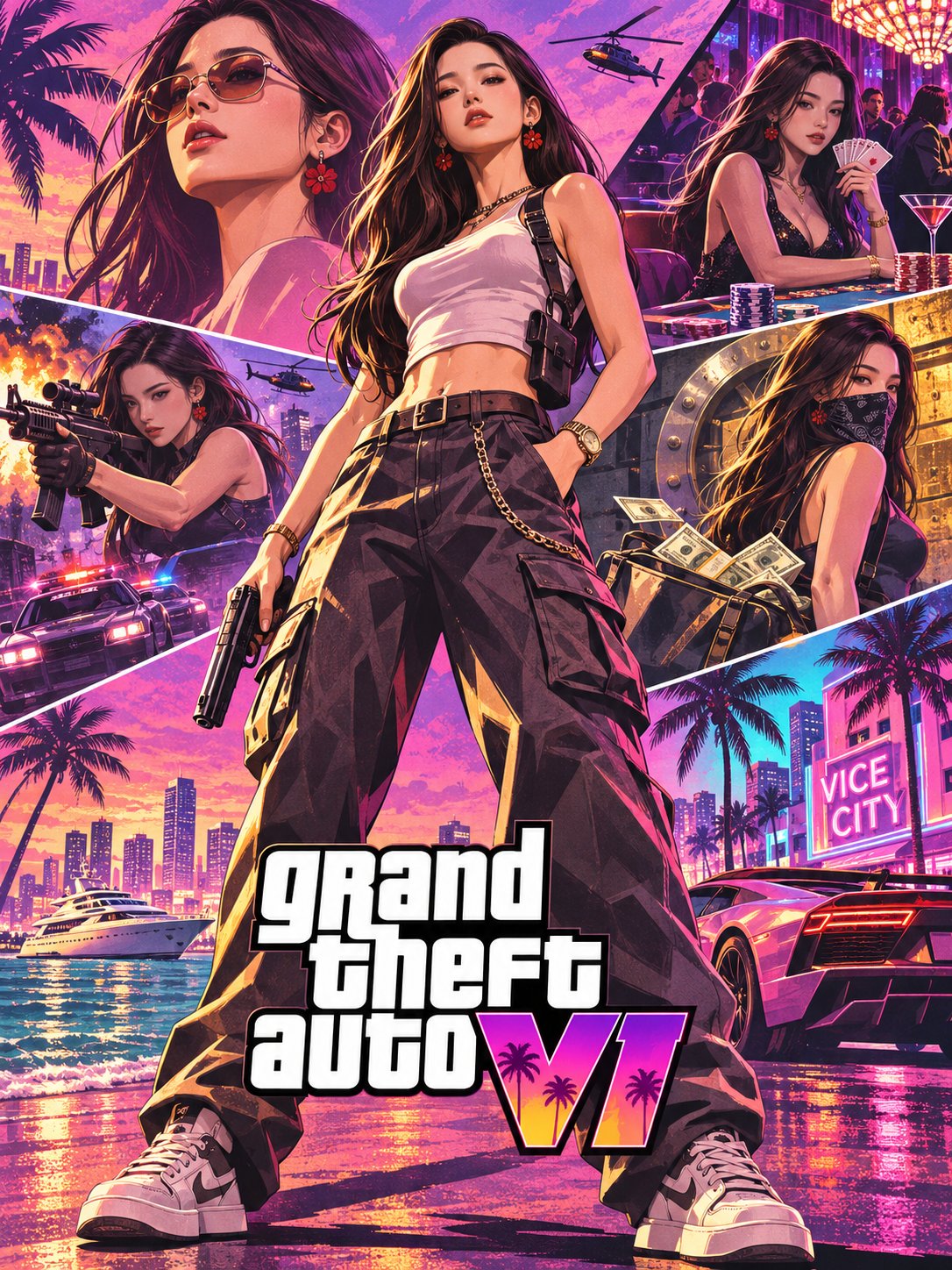
Transform my uploaded portrait into a 3:4 vertical GTA VI-inspired cinematic game poster. CHARACTER & IDENTITY Preserve my recognizable facial features, face shape, eyes, skin tone, hairstyle, and signature accessories. Turn me into the central playable character, standing confidently in a full-body pose, viewed from an extreme low camera angle. Dress the character in fashionable Miami-inspired streetwear with cargo pants, stylish sneakers, jewelry, and tactical accessories. CINEMATIC COLLAGE Create a dynamic poster with the main character dominating the center (60–70% of the composition). Surround the protagonist with 4–5 smaller scenes featuring the SAME character: A close-up portrait against a Miami sunset. An intense urban action scene. A neon-lit casino or underground nightlife scene. A high-speed luxury car getaway. A criminal-underworld scene involving money and nightlife. ENVIRONMENT Build a vibrant Vice City-inspired world featuring tropical palm trees, skyscrapers, luxury cars, yachts, neon streets, and coastal architecture. VISUAL STYLE Premium stylized digital game-poster artwork inspired by GTA VI promotional illustrations. Use painterly textures, crisp contours, realistic-but-stylized anatomy, dramatic shadows, cinematic highlights, and strong character silhouettes. COLOR & LIGHTING Vibrant magenta, sunset pink, electric cyan, teal, golden-orange highlights, and deep purple shadows. Use cinematic directional lighting with neon rim lights. TITLE & FINISH Add a prominent GTA VI-inspired title treatment near the lower center, integrated naturally into the poster. Make it look like an authentic AAA open-world game promotional poster. OUTPUT Vertical 3:4 composition. Full-body central character. Preserve facial identity. Consistent appearance across all scenes. High-resolution digital illustration. No watermark, footer, credits, or extra captions. Priority: Facial resemblance first, character presence second, cinematic storytelling third. Upload your portrait, paste the prompt, and let AI turn you into the protagonist.
Create with this prompt
Fine-tune the prompt or upload a reference image as needed, click Generate, review the results, and download them promptly.
Open in AI Infinite Canvas(Optional)
Generate image
Please do not close this page while generation is in progress. If you close it, you can check the progress and results in History in the top-right corner.
Understanding the GTA 6 Cover Collage Style
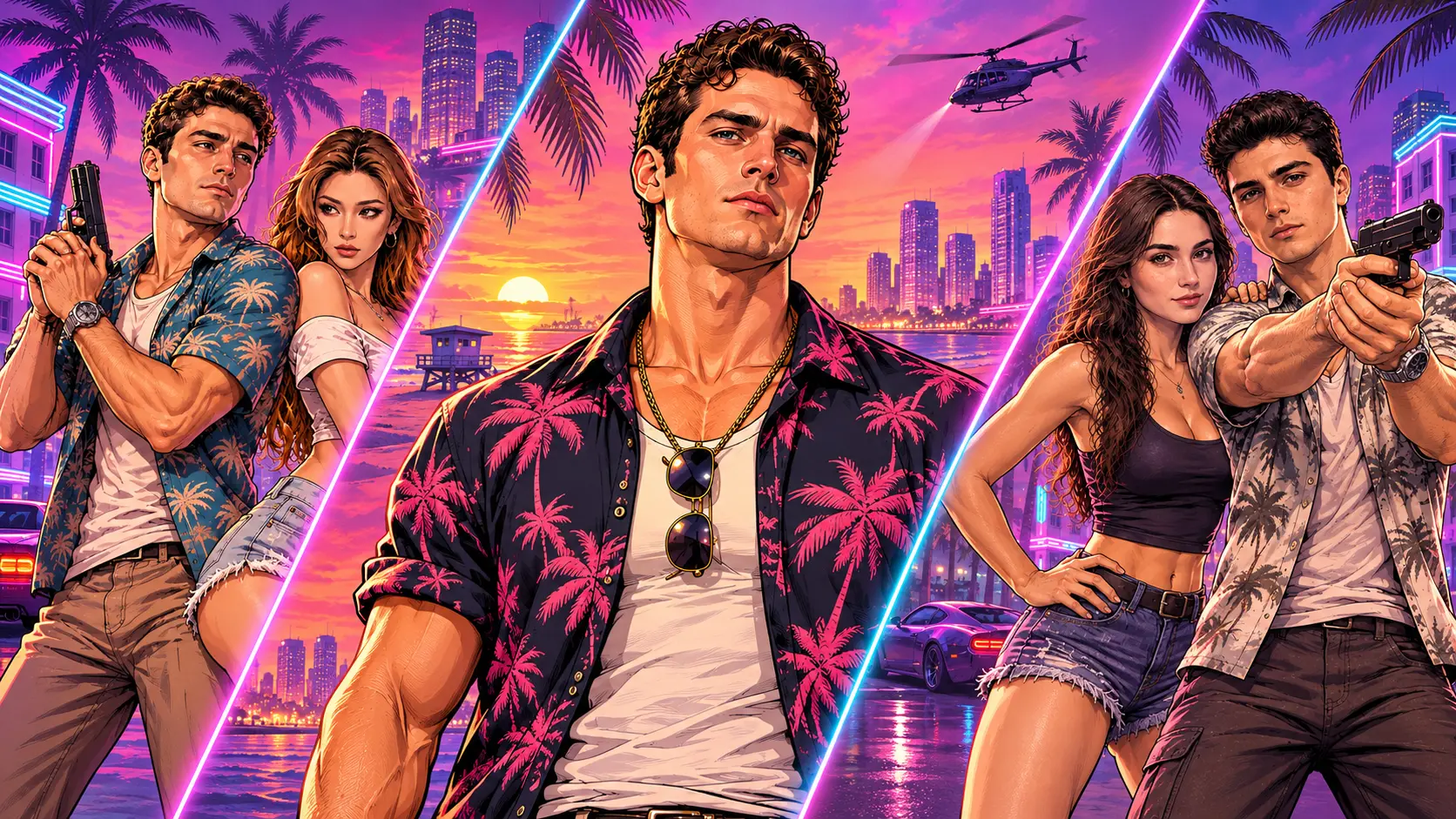
This visual style draws inspiration from iconic promotional artwork featured in AAA open-world video games, utilizing a cinematic collage layout. The composition is anchored by a central protagonist who dominates 60–70% of the canvas in a bold full-body stance, captured from a dramatic low camera angle. Surrounding the main hero are 4–5 smaller vignette scenes depicting the same character across various high-stakes scenarios, such as sunset close-ups, neon-lit nighttime action, high-speed luxury getaways, and underworld nightlife.
The environment incorporates recognizable Vice City motifs, including tropical palm trees, coastal architecture, sleek skyscrapers, supercars, and glowing neon streets. The aesthetic relies on painterly textures, sharp contours, dramatic rim lighting, and a vibrant color scheme featuring electric cyan, vibrant magenta, golden-orange highlights, and deep purple shadows.
Key Elements and Customization Tips
- Identity Preservation: The prompt prioritizes facial features, skin tone, hairstyle, and signature accessories from the source photo, ensuring the exact same character appearance is maintained across both the central portrait and secondary vignette sub-scenes.
- Streetwear and Styling: Designed with iconic Miami-inspired urban fashion—such as cargo pants, trendy sneakers, jewelry, and tactical gear—which can be customized to match different character archetypes.
- Customizing Action Sub-scenes: The 4–5 background vignettes can be tailored to feature specific gameplay moments, such as speedboat chases, rooftop helicopter sniper action, or luxury casino nightlife.
- Title Integration: Standardized to a 3:4 vertical ratio with a bold game-inspired title placed near the bottom center, yielding a realistic AAA promotional poster aesthetic.
How to use
Edit the prompt
Review the prefilled prompt in the creation form. Adjust the subject, scene, colors, or style to suit your idea.
Upload image or change ratio
If the page offers a reference image upload, you can upload an image or leave it empty. Only upload images you have the right to use, and adjust the aspect ratio as needed.
Generate an image
The model is already configured. Click Generate and wait a moment for your result.
Review and download
Review the result and download your image. To try another direction, edit the prompt or reference image and generate again.
FAQ
How does the prompt maintain character consistency across all collage scenes?
The prompt explicitly enforces using the 'SAME character' in both the central low-angle shot and the surrounding sub-scenes, prioritizing the source photo's facial resemblance, hairstyle, and skin tone.
Can I customize the secondary action sub-scenes surrounding the protagonist?
Yes. You can swap out scene descriptions like the luxury car getaway or neon casino with other Vice City actions, such as a speedboat chase or a rooftop helicopter escape.
Is this suitable for beginners?
Yes. The generation model is already configured, so you can edit the prompt and generate directly in the creation form without learning complex settings or canvas controls. Professional users can create in AI Infinite Canvas to organize materials, switch models, and refine their work, with the Canvas Agent helping develop ideas, create content, and adjust workflows.
Are prompts and image generation free?
Prompts are free to view, copy, and edit. Sign up to receive starter credits; image generation uses credits, with usage shown before you generate. You can subscribe or purchase more credits as needed.
Can I switch other AI image models?
Yes. This prompt uses a default, preconfigured model. To switch models, continue creating in AI Infinite Canvas. Oimi AI Studio brings together leading AI image models including GPT-Image-2.6, GPT-Image-2.5, GPT-Image-2, Nano Banana 2.1, Nano Banana Pro, Midjourney V8.2, Niji Journey (NJ), Seedream 5 Pro, and Grok Image, with 1K, 2K, and 4K options depending on the model. You can use these models through OimiTV templates, prompt pages, and AI Infinite Canvas; available models and settings vary by page.
Do I need a reference image, and why might my result differ from the example?
The reference upload is optional in the form. To preserve a particular person, object, or composition, use a reference according to the prompt’s requirements. Results vary with the model, prompt, references, and randomness. Only upload images you have the right to use, and obtain permission when using another person’s likeness.
What happens if image generation fails or errors out?
Credits charged for tasks that fail due to a system error are automatically refunded. Check History for details. Content policy violations are excluded from automatic refunds. Content Policy
How long are my images stored, and are they used for training?
Uploaded photos and generated images are stored temporarily for about a week, during which you can view and download them in History. They are then deleted. Oimi does not use these photos for training, so download any work you want to keep. Privacy policy