 1 / 4
1 / 4Photo to Illustration Poster: Summer Magazine Aesthetic
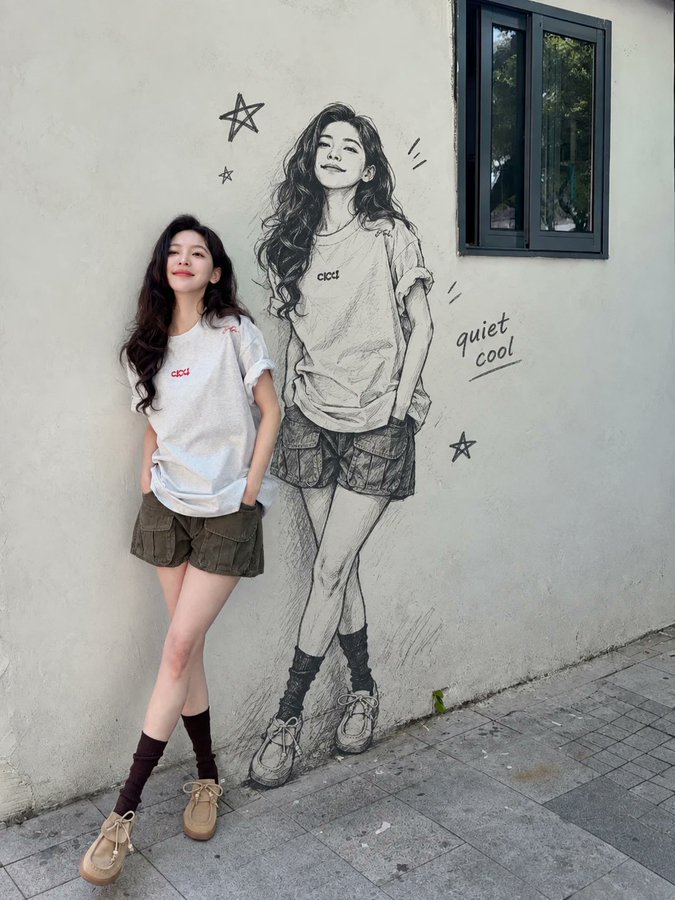
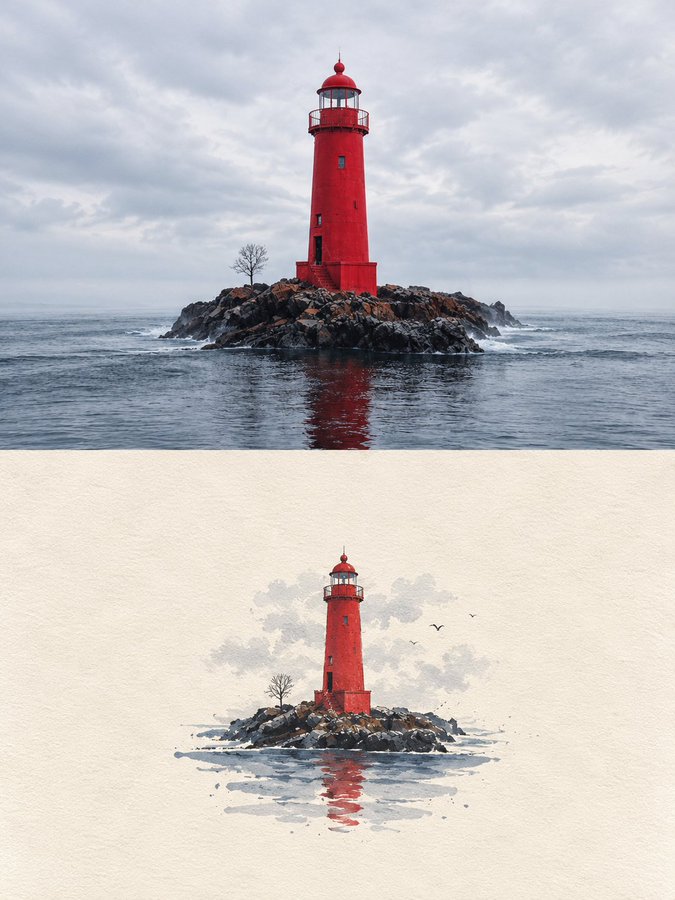
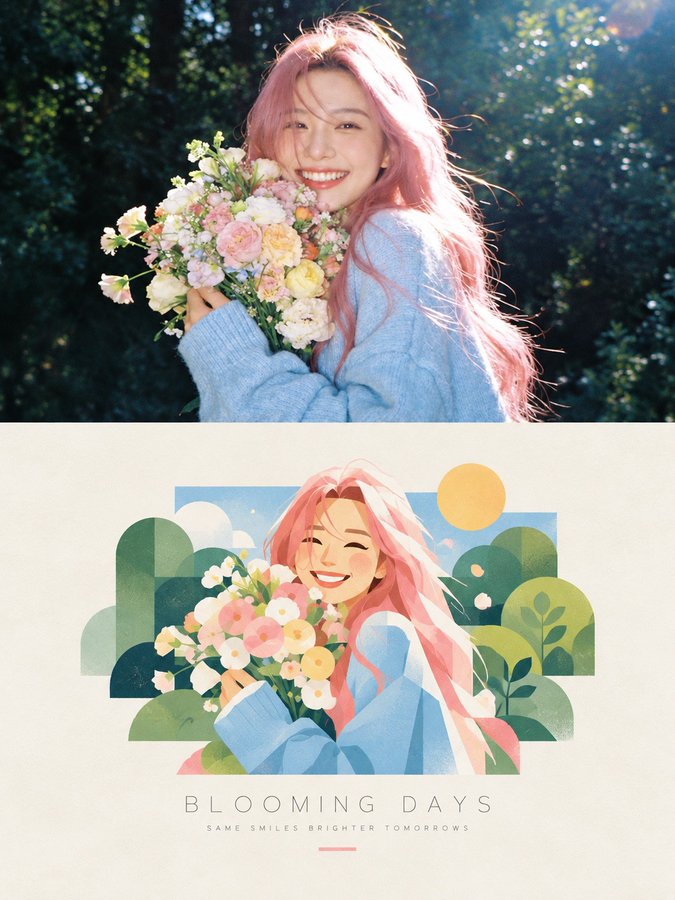
A split editorial poster that transforms a photorealistic scene into a hand-painted digital illustration. The upper half preserves warm sunlight and authentic texture, while the lower half reimagines it with pastel colors, soft outlines, and a nostalgic summer-magazine feel, all on a textured ivory background with refined typography.
Full prompt
Create a premium editorial poster featuring a two-part visual composition. The upper half shows a photorealistic photograph of [SUBJECT] in [SETTING], captured in warm natural sunlight with realistic skin texture, authentic expressions, soft highlights, and cinematic depth of field. The lower half transforms the exact same scene into a beautiful hand-painted digital illustration, preserving the subject’s pose, hairstyle, clothing, colors, and key visual details. Place the illustrated scene inside a clean rectangular frame on a warm ivory, subtly textured paper background. Use a charming contemporary illustration style with delicate brush textures, simplified organic shapes, pastel colors, soft outlines, and a nostalgic summer-magazine aesthetic. Add tasteful decorative elements that complement the scene. Below the illustration, include a centered minimalist editorial title reading “[MAIN TITLE]” in thin, widely spaced uppercase typography, followed by a smaller subtitle reading “[TAGLINE]” in elegant letter-spaced text. Add a short, thin pastel-colored line underneath. Maintain balanced spacing, refined art direction, a cohesive color palette, and a sophisticated print-design finish. Vertical 3:4 composition, high resolution, natural lighting, polished editorial layout, aesthetically pleasing, realistic-to-illustration transformation. Avoid clutter, excessive text, distorted anatomy, inconsistent facial features, harsh colors, heavy borders, and unnecessary graphic elements.
How to use
Replace [SUBJECT] and [SETTING] while keeping the pose, clothing, and colors consistent between the photo and illustration halves. Customize [MAIN TITLE] and [TAGLINE] with your own editorial text.