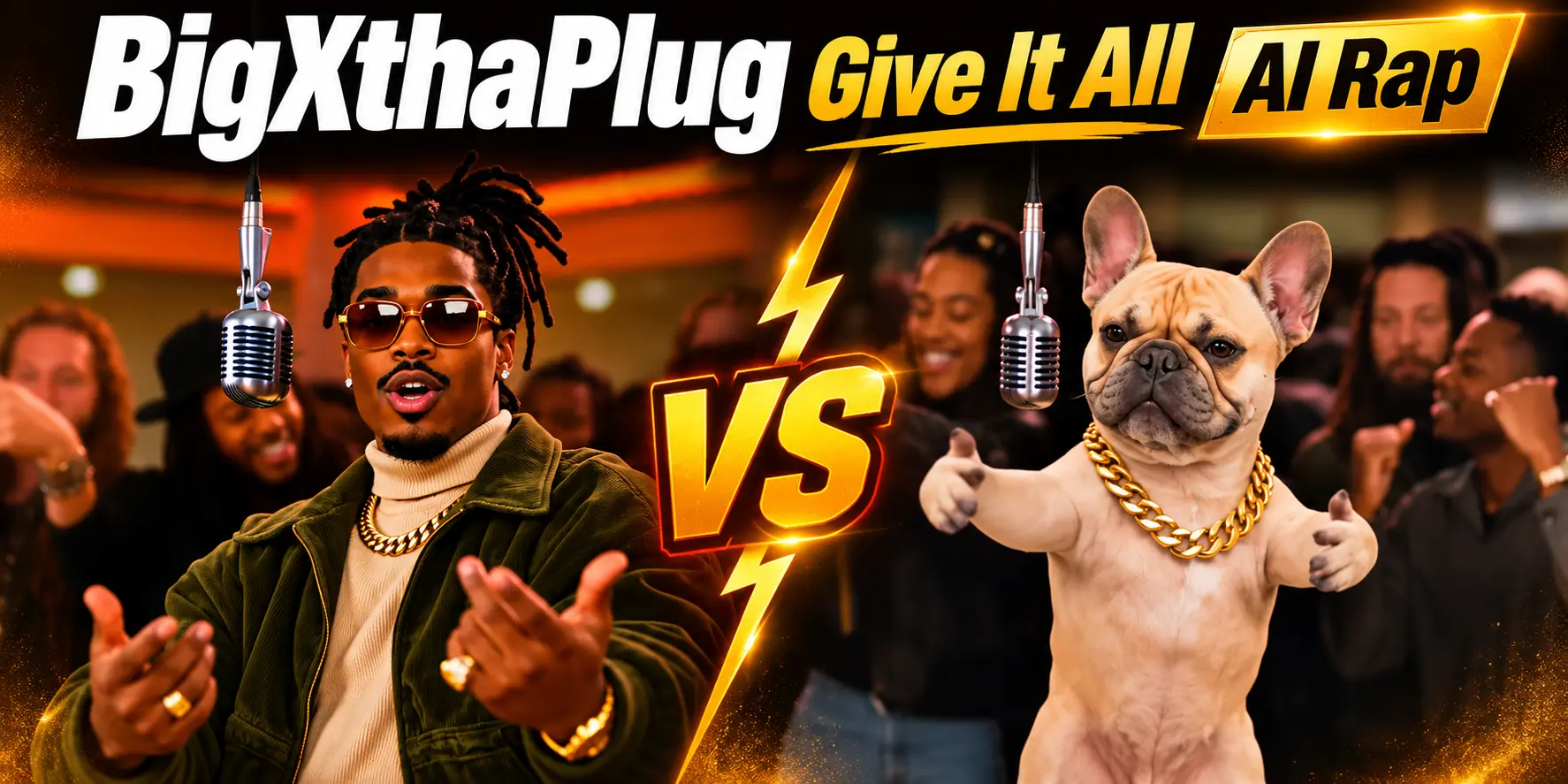
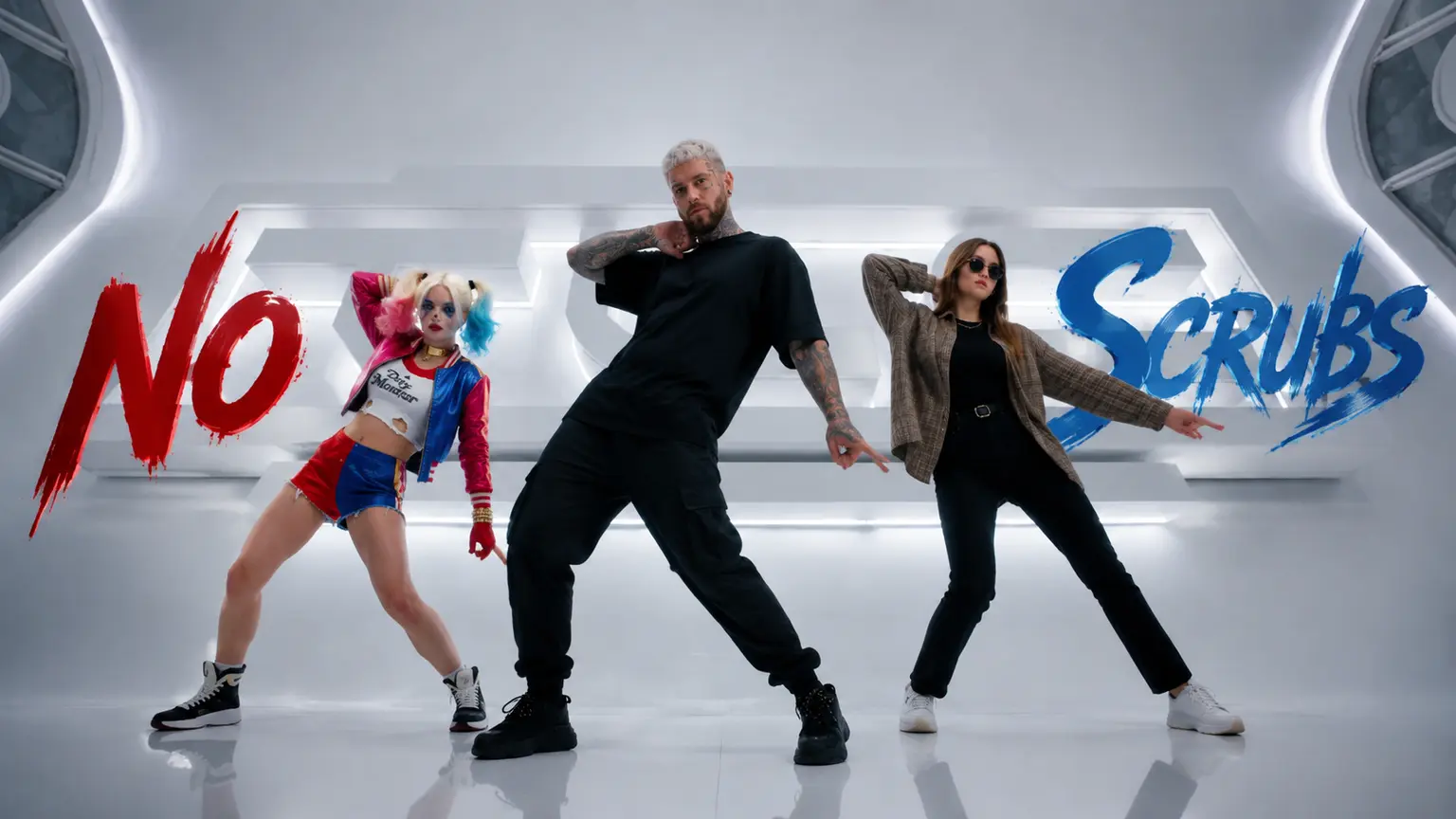
Talking Photo with Voice Cloning – Photo to Lip-Sync Video Generator
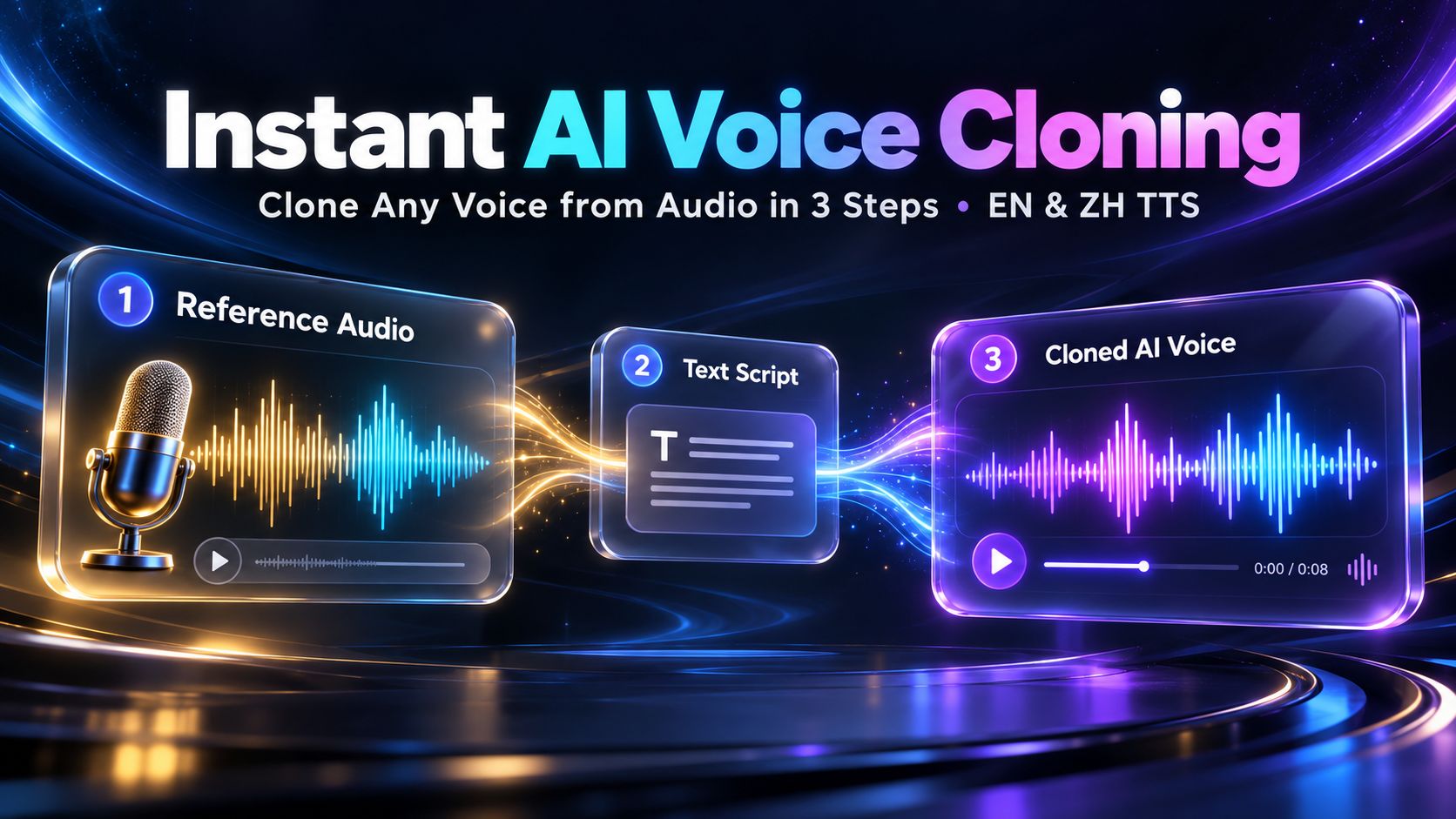
Turn any portrait photo and voice clip into a realistic talking video with voice cloning and lip-sync. No prompts needed—built for faceless videos, UGC ads, and AI spokespersons.
Create with this template
Adjust the media or text in each step, then click Generate to see the results. Want more control? Open the full workflow in AI Infinite Canvas.
Open in AI Infinite CanvasStep 1: Generate AI Avatar
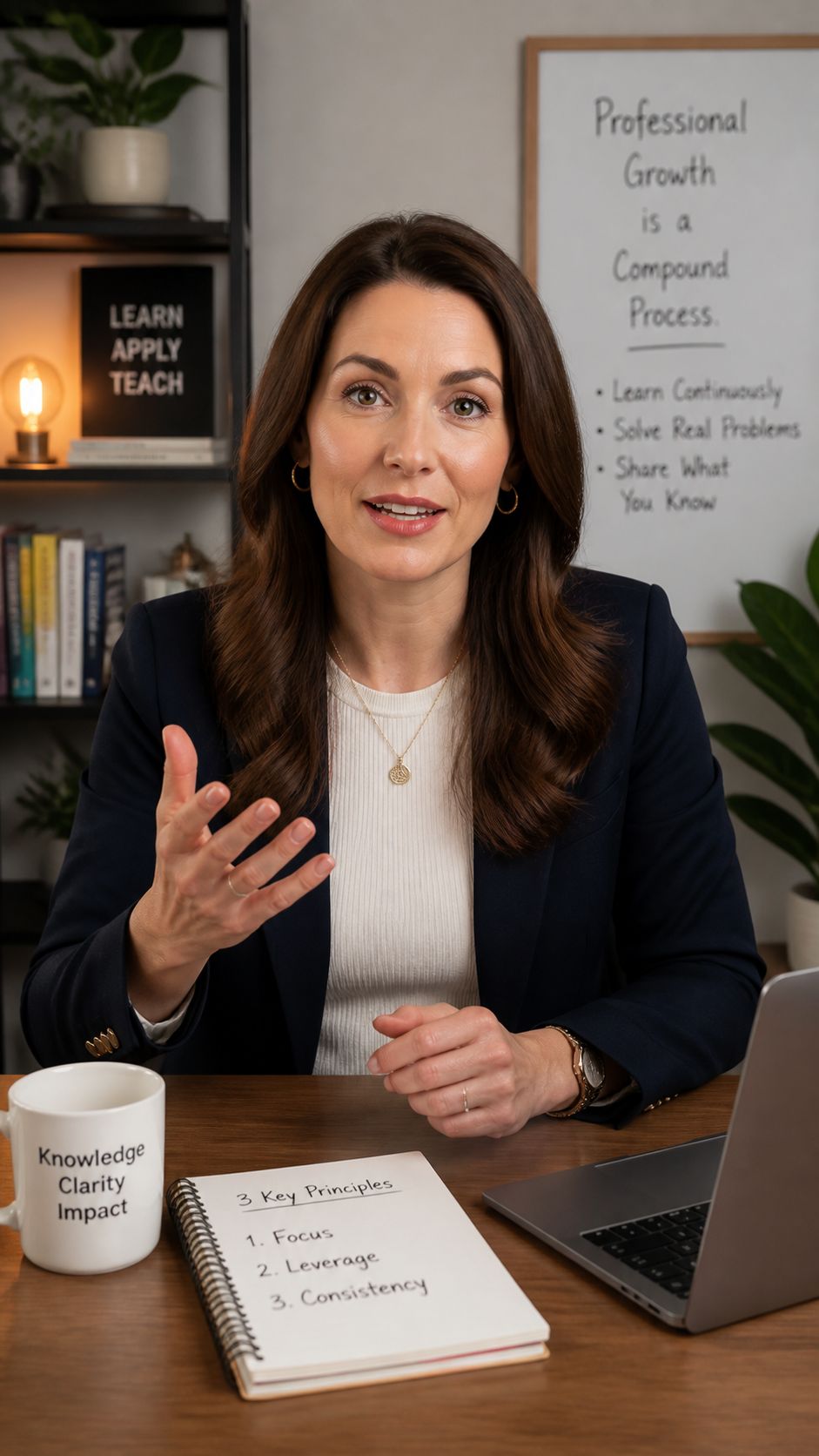
Step 3: Generate AI Avatar Talking Video
Please do not close this page while generation is in progress. If you close it, you can check the progress and results in History in the top-right corner.
Why Use This Talking Photo & Voice Cloning Workflow?
Preset Templates for Fast Testing (Up to 15s)
Use Template 1: AI Avatar + Audio (Preset) (AI-generated avatar + audio to video) or Template 2: Custom Avatar + ZH/EN Voice Clone (Preset) (uploaded avatar + reference audio + script + ZH/EN voice cloning to video) as ready-made starting points with fixed parameters and a 15-second maximum output length.
Flexible Combinations: AI or Uploaded Avatars
Start with an AI-generated digital presenter or upload your own portrait image—mix and match inputs depending on whether you want a fresh character or a consistent face.
Direct Audio Upload or ZH/EN Voice Cloning
Feed in an existing audio clip directly, or pair a reference voice sample and spoken script with bilingual English and Chinese (ZH/EN) voice cloning for natural lip-synced video output.
Full Custom Control on Desktop AI Infinite Canvas
Preset templates keep setup straightforward with fixed settings. When you need flexible combinations, parameter adjustments, or custom workflow editing, open this workflow in AI Infinite Canvas on a PC.
How to Create a Talking Video in 3 Steps
Step 1: Choose or Upload an Avatar Image
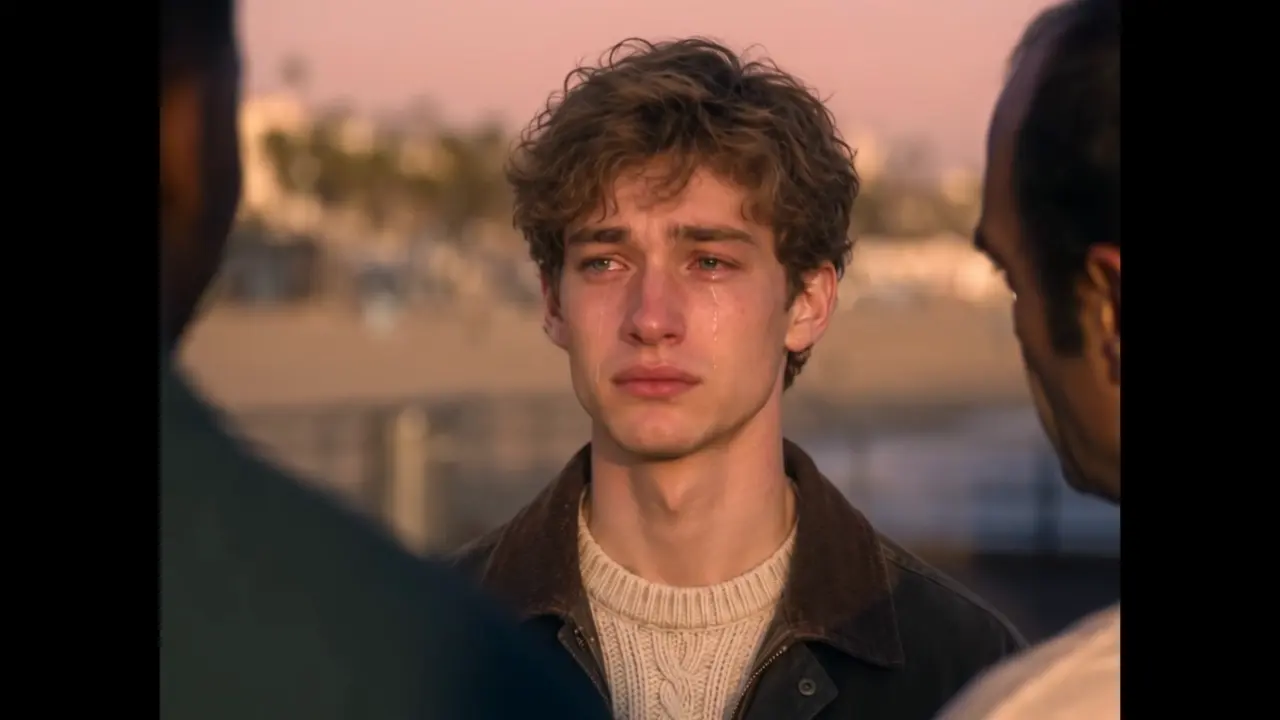
Generate a character image with AI or upload your own avatar photo as the visual base for your talking video.
Step 2: Add Audio or Clone a ZH/EN Voice
Upload an audio track directly, or provide a reference voice clip and script to generate cloned speech in English or Chinese.
Step 3: Generate Your Video (Up to 15s)
Run the preset template to generate a lip-synced talking video up to 15 seconds long—or open it in AI Infinite Canvas on PC to customize parameters and node combinations.
Best Use Cases for Talking Photos & Voice Cloning
Short-Form Video & Faceless Creators
Quickly test hooks, voiceovers, and character concepts for short clips up to 15 seconds before scaling in AI Infinite Canvas.
Bilingual ZH/EN Content & Global Outreach
Use ZH/EN voice cloning and audio pairing to adapt scripts and presenters across English and Chinese workflows without re-recording from scratch.
Product Demos, Explainers & Concept Prototypes
Turn static avatars and voice tracks into clear talking-head previews for marketing pitches, training snippets, or social posts.
Frequently Asked Questions (FAQ)
Are the two templates customizable directly on this page?
No. The two templates are preset showcase examples with fixed parameters and a maximum video length of 15 seconds. To freely combine steps, change parameters, or customize the workflow, open it in AI Infinite Canvas on a PC.
Can I mix and match avatars and audio methods?
Yes. You can combine an AI-generated avatar or an uploaded photo with either direct audio upload or ZH/EN voice cloning depending on your clip's needs.
Which languages does voice cloning support?
Voice cloning supports both English and Chinese (ZH/EN), allowing you to generate cloned voiceovers from a reference clip and script for lip-synced video generation.
What is the maximum length of the generated video?
Videos generated through this preset template workflow are up to 15 seconds long. For deeper customization and flexible workflow combinations, open AI Infinite Canvas on desktop.
Create with more freedom
Explore the full workflow, prompts, and models on the AI infinite canvas, and let Agent help bring more of your ideas to life.