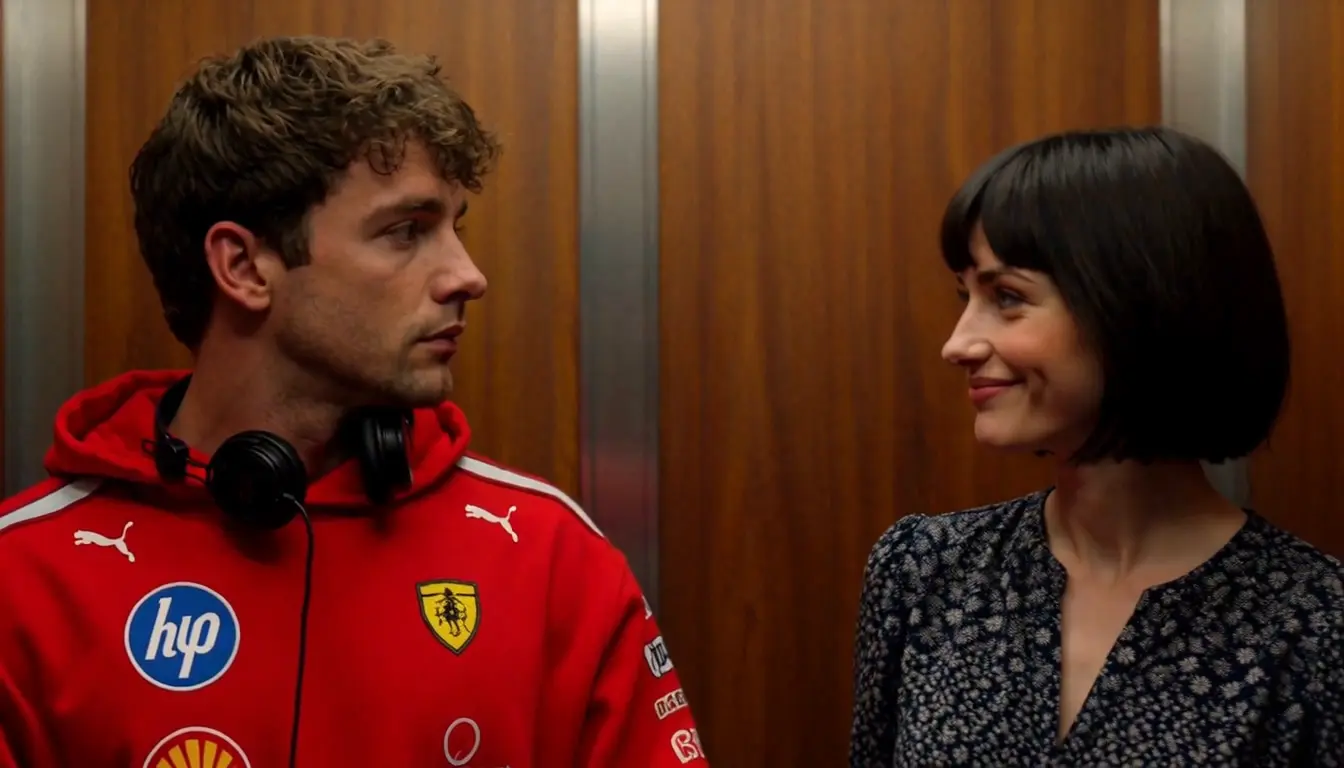
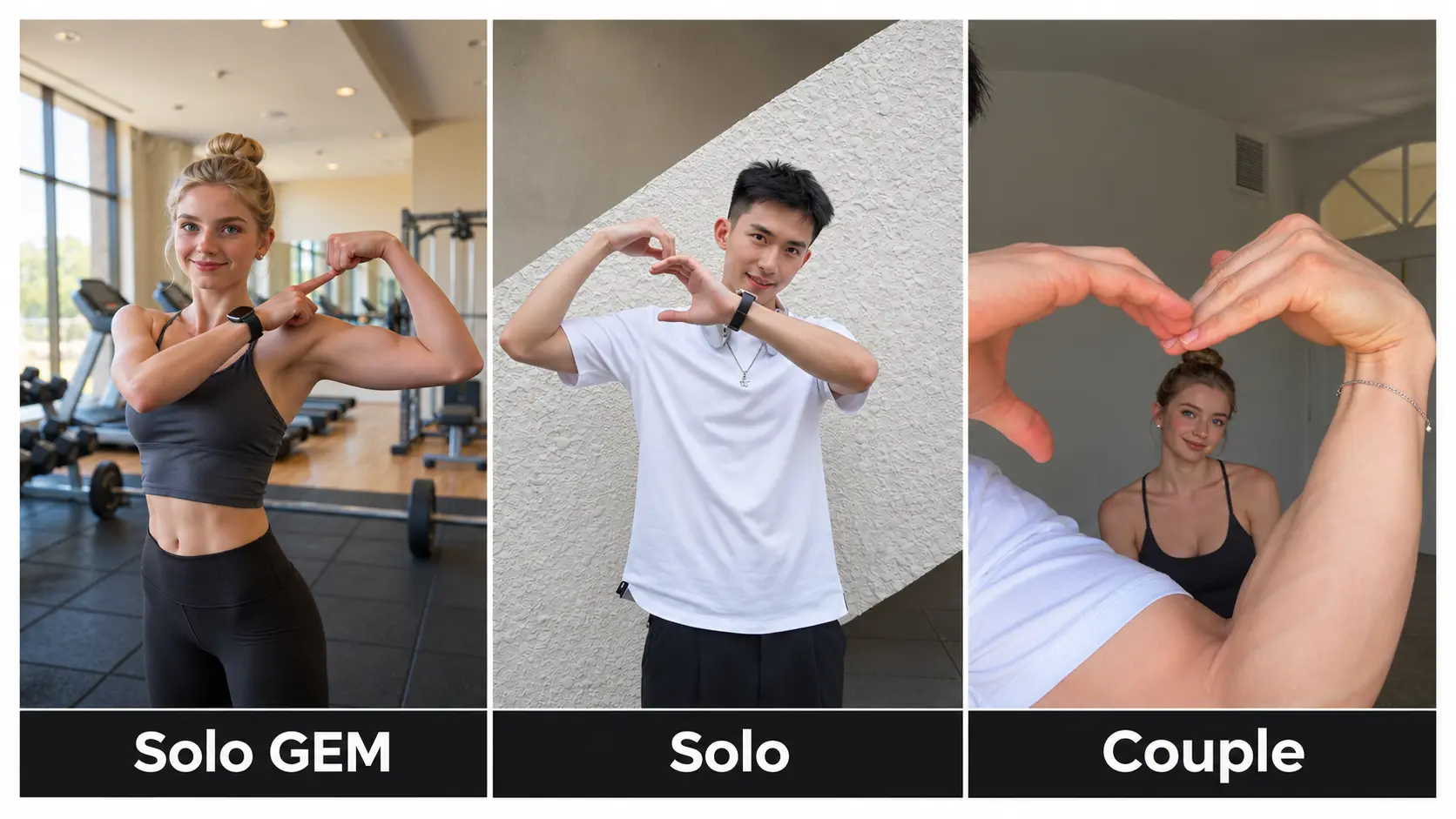
Wassup in a Minute AI Generator – Live-Action Trio Dance
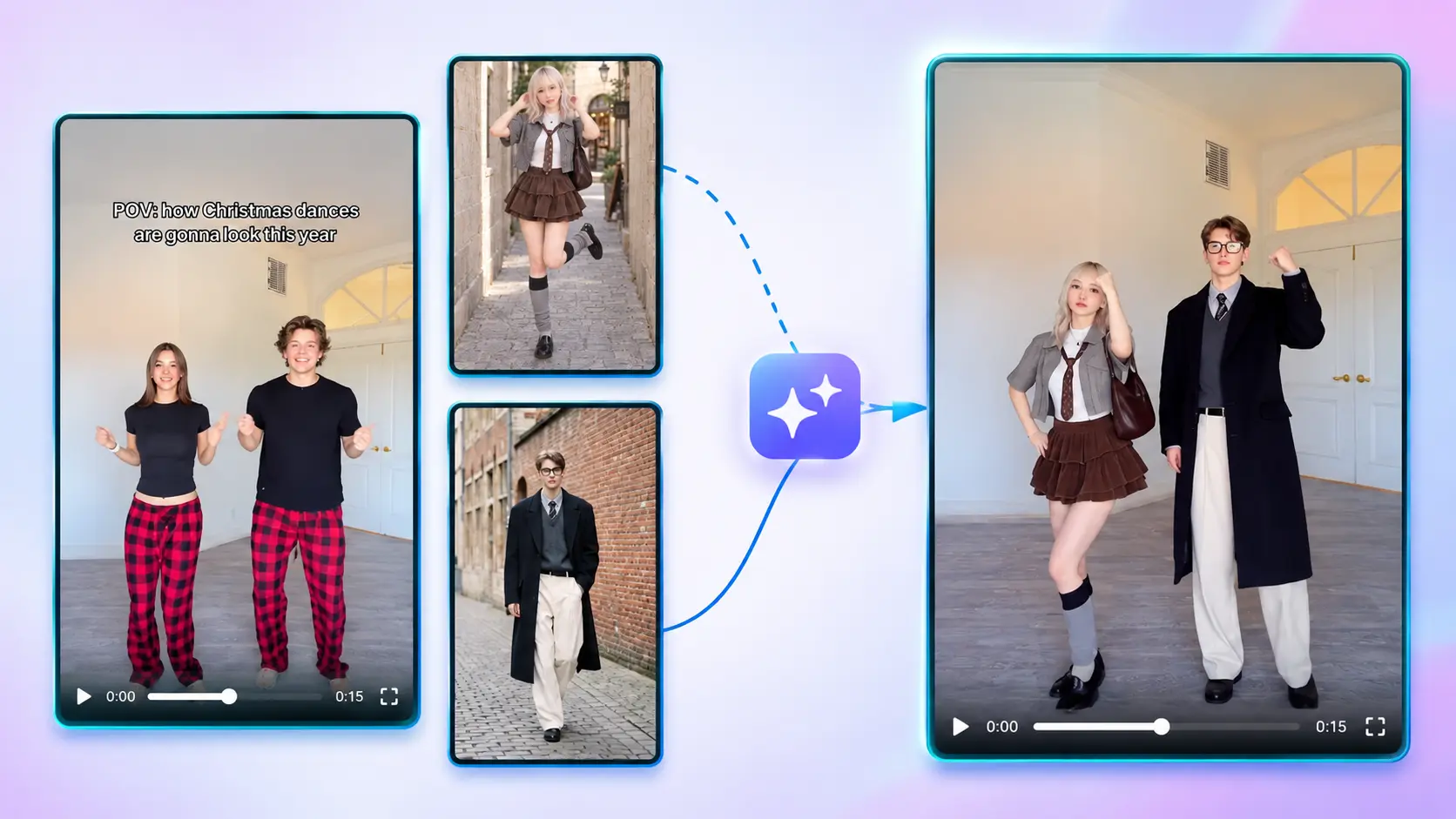
Make the live-action Wassup in a Minute trend with you and up to two friends, from 1 to 3 photos — music included, 16:9, no watermark.
Create with this template
Adjust the media or text in each step, then click Generate to see the results.
Use TikTok 'Wassup in a Minute' Viral Video
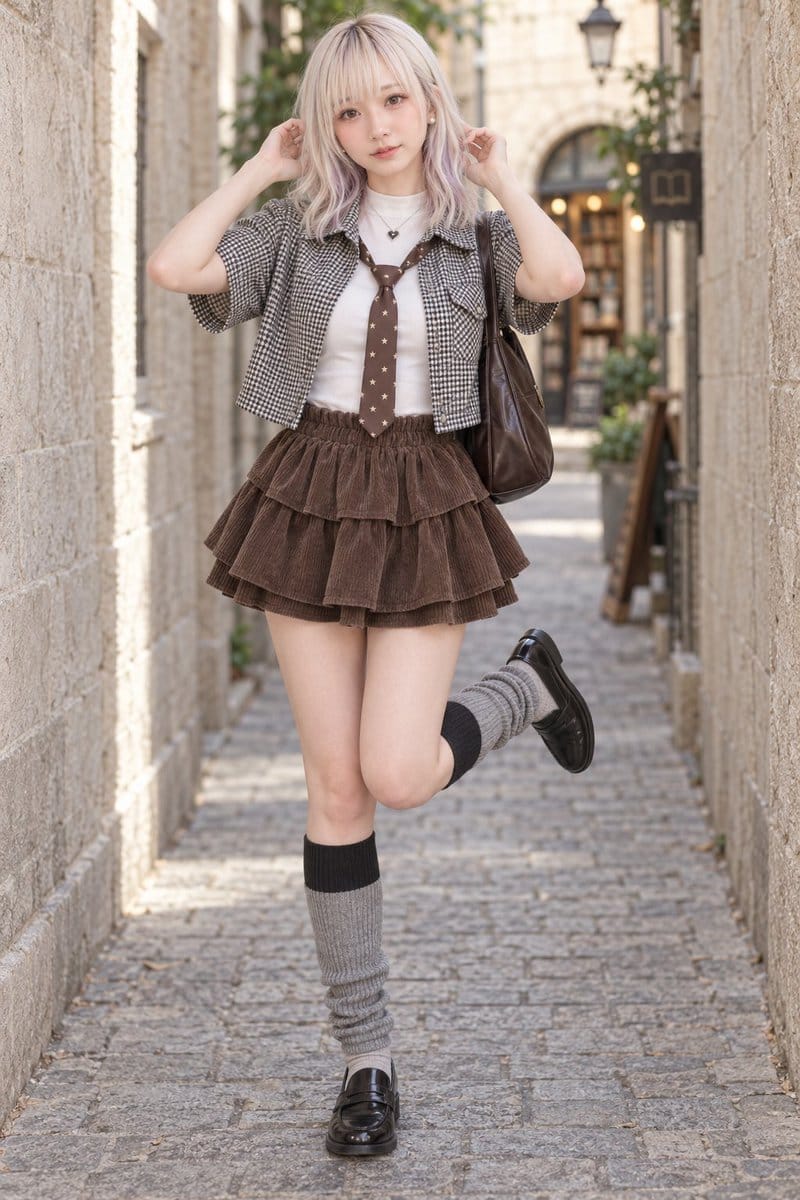
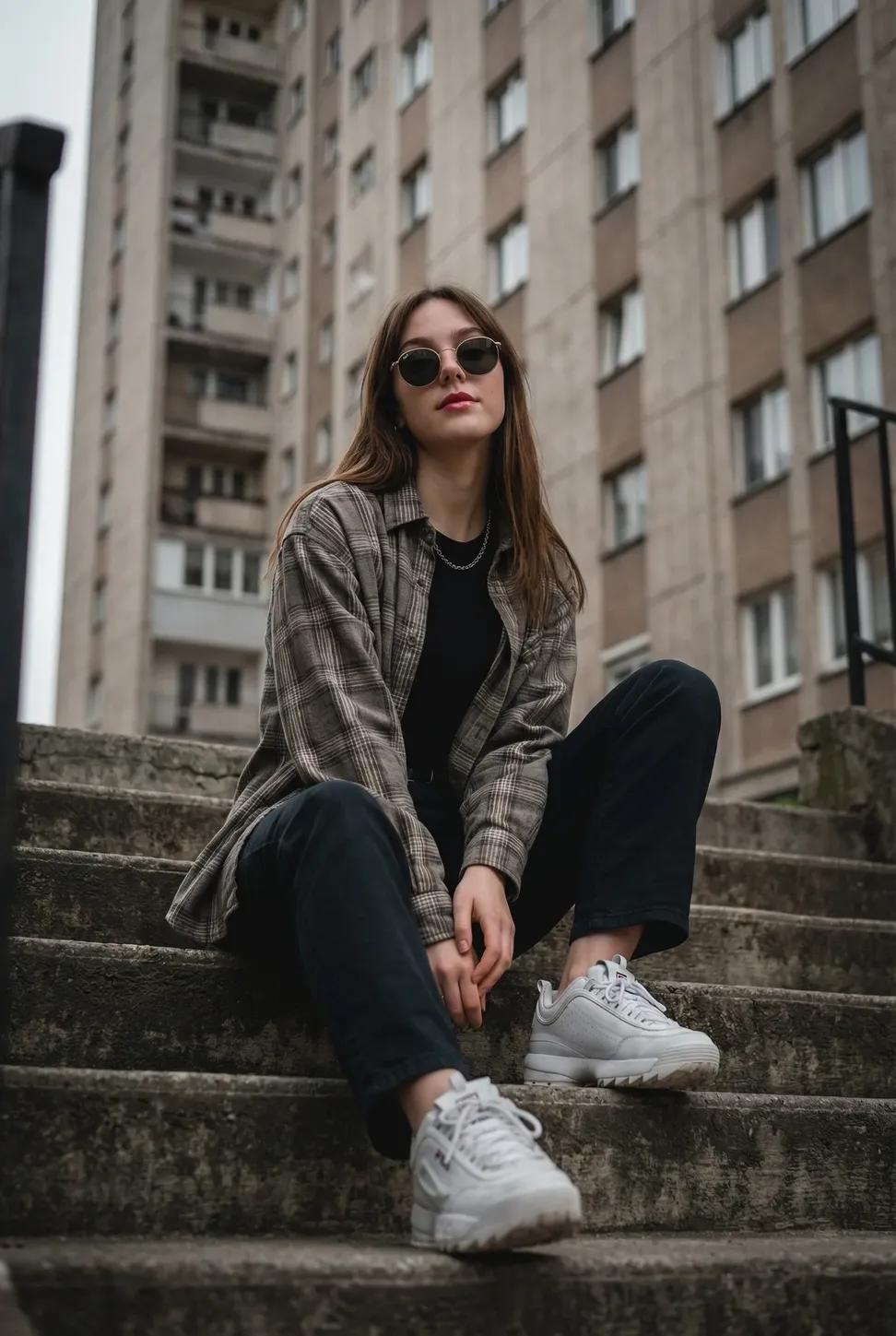
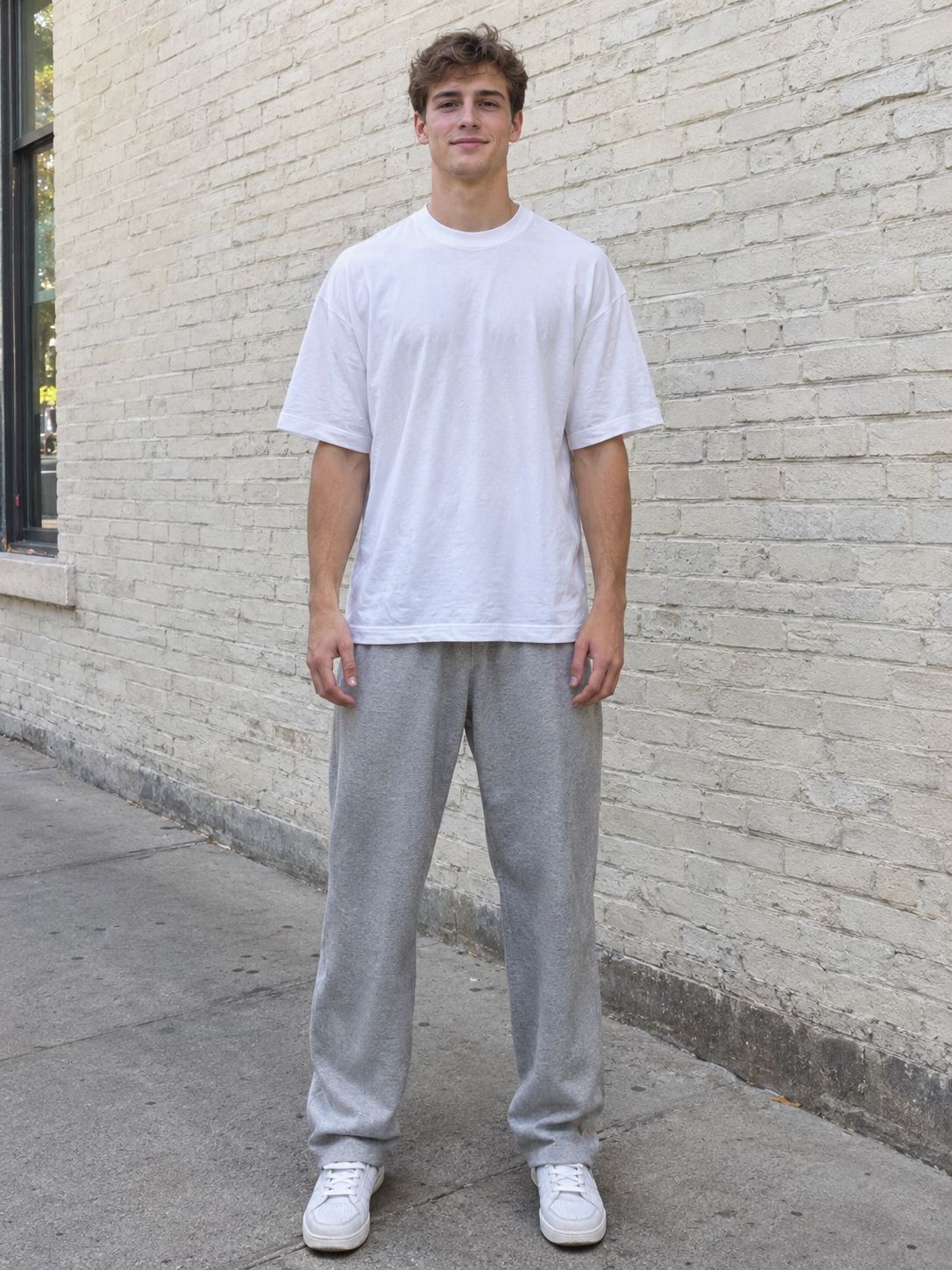
Step 4: Generate Your "Wassup In A Minute" Trend Video
Please do not close this page while generation is in progress. If you close it, you can check the progress and results in History in the top-right corner.
What Is the Wassup in a Minute AI Trend?
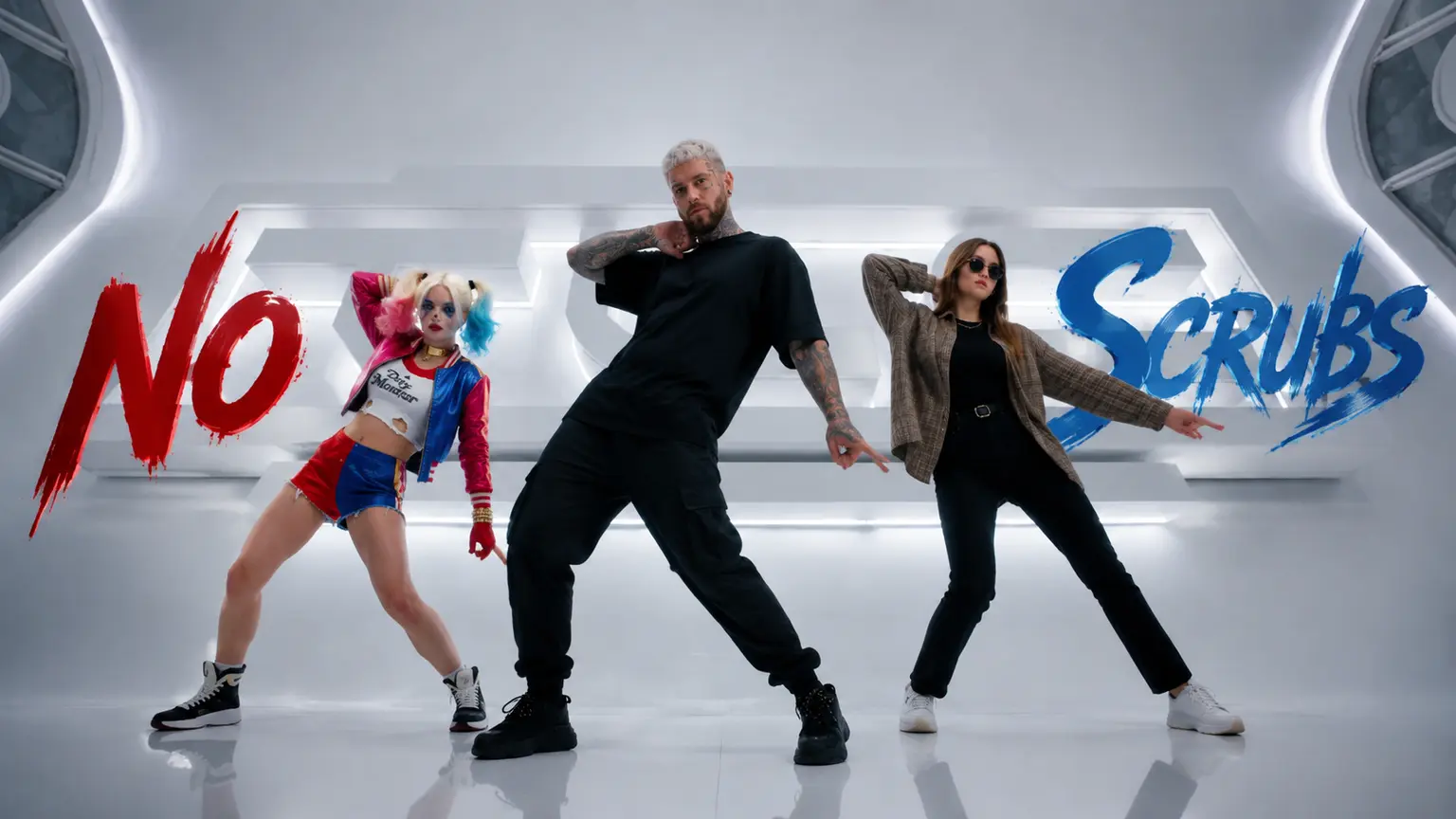
"Wassup, been a minute" — the hook from the Jersey club remix that took over TikTok. The format: three dancers walk toward the camera and sway in sync to the bouncy beat, usually in a wide-open field or hilltop setting. K-pop idols jumped in early — KATSEYE, ILLIT, NEWJEANS, LE SSERAFIM all posted versions — and the challenge spread from dance crews to everyone with two friends and a field.
The AI wave followed, but most versions turned the trio into anime or streetwear characters. This template goes the other way: live-action. Your photos stay real people, really dancing, in the wide 16:9 framing the trend was made for. Bring your actual friends — or come alone and let the AI cast the other two.
Note: This is a fan-made template inspired by a viral trend.
How to Use — Up to Three Photos, No Prompt Needed
Step 1: Upload the Left Friend's Photo (Optional)
One clear, front-facing photo of your first friend. Skip it, and the AI casts a built-in dancer for this slot.
Step 2: Upload Your Photo
The center position — you lead the trio. JPG, PNG, or WebP, up to 10 MB.
Step 3: Upload the Right Friend's Photo (Optional)
Same deal: add your second friend, or leave it empty for a built-in cast member.
Step 4: Generate Your Wassup in a Minute Video
Click generate. The AI performs the full trio walk-and-sway routine with your cast — music included — and outputs a 16:9 video, no watermark, ready to download and post.
Why This Wassup in a Minute AI Generator Stands Out
- Live-action, not anime — you and your friends stay real people; most AI versions of this trend turn the trio into cartoon characters.
- 1 to 3 photos, your call — fly solo with a built-in cast, bring one friend, or complete the real trio. Every version works.
- Music included — the Jersey club beat comes built into the clip. Post it exactly as downloaded.
- True 16:9, no watermark — the wide framing this trio formation deserves, clean output for TikTok, YouTube, or X.
- No prompt, ever — photos in, finished trend video out.
Creative Ideas to Try
- The solo debut — just your photo; the AI fills both side slots and you're instantly in a trio.
- The real crew — you and your two actual friends, finally in sync.
- Duo edition — one friend joins you; the third slot goes to the AI.
- K-pop cover energy — coordinate outfits with your trio for the idol version.
- Pet in the lineup — a dog in one slot walks so the joke runs itself.
Best Practices for the Best Result
- Use clear, front-facing photos — all three faces carry the walk toward the camera.
- Similar lighting and angle across uploads makes the trio feel like one shoot.
- Full-body or upper-body shots read best in the wide 16:9 framing.
- Higher-resolution originals keep faces sharp through the sway.
Frequently Asked Questions (FAQ)
What is the Wassup in a Minute trend?
A viral trio dance challenge on a Jersey club remix — three dancers walk toward the camera and sway in sync, popularized by K-pop idols and dance creators. This template recreates it in live-action style from your photos.
Do I need three photos?
No — one photo of yourself is enough. The two friend slots are optional: leave them empty and the AI casts built-in dancers to complete the trio. Add one or two friends' photos whenever you have them.
Can I do it completely solo?
Yes. Upload only your center photo and the AI fills both side positions — you get the full trio video starring you.
Can I use pets in the lineup?
Any clear photo works in any slot — dogs and cats in the trio are a popular twist.
Does the video include music?
Yes — the clip comes with the trend's beat built in, synced to the choreography. No dubbing needed.
What do I get exactly?
A 16:9 video of your trio performing the Wassup in a Minute routine, with sound, no watermark — ready to download and post.
How long does generation take?
Usually 10 ~ 15 minutes, even at peak times. You can switch to other tabs while it renders — just keep this tab open, and the video appears here when it's ready.
What if my generation fails?
Failed generations are refunded automatically — credits return to your account instantly.
Do my credits work on other templates?
Yes. Credits are universal across OimiTV — every trending template on the platform accepts the same credits.
Will my photos be stored or used for training?
No. Uploaded photos and generated videos are automatically deleted after 7 days and are not used for training.