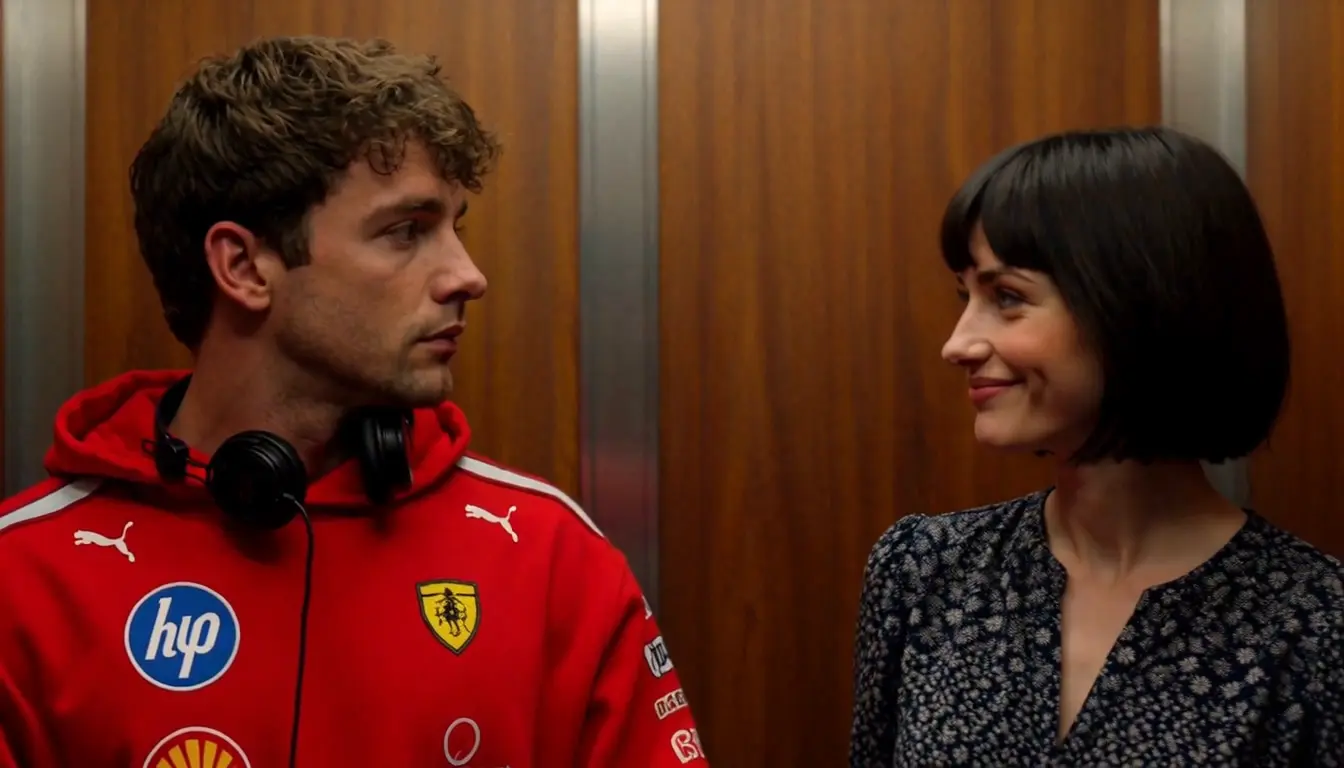
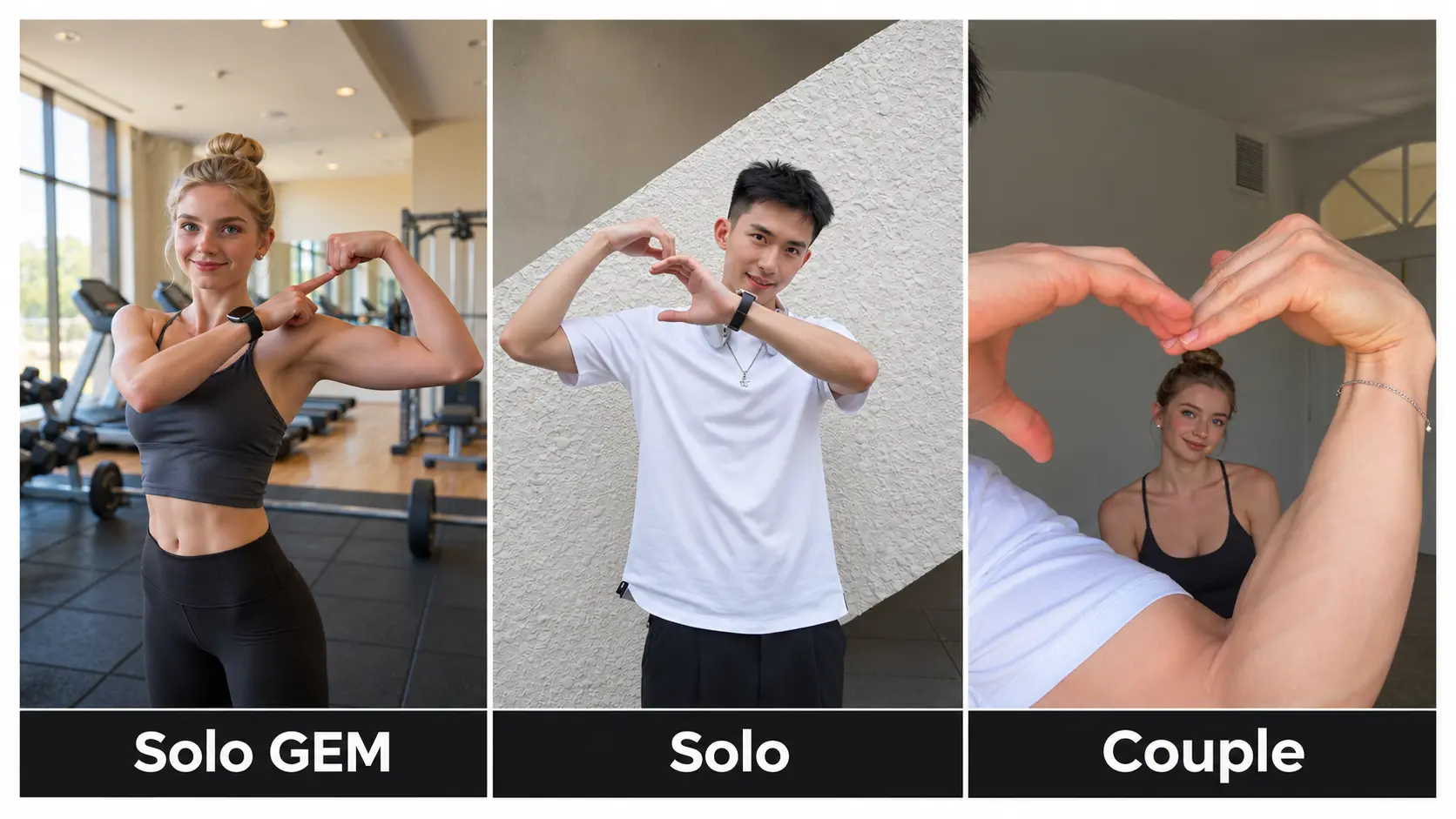
Jumpstyle What a Day AI Video Generator – Dance From Photo
Turn your photo into a viral 《Jumpstyle》*《 What a Day》MV AI dance video. Sync characters, memes, or yourself to Polska Jumpstyle beats in minutes —no watermark, no prompt need.
Create with this template
Adjust the media or text in each step, then click Generate to see the results.
Viral Jumpstyle Video|爆款视频
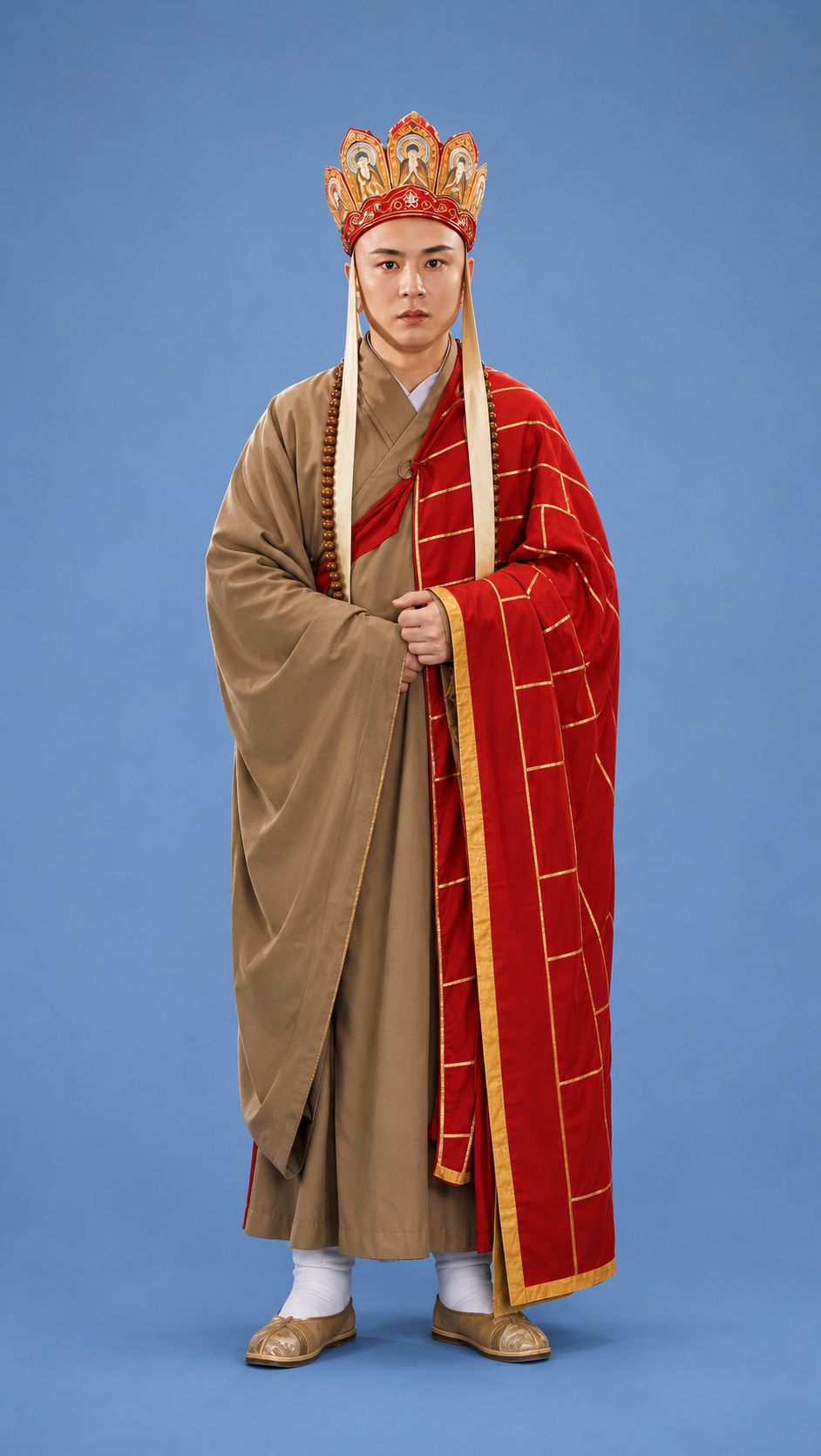
Step 2: Generate 《What a Day * Polska Jumpstyle 》 AI Video
Please do not close this page while generation is in progress. If you close it, you can check the progress and results in History in the top-right corner.
What Is the Jumpstyle What a Day AI Trend?
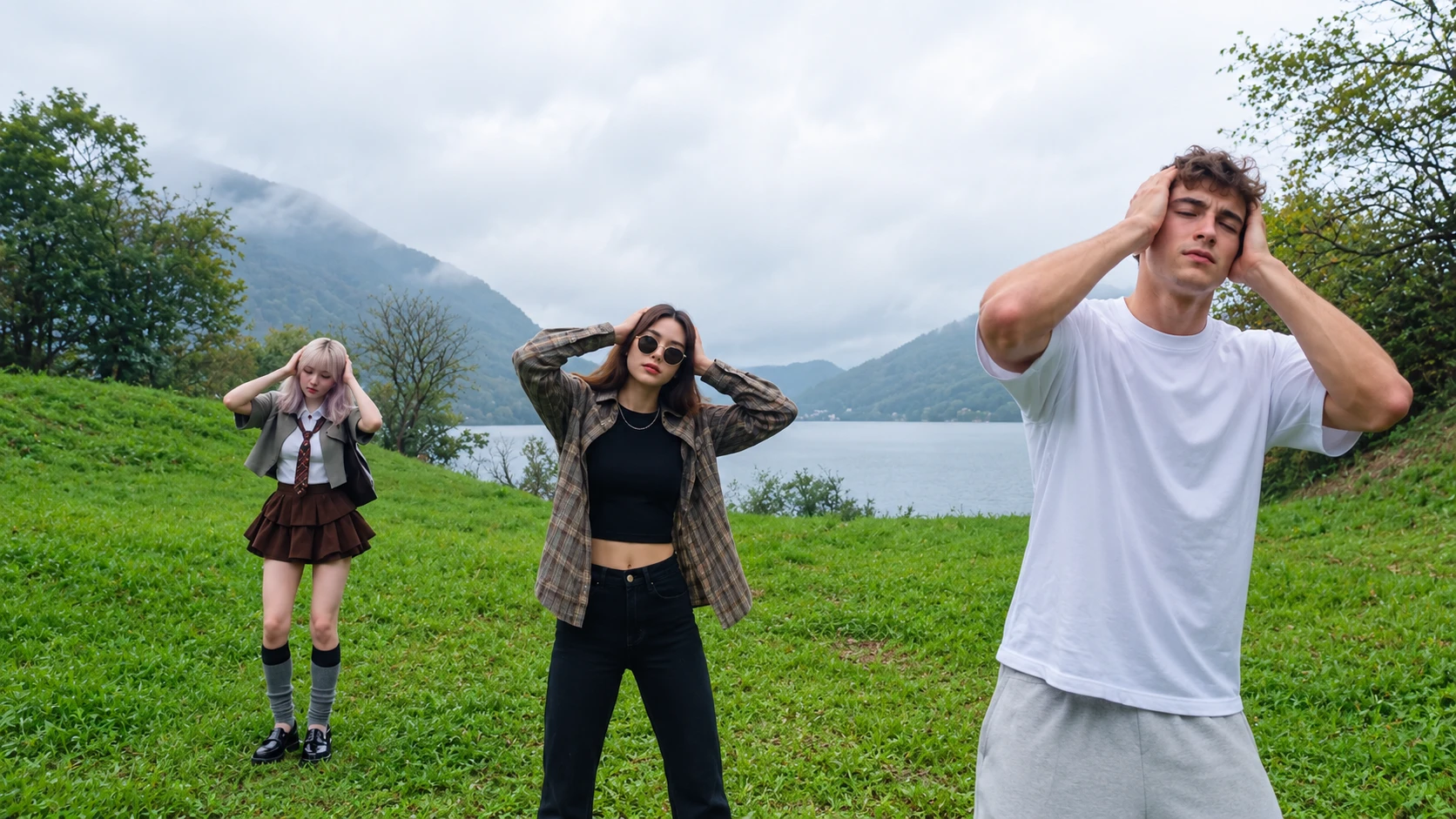
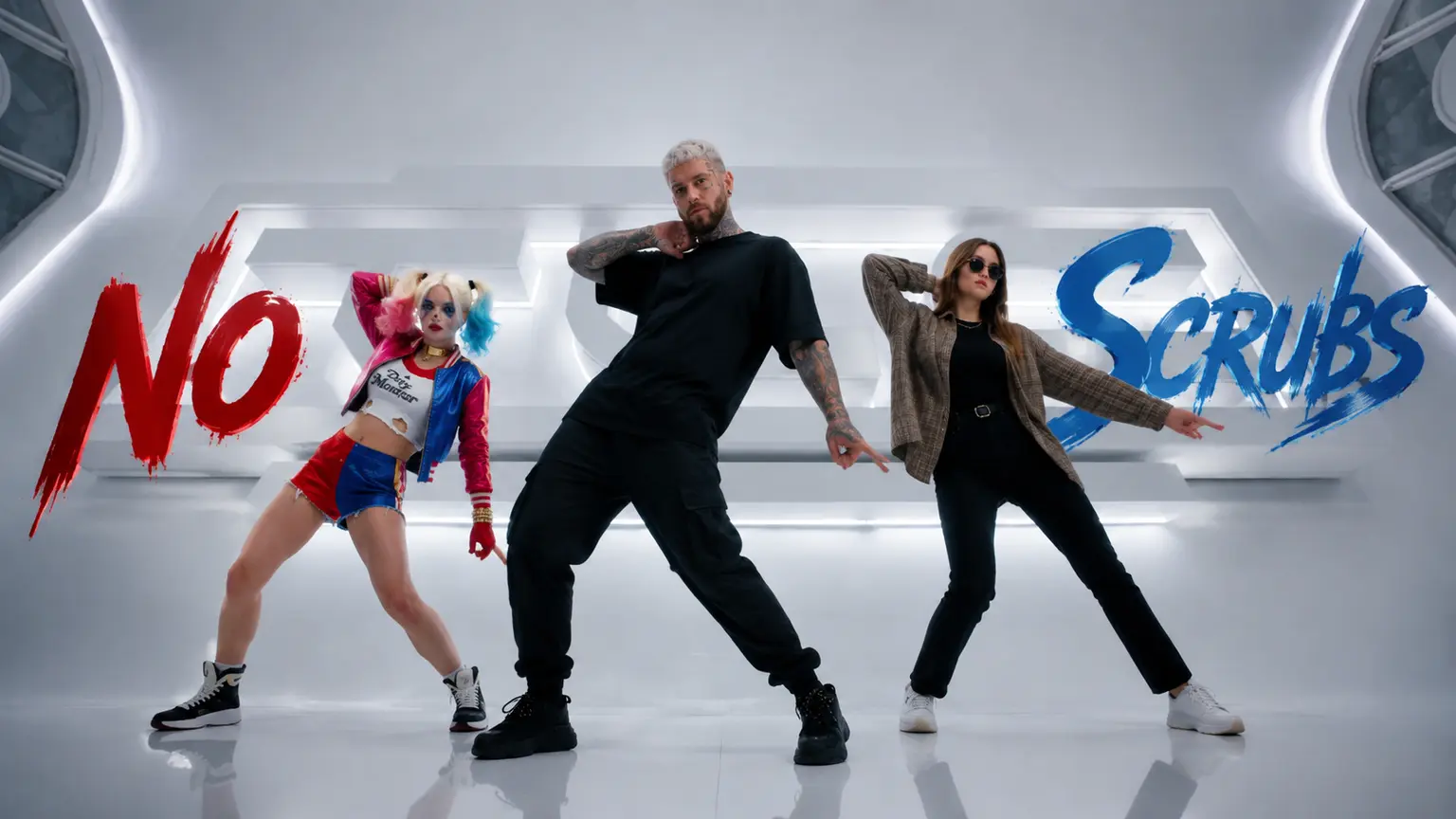
The Jumpstyle What a Day AI trend is a viral short-form video mashup that combines Cai Xukun (KUN)'s "What a Day" dance choreography and music video aesthetic with high-energy jumpstyle footwork and AI video generation. Creators frequently pair the choreography with driving electronic tracks like "Polska Jumpstyle"—or swap the original MV audio for jumpstyle beats—and use AI dance templates to animate still photos, game/anime characters, or meme figures doing the steps.
Origin & How the Trend Came Together
Cai Xukun's "What a Day" MV & Choreography: The visual and dance foundation comes from Cai Xukun's "What a Day" music video and choreography, whose distinctive footwork and rhythm quickly became recognizable across social feeds.
Polska Jumpstyle & Beat Mashups
Creators began pairing "What a Day" choreography and MV clips with fast-paced jumpstyle electronic music such as "Polska Jumpstyle", creating a punchy rhythm-to-motion contrast that drove remixes and dance edits across TikTok, Douyin, Bilibili, and Instagram.
AI Dance & Character Animation
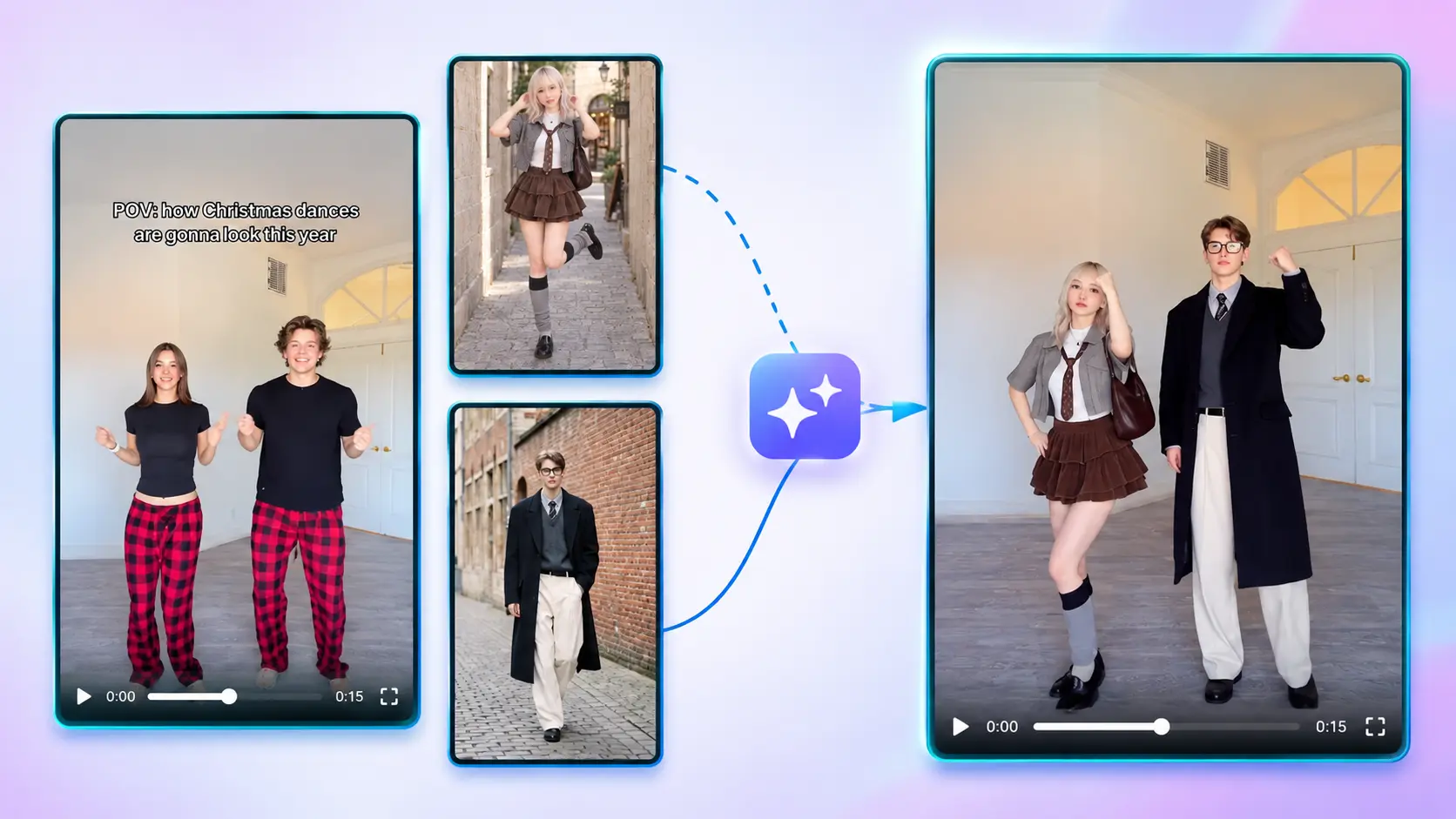
AI motion templates pushed the trend further by turning static portraits, fictional characters, and meme icons (such as SpaceXAI's Elon Musk / DeepSeek's Wenfeng Liang or stylized characters) into animated jumpstyle dancers without manual frame-by-frame editing.
Note: This is an independent template inspired by a viral social trend. It is not affiliated with Cai Xukun (KUN), the creators or rights holders of "What a Day" or "Polska Jumpstyle".
How to Create a Jumpstyle What a Day AI Dance Video
Creating a viral dance clip with this template takes just a few simple steps:
- Upload a clear photo: Choose a front-facing portrait, anime or game character, or meme image (JPG, PNG, or WebP, up to 10 MB) where the subject and body outline are easy to recognize.
- Generate your video: Click generate to animate your uploaded image with fast jumpstyle footwork and rhythmic movement inspired by the viral What a Day trend paired with Polska Jumpstyle energy.
- Preview and share: Watch your finished 18-second video and post it straight to TikTok, Instagram Reels, or YouTube Shorts.
Why This Jumpstyle What a Day AI Template Works
- Built for high-energy trends: Combines recognizable footwork and dance rhythm with driving jumpstyle beats so your clip hooks viewers from the opening second.
- Great for contrast and memes: Works with real portraits, game avatars, fictional characters, or funny meme subjects for unexpected visual contrast that boosts watch time.
- Made for vertical short-form feeds: Delivers ready-to-share motion without manual keyframe editing or complex motion-capture setup.
Tips for Better AI Dance Results
- Pick clean, well-lit images: Good lighting and a less cluttered background help keep edges clean during fast leg and body movement.
- Favor full-body or three-quarter shots: Shots that show more of the body and posture often animate footwork more naturally than tight face close-ups alone.
- Use matching hashtags on social: When posting to TikTok, Reels, or Shorts, pair your video with tags like
#jumpstyle,#whataday,#aidance, and your character or fandom name.
Frequently Asked Questions
What is the Jumpstyle What a Day AI trend?
It pairs energetic jumpstyle-style footwork and electronic beats (such as Polska Jumpstyle) with the viral What a Day dance aesthetic, turning still photos or characters into rhythmic dance videos.
Can I upload images of anime characters, game avatars, or memes?
Yes. As long as your image is in JPG, PNG, or WebP format and the file size is under 10 MB, you can upload portraits, characters, or fun images to see how they come to life. Please ensure that you have the right to use the images.
How long does generation take, and where can I find my video?
Rendering dance motion into video takes about 10 ~ 20 minutes Depending on the workload. If you leave the page or check back later, you can view your progress and completed clips in History.
What exactly will you receive?
A complete, 18-second video in landscape orientation, free of watermarks and including background audio—ready for you to download and post immediately.
Where can I post the generated video?
The output fits short-form platforms like TikTok, Instagram Reels, YouTube Shorts, and X—ideal for trend remixes, character edits, and meme mashups.