Instant AI Voice Cloning Template: Clone Voice from Audio
Clone any voice from a short audio clip in 3 simple steps. Try our Instant AI Voice Cloning TTS workflow for realistic English & Chinese voiceovers online.
Create with this template
Adjust the media or text in each step, then click Generate to see the results. Want more control? Open the full workflow in AI Infinite Canvas.
Open in AI Infinite CanvasStep 2: 输入执行音色克隆(TTS))
Keep this page open while generating.
Why Use This AI Voice Cloning Template?
- Zero-Shot Instant Cloning: No hours of training required. Just upload one clean reference audio file to capture vocal tone, pacing, and emotion.
- Natural Emotional Expression: Perfect for dramatic storytelling, workplace dialogues, or energetic travel guide narrations.
- Multilingual Support (EN & ZH): Seamlessly clone and generate realistic speech in both English and Chinese with native-level prosody.
- Simple Form & Infinite AI Canvas: Generate audio effortlessly via our intuitive form interface, or open the template in the AI Infinite Canvas for advanced, multi-modal creation.
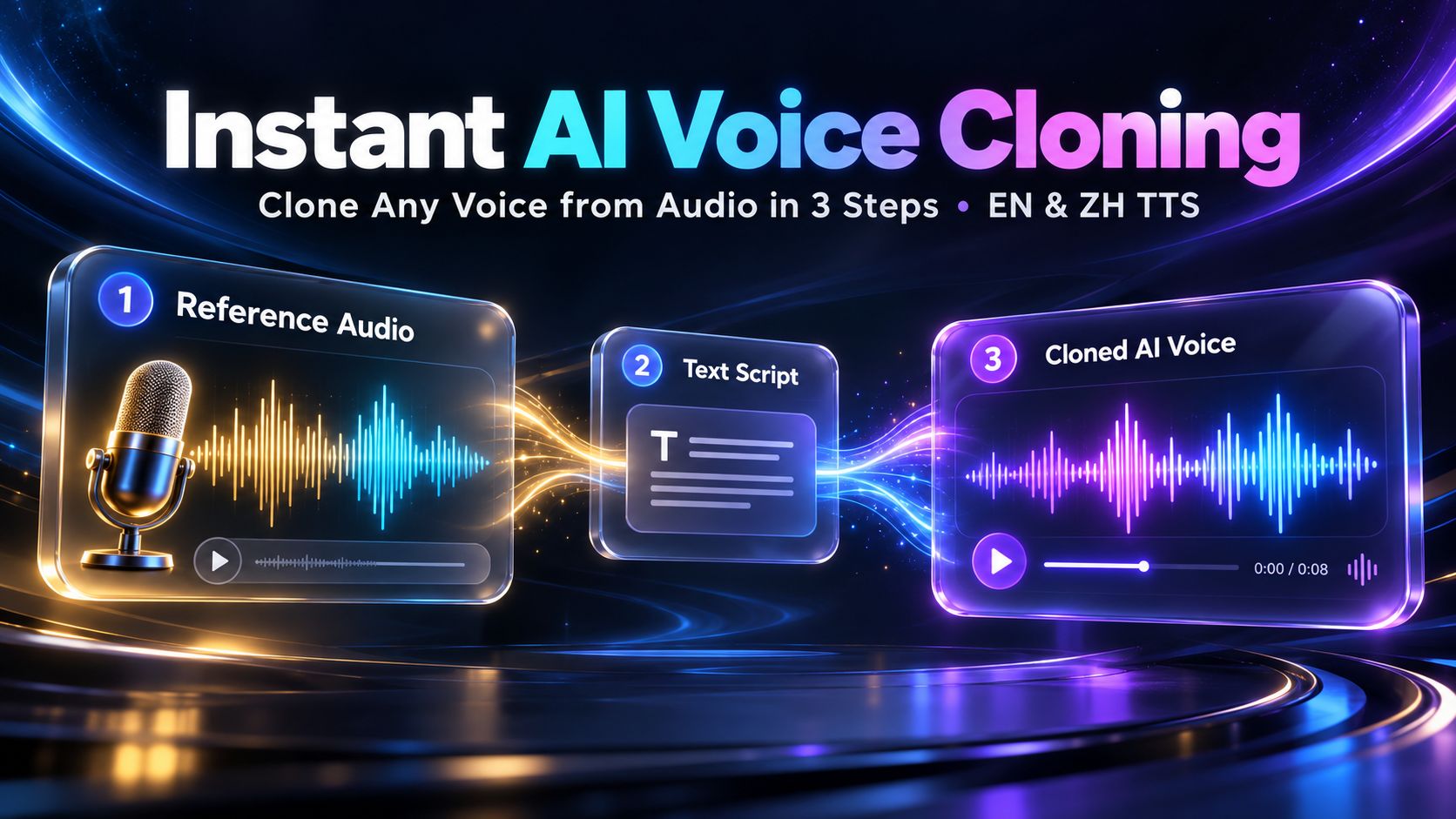
How to Clone a Voice from Audio in 3 Steps
Step 1: Upload Reference Vocal Audio
Upload a clean audio sample (MP3/WAV) of the target voice—such as an English female narrator or a Chinese male speaker. A short, clear clip without background noise works best.
Step 2: Input Your Text Script
Type or paste the script you want the cloned voice to say in the text input box. You can write engaging tour scripts, dramatic dialogues, or video voiceovers.
Step 3: Click Generate & Download
Click the "Generate" button to create your audio. Within seconds, preview and download your high-fidelity, custom-voiced audio file.
💡 Pro Tip: Want more creative freedom? You can also click "Open in AI Canvas" to launch this workflow in our Infinite AI Canvas—where you can freely batch-test scripts and combine your cloned voiceovers with AI image, video, and music generation!
Frequently Asked Questions (FAQ)
Q1: How long should the reference audio be for AI voice cloning?
A: With our zero-shot voice cloning technology, you only need a short audio clip (typically 5 to 30 seconds) of clear, uninterrupted speech to accurately capture the speaker's timbre and speaking style.
Q2: What audio formats are supported for uploading reference vocals?
A: You can upload standard audio formats including MP3 and WAV. For the best voice cloning results, ensure the recording is free from background music, echo, or heavy noise.
Q3: Can this template clone both English and Chinese voices?
A: Yes! This template supports both Chinese male storytelling and English female narration out of the box, preserving natural intonation and emotional nuances in both languages.
Q4: What can I use the cloned TTS voiceovers for?
A: It is ideal for YouTube & TikTok video narration, audiobooks, dramatic skits, podcasts, e-learning courses, virtual tour guides, and rapid prototyping for commercials.
Q5: Is this AI voice cloning tool free to try?
A: Yes! New users receive free credits upon sign-up, allowing you to test this AI voice cloning template and generate custom voiceovers for free.
Q6: Can I use the generated cloned audio for commercial purposes?
A: Yes, the audio files you generate can be used for commercial projects such as monetized social media videos, ads, and audiobooks—provided you own the rights or have explicit permission for the reference voice you uploaded.
Q7: What happens if the generation fails or errors out?
A: If an audio generation fails due to a system error, the credits used for that task will be automatically refunded to your account.
Q8: Can I use my credits to generate other types of content?
A: Absolutely! Credits on our platform are universal. Beyond this AI voice cloning template, your credits give you access to 30+ top-tier AI models—including Seedance 2.5, GPT-Image-2.5, Suno, Gemini, Kimi k3, and more—plus our smart AI Agent, allowing you to create AI images, videos, audio, and text all in one place.
Create with more freedom
Explore the full workflow, prompts, and models on the AI infinite canvas, and let Agent help bring more of your ideas to life.