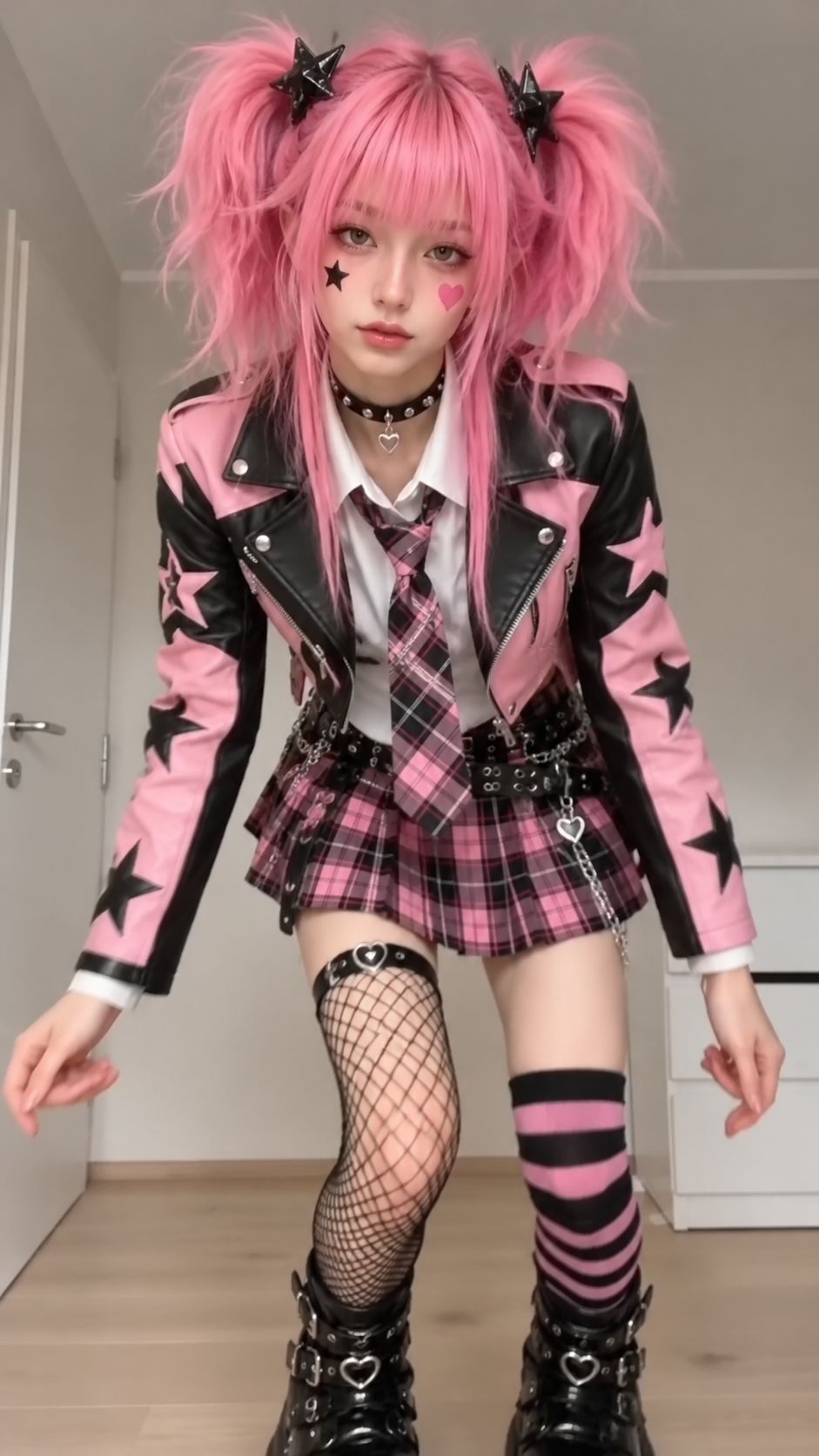
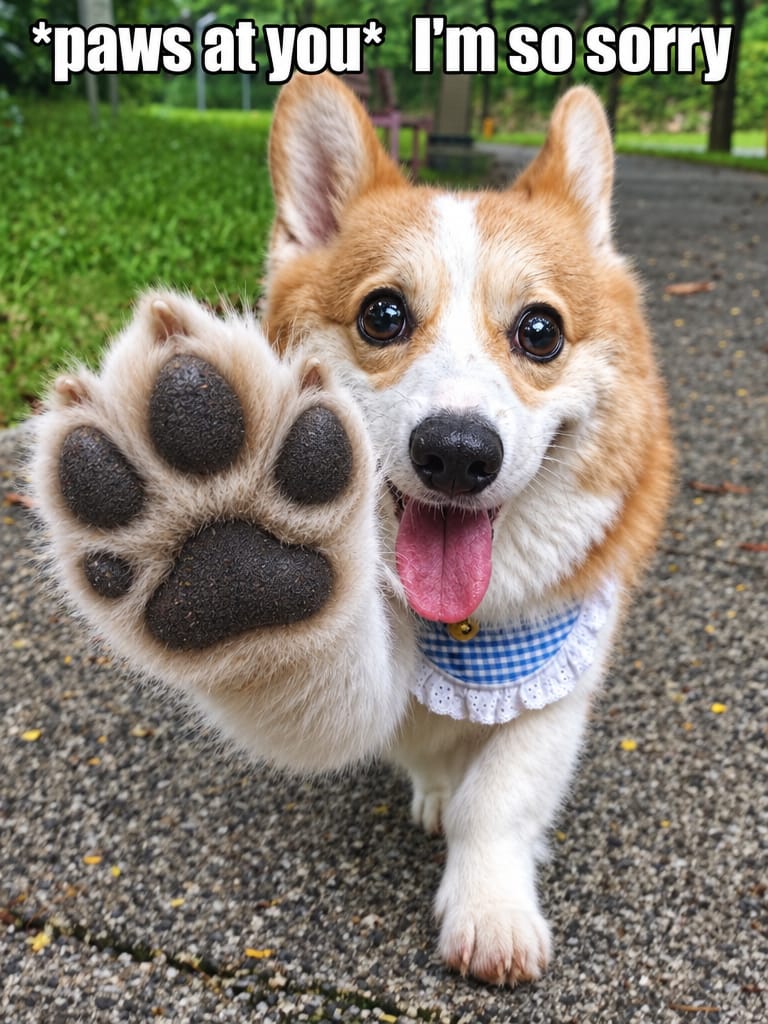
Hotel Lobby AI Generator – Migos COLORS Trend, Two Photos
Turn two photos into the viral Hotel Lobby (Migos COLORS booth) rap video. Pick vertical 9:16 for TikTok or horizontal 16:9 for YouTube – no prompts needed.
Create with this template
Adjust the media or text in each step, then click Generate to see the results.
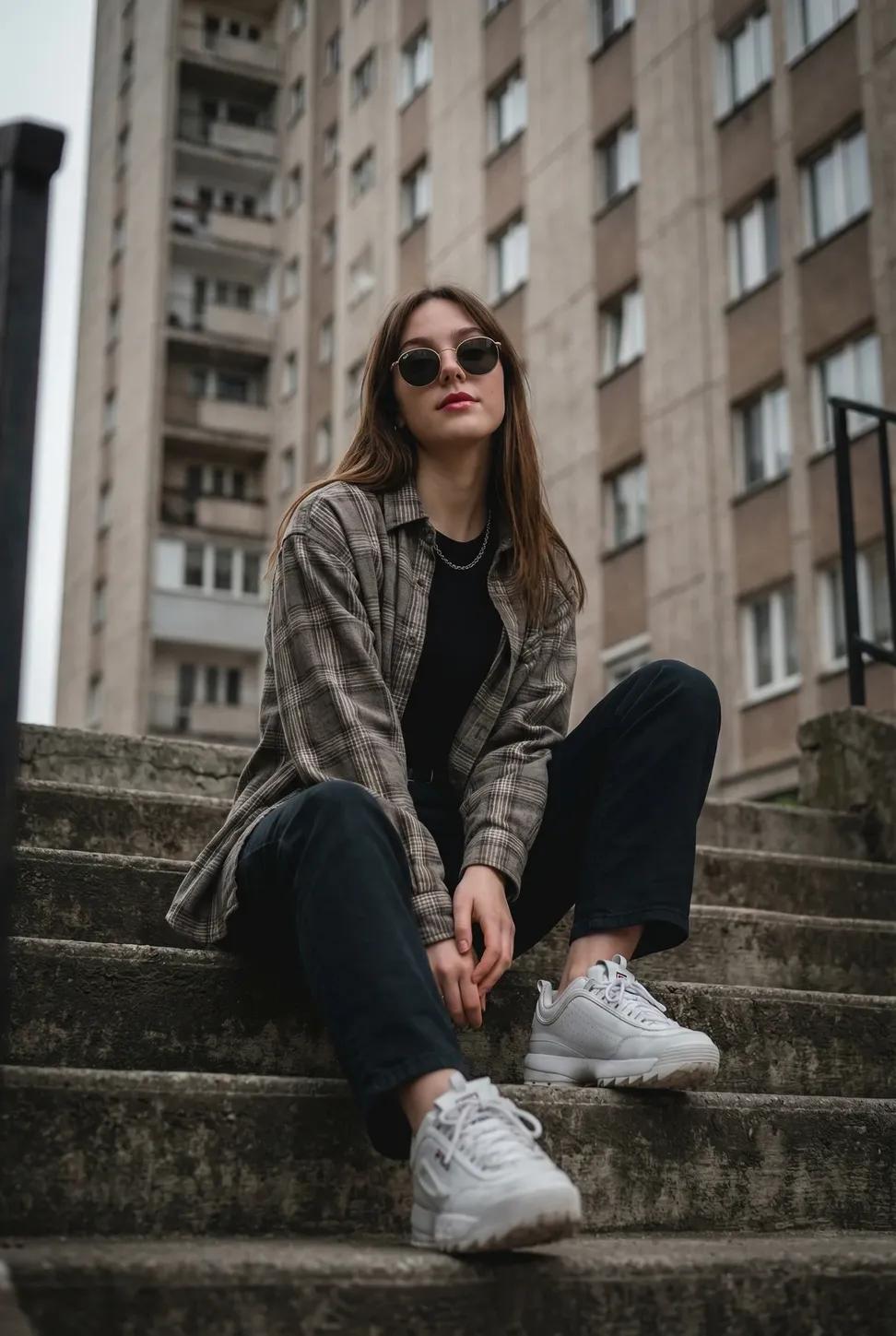
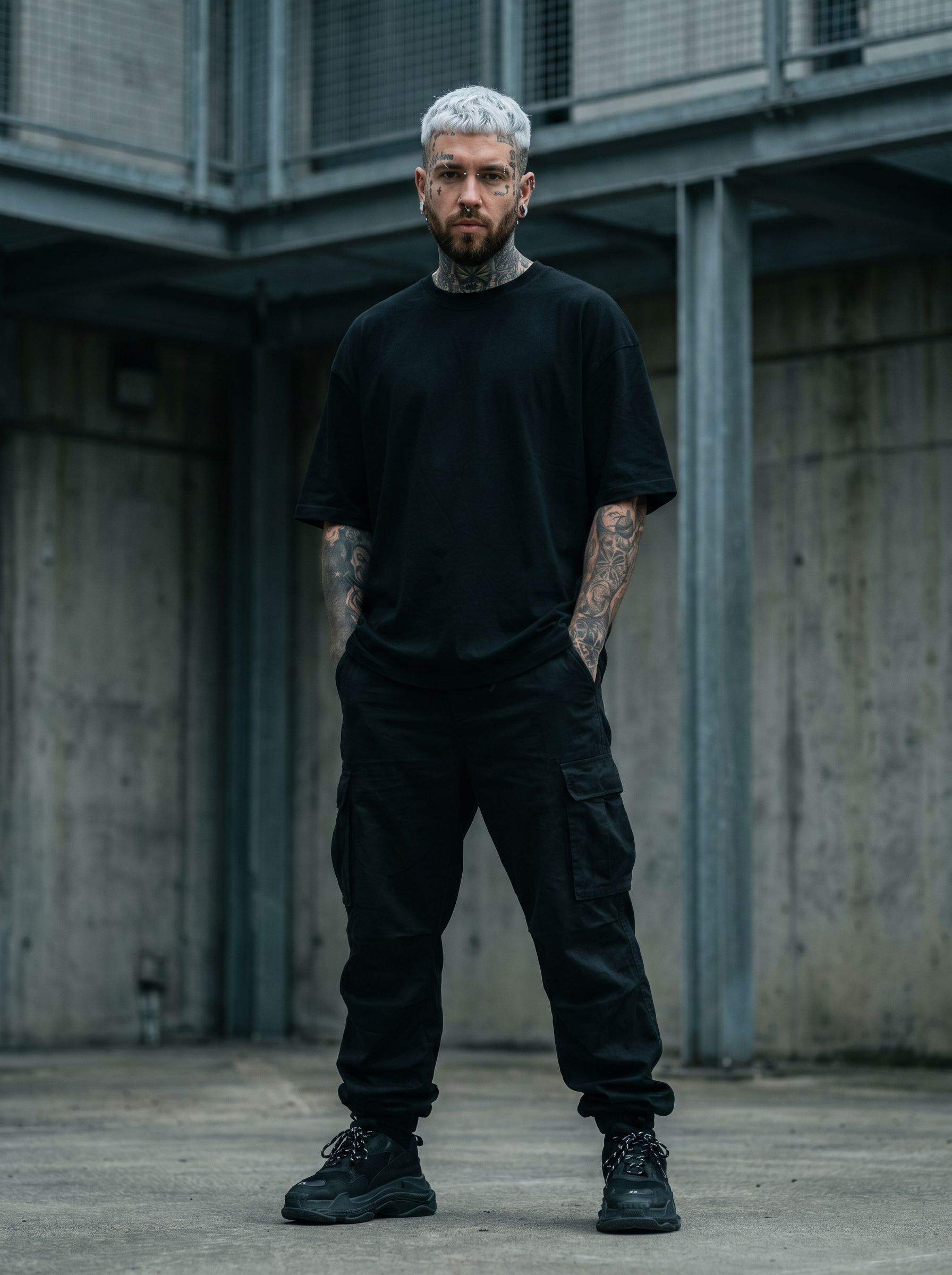
Step 3: Generat Landscape Hotel Lobby AI Video
Keep this page open while generating.
What Is the Hotel Lobby AI Trend?
The Hotel Lobby trend recreates Quavo & Takeoff's viral "Hotel Lobby" performance on the COLORS Show — two rappers trading bars at one hanging mic inside the iconic orange booth. also known as the Migos AI video trend, after the duo behind the track.
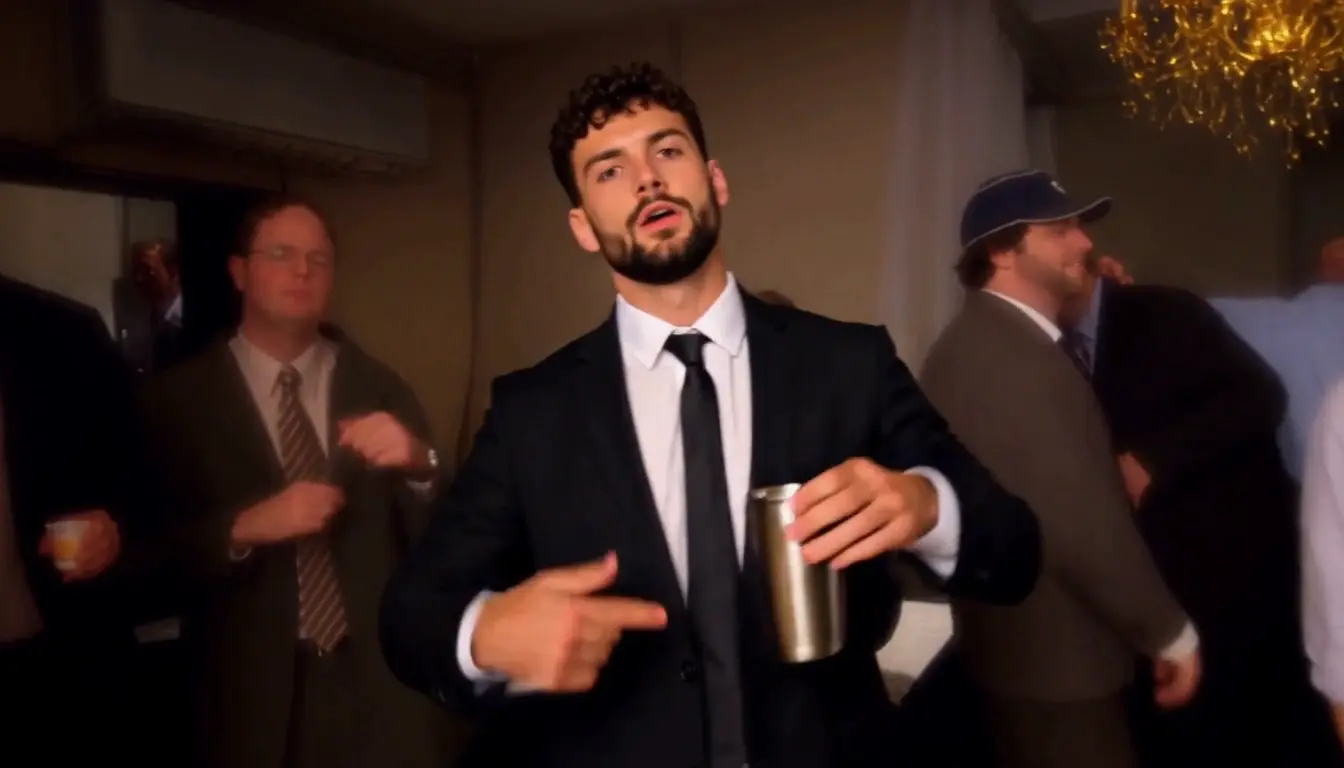
The AI version puts you and a friend in that booth: upload two photos, and the generator animates both of you rapping the original choreography, with the exact color grade and mic swings that made the clip blow up on TikTok and Reels.
Why Make Your Hotel Lobby Video with Oimi
Both Formats in One Workflow — Vertical & Horizontal
Most generators only give you a 16:9 horizontal clip. Here you choose: **vertical 9:16 ** for TikTok, Reels and Shorts, or **horizontal 16:9 ** for YouTube, X and desktop edits — same run, no re-uploading, no second payment.
No Watermark, 720P HD
Your download comes clean — no watermark burned into the frame — in sharp 720P, ready to post as-is.
About Half the Price of Other Generators
Same trend, same length, typically 50% cheaper than comparable AI video generators.
No Prompts, No Editing
This is a ready-made template, not a blank prompt box. Upload photos, pick a format, generate — that's the whole workflow.
Fix Your Photos or Create a Character First
Want a cleaner photo, a different outfit, or a fully virtual performer? Use Oimi's built-in AI image models (like GPT-Image-2.6 Tool ) to retouch your uploads or generate an original character from scratch — then drop those results straight into this video template. Photo edit → character → video, all in one place.
More Trend Templates on OimiTV
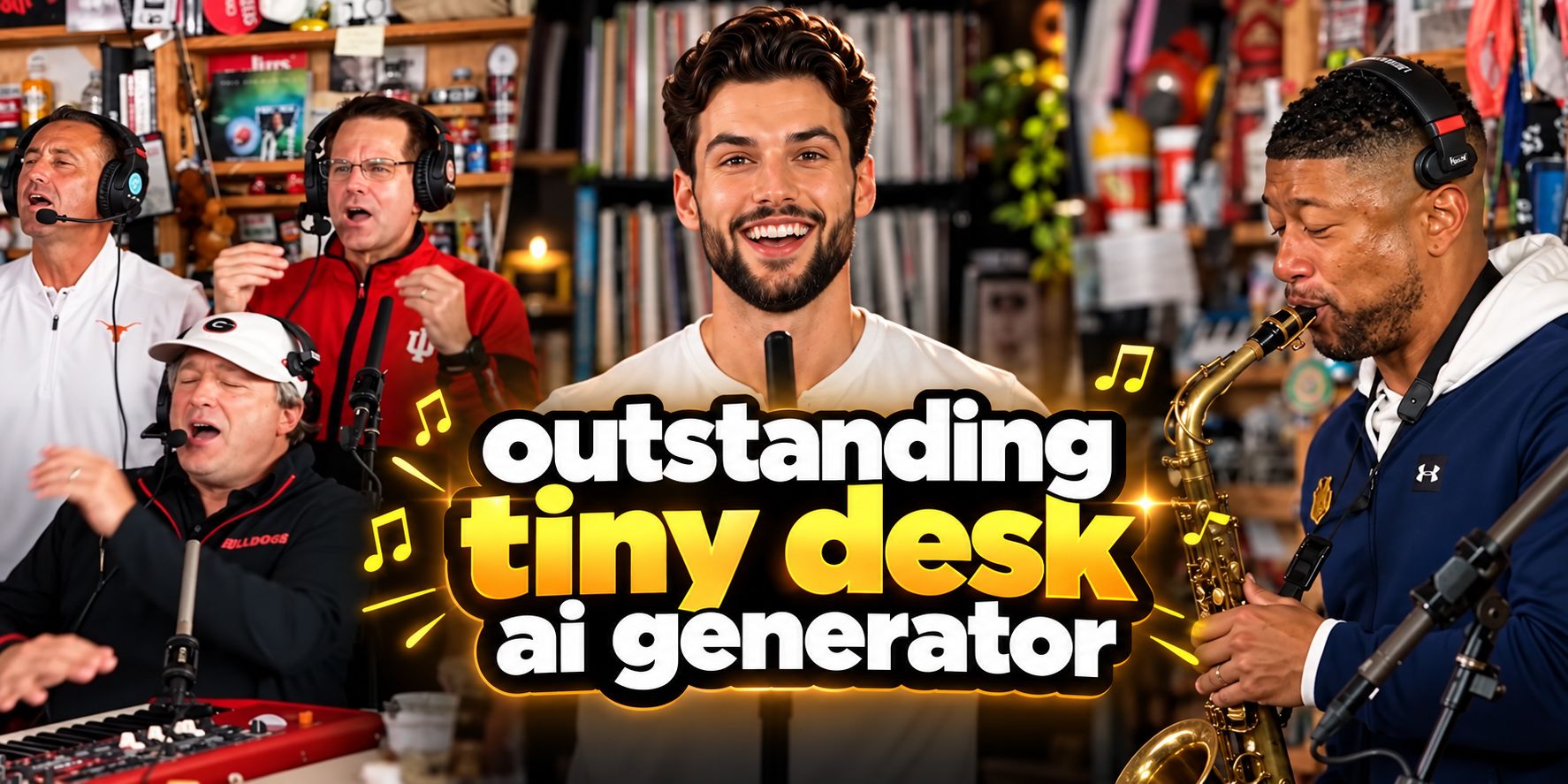
One trend is never enough. OimiTV stacks hundreds of ready-to-run trend video templates — Hop Hop Hop AI Dance, Tiny desk concerts, meme formats — and every new viral format lands there first.
How to Make Your Hotel Lobby AI Video
Step 1 — Pick Vertical or Horizontal
9:16 for feeds, 16:9 for YouTube and the authentic COLORS look.
Step 2 — Upload Two Photos
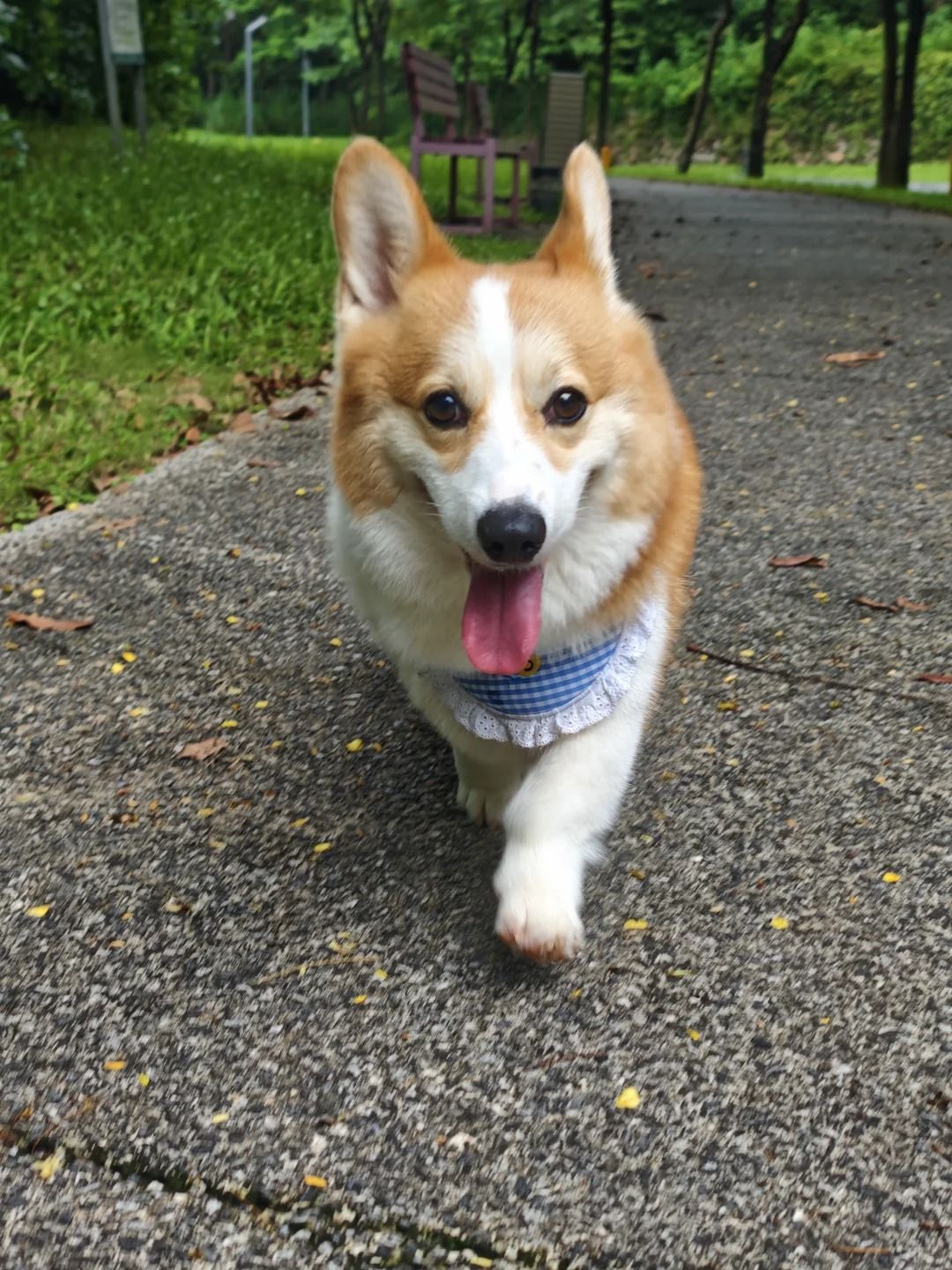
One front-facing photo per performer: you + a friend, two shots of yourself, or even a pet as your rap partner.
Step 3 — Generate & Download & Share
Download the watermark-free 720P clip with sound and post it.
Vertical or Horizontal: Which Should You Choose?
- Vertical 9:16 — the trend's native feed format; TikTok, Reels and Shorts reward it with full-screen presence.
- Horizontal 16:9 — the actual COLORS Show framing; better for YouTube main, X/Twitter, duet reactions and caption-style memes.
Tips for the Best Booth Video
- Both photos: face the camera, even lighting.
- Similar head angles between the two photos make the duo feel natural.
- Going solo? Use two different photos of yourself for a self-duet.
Frequently Asked Questions (FAQ)
What song is used in the Hotel Lobby AI trend?
"Hotel Lobby" by Quavo & Takeoff (Migos), performed live on the COLORS Show — the orange-booth performance every AI version recreates.
Is this the same as the Migos AI video trend?
Yes — same trend, different names. People search for it as "Hotel Lobby AI" (the scene), "Migos AI video" (the artists), or "Quavo and Takeoff COLORS" (the original performance). This template covers all of them.
How many photos do I need?
Two — one photo per performer. Use your own photos, or photos you have permission to use (more on that below).
Can I use photos of celebrities or other people?
No. Only upload photos of yourself, or photos you own or are authorized to use. Portrait rights apply to AI videos just like regular photos. You can also generate AI character in Oimi AI Stuido.
Can I post the video to TikTok, Instagram or YouTube?
Yes — that's exactly what the format is made for. For personal and entertainment posts you're good to go; the audio belongs to the original artists, so if you're posting for a brand or running ads, handle music licensing on your side first.
Is there a vertical / horizontal version?
Both. While most generators only output 16:9, this template lets you generate vertical 9:16 and horizontal 16:9 in the same workflow.
Is the video watermark-free?
Yes — downloads are clean, watermark-free, 720P HD.
How long does it take to generate?
Usually just a few minutes per video.
How is this different from a CapCut template?
CapCut templates re-edit your own footage. This generator creates the performance itself from two photos — no clips, no prompts, no editing timeline.