Burning Bridges AI Video Generator – One Photo, Center Stage
Upload one photo and AI puts you center stage in the viral Burning Bridges performance — the full cast scene and sound, in an 8-second clip. No prompt needed.
Create with this template
Adjust the media or text in each step, then click Generate to see the results.
Step 2: Generate Burning Bridges AI Video
Keep this page open while generating.
What Is the Burning Bridges AI Trend?
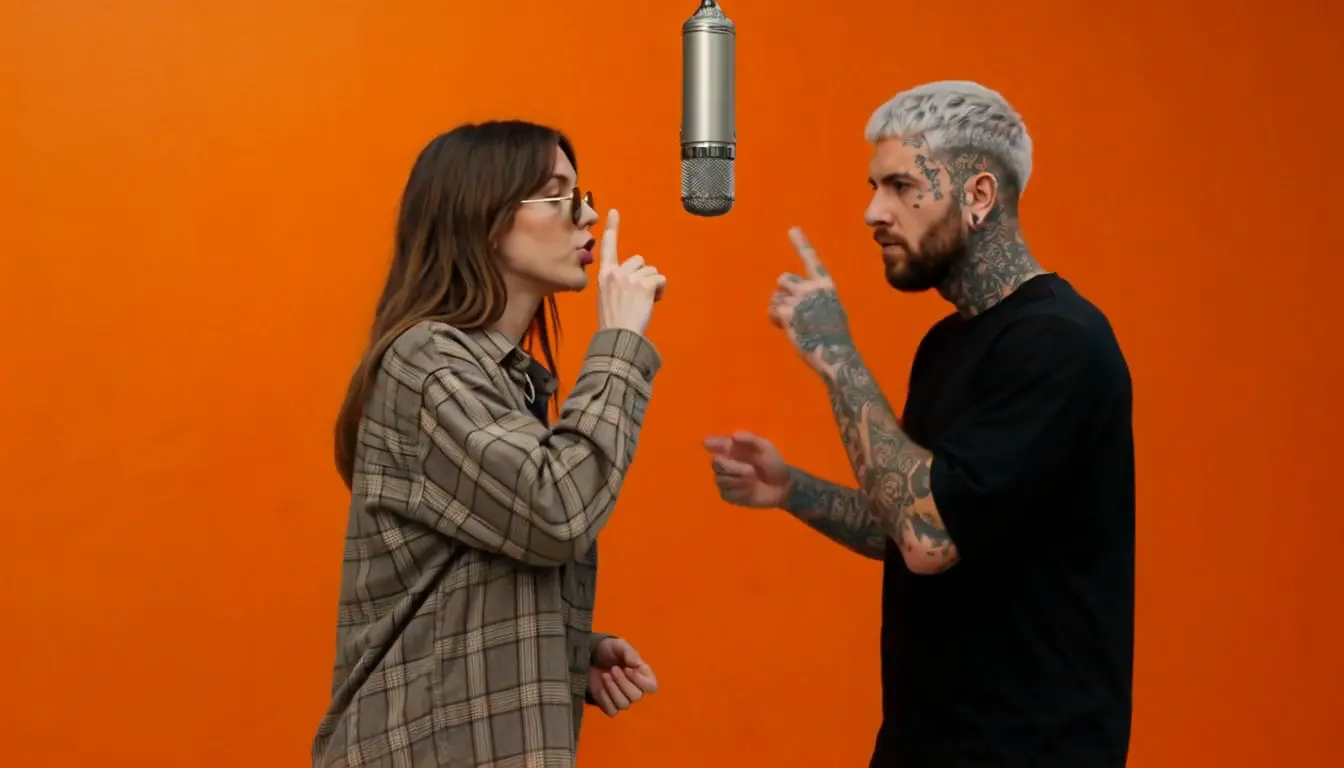
Burning Bridges AI is the latest performance-replacement trend: creators take the viral "Burning Bridges" stage performance — a full cast, a center lead, and a moment everyone recognizes — and swap the lead with their own photo. The result: you, center stage, performing the scene while the original cast carries on around you.
The appeal is instant recognition. Everyone who's seen the original clip knows exactly where the lead stands and what happens next — so when the camera finds you in that spot, the joke lands in the first second. That's why this format spread across TikTok and Reels: it turns any photo into a starring role in a scene the whole comment section already knows by heart.
Note: This is a fan-made template inspired by a viral trend. All content is AI-generated.
How to Use — Two Steps, No Prompt Needed
Step 1: Upload Your Photo
One clear, front-facing photo. This photo replaces the lead performer at center stage — the face carries the whole scene, so make it sharp. JPG, PNG, or WebP, up to 10 MB.
Step 2: Generate Your Burning Bridges AI Video
Click generate. The AI maps your photo onto the center performer, keeps the full cast scene moving around you, and outputs an 8-second clip with sound — ready to download and post.
Why This Burning Bridges AI Generator Stands Out
- The lead role, not a cameo — your photo lands at center stage, exactly where the original scene puts the spotlight.
- Full scene, full cast — the performance continues around you, so the clip keeps every beat that made the original go viral.
- 8-second perfect loop — short enough to rewatch, tight enough to hit every punchline beat.
- One photo, zero prompt — upload and generate. No reference video, no settings, no editing.
- Sound included — the clip comes ready to post.
Creative Ideas to Try
- Your debut — the classic: your photo, center stage, your moment.
- Friend-roast edition — cast the friend who "always wants the spotlight" and send it to the group chat.
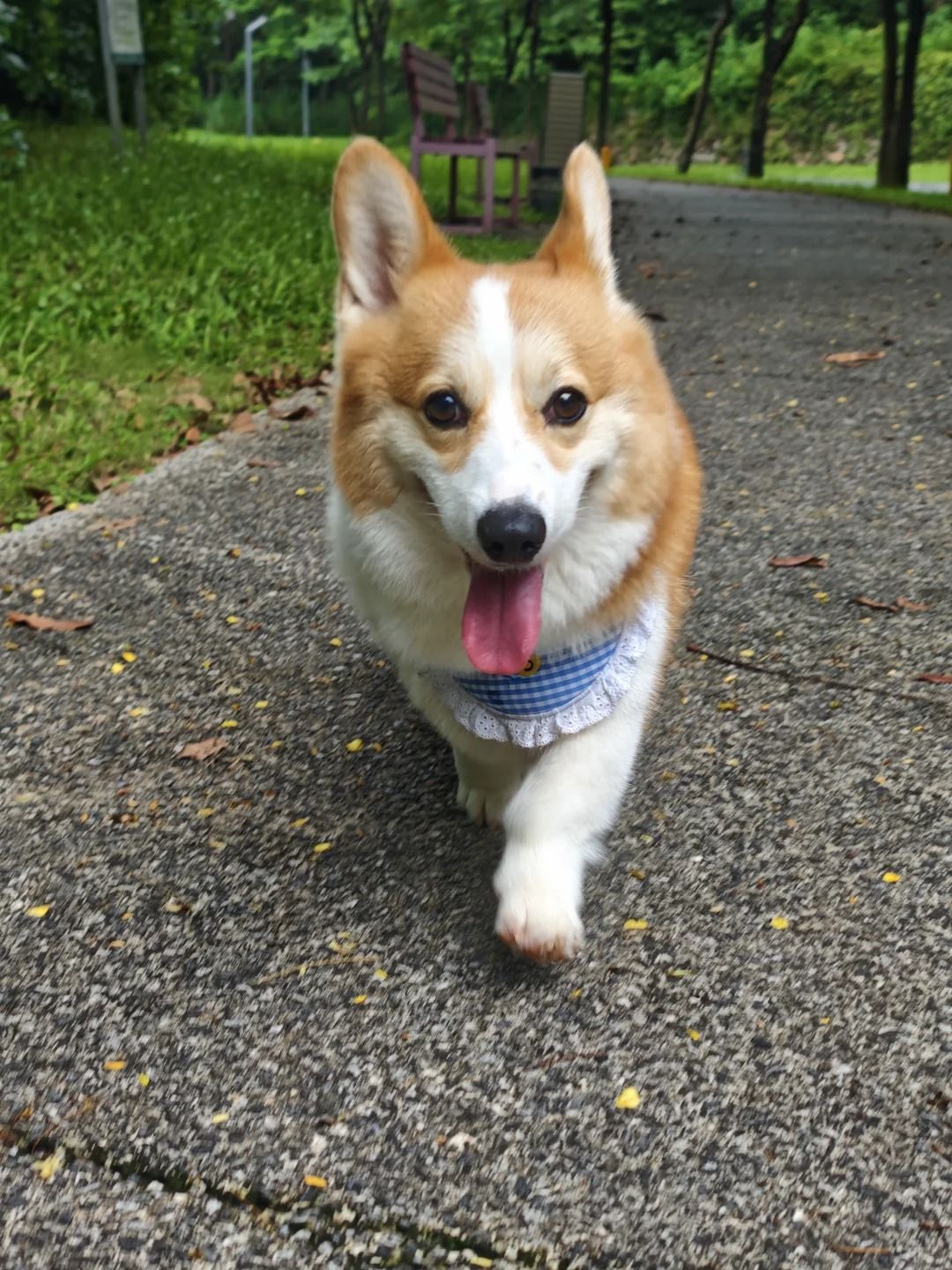
- Pet takeover — a cat or dog as the lead performer. The cast never breaks character.
- Dupe casting — pair with a friend: generate two versions and post them side by side.
- OC on stage — put your original character in the spotlight for the fandom crowd.
Best Practices for the Best Result
- Use a clear, front-facing photo — the lead's face is the punchline; sharpness matters most.
- One person per photo — the tool replaces the center lead, so solo shots composite cleanest.
- Plain backgrounds and even lighting help the stage scene wrap naturally around your face.
- An expressive or confident expression sells the performance better than a neutral one.
Frequently Asked Questions (FAQ)
What is the Burning Bridges AI trend?
A viral performance-replacement trend: AI swaps the lead performer of the well-known "Burning Bridges" stage scene with a photo of your choice. The full cast scene continues around the new lead — you, center stage.
How do I make a Burning Bridges AI video?
Upload one photo and click generate. Your photo replaces the center performer, and the AI outputs an 8-second clip of the full scene with sound.
Can I use a photo of my pet or a friend?
Yes — any clear, front-facing photo works. Pets and friends-as-lead are among the most-shared versions.
How long is the video?
8 seconds — the tight cut of the performance moment, ready for TikTok, Reels, or Shorts.
Does the video include sound?
Yes, the clip comes with the scene's sound included, ready to post as-is.
Do I need to write a prompt or find a reference video?
No. The workflow is two steps: one photo in, one video out.
What do I get exactly?
An 8-second video of the full performance scene with your photo as the center lead, ready to download and post.
Will my photos be stored or used for training?
No. Uploaded photos and generated videos are automatically deleted after 7 days and are not used for training.