 1 / 5
Photo to Chinese Shadow Puppet Poster: One Puppet, One Act
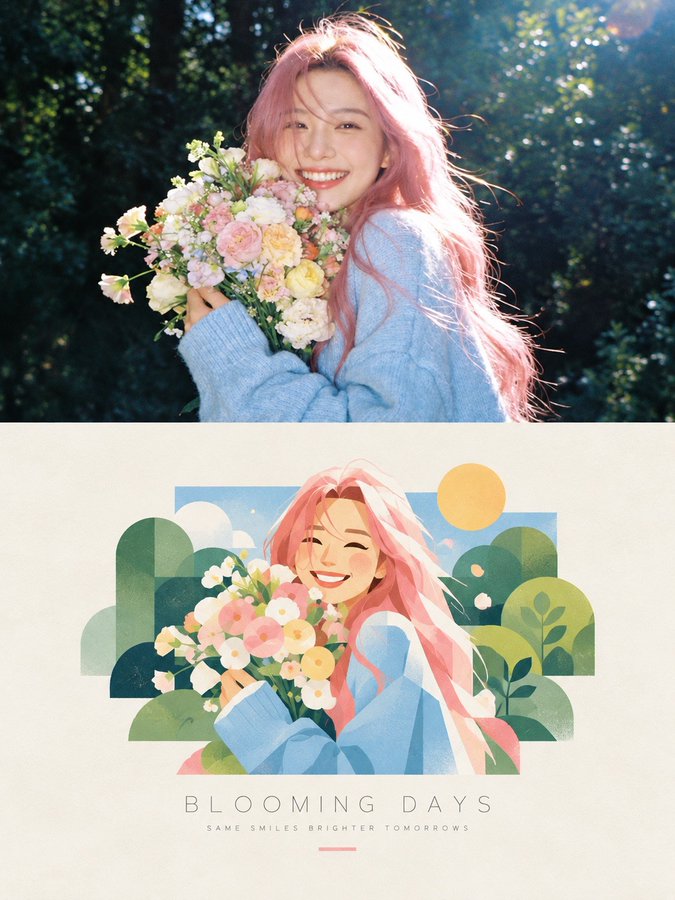
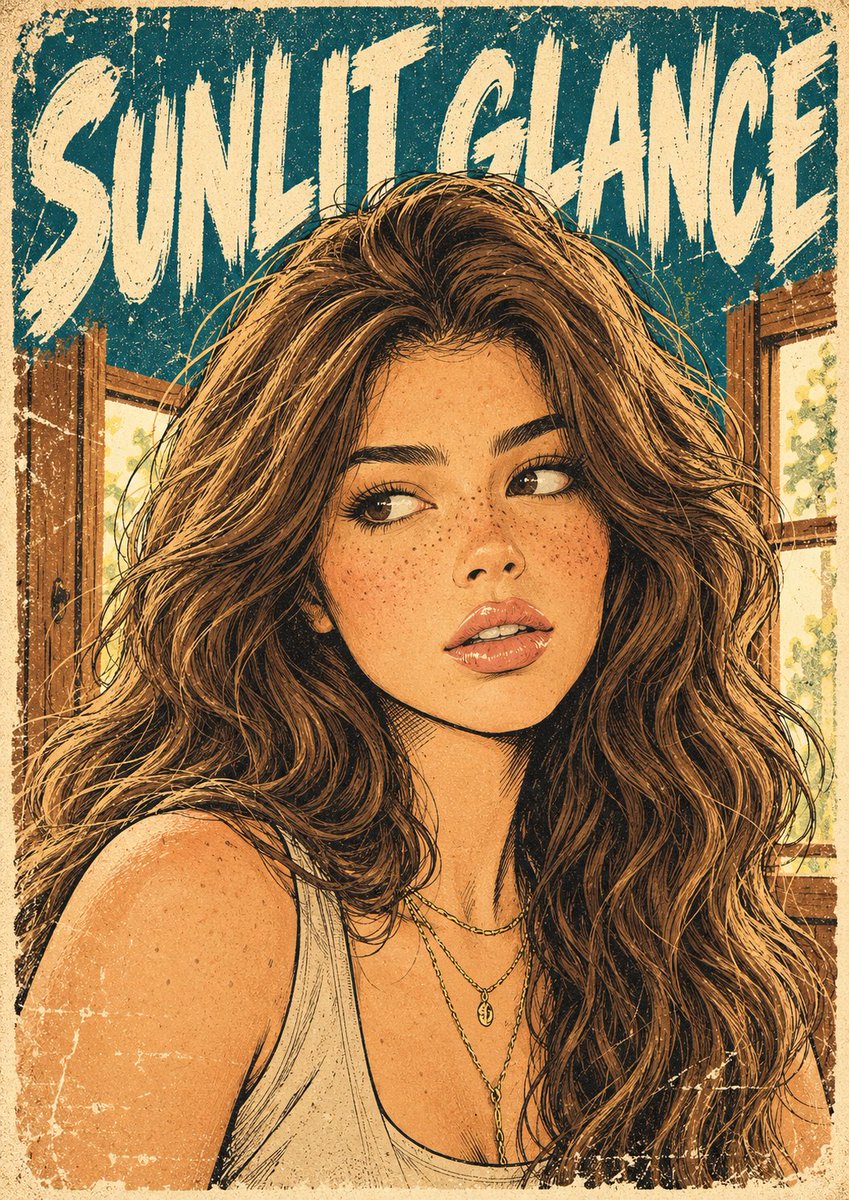
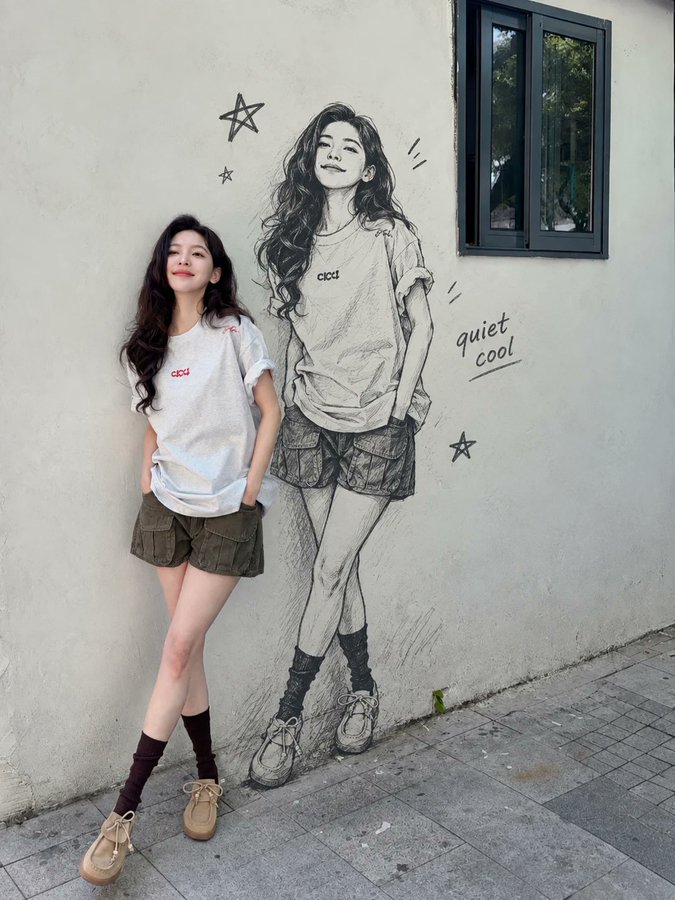
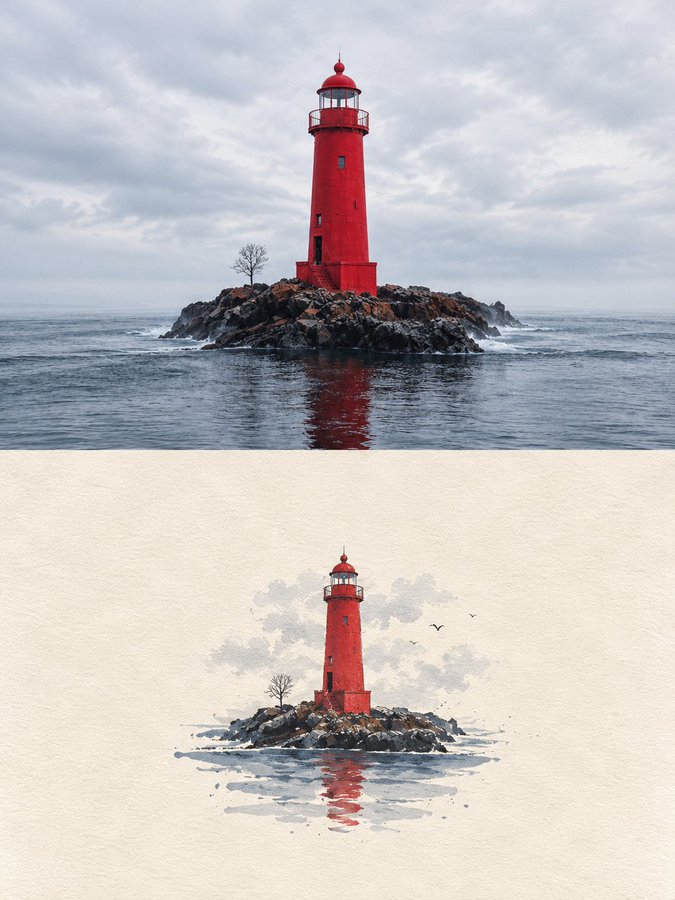
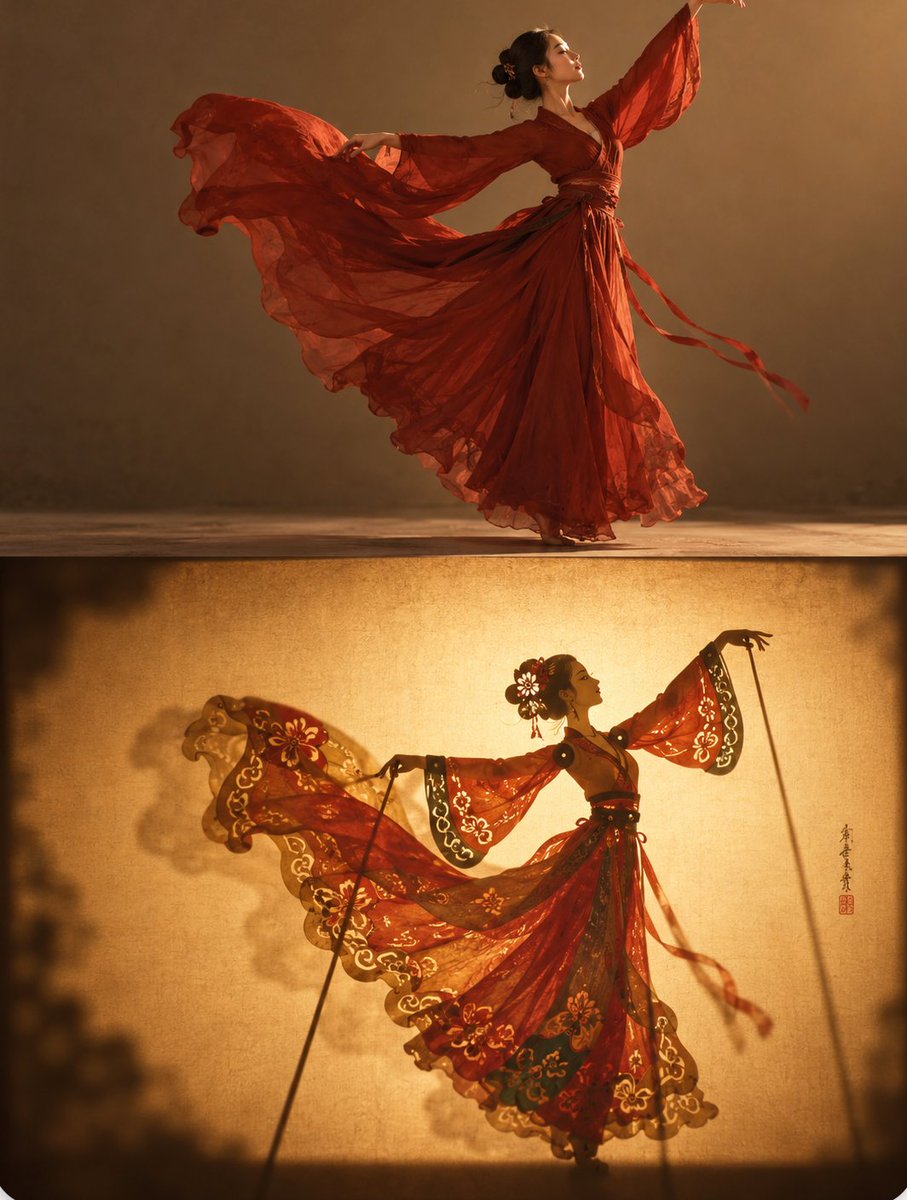
Turn each photo into a 3:4 poster: the original image on top, its subject reimagined below as a Chinese shadow puppet glowing on a warm, softly lit rice-paper screen.
Full prompt
请将我上传的每一张照片分别制作成一张独立的高级设计海报,不多图拼接,每张照片单独输出。整体采用 3:4 竖版构图,上下两个区域高度严格 1:1,各占画面 50%。 上半部分保留原始照片,保持主体身份、结构、姿态、真实质感、自然光影与原有色彩氛围,仅进行轻微高级调色,使其具有艺术摄影与东方展览图像质感。为适配画幅,可自然扩展环境背景,但不得拉伸、扭曲或改变主体。 下半部分提取照片中最具识别性的**主体、轮廓、姿态与叙事关系**,重构为一具**中国传统皮影戏偶 / shadow puppet**,在一面被暖光照亮的半透明宣纸幕布上演出。无论原图是人物、动物、建筑、植物、器物还是风景,都被理解为一个“可以被操纵的角色”:主体被拆分为少量关节部件,以铆钉相连,姿态取自原照片中最有表情的那个瞬间,并配有一两根细长的操纵竹签自画面下方伸入。 不要写实描绘,不要卡通化,而是用皮影的造型语法重新概括:侧面化、平面化、装饰性镂空、云纹与几何雕刻纹样、局部的半透明彩染。保留原物最具识别度的特征,使观者一眼认出,同时感到它被一位老手艺人重新理解和雕刻过。 光影是这件作品的灵魂:幕布后方一盏暖色灯光,使皮影的镂空处透出温暖光点,彩染部分呈现半透明的朱红、靛青、橄榄绿与琥珀黄,皮影边缘带有柔和的投影虚边和轻微光晕,仿佛正在缓慢移动。可以有极轻微的双影或动态虚影,表现戏偶正在演出的一瞬间。 构图以**一幕一偶 + 大量留白**为核心。幕布是一片温暖的米黄或浅琥珀色光场,四周自然暗下,主体只占画面约25%–35%,可偏心或位于黄金分割位置,其余空间保持安静,像戏开场前的停顿。不出现观众、舞台全景或复杂道具。 配色从上方照片中提取 2–3 种最具情绪价值的颜色,转译为皮影彩染的半透明色,与暖灯光场统一;阴影使用深褐与暖墨色,而不是冷黑。 文字少量介入,可以竖排小字的方式写一个“戏名”或一句短句,像戏班手写的节目单,安静落在幕布一角,不限制语种。 整体呈现**皮影镂刻、半透明彩染、暖灯幕布、柔和投影与东方留白**共同构成的光影视觉。核心原则是:把照片里的主角请上幕布,让它用一个姿态演完一整出戏。避免完整写实、满场景堆砌、廉价国潮、塑料质感、3D渲染、卡通感和模板化海报。
Create with this prompt
Fine-tune the prompt or upload a reference image as needed, click Generate, review the results, and download them promptly.
Open in AI Infinite Canvas(Optional)
Generate image
Please do not close this page while generation is in progress. If you close it, you can check the progress and results in History in the top-right corner.
How to use
Edit the prompt
Review the prefilled prompt in the creation form. Adjust the subject, scene, colors, or style to suit your idea.
Upload a reference image and choose an aspect ratio
If the page offers a reference image upload, you can upload an image or leave it empty. Only upload images you have the right to use, and adjust the aspect ratio as needed.
Generate an image
The model is already configured. Click Generate and wait a moment for your result.
Review and download
Review the result and download your image. To try another direction, edit the prompt or reference image and generate again.
Tips
Requires uploaded photos, each rendered as a separate poster with no multi-image collage. Any subject works—people, animals, buildings, plants, objects, or landscapes—as long as its most recognizable silhouette, pose, and narrative are preserved. Keep the 3:4 vertical format and strict 1:1 split; the vertical play title can be in any language. Fine-tune cutout and lighting details based on actual results.
FAQ
Is this suitable for beginners?
Yes. You do not need specialist AI knowledge or experience with the canvas. Choose a prompt you like, optionally upload a reference image or fine-tune the prompt on this page, and click Generate—the model is already configured. Even first-time users can get started easily.
Are the prompts free?
Yes. These prompts are collected and curated from the public internet and are free to view, copy, use, and adapt. You can also view the original source through the author.
How do I use these prompts?
Copy a prompt into ChatGPT or another tool that supports image generation, or use the creation form on this page. The model is already configured: edit the prompt, optionally upload a reference image, choose an aspect ratio, and click Generate. Results may vary across tools and models.
Is image generation free?
You can try it for free! Sign up to receive free starter credits for image generation. If you enjoy the results, subscribe to a membership or purchase credits for more AI image creation. Credit usage varies by model and settings; check the credit information before generating.
Which AI image models are available?
Oimi includes GPT-Image-2, GPT-Image-2.5, Nano Banana 2.1, Nano Banana Pro, Midjourney V8.2 / V7, Niji Journey (NJ), Seedream 5, Grok Image 2, Wan 2.7, and Z-Image for portraits, product images, posters, illustrations, and image editing. Use multiple models in one place with a shared credit balance, without switching between platforms or paying for separate memberships on each. This page uses a preconfigured model; explore more models in AI Infinite Canvas.
What else can I create with credits?
Oimi is an all-in-one AI creation platform. Credits also support AI text, video, audio, and music creation. Browse curated templates on OimiTV to reuse popular AI workflows, try social media video trends, and turn image ideas into video and music projects.
Are multilingual prompts supported?
Yes! Most AI image models support common languages, including English, French, German, Chinese, Japanese, and Arabic. Describe your idea in the language you are comfortable with. Language understanding varies by model, so results may differ.
Why is this prompt in another language?
The library preserves the original author’s language and wording to keep their creative intent. You can use the original prompt or translate it into a language you are comfortable with before generating. Keep key details such as the subject, composition, and style when translating; the results may differ slightly.
Can I edit this prompt?
Yes. Start with the subject or scene, then refine colors, composition, style, and details. The original prompt remains above for reference and copying. Editing the creation form does not change the original library entry.
Do I need to upload a reference image?
No. Reference images are optional; you can generate from text alone. Models that support reference images show an upload field. Uploaded references are included in generation. Remove the reference to return to text-only generation. Only upload images you have the right to use, and obtain permission when using another person’s likeness.
Why does my result look different from the examples?
Examples illustrate a creative direction. Results depend on the prompt, model, reference images, settings, and randomness during generation. The same prompt can produce different images. To get closer to an example, retain its key style descriptions and change a few details at a time.
Can I use this on my phone?
Yes. Edit the prompt, upload a reference from your photo library, generate, and download directly in the creation form on this page. You do not need to open the canvas or install an app.
What happens if image generation fails or errors out?
If an image generation task fails due to a system error, the credits charged for that task are automatically refunded to your account. You can view the details in History. Content policy violations are excluded from automatic refunds. Content Policy
Will my photos be stored?
Uploaded photos and generated images are stored temporarily for about a week. If you have not downloaded a result or accidentally deleted your local copy, you can find your generations in History and download them again. They are deleted after a week. Privacy policy
Will my photos be used for training?
No. All photos are used only for image generation. Oimi does not use them for training.
As a professional, can I use these prompts in AI Infinite Canvas?
Yes. For professional creators who want to refine and iterate, Oimi’s AI Infinite Canvas offers a flexible creative workspace. Organize your materials, generate, edit, and compare images, then connect them to image-to-video and other workflows—all in one place, without switching between tools. Open the canvas from the creation form, or copy the prompt into AI Infinite Canvas.
Can an Agent help me create?
Yes. Use the Canvas Agent assistant in AI Infinite Canvas. Describe your idea in natural language and let AI help develop your creative direction, create text, or generate images. Continue refining the results with your canvas materials.