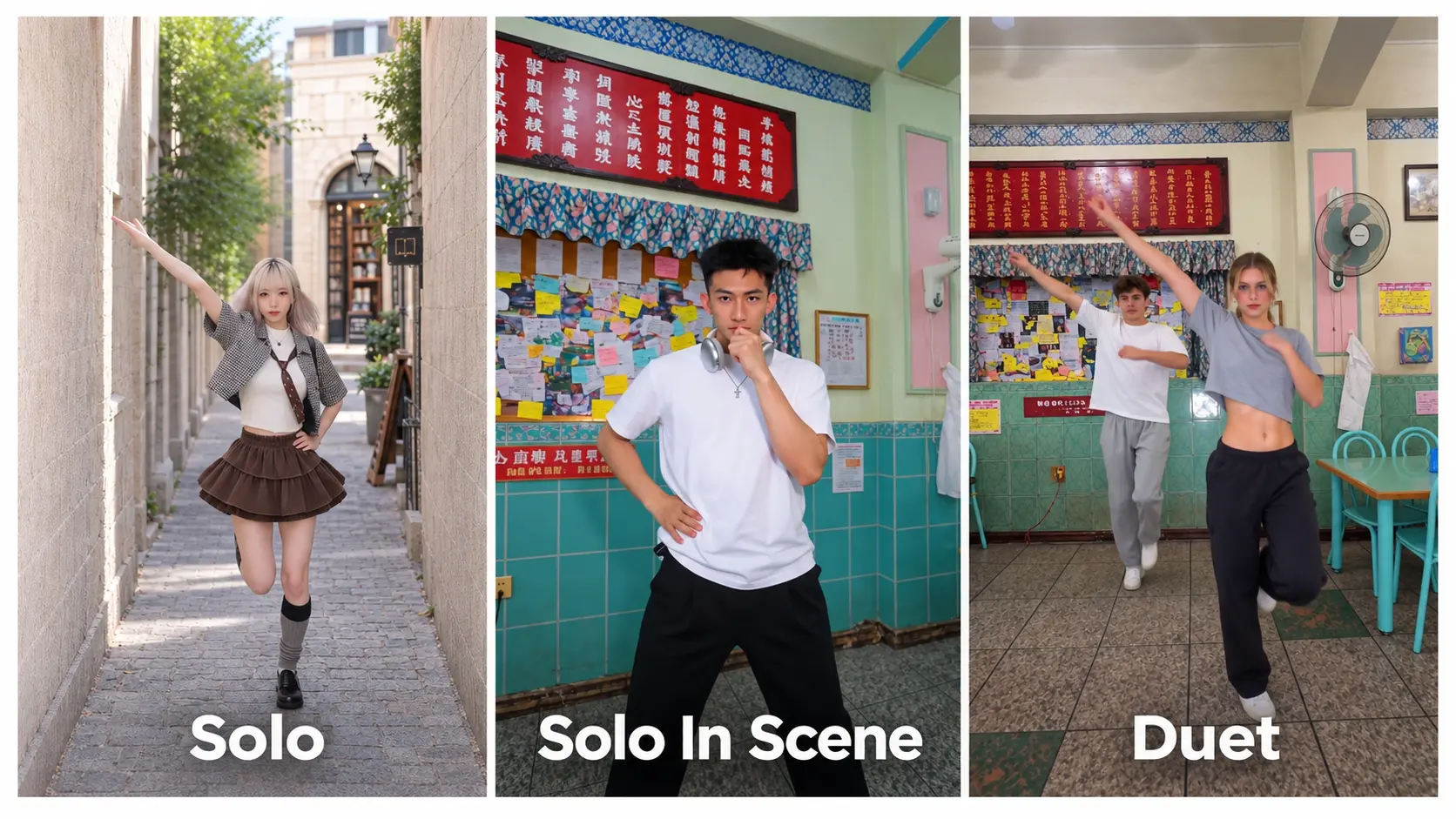
Trouble Maker AI Dance Generator – Duet From One or Two Photos
Upload one photo and AI adds a partner — or bring your own with two — for the viral Trouble Maker duet dance. No prompt, no watermark, ready for TikTok.
Create with this template
Adjust the media or text in each step, then click Generate to see the results.
(Optional)
Step 3: Generate Your Own "Trouble Maker" style Video
Please do not close this page while generation is in progress. If you close it, you can check the progress and results in History in the top-right corner.
What Is the Trouble Maker AI Dance Trend?
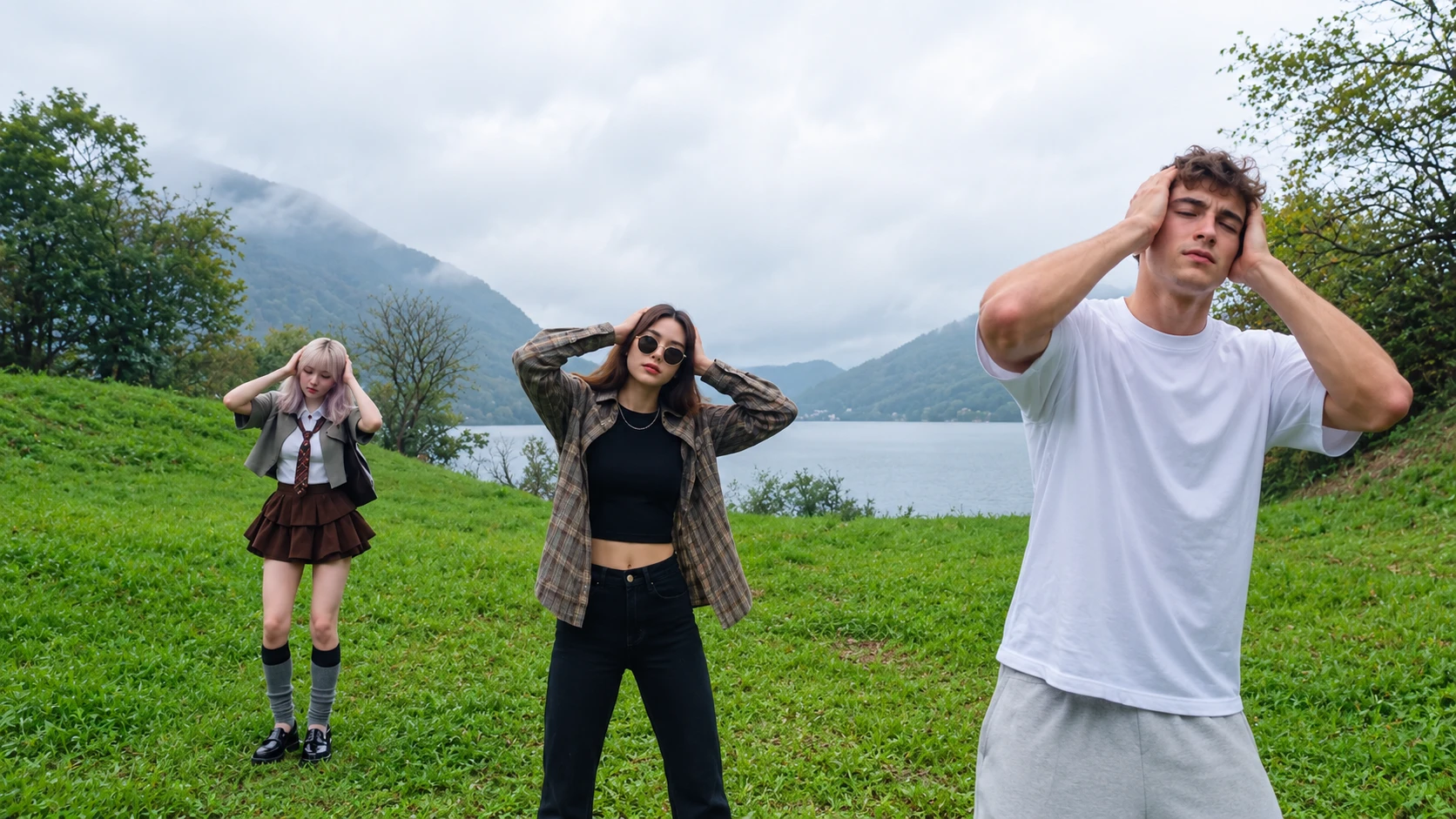
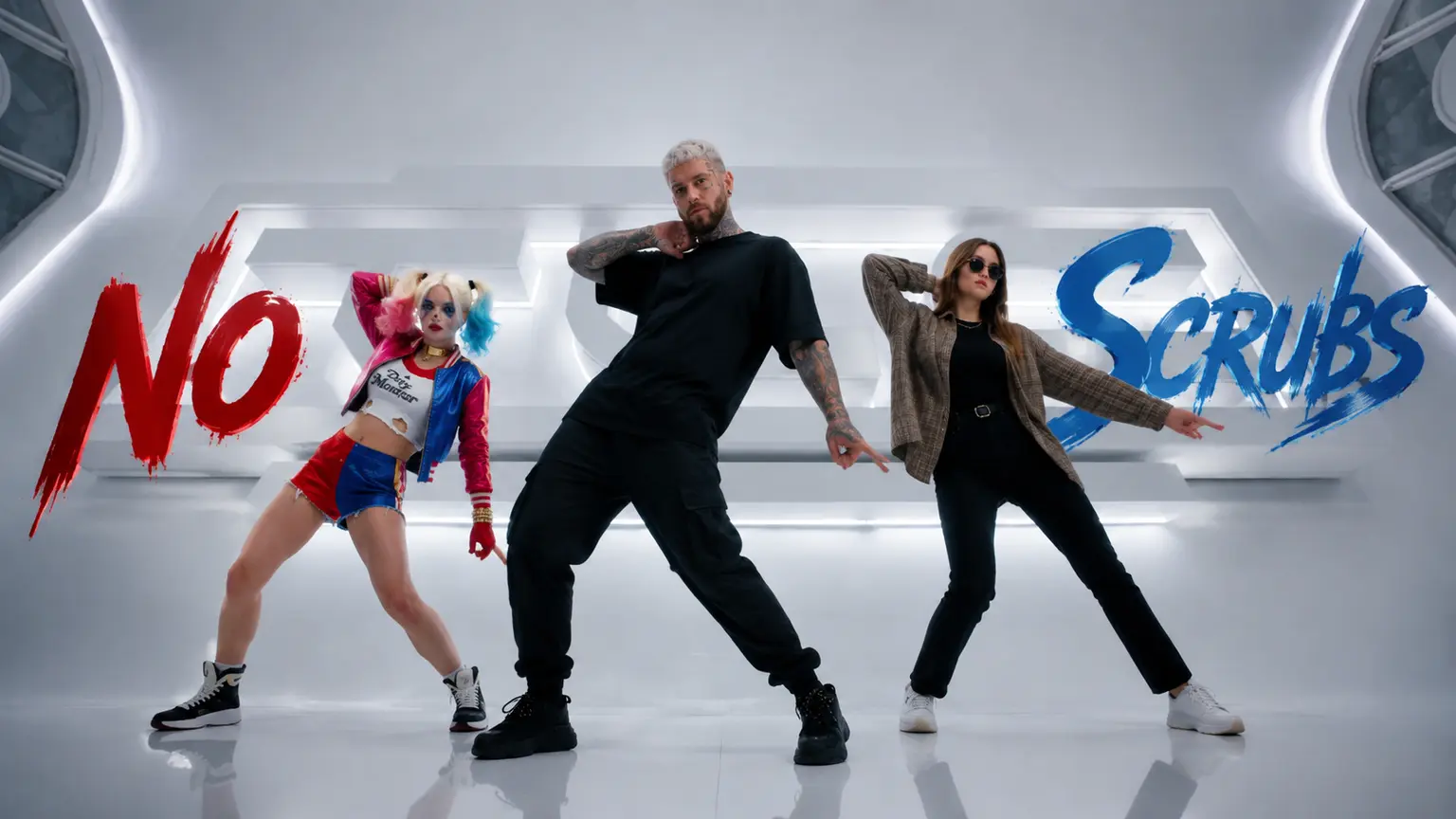
The Trouble Maker challenge is the viral duet dance taking over TikTok feeds: two dancers, one tension-charged routine,and perfectly recreate the iconic dance moves from the legendary K-pop duo Trouble Maker (Hyuna & Jang Hyun-seung). It's the kind of choreography that looks effortless when a real duo nails it — and impossible when the rest of us try.
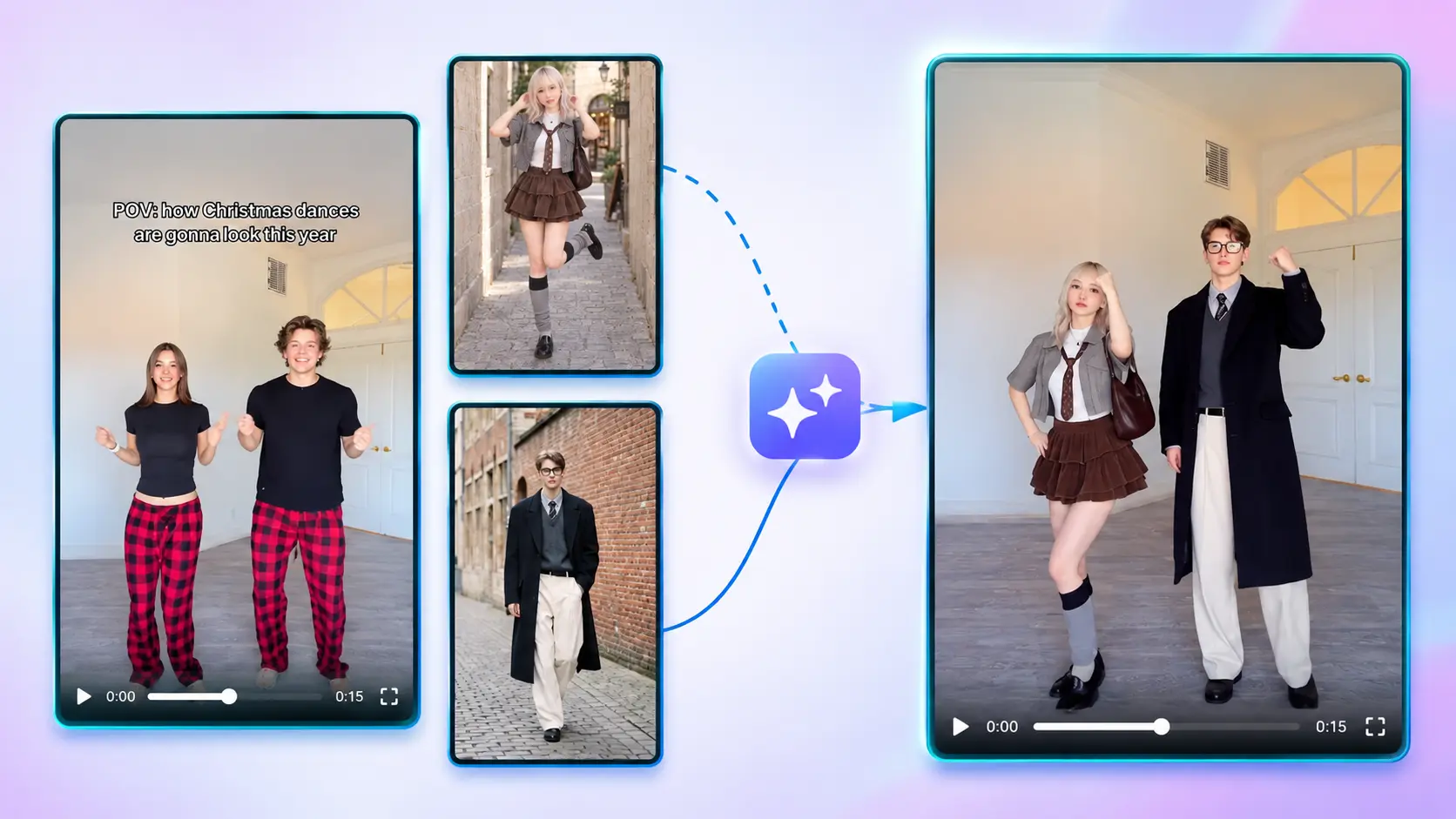
That gap is exactly why the AI version exploded. Upload one photo, and the AI adds a partner and performs the full duet with you. Have someone specific in mind? Upload two photos and cast them yourself. Either way, the chemistry is handled — no rehearsals, no partner required, no dance lessons.
Note: This is a fan-made template inspired by a viral trend.
How to Use — Two Steps, No Prompt Needed
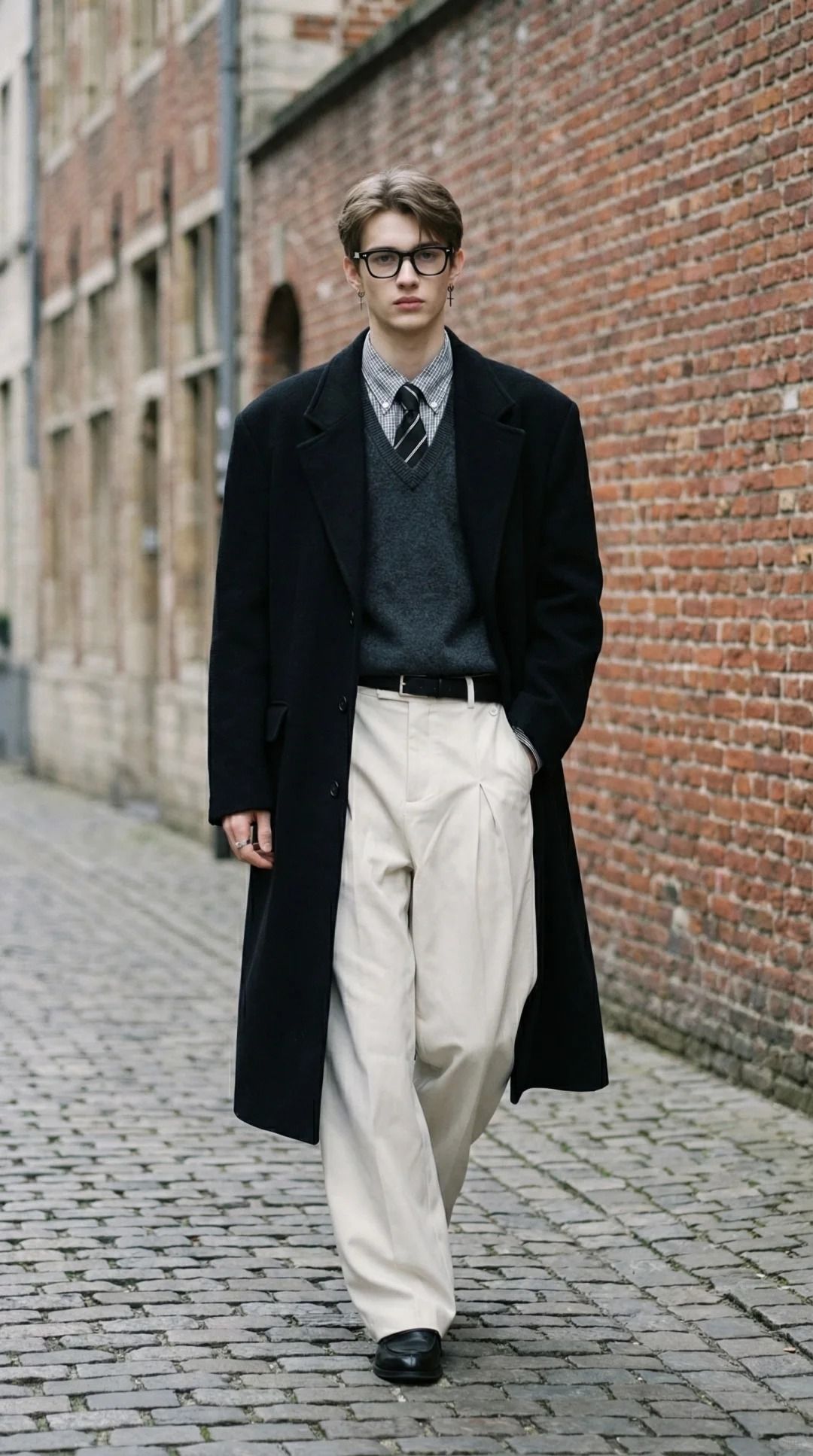
Step 1: Upload the Left Dancer's Photo
One clear, front-facing photo. This is you (or your lead). JPG, PNG, or WebP, up to 10 MB.
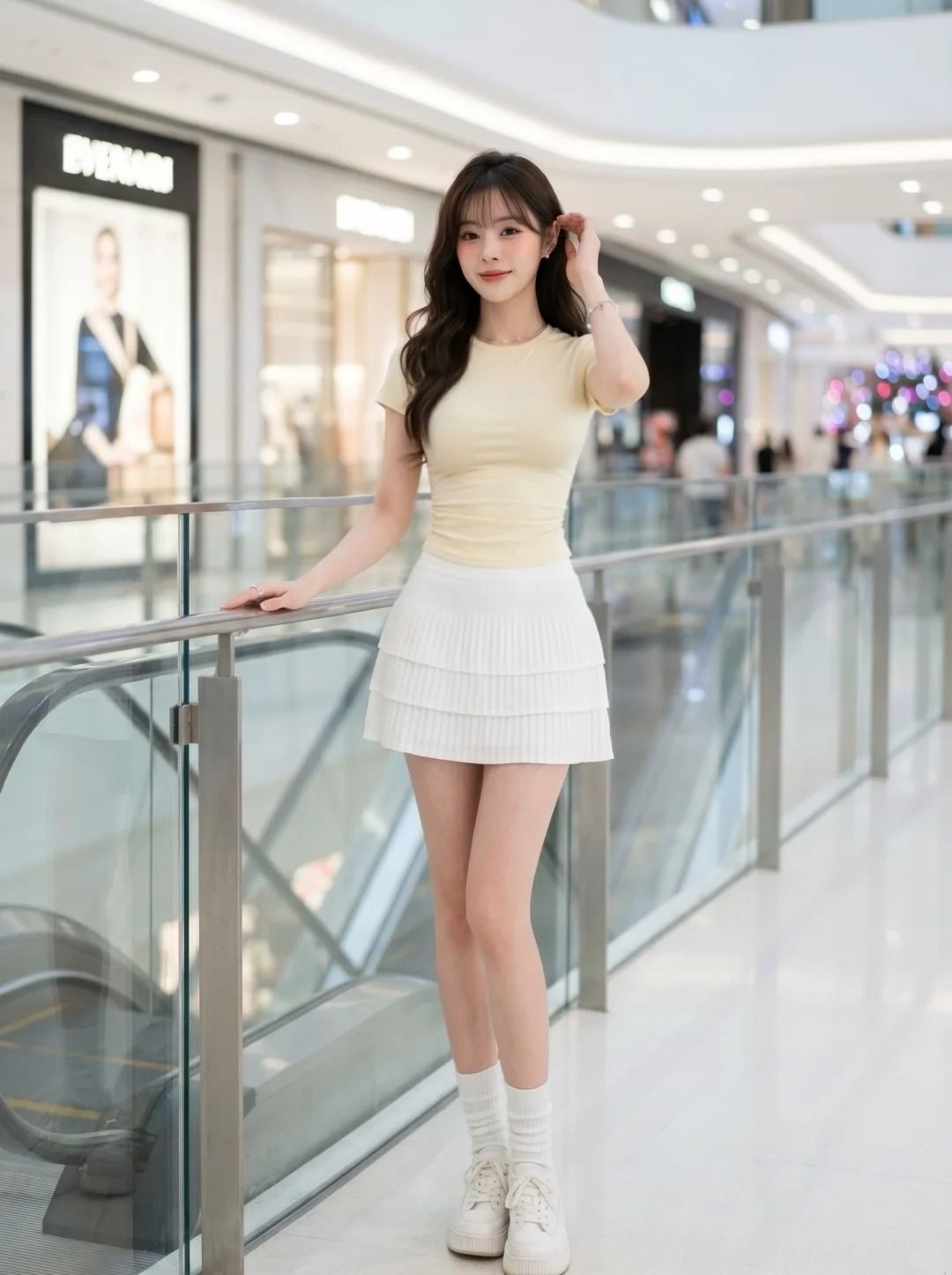
Step 2: Upload the Right Dancer's Photo (Optional)
Want to choose your partner? Add their photo here. Skip it, and the AI casts a partner for you — the dance stays a duet either way.
Step 3: Generate Your Trouble Maker AI Dance
Click generate. The AI performs the full duet routine with your cast — sync, styling, and chemistry included — and outputs a finished video ready to download and post.
Why This Trouble Maker AI Generator Stands Out
- Always a duet — solo upload or two photos, the routine keeps its two-dancer chemistry either way.
- Cast your own partner — bring a friend, a crush, a sibling… or let the AI choose for you.
- No prompt, ever — photo(s) in, finished dance video out.
- Clean output, no watermark — ready for TikTok, Reels, or Shorts.
- Privacy-friendly — uploaded photos and generated videos are automatically deleted after 7 days and are not used for training.
Creative Ideas to Try
- The obvious one — upload your crush's photo. We don't need to explain further.
- Best-friend chemistry test — which friendship survives the duet camera?
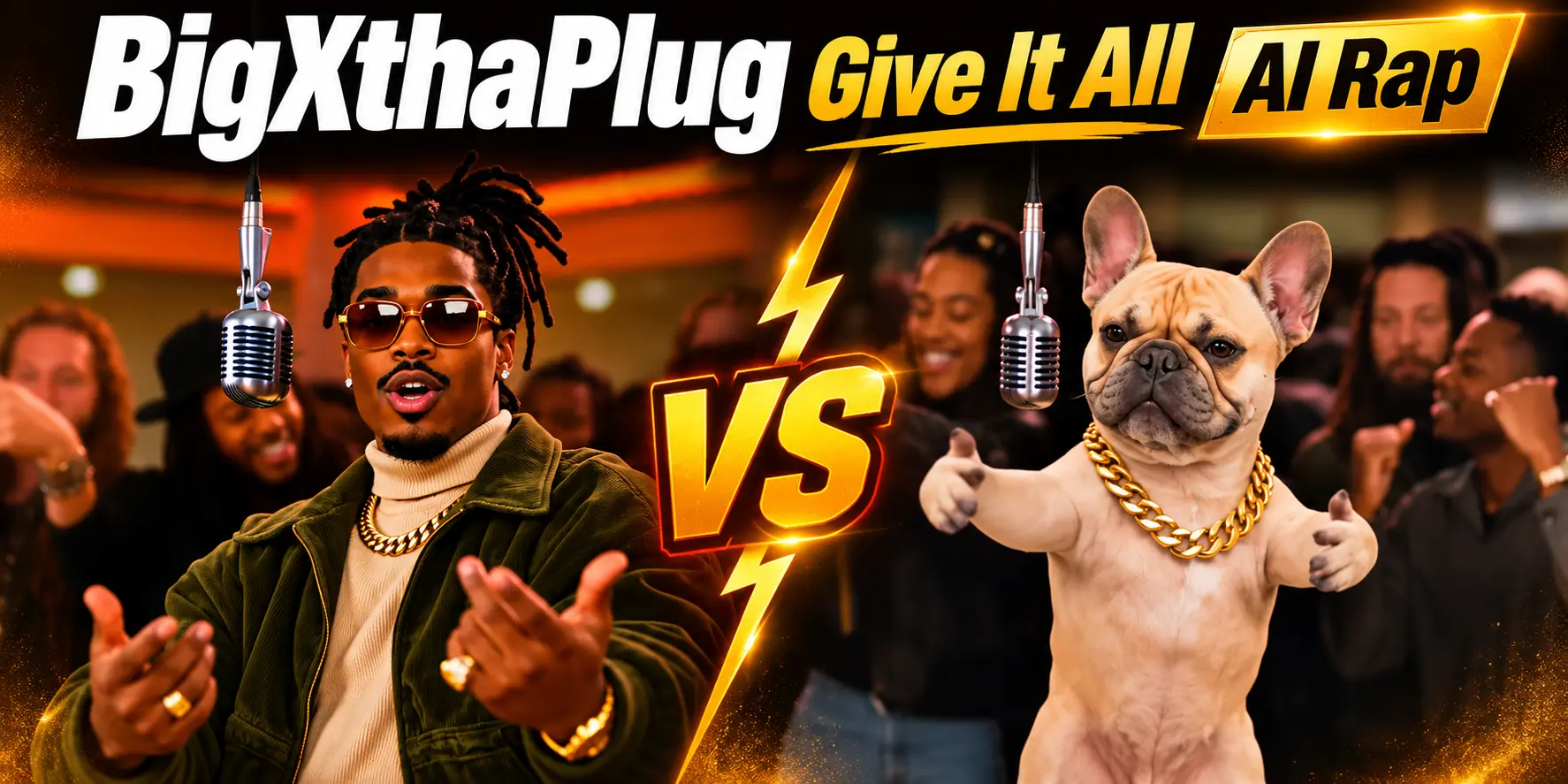
- Pet partner — one human, one very confused dog. The internet rewards this.
- Character duet — cast your favorite character as the partner and let the fandom do the rest.
- Side-by-side series — generate with three different partners and let the comments vote on the best chemistry.
Best Practices for the Best Result
- Use clear, front-facing photos — both faces carry the routine.
- If uploading two, similar lighting and angle makes the duet feel like one scene.
- Confident expressions match the tone of the choreography.
- Higher-resolution originals keep faces sharp through the synced moves.
Frequently Asked Questions (FAQ)
What is the Trouble Maker AI dance trend?
A viral duet dance challenge recreated with AI: upload one or two photos and the AI performs the full partner routine with your cast — no rehearsals, no partner needed. Perfectly recreate the iconic dance moves from the legendary K-pop duo Trouble Maker (Hyuna & Jang Hyun-seung).
Do I need two photos?
No. One photo is enough — the AI casts your partner automatically. Upload a second photo only if you want to choose the partner yourself.
Is the video still a duet if I only upload one photo?
Yes — the routine is always a two-person dance. The AI fills the second dancer slot so the choreography stays complete.
Can I use a photo of a pet or a character as my partner?
Absolutely — pets, characters, and OCs in the partner slot are among the most-shared versions of the trend.
What do I get exactly?
A finished duet dance video with no watermark — ready to download and post.
How long does generation take?
Usually need 10~15 minutes, based on peak periods. You can switch to other tabs while it renders — just keep this tab open, and the video appears here when it's ready.
What if my generation fails?
Failed generations are refunded automatically — credits return to your account instantly.
Do my credits work on other templates?
Yes. Credits are universal across OimiTV — every trending template on the platform accepts the same credits.
Will my photos be stored or used for training?
No. Uploaded photos and generated videos are automatically deleted after 7 days and are not used for training.