ILLIT Under Arrest AI Dance Generator – One Photo
Upload one photo and AI makes you do ILLIT's Under Arrest dance — cap toss, whistle, the finger-gun finish. The K-pop challenge with zero practice. No prompt.
Create with this template
Adjust the media or text in each step, then click Generate to see the results.
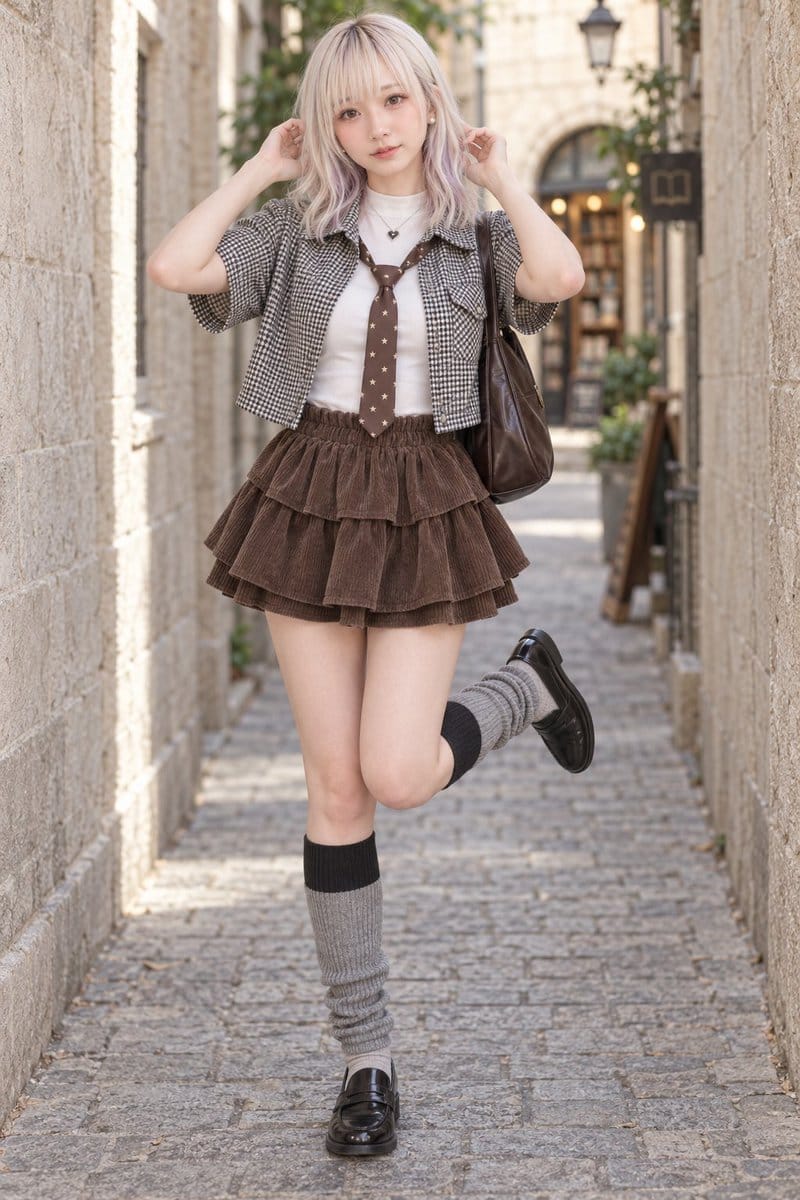
Step 2: Generate Your illit-under-arrest Video
Keep this page open while generating.
What Is the ILLIT Under Arrest Dance Challenge?
ILLIT's "Under Arrest" challenge is the K-pop dance trend of the season: one beat, four signature moves — the police-cap toss, the leg bounce, the whistle, and the finger-gun finish aimed straight at the camera. The routine went viral on TikTok and Reels as fans and idols alike posted their own "체포하겠어" ("you're under arrest") performances.
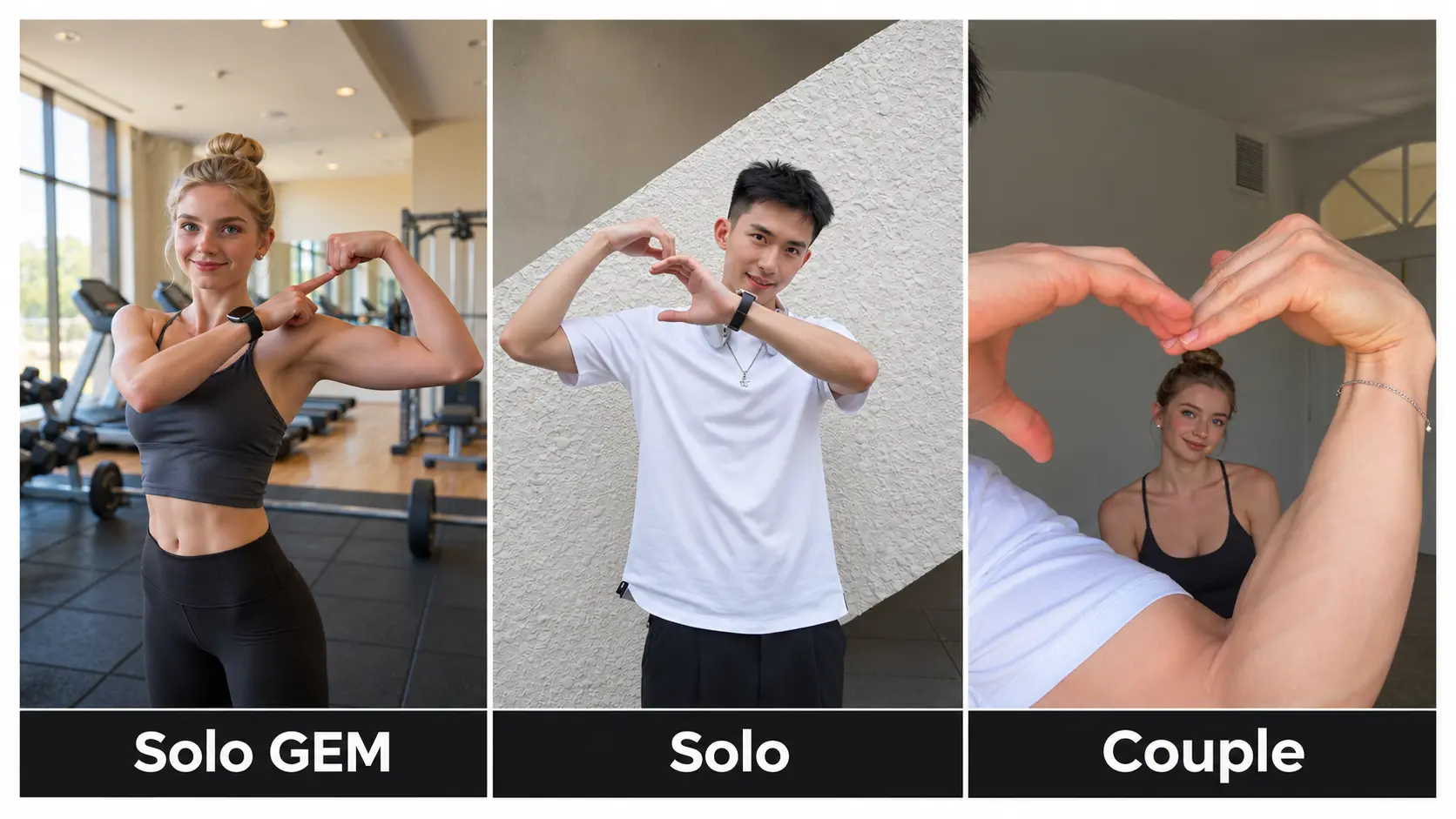
Like every K-pop challenge, the catch is the practice: nailing the timing of all four moves takes real rehearsal. That's where this template comes in — upload a photo, and AI performs the full routine for you. No mirror practice, no dance covers to study, no editing. And with three modes, you choose the stage: the official video's scene, your own background, or a two-person performance.
The group posted both solo and duo versions of the challenge on their official account — you can watch the official duo routine on TikTok and the official solo version here, then pick which one you want to star in.
Note: This is a fan-made template inspired by a viral trend. It is not affiliated with ILLIT or their agency.
How to Use — Three Modes, No Prompt Needed
Official Video · You in the Scene
Upload one photo and the AI recasts you into the official challenge clip's setting — you appear in the original look, performing the routine where the trend happened.
Your Photo · Motion Transfer
Prefer your own stage? This mode keeps your photo's original background and transfers the full choreography onto you — the dance happens in your room, your street, your world.
Duet · Two Photos, Two Dancers
Upload one photo of each dancer and both of you perform the routine together — you and a friend, a sibling, or you and your pet. The two-person version of the challenge, no coordination required.
Every mode works the same: photo(s) in, click generate, download your clip.
Why This ILLIT Under Arrest AI Generator Stands Out
- Solo or Duet — perform the challenge alone or cast a second dancer with two photos.
- Official scene or your own — the only generator that lets you choose: the official clip's setting, or motion transfer into your photo's background.
- No watermark, 720P, 9:16 vertical — download and post straight to TikTok or Reels. Nothing to crop, nothing to clean up.
- No prompt, ever — photos in, video out. No settings, no editing timeline.
- Fast turnaround — most videos finish in around 10 minutes, even at peak times.
- Risk-free credits — if a generation fails, the credits are automatically refunded. Credits work across every template on OimiTV.
Creative Ideas to Try
- The fan-cam debut — your photo, the official scene, the full routine. Post it like a fancam.
- Duet with your bias-friend — two fans, one challenge; split the four moves and post side by side.
- Pet under arrest — a cat or dog delivering the finger-gun finish is an instant comment machine.
- Group-chat casting — the friend who "doesn't dance" gets the Duet treatment.
- Your world version — Motion Transfer mode in your classroom, office, or gym: the challenge, wherever you are.
Best Practices for the Best Result
- Use clear, front-facing photos — full body if possible, so the whole routine animates cleanly.
- For Duet mode, one person per photo, both facing the camera.
- Similar lighting and angle between the two Duet photos makes the pair feel like one clip.
- Plain backgrounds help in Motion Transfer mode; higher-resolution photos keep faces sharp through fast moves.
Frequently Asked Questions (FAQ)
What is the ILLIT Under Arrest challenge?
A viral K-pop dance challenge set to ILLIT's "Under Arrest": the police-cap toss, leg bounce, whistle, and finger-gun finish. This template generates the full routine from your photo — no practice needed.
How do I make an ILLIT Under Arrest AI dance video?
Pick a mode — Official Video (you in the official scene), Your Photo (the choreography in your own background), or Duet (two photos, two dancers). Upload, click generate, download.
What's the difference between the three modes?
The scene and the cast: Official Video places you in the official clip's setting; Your Photo keeps your own background via motion transfer; Duet makes two people dance the routine together.
How long does generation take?
Usually around 10 minutes during peak hours, often faster off-peak. Keep the page open while your video renders.
What do I get exactly?
A 720P vertical (9:16) video with no watermark — ready to post to TikTok, Reels, or Shorts with zero editing.
Does the video include the music?
When you post, add the official "Under Arrest" sound in TikTok or Reels — using the platform's sound is what the algorithm rewards for challenges.
What if my generation fails?
Failed generations are refunded automatically — the credits return to your account, no tickets, no waiting.
Do my credits work on other templates?
Yes. Credits are universal across OimiTV — every TikTok/Reels trending template on the platform accepts the same credits.
Will my photos be stored or used for training?
No. Uploaded photos and generated videos are automatically deleted after 7 days and are not used for training.