Bad Times Dog AI Dance Video Generator | Make Your Pet Sing and Dance
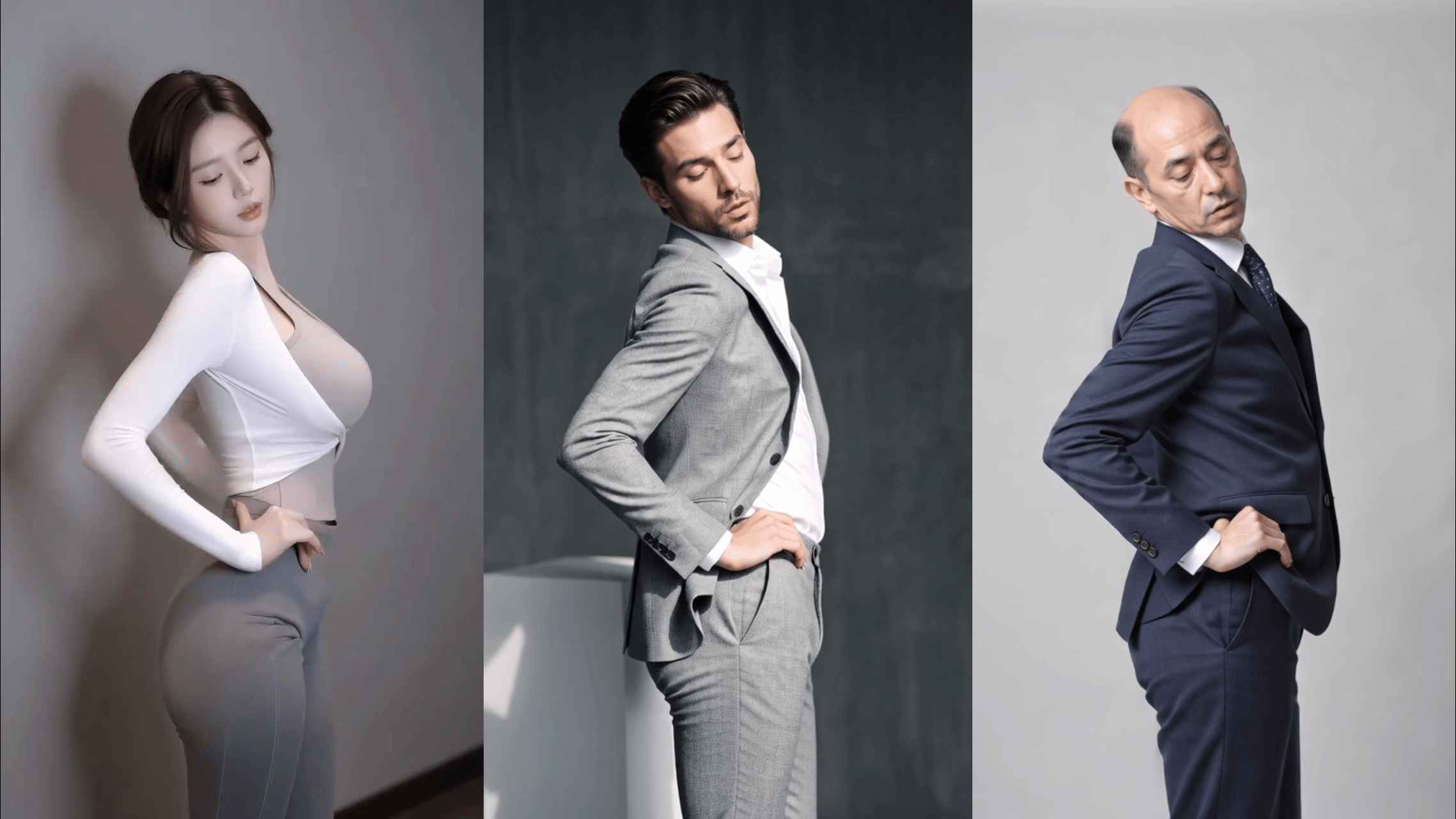
Turn one photo of your dog or cat into the viral "Bad Times" TikTok trend! Watch your pet stand up, gesture dramatically, and lip-sync to Imael Angel's hit song in seconds.
Create with this template
Adjust the media or text in each step, then click Generate to see the results. Want more control? Open the full workflow in AI Infinite Canvas.
Open in AI Infinite Canvas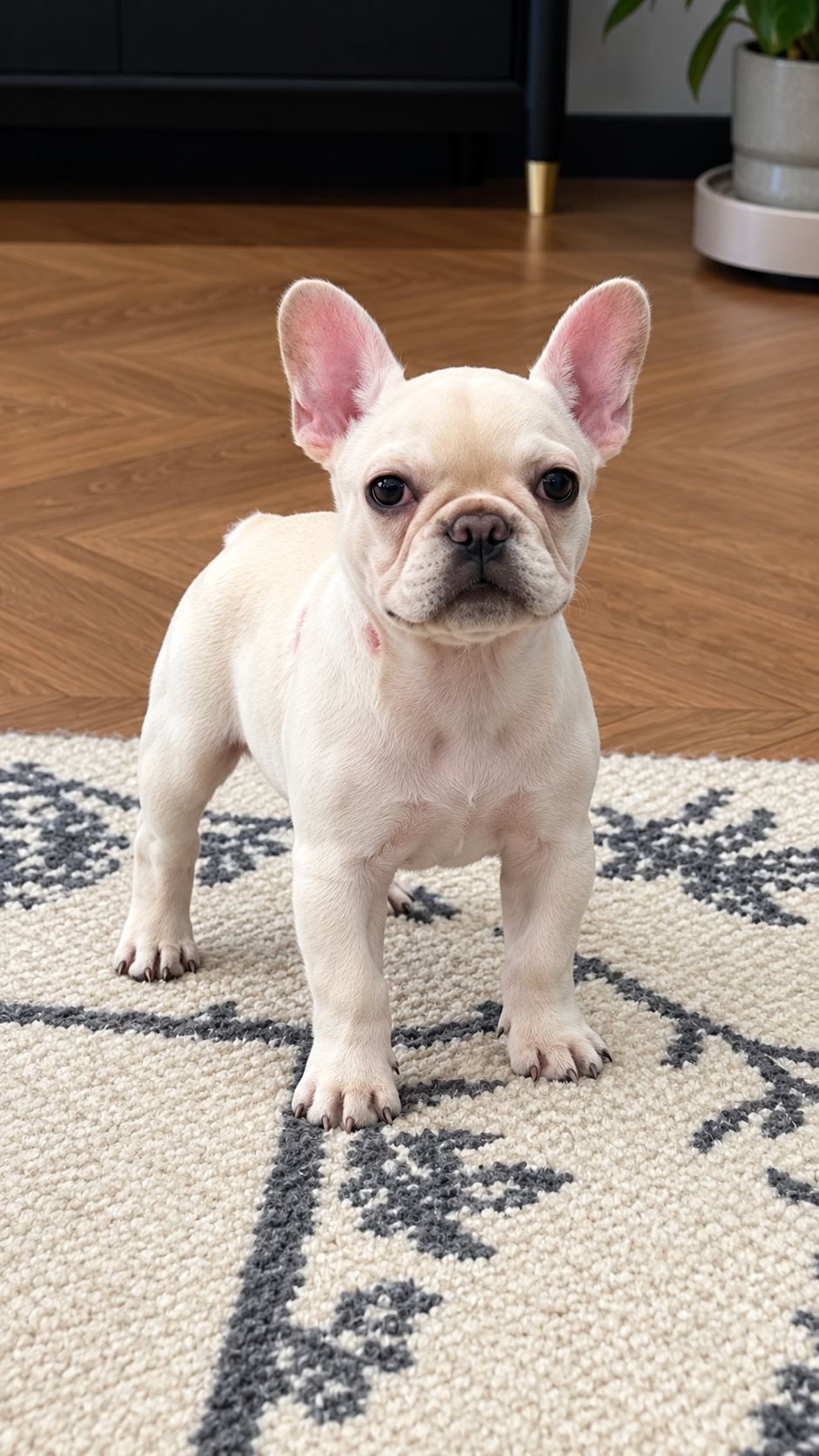
Step 2: Generate Bad Times Dance VideoVideo
Keep this page open while generating.
How to Use
Step 1: Upload a Clear Pet Photo
Choose one photo of your dog or cat. A full-body or three-quarter shot with the face, ears, and front paws visible works best. Avoid close-ups of just the eyes, motion blur, heavy filters, or other pets touching your subject. The photo supplies the subject; the viral choreography comes from the built-in template.
Step 2: Generate Video
Click Generate. this video usually takes few minutes. Keep the page open while it renders.
Step 3: Download and Post to TikTok or Reels
Download the vertical 9:16 MP4. The tool includes the "Bad Times" soundtrack, the video is ready to post. If the export is silent, add the official "Bad Times" sound from TikTok or Instagram's audio library when uploading. Keep the caption trend-relevant: include "Bad Times," "Imael Angel," and hashtags like #badtimes #imaelangel #fyp.
Want to customize further? Open the full workflow in the AI Canvas to change models, aspect ratios, or keep iterating in one space.
FAQ
Q1: Can I use any photo?
For the best results, use a clear, well-lit photo with a complete, unobstructed view of your pet—a full-body or three-quarter shot is ideal. A busy background can reduce motion-transfer accuracy. Only upload a photo you have the right to use.
Q2: How long can the generated video be?
Video length is typically determined by the template or reference clip. To keep generation efficient, shorter clips around 10–15 seconds work best. This template usually takes a few minutes.
Q3: Will my photo be used for anything else?
We take privacy seriously. Uploaded photos and videos are used only to generate your video and are not used for commercial purposes or public display. They are typically deleted from our servers within about a week.
Q4: Why does the pet sometimes look off or the motion look choppy?
This usually comes down to photo quality or the complexity of the routine. Photos with low light, blur, or a cluttered background make it harder for the AI to map the motion accurately. Also watch for the common pet-AI issue of human fingers appearing when the paw moves toward the camera—regenerate or switch models if you see this.
Q5: Can I post it to TikTok or Instagram?
Yes. This is a personal, non-commercial parody work. Make sure you own the rights to the original photo. If the export is silent, add the official "Bad Times" sound natively on the platform for better reach.
Q6: Can I make one for free?
Signing up grants free credits, and longer videos require more credits. You can generate a short video for free first, and if you're happy with it, purchase credits for more generations.
Q7: What happens if the generation fails or looks wrong?
If the video fails to generate, credits are refunded automatically. Finished videos you simply dislike are usually not refunded, so start with the shortest, cheapest option to test your photo before paying for a full-length HD render.
Q8: Can the credits be used for other content?
Yes. Platform credits are universal—not only for this template, but also for other AI image, video, and music models available on the platform.
Create with more freedom
Explore the full workflow, prompts, and models on the AI infinite canvas, and let Agent help bring more of your ideas to life.