Seedream Image Generator | Seedream 5 Lite, 5 Pro & 5.5 Online
Generate with every Seedream model — 5 Lite, 5 Pro & the new 5.5 — on one canvas: text-to-image, editing, native RGBA. No API key, free to try.
Create with this template
Adjust the media or text in each step, then click Generate to see the results. Want more control? Open the full workflow in AI Infinite Canvas.
Open in AI Infinite Canvas(Optional)
Step 2: Generate Image(Edit Image if upload a image)
Keep this page open while generating.
What Is the Seedream Image Generator?
Seedream is ByteDance Seed's image model family — and this page puts every version of it behind one prompt box: Seedream 5 Lite for fast 2K drafts, Seedream 5 Pro for premium campaign work, and the brand-new Seedream 5.5with 100-round continuous editing and native RGBA transparency. No ByteDance account, no API key, no code — type a prompt, get the image.
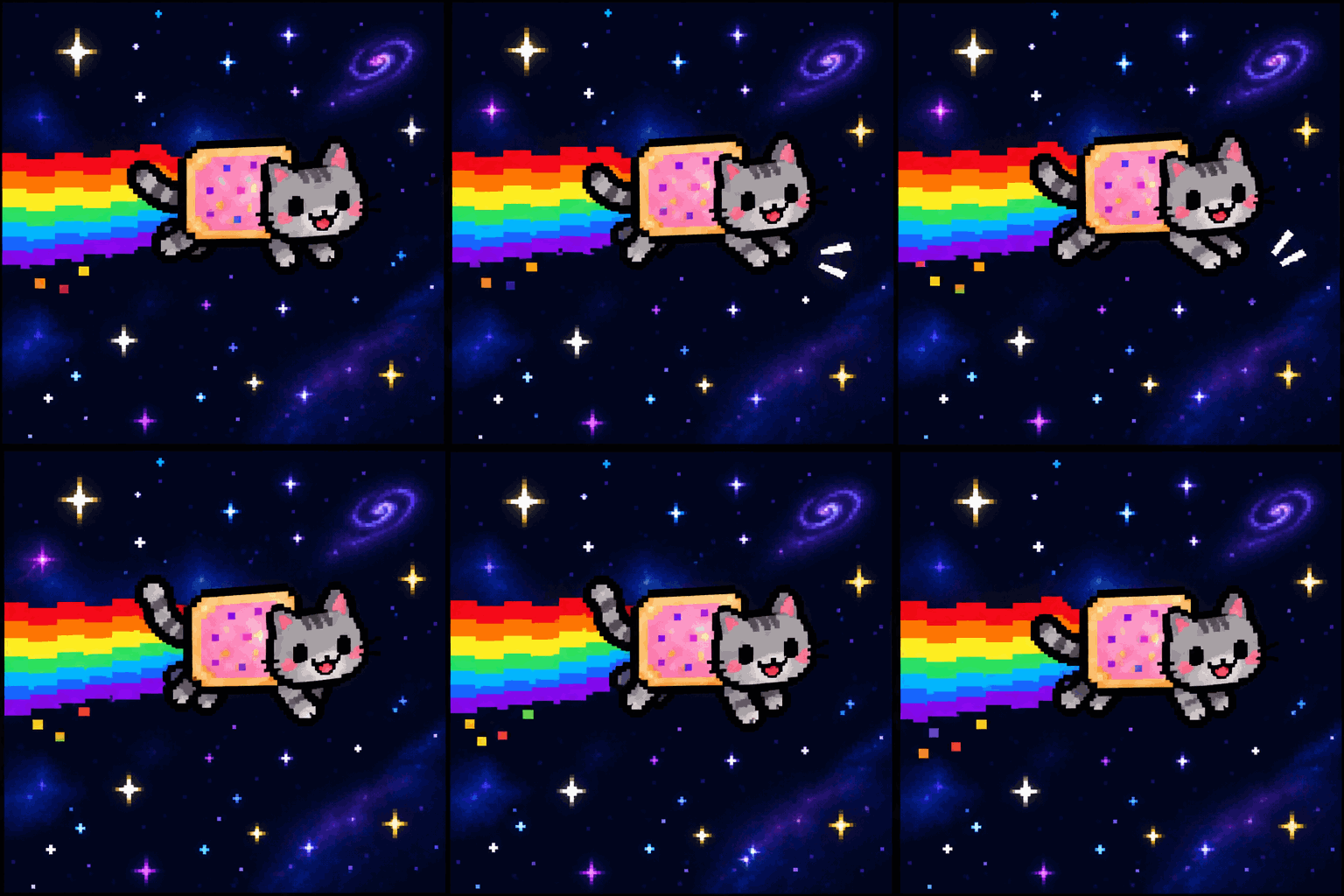
Two ways to work: generate right on this page for one-off images, or open the AI Infinite Canvas when a job needs multi-step workflows, layering, and agent assistance. And when Seedream isn't the right tool for the shot, the canvas switches you into 30+ other top models — GPT-Image-2.6, Nano Banana Pro, Midjourney — without leaving.
New Seedream versions land on this page as they release. Bookmark it; it's the fastest way to try each generation of the model family.
Seedream Models at a Glance
Seedream 5 LiteSeedream 5 ProSeedream 5.5 🆕Best forDrafts, iteration, volumeFinals, brand work, typographyEdit chains, transparent assets, realismOutput2K2KUp to 4KEditingStandardStandard100 rounds, pixel-level preservationTransparencyPrompt-levelPrompt-levelNative RGBA, layered exportSpeedFastestStandardStandardText renderingGoodStrong0.4% severe-failure rate
All three run on this page. New to the family? Start with Lite to explore, finish on Pro — the full 5.5 breakdownexplains when the newest model earns its slot.
Which Seedream Model Should You Use?
- 5 Lite — you're exploring compositions or generating volume. Cheapest, fastest, good enough for drafts.
- 5 Pro — the image is the deliverable. Campaign visuals, poster layouts, multilingual typography — Pro is the family's precision instrument.
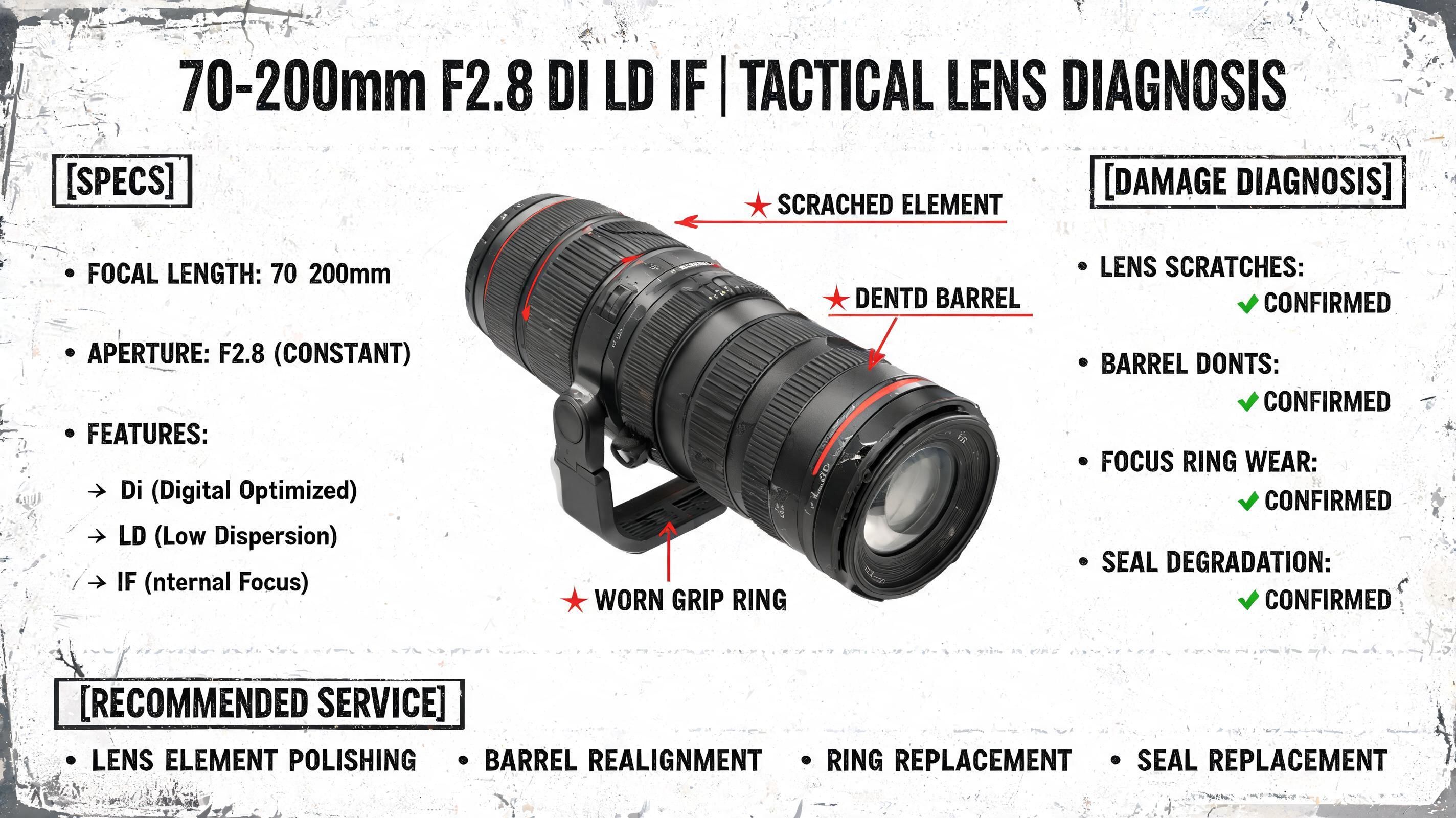
- 5.5 — the job is an edit chain or needs transparent files: product shots that survive 20 revision rounds, stickers and cutouts straight to RGBA, photoreal work where lighting and skin texture carry the image.
Rule of thumb: draft on Lite, ship on Pro, iterate on 5.5.
What You Can Do — Two Workflows
Text to Image — Campaign-Grade in One Prompt
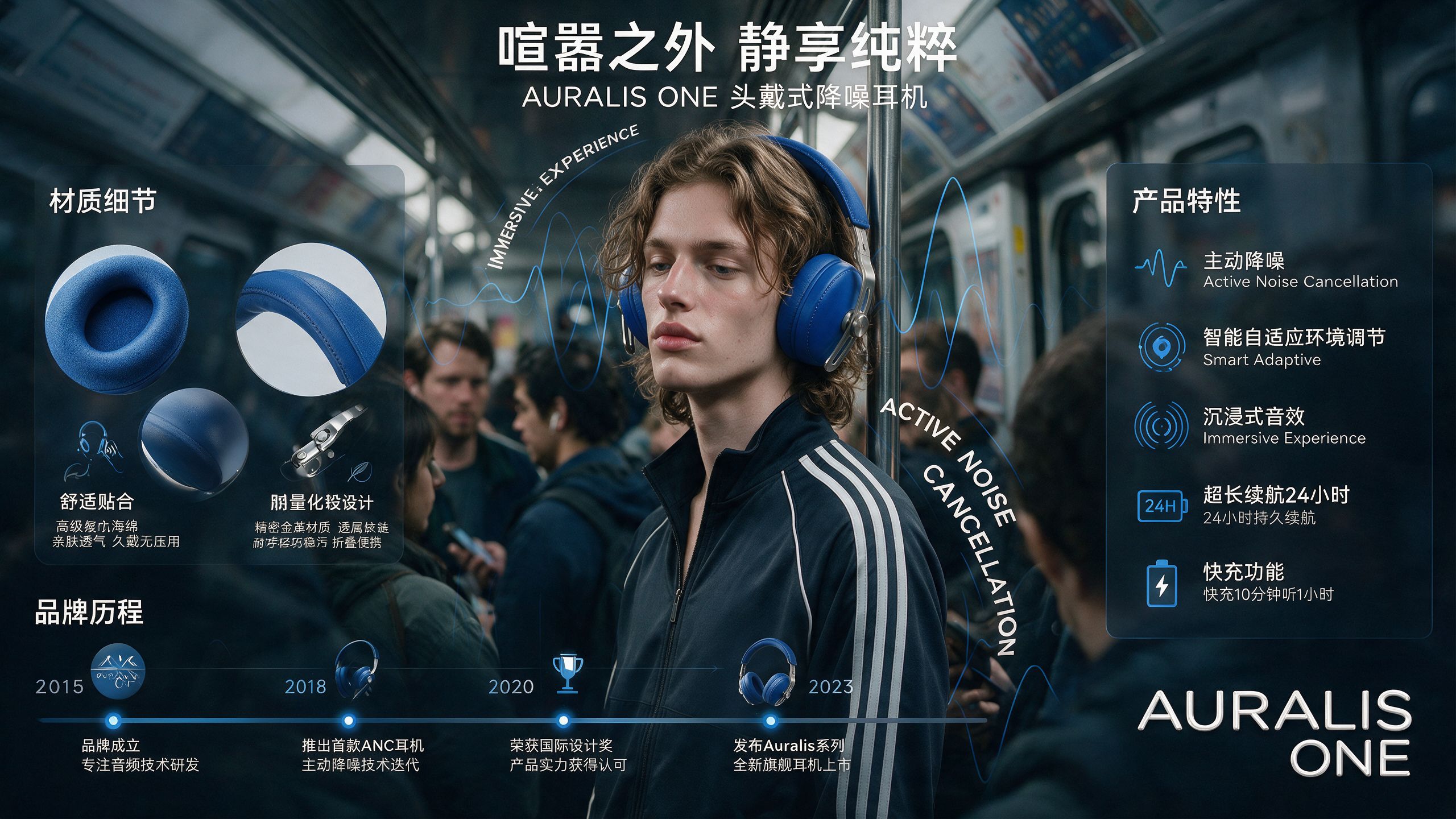
The featured example (prefilled in Template 1) is a luxury fashion campaign:
"Luxury fashion campaign. Main subject: young male model wearing a mustard oversized sweatshirt, one foot resting on a low cube. Editorial studio lighting, bold 'GO HIGHER' typography, premium magazine photography."
Structure is what makes it work — subject, pose, lighting, typography, style, each in its own slot. Keep the skeleton, swap the nouns: your product, your word, your palette.
Image to Image — Edit Chains That Don't Decay
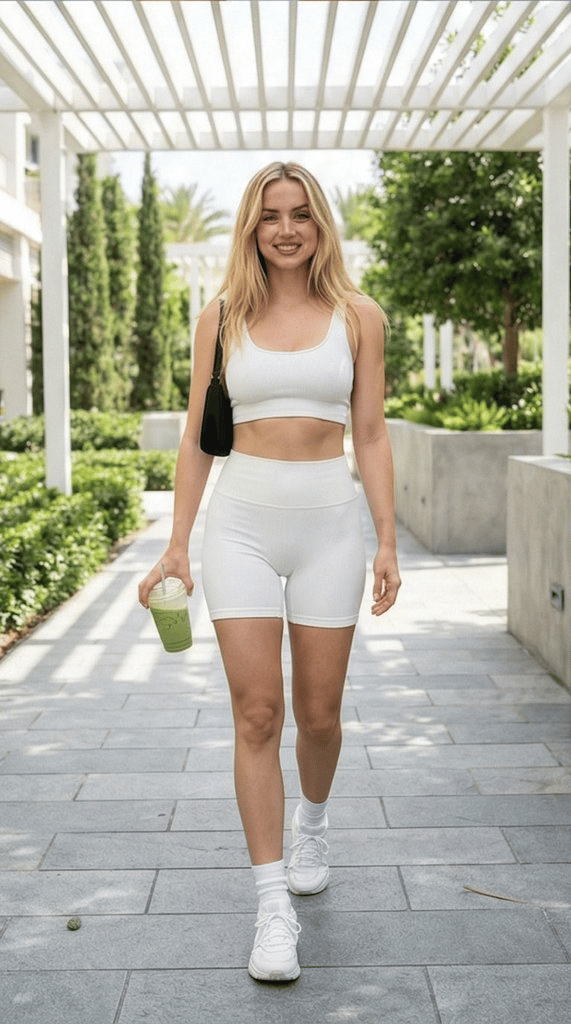
Upload an image on 5.5 and edit in rounds: swap the backdrop, then the outfit, then the lighting — unedited regions hold at the pixel level, so round twenty looks as clean as round one. This is the workflow that used to break image models; it's now Seedream 5.5's signature.
How to Use the Seedream Image Generator
- Pick a template — text-to-image on 5 Lite, or T2I/I2I on 5 Pro.
- Write your prompt — any language; structured prompts (subject → setting → camera → light → style → ratio) get the best mileage.
- Generate — results render on the page in seconds; keep the tab open.
- Level up when ready — open the result in the AI Infinite Canvas for multi-step workflows, or switch the same prompt to GPT-Image-2.6, Nano Banana Pro, or Midjourney and compare outputs side by side.
Why Generate Seedream Images on Oimi
- Generate right here — one prompt box, no ByteDance account, no API endpoint, no token math. The model family behind a text field.
- Professionals go deeper — the AI Infinite Canvas adds multi-node workflows, batch runs, agent assistance, and full parameter control when a one-shot box isn't enough.
- Every top model in the same place — Seedream beside GPT-Image-2.6, Nano Banana Pro, Midjourney, and 30+ more; A/B the same prompt across families and keep the winner. One credit balance covers all of them.
- Free credits to start — test each Seedream version before paying; failed tasks auto-refund.
- Privacy-first — uploads are used only for your generation and auto-delete after about a week.
Seedream Prompt Tips
Do:
- Structure beats length: subject → pose → setting → camera → lighting → typography → style → ratio, each in its own clause
- Put exact text in quotes for typography (
bold 'GO HIGHER' typography) — you get the spelling you specify - On 5.5, ask for transparency explicitly:
isolated on a fully transparent background, RGBA, clean edges— native alpha means it arrives usable - For edit chains, change one thing per round on 5.5 — that's how the pixel-level preservation shines
Avoid:
- Wall-of-adjectives prompts — the structured example above outperforms a paragraph of vibes on every Seedream version
- Mixing "no text" with typography requests — pick one
- Editing the same image across different model versions mid-chain — consistency locks belong to one model per chain
FAQ
What is Seedream?
ByteDance Seed's image generation and editing model family. This page runs Seedream 5 Lite, 5 Pro, and the new 5.5 — text-to-image, image-to-image editing, and native RGBA — behind a single prompt box.
What's new in Seedream 5.5?
Three things: 100 rounds of continuous editing with pixel-level preservation of unedited regions, native RGBA transparent/semi-transparent output with layered export, and a photorealistic rendering upgrade. Full breakdown in our Seedream 5.5 deep dive.
Seedream 5 Lite vs. Pro — which should I use?
Lite for drafts and volume (fastest, 2K); Pro for deliverables (campaigns, posters, typography). Same canvas, one click to switch — draft on Lite, re-run the winner on Pro.
Is the Seedream image generator free?
New Oimi accounts get free credits, so your first generations cost nothing. Failed tasks refund automatically; one balance works across every model on the platform.
Do I need the BytePlus API to use Seedream?
No. Oimi hosts the models — you write prompts here, no API key, no developer setup. If you do want API-style control, the Infinite Canvas exposes the full workflow parameters.
Seedream vs. GPT-Image-2.6 vs. Nano Banana Pro — which should I use?
Seedream 5.5 for long edit chains and transparent layered assets; GPT-Image-2.6 for GIFs and emotes; Nano Banana Pro for 4K print and elite typography. All three run on Oimi — same prompt, side-by-side comparison, one credit balance.
Can Seedream generate transparent backgrounds?
Seedream 5.5 can — natively, with an alpha channel and clean edges, including semi-transparent materials. Earlier versions approximate transparency from prompt text and need an edge-cleanup pass.
Can I use generated images commercially?
In general, yes — for personal and commercial purposes, provided you hold the rights to any input materials and follow the platform's content policy.
Will new Seedream versions appear here?
Yes — this page is the family home. Each new Seedream release lands here as a selectable model, usually within days of ByteDance's announcement.
Create with more freedom
Explore the full workflow, prompts, and models on the AI infinite canvas, and let Agent help bring more of your ideas to life.