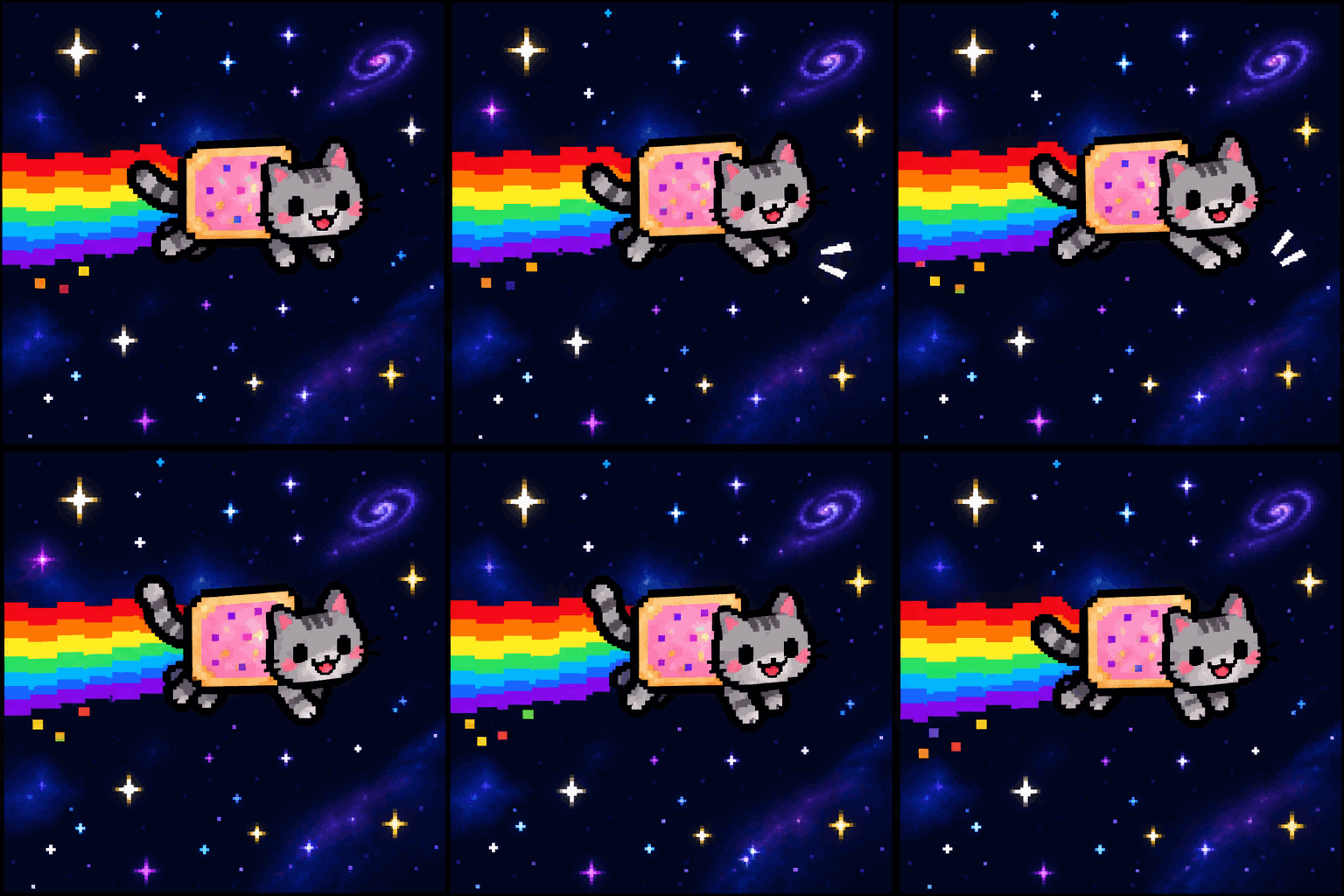
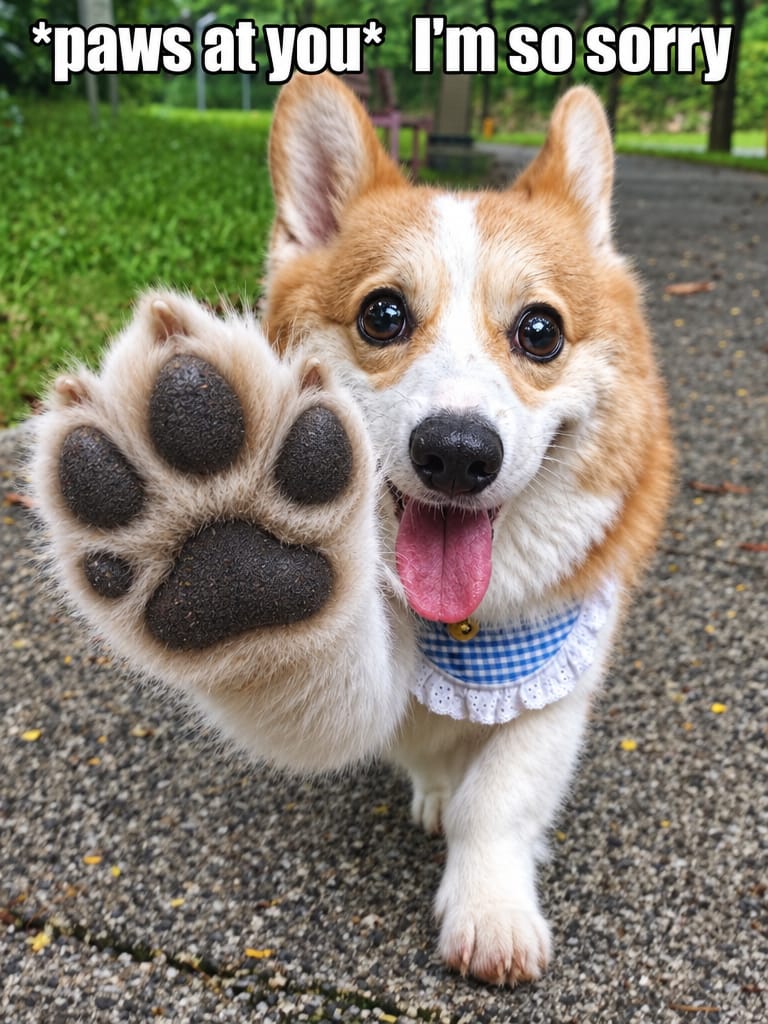
AI Emote Maker | Animated Emotes from Your Character
Make animated emotes from your character with AI. Upload your VTuber model, OC or avatar, type a reaction — get Discord & Twitch-ready GIF emotes in minutes. Free credits, no design skills needed.
Create with this template
Adjust the media or text in each step, then click Generate to see the results.
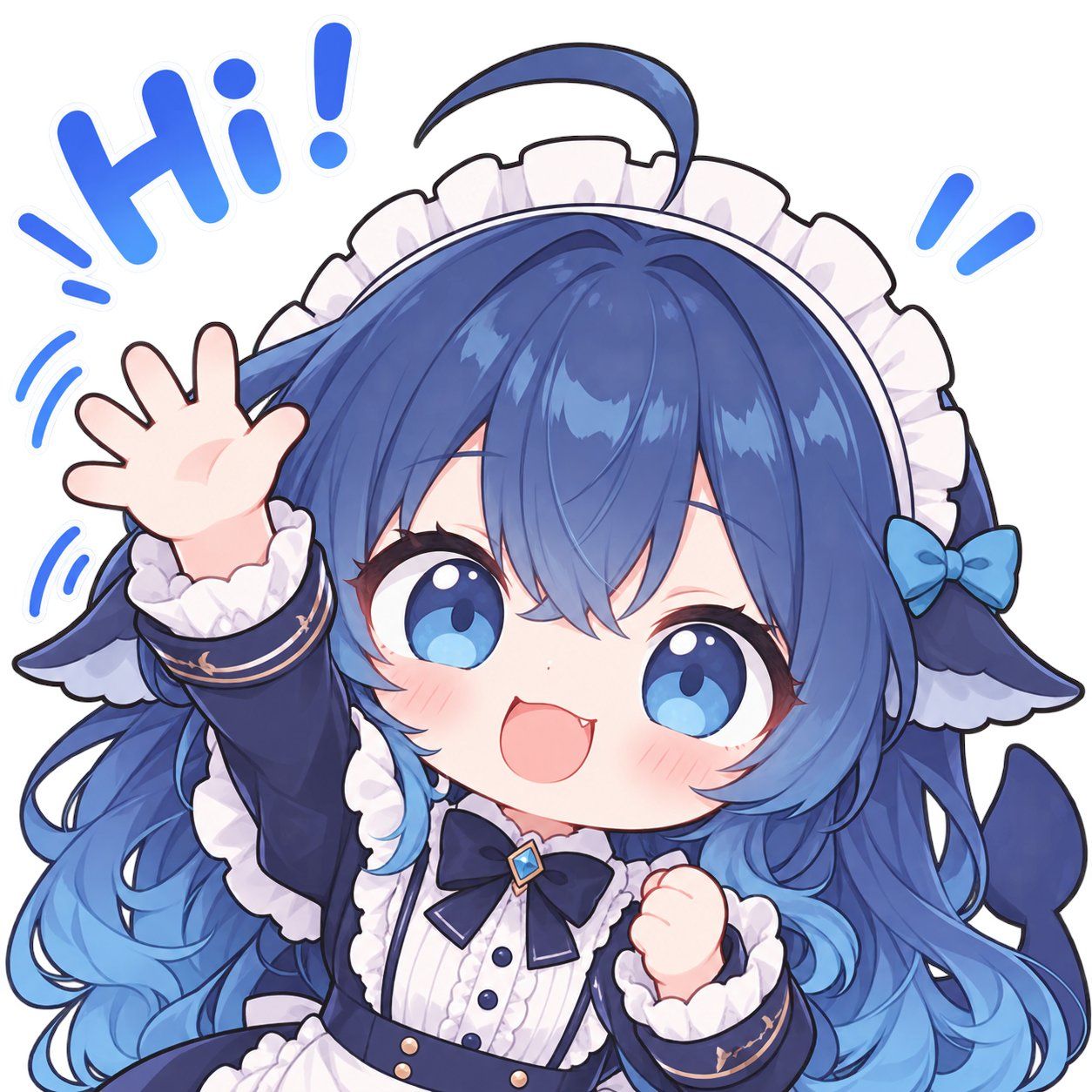
Step 3: Generate Emote GIF
Keep this page open while generating.
What Is an AI Emote Maker?
An AI emote maker turns your character into a set of animated chat emotes — the reaction GIFs your community uses every day on Twitch, Discord, Telegram, and streams. Upload one image of your character (a VTuber avatar, an OC, a chibi, a pet, your mascot), type the reaction you want — Busted!!, Hi!, sadge — and GPT-Image-2.6 generates a looping animated emote that keeps your character's exact identity: hair color, hairstyle, outfit, accessories, art style, all of it.
This is the workflow that used to require an emote artist: commission, wait, revise, wait again. Here it's one upload, one line of text, minutes.
The template runs on GPT-Image-2.6 — the same model behind ChatGPT's new GIF generation — with a preset prompt that locks character consistency across every frame, so the emote you generate is unmistakably your character. New here? The GPT-Image-2.6 deep divecovers the model; this page is about the emotes.
Emote Commissions vs. AI Emote Maker
Animated emotes are custom art, and custom art has a price tag. Here's the honest comparison:
Artist commissionAI Emote MakerCost$15–$50 per emote; $100–$500 for an animated packFree credits to start, credits per generationTurnaround1–4 weeksMinutesRevisionsUsually capped, charged afterUnlimited — just retype the themeConsistencyArtist-dependentCharacter-locked by preset promptCapacity3–10 emotes typicalOne per generation, as many as you need
Commissions still win for a full brand identity. For the day-to-day reactions your chat actually spams — the twenty-third "sadge" variant — AI wins on speed and cost, every time.
Who Makes Emotes with This Template
VTubers & PNGTubers. Your model is your brand, and emotes are how your chat reacts as you. Generate a reaction set from your avatar art — hype, busted, lurk, sleep — and your community gets a shared visual language on day one.
Discord server owners. Custom emotes are the cheapest membership perk that actually gets used. Upload your server's mascot and mint a fresh emote for every inside joke the same night it's born.
Twitch affiliates & partners. Subscriber emotes drive retention; animated ones stand out in the emote wall. Prototype the set here, then upload the GIFs that hit.
OC artists. Your character deserves to emote. Make stickers and reaction sets of your OC for your community without redrawing every pose — or use the outputs as reference boards for commissions you do hand off.
The Workflow — One Character, Any Reaction
Step 1 — Upload your character. One clear image: VTuber avatar, chibi, OC sheet, pet photo. Full-body or bust works; the cleaner the art, the tighter the consistency.
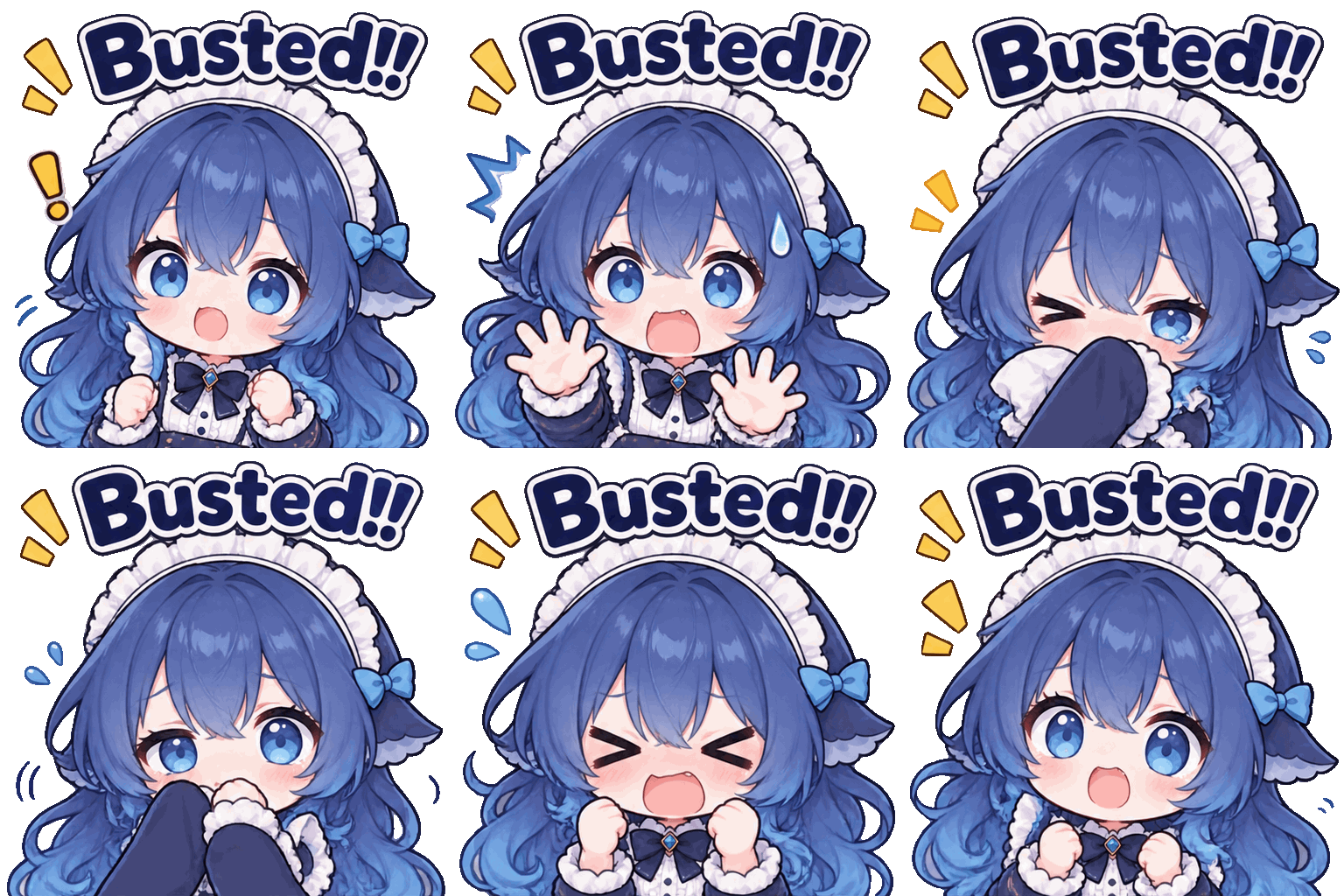
Step 2 — Type the emote theme. One line is enough: the emotion and the punchline. The demo case: a chibi maid uploads with the theme "pretending to work hard, actually slacking, panic when caught" — and comes back as a flailing, wide-eyed "Busted!!" panic loop, same girl, same outfit, same art style.
Step 3 — Generate. GPT-Image-2.6 animates a short, readable loop with the caption baked in, and the character stays locked across every frame.
Emote themes that always land (the reaction vocabulary your chat already speaks):
ThemeCaptionMotionWave / HelloHi!waving both arms, sparklesHypePOGjumping, confetti burstBustedBusted!!freeze, sweat drops, panicLurklurking…sneaks in with a blanketSadgesadgemelts into a puddleCopeit's fineforced smile, eye twitchGGGGrespectful bowSnack timenom nomdevours a snack, crumbs flyAFKafksleeps on keyboard, Z's floatRagebruhkeyboard smash, steam from head
Swap any theme into Step 2 — same character, new emote, one generation each. Twelve themes later you have a launch-ready emote wall.
How to Use the AI Emote Maker
- Upload your character image — JPG, PNG, or WebP up to 10 MB.
- Type your emote theme — emotion + caption, one line, any language (captions render in the language you write).
- Generate — the loop renders in under a minute; keep the tab open.
- Download and deploy — drop the GIF into Discord, Telegram, or your Twitch emote uploader. Need a different reaction? Same image, new theme, regenerate. For full multi-model workflows, continue on the AI Infinite Canvas.
Why Make Emotes on Oimi
- Character-locked consistency — the preset prompt preserves hair, outfit, style, and proportions across every frame; emotes read as your character, not a lookalike.
- Minutes, not weeks — the commission queue is replaced by a text box.
- Captions included — text renders inside the GIF, in any language; no second tool to add captions afterward.
- Part of a bigger canvas — generate a transparent-PNG version of your character on the GPT-Image-2.6 generator, emote it here, and hand results to 30+ other models on one canvas.
- Free credits to start — test your first emote before paying anything; failed tasks auto-refund.
- Privacy-first — your character art is used only for your generation and auto-deletes after about a week.
Best Practices for Emote Themes
Do:
- Write one action + one caption per emote — panic + "Busted!!" reads at emote size; a three-beat story doesn't
- Keep motion that returns to the start pose (waves, bounces, trembles) so the loop has no seam
- Use clear, single-character art for the upload; group shots confuse identity lock
- Match caption style to platform: rounded chibi fonts read native on Discord; big white impact-style text reads meme-native on X/Reddit
Avoid:
- Tiny text — emotes display at 28–112 px, so captions of 1–3 words max
- Multi-character scenes — identity consistency is strongest with one subject
- Asking for new outfits mid-set in one generation; regenerate per emote instead, referencing the same source art
FAQ
What is an AI emote maker?
A tool that turns your character into animated chat emotes: upload one image, describe the reaction, and AI generates a looping GIF with your caption baked in — while keeping your character's identity consistent across frames.
Can I use these emotes on Discord and Twitch?
Yes. Discord supports animated emotes on boosted servers; Twitch accepts GIF/PNG emote uploads from affiliates and partners (final upload must pass Twitch's size rules — export at 112 px and downscale). Generate here, download the GIF, upload on the platform.
How do I make emotes of my VTuber model?
Upload your avatar's art (a bust or full-body render works), then generate one theme per emote: hype, lurk, sadge, busted. The character-locked prompt keeps your model recognizable in every frame — that's the part that used to require an artist.
Do I keep character consistency across emotes?
Yes — that's the preset prompt's core job: hair color, hairstyle, face, clothing, accessories, and art style are locked to your uploaded reference. Strongly styled or very detailed characters transfer best.
How much do animated emotes usually cost?
Artist commissions typically run $15–$50 per emote and $100–$500 for an animated pack, with 1–4 week turnarounds. Here, generation costs credits, and new accounts start with free ones.
What is an emote theme?
The one-line instruction that drives a generation: the emotion, the action, and the caption — e.g. "pretending to work hard, panic when caught" → "Busted!!". One theme, one emote.
Can I make emotes in my own language?
Yes — captions render in the language you type, so 中文, 日本語, Español captions all work. The chibi caption style suits CJK stickers especially well.
Can I make static emotes too?
Yes — the same workflow outputs still images when you don't need motion, and the transparent-PNG workflowgives you cut-out emotes on any background.
Is it free to try?
New accounts receive free credits, failed tasks auto-refund, and one balance works across every template and model on Oimi.
Who owns the emotes I make?
Generated content is yours to use per Oimi's terms and the underlying model terms — including in your streams and server. Ensure you have the rights to the character you upload (your OC, your model, or art you're licensed to use).