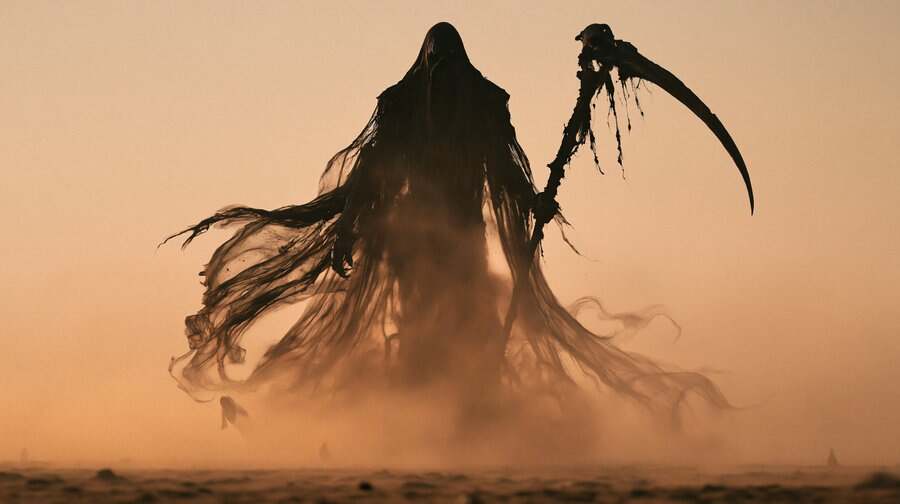
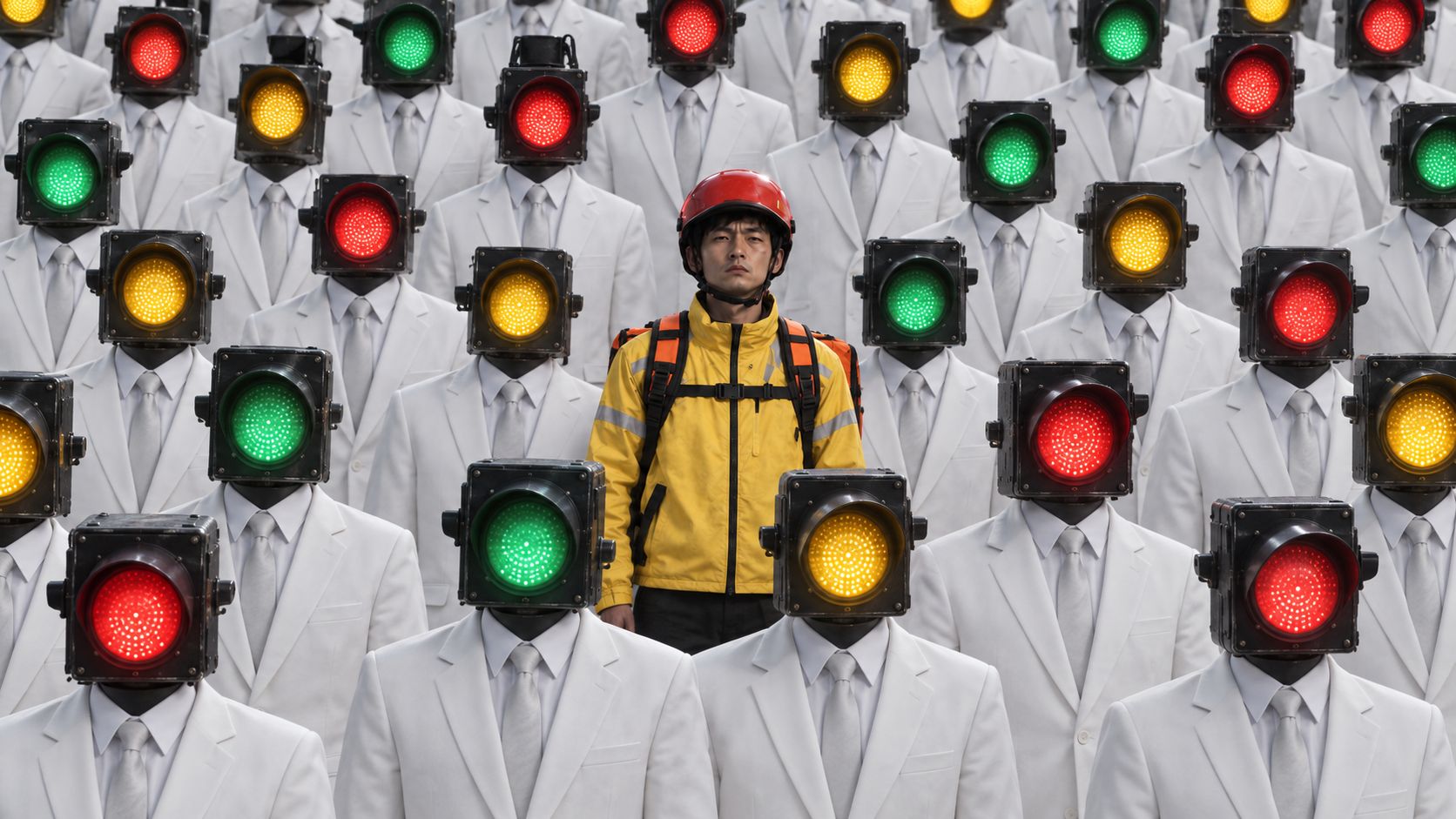
1 / 4
2 / 4
3 / 4
4 / 4
AI Canvas TemplateAI Video workflow template
Jean Phil Style AI Influencer Generator
Create Jean Phil–style AI influencer videos with your own character. Use this motion transfer workflow to turn a character image into a viral TikTok-ready video.
Jean PhilAI InfluencerAI Video
Try This Workflow13 nodes
how to use?
- Upload a viral social media video (e.g., a video by Jean Phil(https://www.tiktok.com/@jean_philanthrope)).
- Upload a new image of your own AI influencer.
- Alternatively, capture a single frame from video while retaining the original background; you can then swap the face, hairstyle, or outfit to generate a new AI influencer.
- Create a new video node, connect the viral video and the AI influencer image to it, switch to the AI motion transfer model, click to Generate, and wait for the result.
FAQ?
- What kind of viral videos is this workflow suitable for?
It is suitable for videos with a static background—where the background remains unchanged and only the subject moves—as shown in the examples. - Can it be used for commercial purposes?
Yes, commercial use is permitted. Please generate your characters using AI rather than using real people (especially celebrities or children), and ensure you have the rights to use the characters. - What is the maximum video duration?
It supports a maximum duration of 25 seconds, matching the length of the original viral video. If the video exceeds 25 seconds, you can trim it to 25 seconds using the clip on video node toolbar.