Grok Imagine Video Generator: Image to Video
Upload a photo and use Grok Imagine Video 1.5 to create a cinematic image-to-video adventure with realistic motion, dynamic camera shots, and synchronized audio.
Explore more AI workflows you can open and reuse in Canvas.

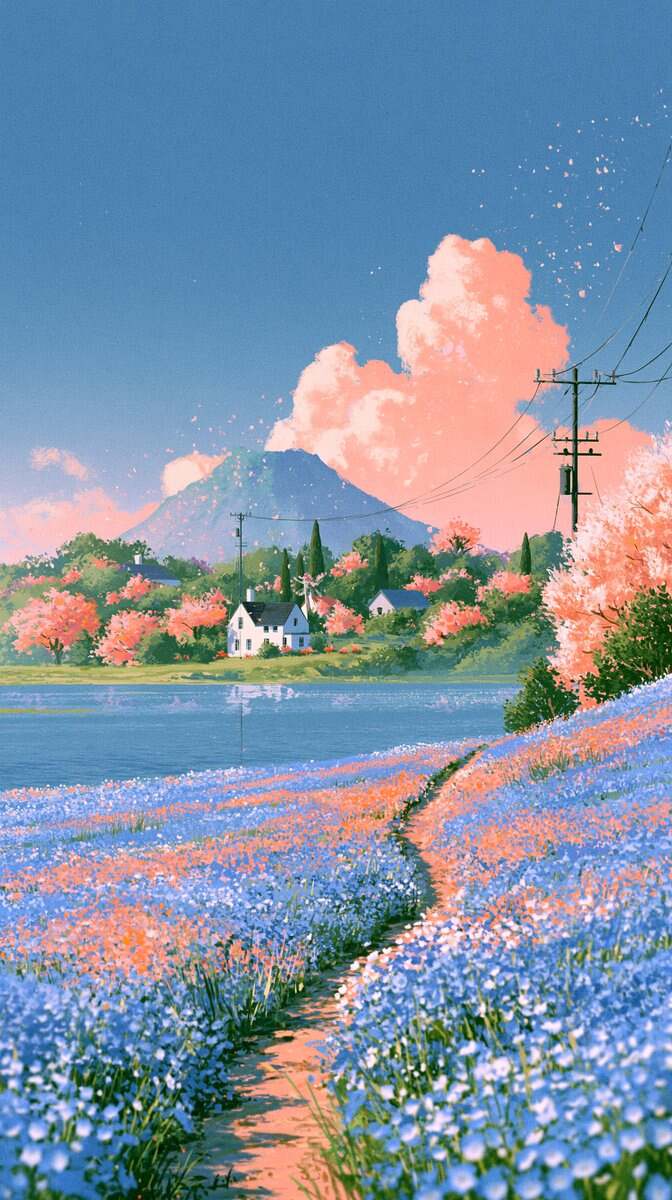
Use the latest MiniMax H3 video model to generate a Ghibli-style video from an anime-style image. First, upload an image or generate one in the Ghibli anime style using Midjourney, then convert that image into a video.
View template
Create AI videos from images, multi-panel storyboards, and visual references with Seedance 2.5 Image to Video, supports up to 30 reference images.
View template
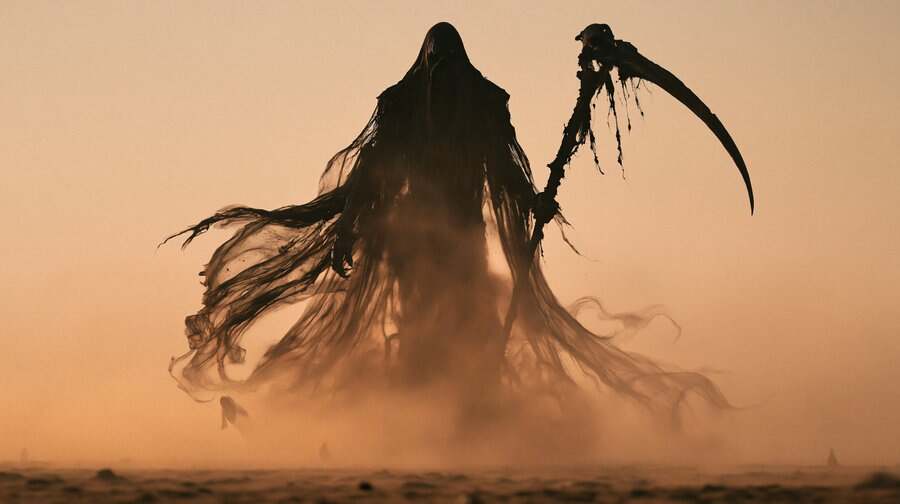
Create a cinematic desert combat AI video with Seedance 2.5 and Midjourney. Copy this prompt to generate dark-fantasy action, dust storms, and intense movie-quality fight scenes.
View template