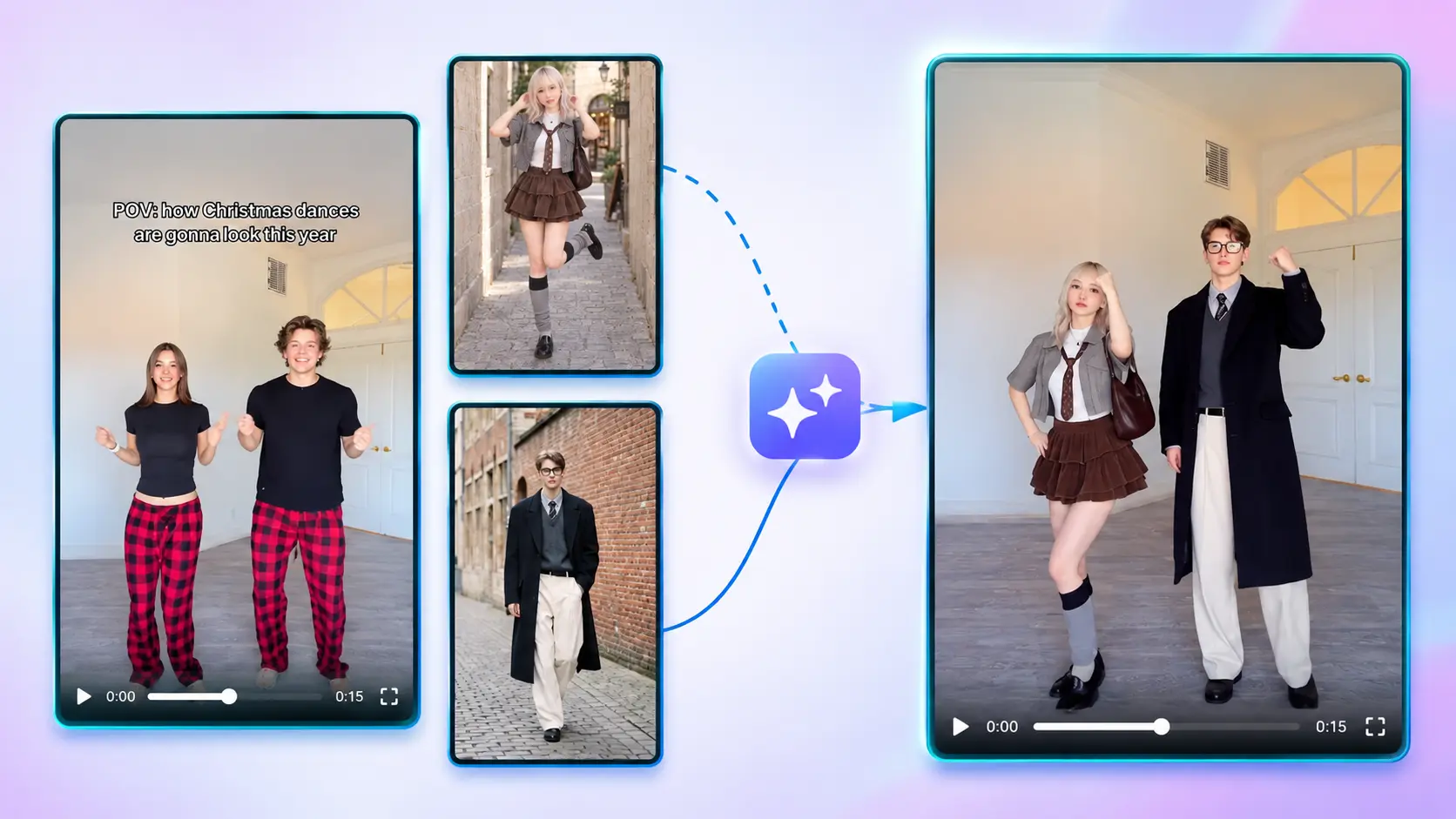
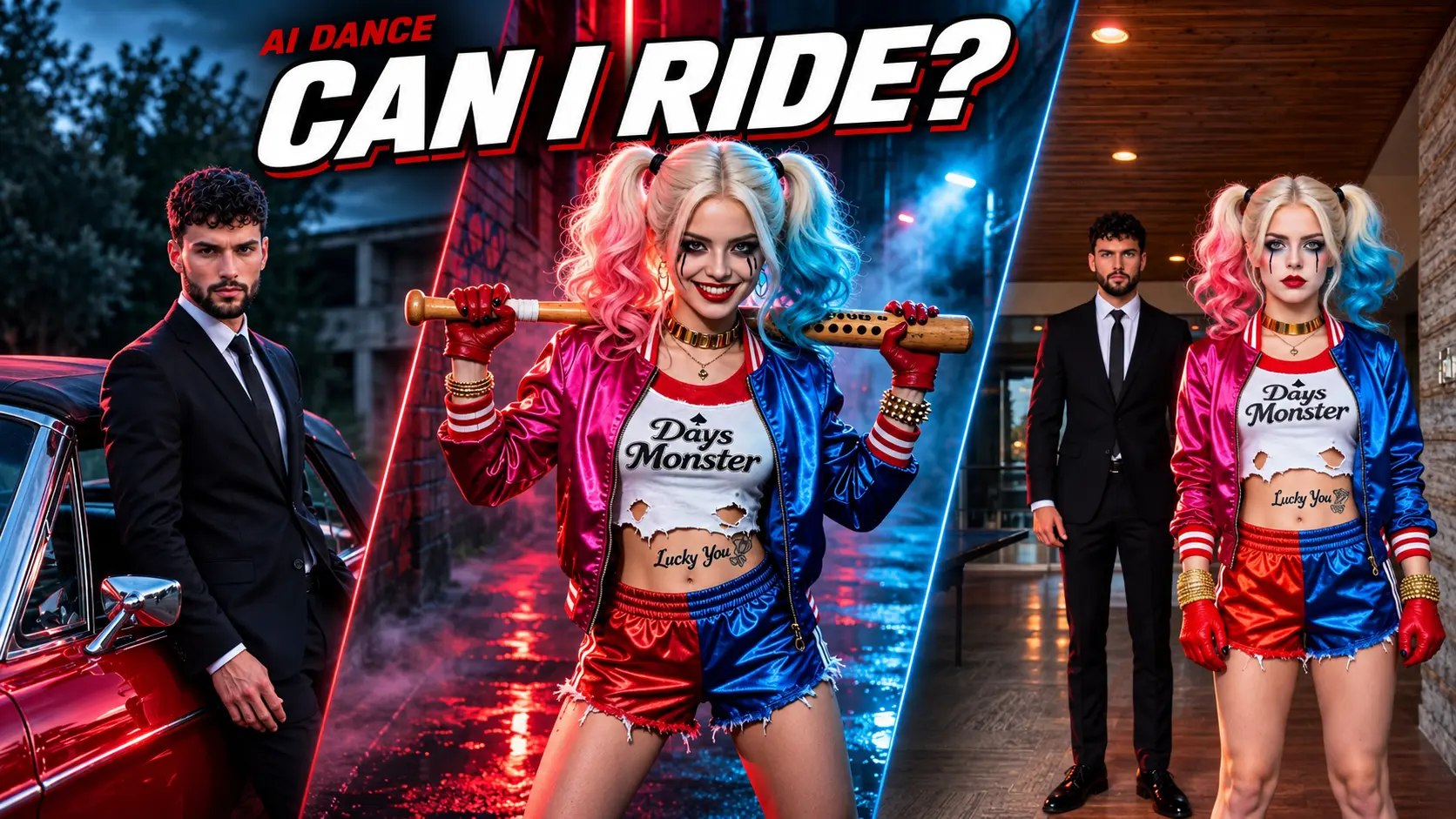
Storm II AI Dance Trend Video & Free Prompt
Make the viral Storm II AI dance trend video for TikTok with ready-to-use prompts and Seedance 2.5. Swap lead and crowd images to create your storm dance AI video.
Create with this template
Adjust the media or text in each step, then click Generate to see the results.
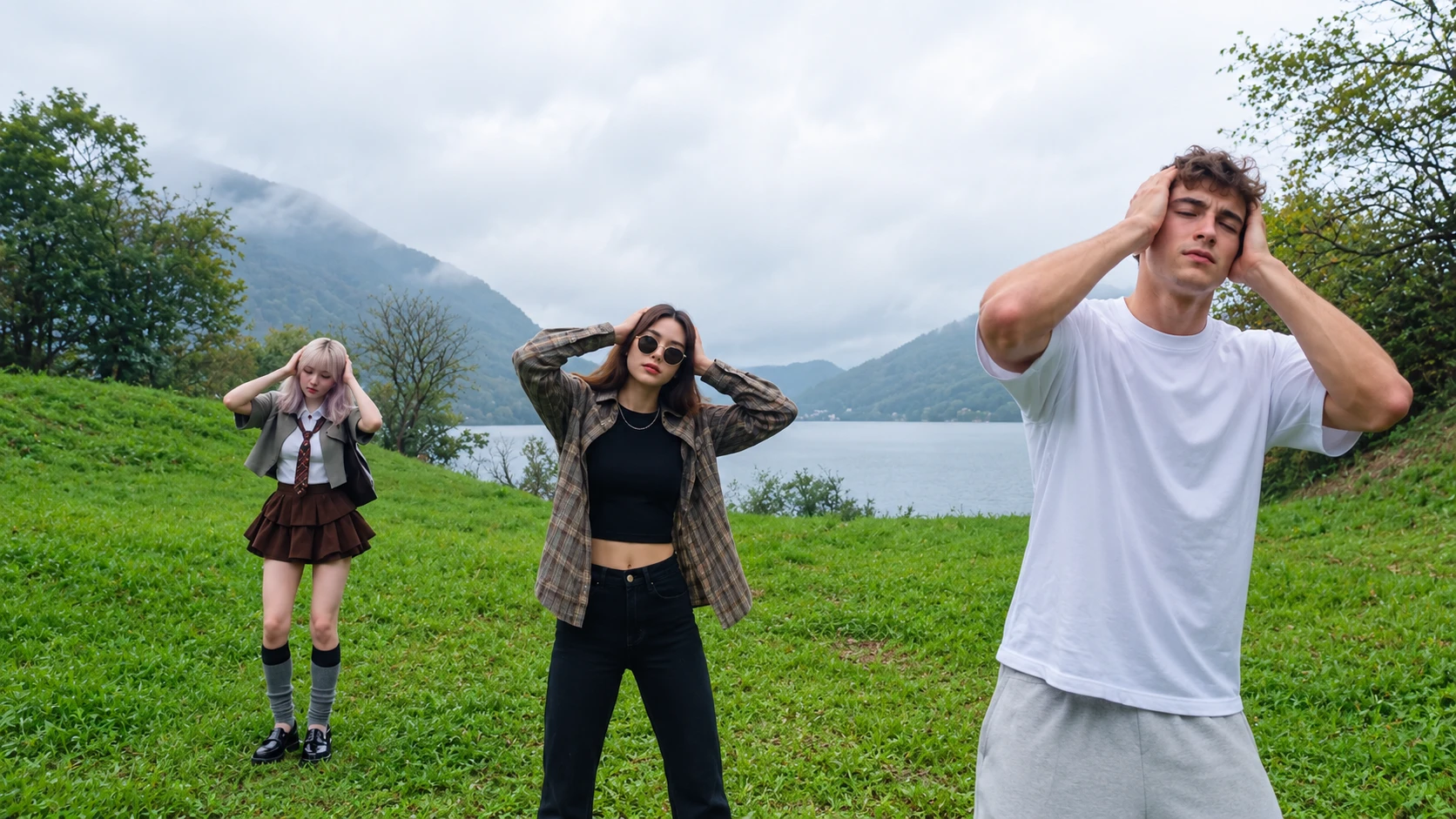
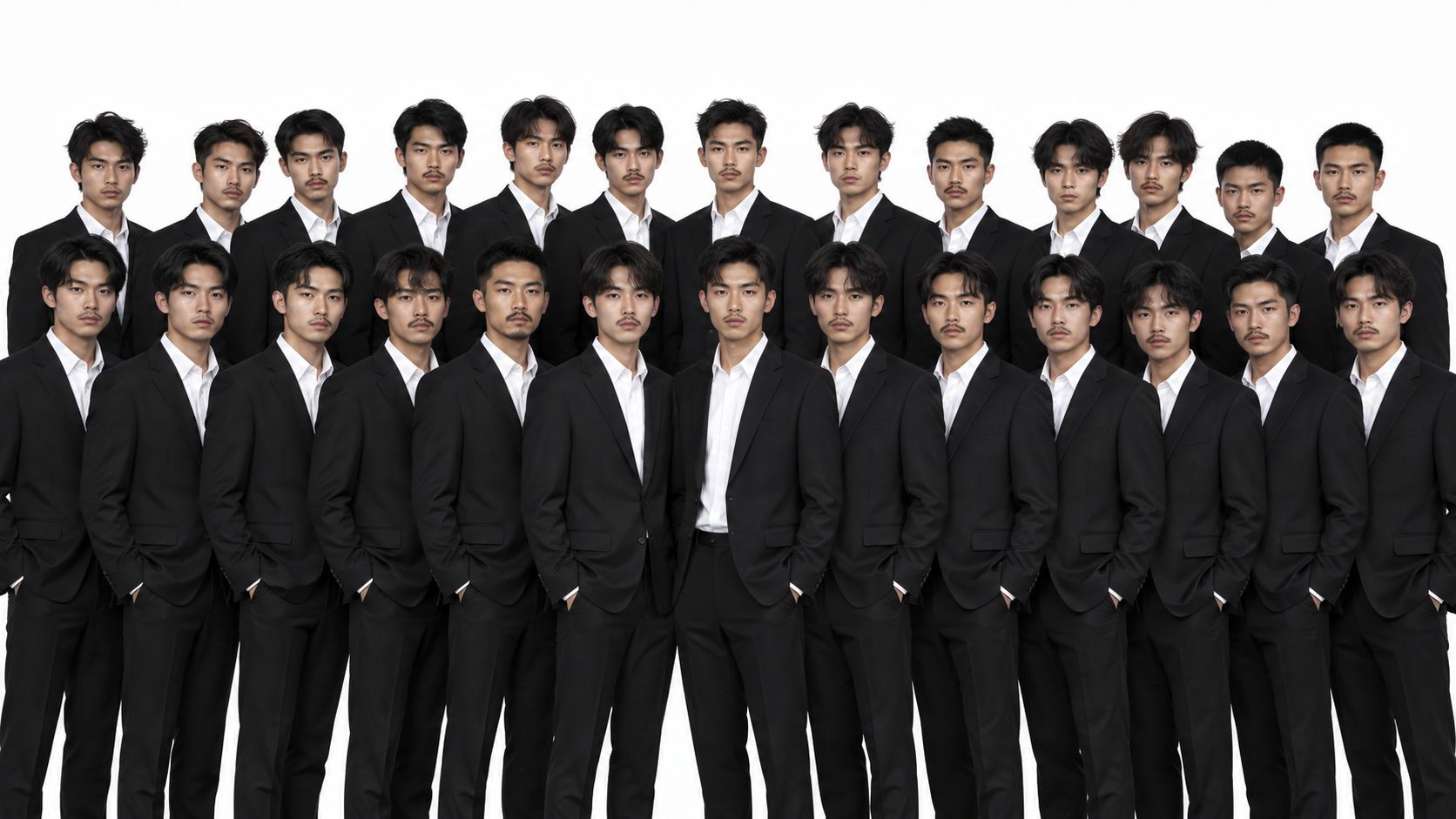
Step 1: Generate Crowed Image
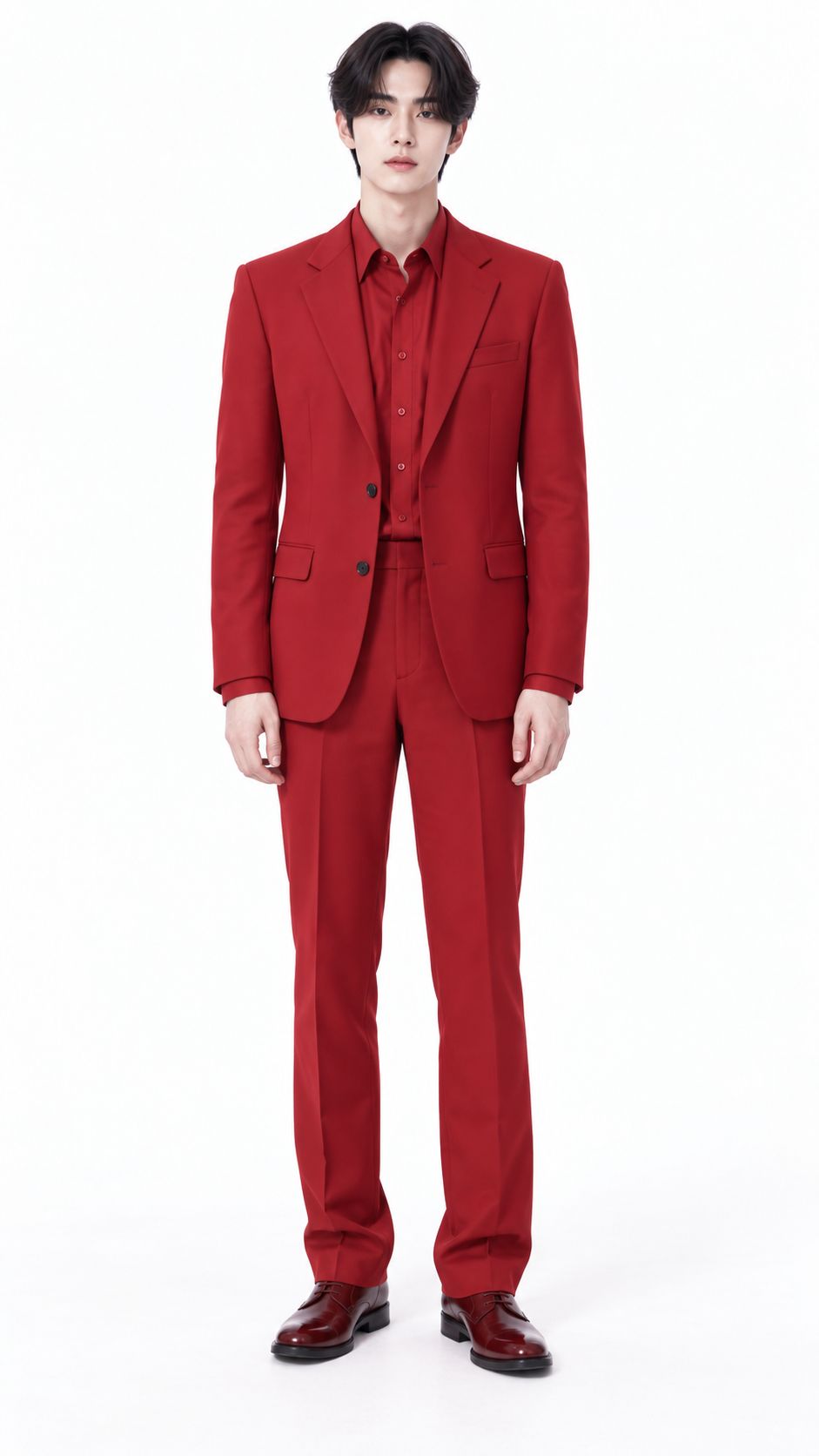
Step 3: Generate Your Video
Please do not close this page while generation is in progress. If you close it, you can check the progress and results in History in the top-right corner.
What Is the Storm II AI Dance Trend?
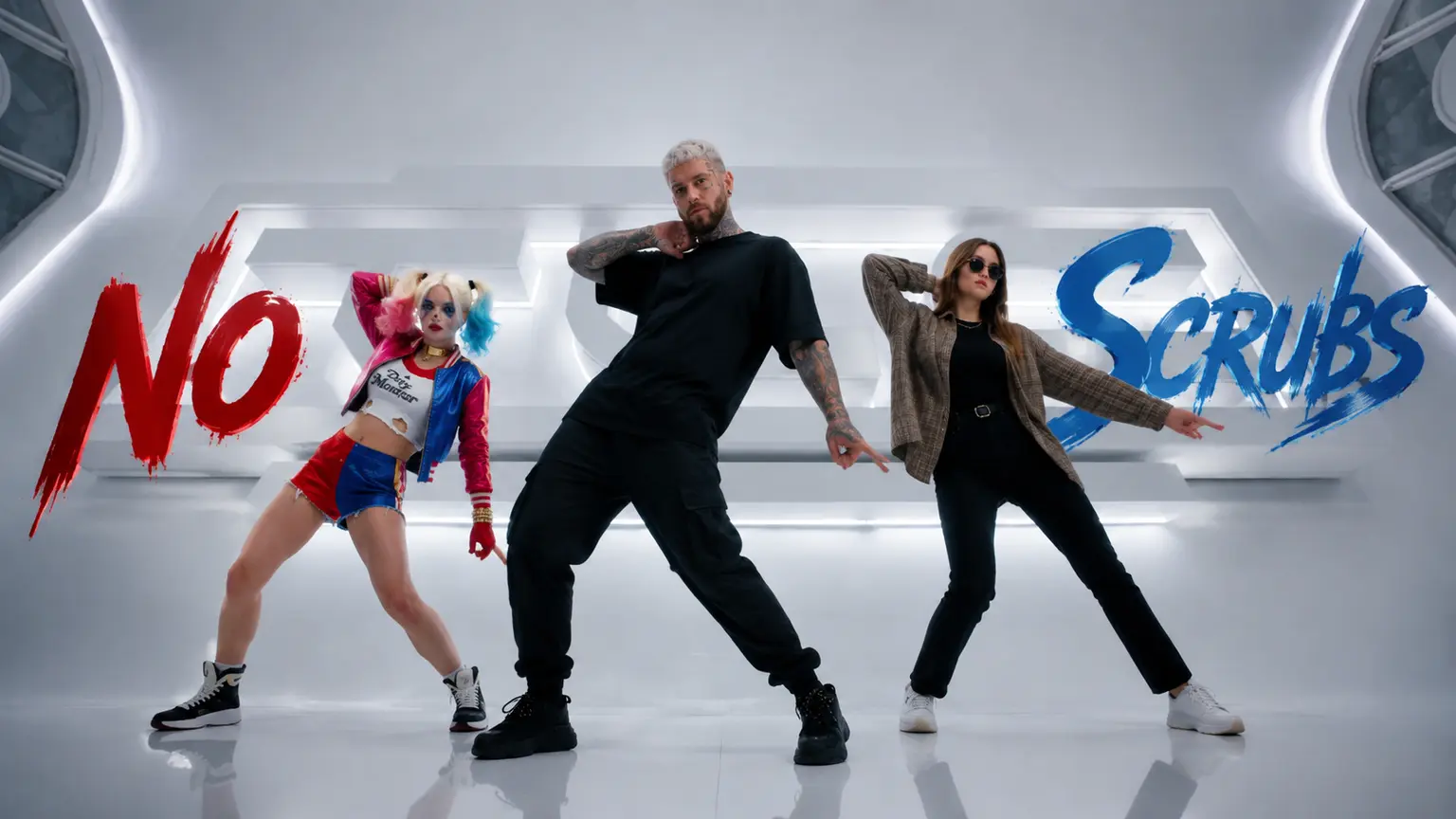
The storm ii ai dance trend is a viral TikTok dance trend inspired by the synchronized group choreography in the Storm visual project by Gener8ion and Yung Lean. In the classic format, a lead dancer stands out front or steps into the frame while a crowd dances in sync to the beat.
With AI video and motion-transfer tools, you do not need to film a full dance crew yourself. You can start from a storm ii ai prompt or storm dance trend prompt to set up the scene, swap in your own photo or character reference, and turn a still image into a storm ii ai dance trend video ready for TikTok.
Note: This is a fan-made template and workflow inspired by a viral trend.
How to Use — Prompts, Free Image Preview & Video Generation
Step 1: Copy or Customize the Prompt
Start with a ready-to-use storm ii ai prompt to set the lead look, crowd formation, lighting, and camera movement. Prompts are free to use and edit.
Step 2: Generate or Upload Your Image
Test your visual idea by generating a reference image with the free image trial or uploading a clear photo of yourself, a friend, a pet, or a character.
Step 3: Refine the Lead & Crowd Setup
Adjust your subject and group visual reference so the lead dancer and background crowd stay distinct and easy to follow.
Step 4: Generate Your Storm II AI Dance Video
Run the final motion and video generation step to render your storm dance video for TikTok.
Why This Storm II AI Dance Trend Workflow Stands Out
Prompts are free to use
— Experiment with storm dance trend prompt variations and framing ideas without paying just to test wording.
Free image generation trial
— Preview and test your visual setup or character look with free image generation before committing to a video render.
Built for TikTok and short-form video
— Designed to help you make a punchy storm dance ai video without filming a real dance crew.
Lead and crowd flexibility
— Swap in yourself, friends, characters, or stylized visuals to match the energy of the trend.
Best Practices for the Best Result
Use clear, front-facing photos
— A sharp, well-lit face helps preserve identity when movement and camera angles pick up.
Keep backgrounds readable
— Clean framing and clear separation between the lead and group reduce motion blur and tracking glitches.
Frequently Asked Questions (FAQ)
What is the Storm II AI dance trend?
It is a viral TikTok dance trend inspired by the synchronized group dance visuals of Storm II (Gener8ion and Yung Lean), recreated with AI motion and video tools from photos or prompts.
Is the Storm dance trend free to try?
Prompts are free to use, and you can try image generation for free to test your visual setup. Generating the final video requires paid video generation credits.
Do I need a prompt to make a Storm II AI dance video?
Using storm dance trend prompt is optional as a starting point, and prompts themselves are free to use—they help guide the scene, styling, and camera energy before you generate the video.
Can I use pets or characters in the video?
Yes, you can use pets, anime or game characters, or stylized subjects, though you will need to dynamically adjust the prompt so descriptions like subject appearance, outfit, body proportions, and scene details match what you upload.
How should I test before paying for video generation?
Use the free prompts and free image trial to lock in your subject, look, and composition first, then run video generation once the still setup looks right.