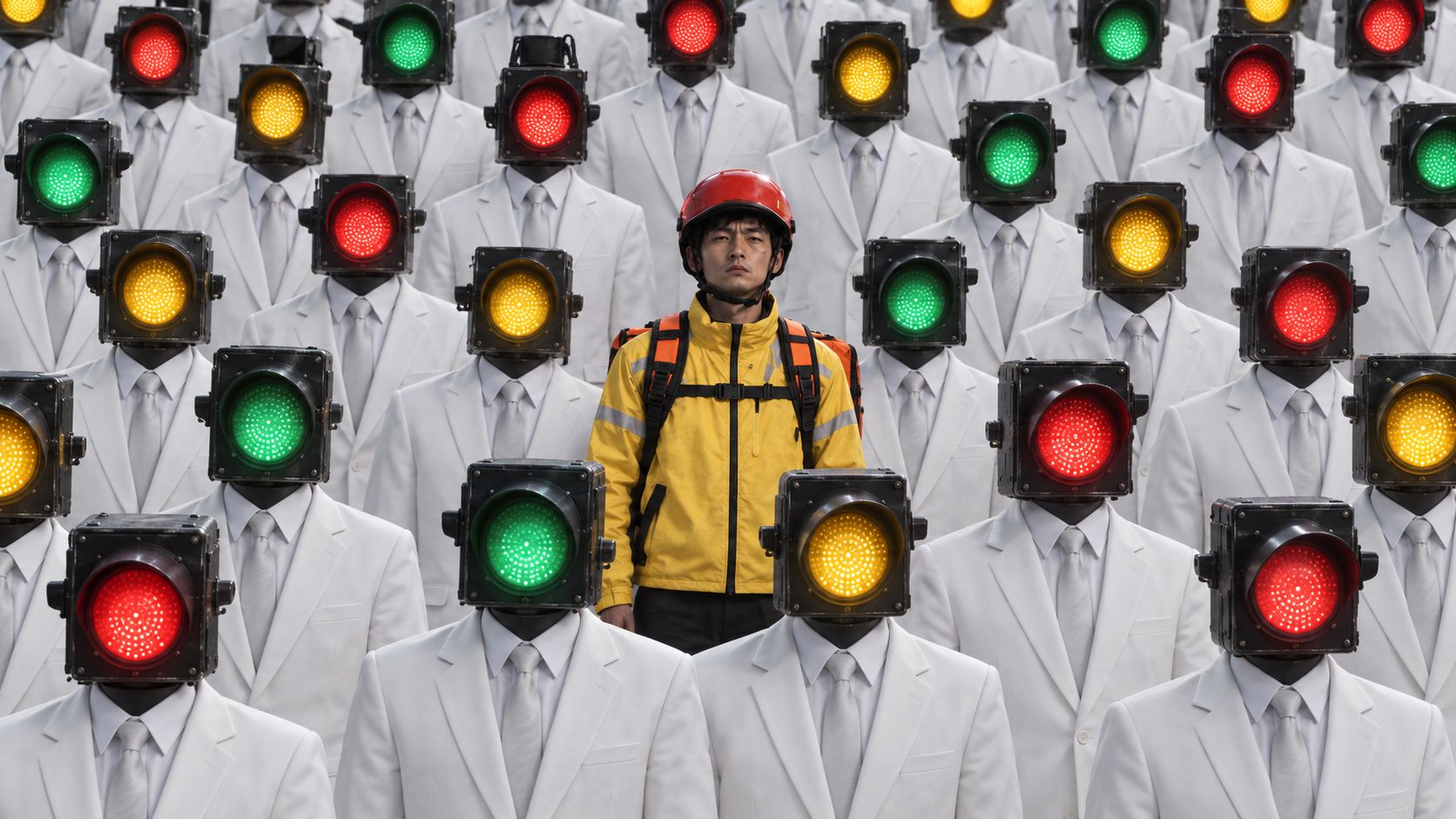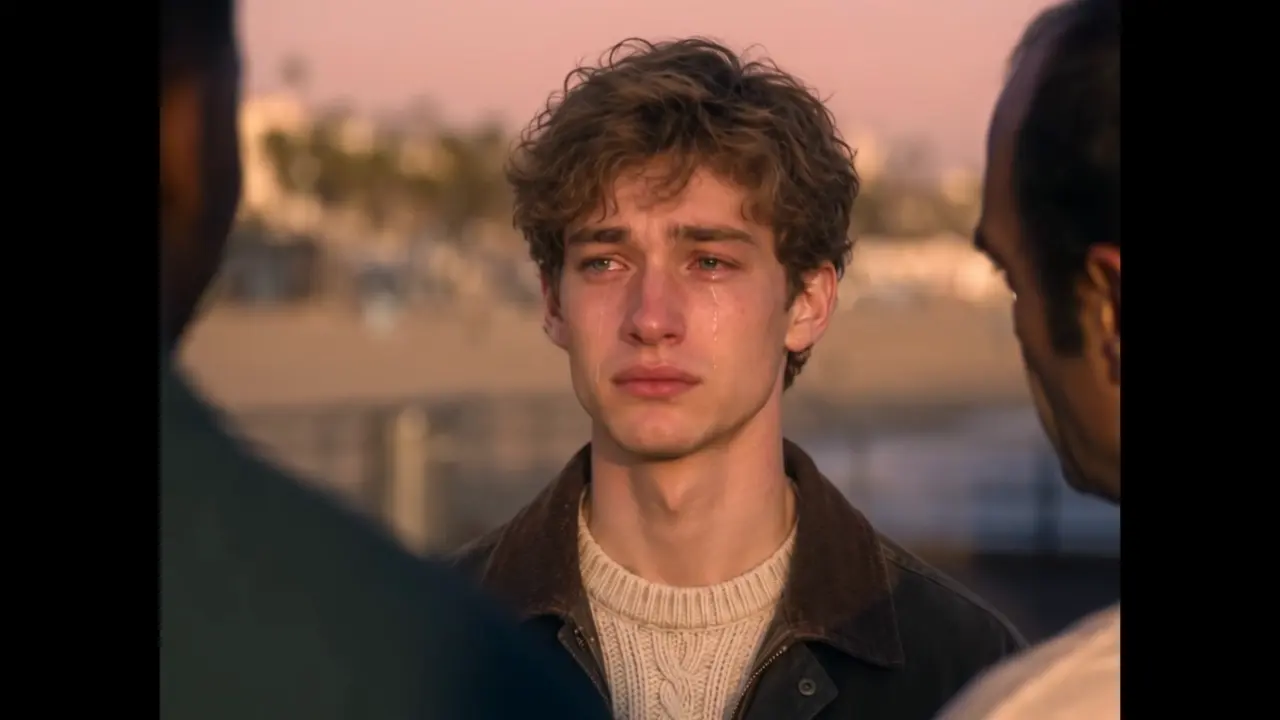
Seedance 2.5 Frozen Time & Rewind Effect
Create a cinematic frozen-time and rewind effect with Seedance 2.5. Use this ready-to-copy prompt to generate an AI video up to 30 seconds long.
FAQ?
What is Seedance 2.5 text to video?
Seedance 2.5 text to video turns written prompts into AI-generated videos. Describe the subject, action, setting, camera movement, and visual style to create content for marketing, social media, product showcases, and cinematic concepts.
How long can Seedance 2.5 text-to-video clips be?
This template supports videos from 4 to 30 seconds. Shorter clips work well for quick concepts and social posts, while longer clips provide room for an opening, action development, product reveal, and closing scene.
How do I write a better Seedance 2.5 text-to-video prompt?
Use a clear sequence: subject, action, setting, camera, lighting, style, and timing. Explain what happens, how the camera moves, and which visual details must remain consistent. Specific direction is usually more reliable than a short list of broad adjectives.
What can I create with Seedance 2.5 text to video?
Use it for product ads, brand stories, social videos, concept trailers, character showcases, fashion content, animated scenes, and educational visuals. Generate a baseline first, then refine one detail at a time to improve motion, composition, or atmosphere.
Can I use Seedance 2.5 videos commercially?
Before commercial use, make sure you have the necessary rights to any brands, people, music, or creative assets referenced in your prompt. Follow the platform’s terms and content policies, and do not create material that infringes copyright, trademark, or privacy rights.
Why does my generated video differ from my prompt?
Results can vary with scene complexity, the number of characters, simultaneous actions, and prompt clarity. Focus on one primary action and one camera idea per generation. For complex stories, create separate clips and refine them step by step.
Create with more freedom
Explore the full workflow, prompts, and models on the AI infinite canvas, and let Agent help bring more of your ideas to life.