AI Boarding Pass Transition Video Generator | Create Cinematic Travel Outfit Change Videos
Upload one photo and let AI generate a cinematic boarding pass transition video. Seamless outfit changes across 4 destinations, smooth ticket swipe transitions, and one-take flow. Built-in trending prompts for Bangkok, Seoul, Tokyo and more. No editing skills needed—create viral TikTok and Instagram Reels in minutes.
Create with this template
Adjust the media or text in each step, then click Generate to see the results. Want more control? Open the full workflow in AI Infinite Canvas.
Open in AI Infinite Canvas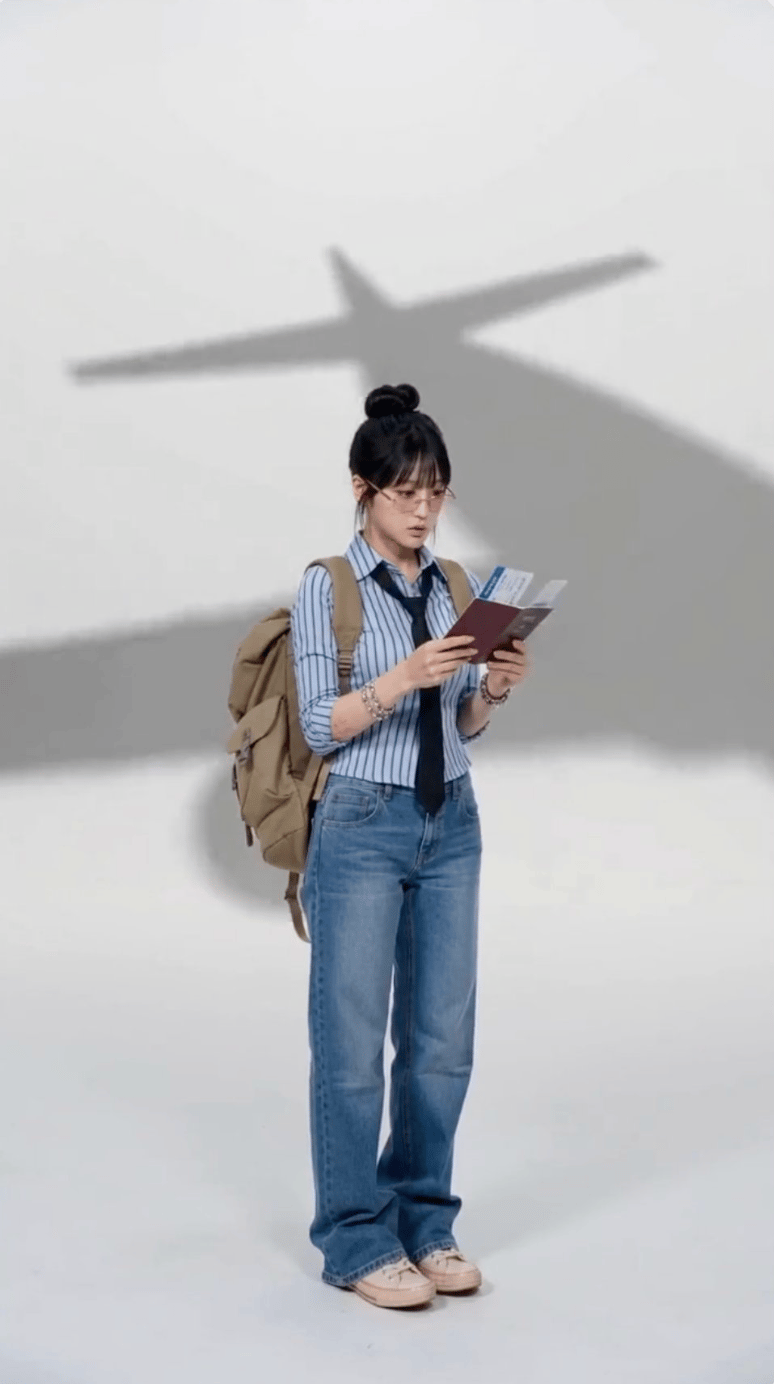
Step 3: Generate Travel Video
Keep this page open while generating.
How to Use
You can generate directly on this template page.
Step 1: Upload Your Photo
Upload a clear full-body or half-body photo. Solid background, front-facing or slight side angle works best. AI will automatically detect and extract your figure.
Step 2: Customize Prompts (Optional)
Pre-set city prompts include 4 destinations: Bangkok, Seoul, Dali, Tokyo. Use as-is or swap in your preferred cities.
Step 3: Generate Video
Click generate and wait 1-2 minutes. AI handles: figure extraction → 4 destination outfit changes → boarding pass swipe transitions → background music sync.
Step 4: Download & Share
Preview and download your HD video (9:16 vertical). Ready for TikTok, Instagram Reels, YouTube Shorts.
Want more control? Open the full workflow in AI Canvas to adjust models, aspect ratios, duration, and more.
FAQ
Q1: How long is the generated video?A: Standard template is 13 seconds: passport flip opening, 4 boarding pass transitions with outfit changes, and a final freeze frame. Fixed duration ensures optimal pacing.
Q2: Can I customize the destinations?A: Yes. Edit city names, color schemes, and destination outfit styles on the boarding passes. Open the workflow in AI Canvas for full customization including custom clothing descriptions.
Q3: What photo requirements should I know?A: Best results: ① Subject fills 50%+ of frame; ② Clean, uncluttered background; ③ Even lighting; ④ Front-facing or 45° angle. Blurry, backlit, or group photos may affect quality.
Q4: Can I use the video commercially?A: Videos are AI-generated and free to use. Please ensure you have rights to the uploaded image.
Q5: Why aren't my transitions smooth?A: Smooth transitions rely on AI capturing natural walking motion. Static standing poses generate simulated walking animation. For best results, upload photos with natural movement or dynamic poses.
Q6: Is horizontal video supported?A: Current template is optimized for 9:16 vertical (short-form platforms). Open the workflow in AI Canvas to adjust aspect ratio for horizontal output.
Create with more freedom
Explore the full workflow, prompts, and models on the AI infinite canvas, and let Agent help bring more of your ideas to life.