Gangsta's Paradise AI Video Generator – You in the Hit Duos
Star in the viral Gangsta's Paradise duos: Breaking Bad's Walter & Jesse or Pirates' Jack. Upload Your photos — 16:9, no watermark, ready for TikTok.
Create with this template
Adjust the media or text in each step, then click Generate to see the results.
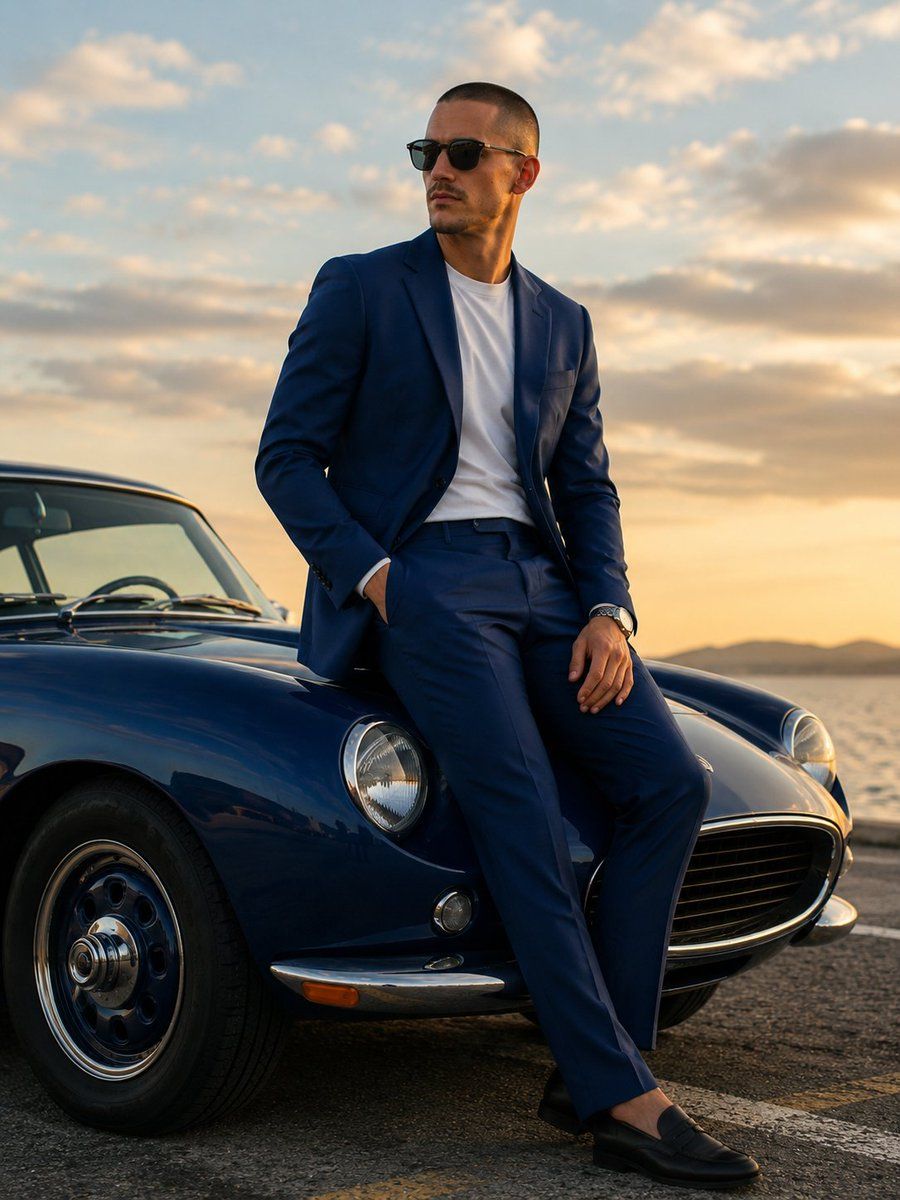
Step 2: Generate Your Own "Gangsta’s Paradise" Trend Video
Please do not close this page while generation is in progress. If you close it, you can check the progress and results in History in the top-right corner.
What Is the Gangsta's Paradise AI Trend?
Coolio's "Gangsta's Paradise" (1995) is one of the most recognizable hip-hop tracks ever made — and in late 2026 it found a second life on TikTok through two viral fandom edits: Walter White & Jesse Pinkman riding to the track (35K+ likes) and Jack Sparrow & Captain Barbossa in the same style (15K+ likes). The combo — a 90s classic over iconic duo characters — hit the nostalgia nerve twice at once, and the format exploded.
The AI version puts you inside those exact viral scenes. Upload one photo, pick your scene — Breaking Bad or Pirates of the Caribbean — and the AI casts you as the lead of the duo, recreating the hit video beat for beat in 16:9 cinematic format. One upload, and you're in the clip everyone's already watching.
Note: This is a fan-made template inspired by a viral trend. It is not affiliated with Coolio, Breaking Bad, Pirates of the Caribbean, or their rights holders.
How to Use — Two Scenes, One Photo
Breaking Bad · You as Walter
Pick the Breaking Bad scene and upload one clear, front-facing photo. The AI casts you as Walter White in the duo — partner, setting, and the whole cinematic edit included.
Pirates · You as Jack
Pick the Pirates scene instead, and your photo becomes Captain Jack Sparrow at the helm of the viral edit — Barbossa, the ship, and the atmosphere all generated for you.
Either way: one photo in, click generate, download the finished 16:9 clip — no watermark, no prompt, ready to post.
Why This Gangsta's Paradise AI Generator Stands Out
- The exact viral scenes — not a generic "Gangsta's Paradise" video: these are the two fandom edits that started the wave, recreated shot for shot.
- One photo is all it takes — you play the lead; the AI generates your partner and the scene around you.
- Cinematic 16:9, no watermark — the format these edits were born in, clean and ready for TikTok, YouTube, or X.
- Two fandoms, one template — switch between Breaking Bad and Pirates of the Caribbean without leaving the page.
- No prompt, ever — upload, generate, download. Nothing to write, nothing to edit.
Creative Ideas to Try
- The Heisenberg reveal — your photo as Walter: the transformation your group chat has been waiting for.
- Captain mode — Jack Sparrow's swagger with your face. Barbossa handles the rest.
- Duo series — generate both scenes with the same photo and post them back to back: "which universe do I belong in?"
- Fandom casting — use a photo of your favorite character, OC, or even your pet as the lead.
- Friend swap — generate one for yourself and one for a friend; the comment section decides who pulls off the look.
Best Practices for the Best Result
- Use a clear, front-facing photo — the lead's face carries the cinematic close-ups.
- Neutral or confident expressions match the tone of both scenes best.
- Plain backgrounds help the AI composite you into the scene cleanly.
- Higher-resolution originals keep your face sharp through the 16:9 edit.
Frequently Asked Questions (FAQ)
What is the Gangsta's Paradise AI trend?
A viral TikTok format pairing Coolio's 1995 classic "Gangsta's Paradise" with iconic fandom duos — Walter White & Jesse Pinkman from Breaking Bad and Jack Sparrow & Barbossa from Pirates of the Caribbean. The AI version casts your photo as the lead of those exact scenes.
How do I make a Gangsta's Paradise AI video?
Pick a scene (Breaking Bad or Pirates), upload one photo, and generate. The AI recreates the viral edit with you as the lead — 16:9, no watermark, ready to post.
Do I need two photos for the duo?
No — one photo is enough. You play the lead (Walter or Jack), and the AI generates your partner and the scene around you.
Can I choose which character I play?
Yes — the scene you pick sets your role: Breaking Bad casts you as Walter White, Pirates casts you as Jack Sparrow.
Can I use a photo of a character or pet?
Any clear photo works — characters, OCs, and pets as Walter or Jack are popular variations of the trend.
What do I get exactly?
A 16:9 cinematic video of the viral scene with your photo as the lead, no watermark — ready to download and post anywhere.
How long does generation take?
Usually a few minutes, even at peak times. You can switch to other tabs while it renders — just keep this tab open, and the video appears here when it's ready.
What if my generation fails?
Failed generations are refunded automatically — credits return to your account instantly.
Do my credits work on other templates?
Yes. Credits are universal across OimiTV — every trending template on the platform accepts the same credits.
Will my photos be stored or used for training?
No. Uploaded photos and generated videos are automatically deleted after 7 days and are not used for training.