
Microsoft MAI-Image-2.5 Ranks #2 on Arena: AI Image Editing
Microsoft AI has released MAI-Image-2.5, its strongest image model so far. The notable part is not only that the model is new, but where it landed: #2 on Arena's Image Edit leaderboard for Single-Image Edit, with a 1401 score.
For anyone following AI image models, this is a meaningful update. The image race has been dominated by names like GPT Image, Nano Banana, and Grok Imagine. MAI-Image-2.5 gives Microsoft a much more visible position in that conversation, especially for practical image editing rather than pure image generation.
The short version
Microsoft says MAI-Image-2.5 is built for high-quality generation and precise, controllable editing. On Arena's live Image Edit leaderboard, the model appears just behind GPT-Image-2 (medium) and above ChatGPT-Image-Latest-High Fidelity, Grok Imagine Image Quality, and Nano Banana 2 in the Single-Image Edit category.
Arena's announcement on X also notes that MAI-Image-2.5 advanced the Pareto frontier and sits 10 points above those closely watched models in this leaderboard view.

What MAI-Image-2.5 is supposed to improve
In the official launch post, Microsoft highlights four areas: better text-to-image quality, stronger visual reasoning, fine-grained edit control, and face or identity consistency.
Those details matter because image editing is where many models still feel fragile. A model can generate an impressive new picture, but still struggle when asked to keep a product, face, layout, or logo unchanged while changing only one part of the image.
Microsoft gives examples such as replacing an object, updating text, removing motion blur, cleaning up a background, or preserving a face across edits. In other words, the pitch is less about making a beautiful image from scratch and more about making controlled changes to an existing one.
Where it fits against other image models
| GPT-Image-2 (medium) | Currently leads Arena's Single-Image Edit table in this snapshot. |
| MAI-Image-2.5 | Ranks #2 with 1401±8, making it one of the strongest public entries for single-image editing. |
| ChatGPT-Image-Latest-High Fidelity | Still a key reference point for OpenAI-style high-fidelity image editing, but listed below MAI-Image-2.5 in this leaderboard view. |
| Grok Imagine and Nano Banana 2 | Important creator-facing models, now sitting close behind MAI-Image-2.5 in the same Arena category. |
Compare image editing model outputs
Use Oimi Canvas to keep references, prompts, and edited versions together while checking which model behavior fits your image best.
Open Canvas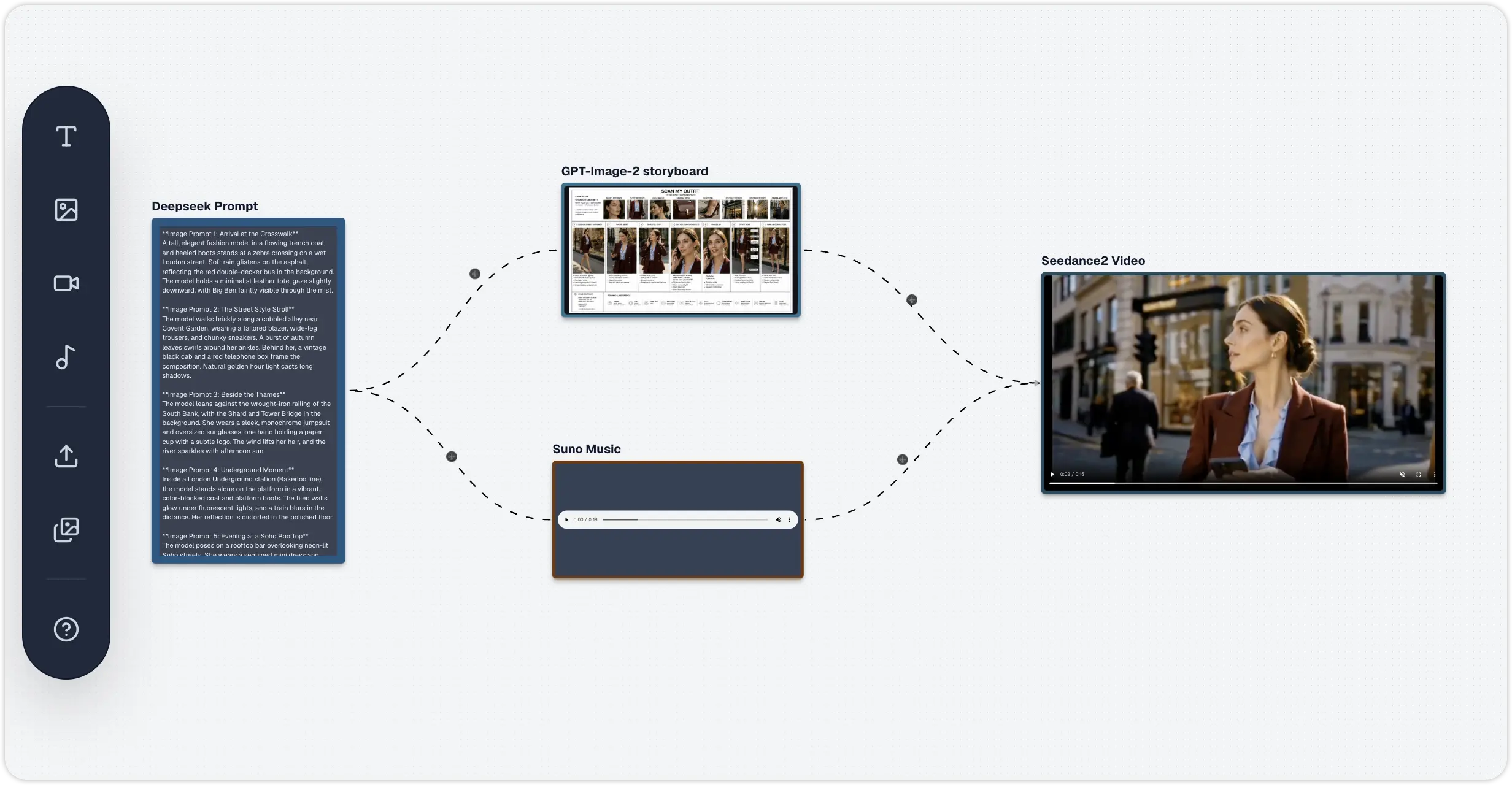
Why the Single-Image Edit ranking matters
Single-image editing is a useful benchmark because the task is constrained. The model receives an image and has to make a requested change without damaging everything else. That is close to how creators, marketers, designers, and product teams actually use image AI.
A good result needs more than surface-level style. It has to preserve structure, understand context, respect the edit area, and avoid changing details that were never part of the instruction. That is why a strong rank in image editing is different from a strong rank in text-to-image generation.
What creators should try first
- Localized edits: change one object, remove one distraction, adjust one background element.
- Product image cleanup: keep the item shape and label stable while improving lighting or background quality.
- Text fixes: update a word or label without rebuilding the full composition.
- Identity-preserving edits: test whether a portrait remains recognizable after pose, lighting, or background changes.
The safest prompt style is simple: say what must remain unchanged first, then describe the edit. That reduces the chance of the model treating the task like a fresh generation.
Edit the uploaded image. Keep the subject, layout, product shape, and visible text unchanged. Only replace the background with a clean studio setting. Improve lighting naturally. Do not change the logo or proportions.
Availability
Microsoft says MAI-Image-2.5 and MAI-Image-2.5-Flash are available to developers in Foundry, and both can also be tried in MAI Playground. The company also says MAI-Image-2.5 is live in PowerPoint for image generation and rolling out to OneDrive for precise photo editing.
Want to preview MAI-Image-2.5 portrait editing?
Try these portrait editing prompts: upload a reference portrait, then test identity preservation, background swaps, and editorial photo styles.
Open Portrait TemplatesOne caution before using it in production
Microsoft notes that, like other image models, MAI-Image-2.5 can still produce plausible but inaccurate or misleading details. For brand, legal, medical, financial, identity, or news-related images, review the output carefully before publishing.
Bottom line
MAI-Image-2.5 is a serious signal from Microsoft AI. It does not replace every image model overnight, and Arena rankings should never be the only way to choose a tool. But a #2 position in Single-Image Edit gives creators a good reason to test it, especially for controlled edits where preserving the original image matters.
Frequently Asked Questions
What is MAI-Image-2.5?
MAI-Image-2.5 is Microsoft AI's latest image model for high-quality image generation and precise, controllable image editing. Microsoft says it improves text-to-image quality, visual reasoning, localized edits, and face or identity consistency.
How did MAI-Image-2.5 rank on Arena?
On Arena's Image Edit leaderboard for Single-Image Edit, MAI-Image-2.5 is listed at #2 with a 1401±8 score in the current snapshot, behind GPT-Image-2 (medium).
Is MAI-Image-2.5 better than Nano Banana 2?
In the Arena Single-Image Edit snapshot cited by Arena, MAI-Image-2.5 is listed 10 points above Nano Banana 2. That is a useful benchmark signal, but real projects should still compare outputs for the specific image, brand, text, or product task.
What is MAI-Image-2.5 best used for?
The model is most interesting for controlled image editing: replacing objects, updating text, removing blur, cleaning backgrounds, and preserving faces or product details while editing only part of an image.
Where can developers use MAI-Image-2.5?
Microsoft says MAI-Image-2.5 and MAI-Image-2.5-Flash are available to developers in Foundry, and the models can also be tried in the MAI Playground.