
Text to Video
Describe a scene, camera move, subject, pace, and visual style to generate short AI videos from prompts.
Turn prompts, images, storyboards, and reference frames into AI videos, then keep every generation, edit, and follow-up workflow inside one infinite canvas.
Describe a scene, camera move, subject, pace, and visual style to generate short AI videos from prompts.
Upload an image, character, product shot, or storyboard frame, then animate it with motion, camera direction, and timing.
Keep images, prompts, generated clips, references, and follow-up video workflows together without switching tools.
Start from a ready-made video workflow for image-to-video, storyboards, fashion ads, anime shorts, travel selfies, and product videos.
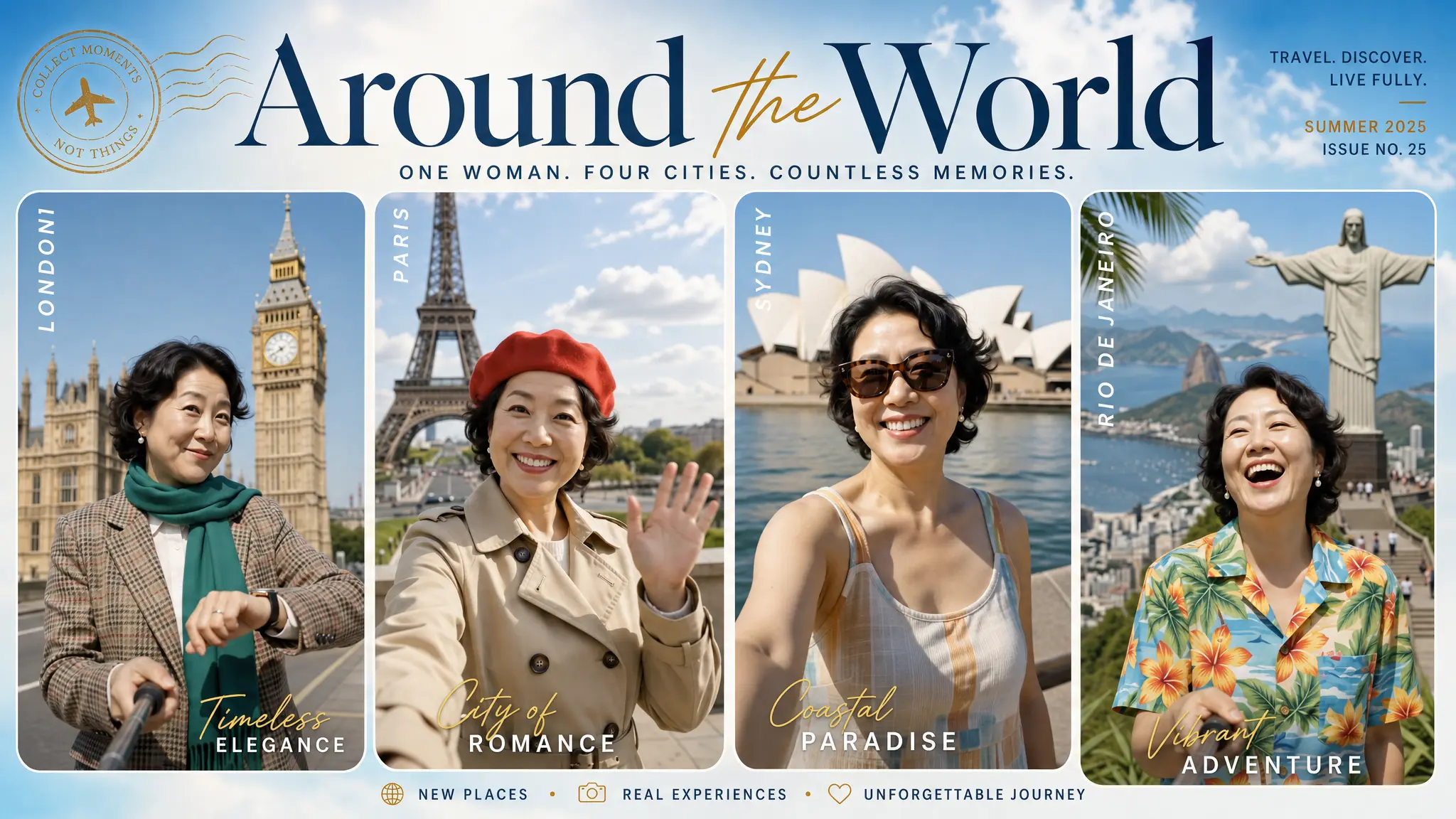
Upload a photo and let AI generate a hyper-lapse selfie travel video across 20 iconic world landmarks.
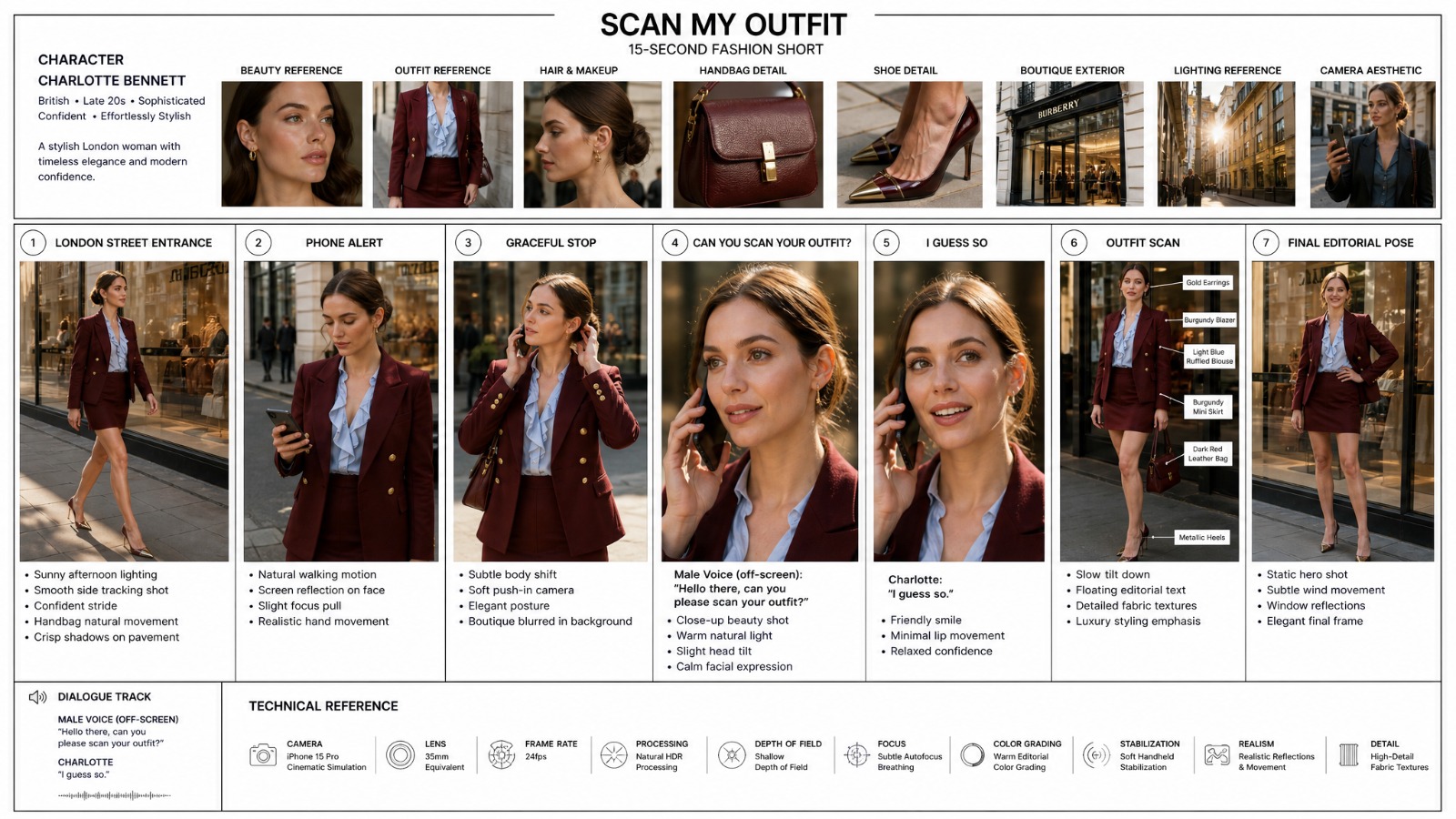
Generate a luxury fashion storyboard with GPT Image 2, then turn it into a Street style Seedance 2 short.
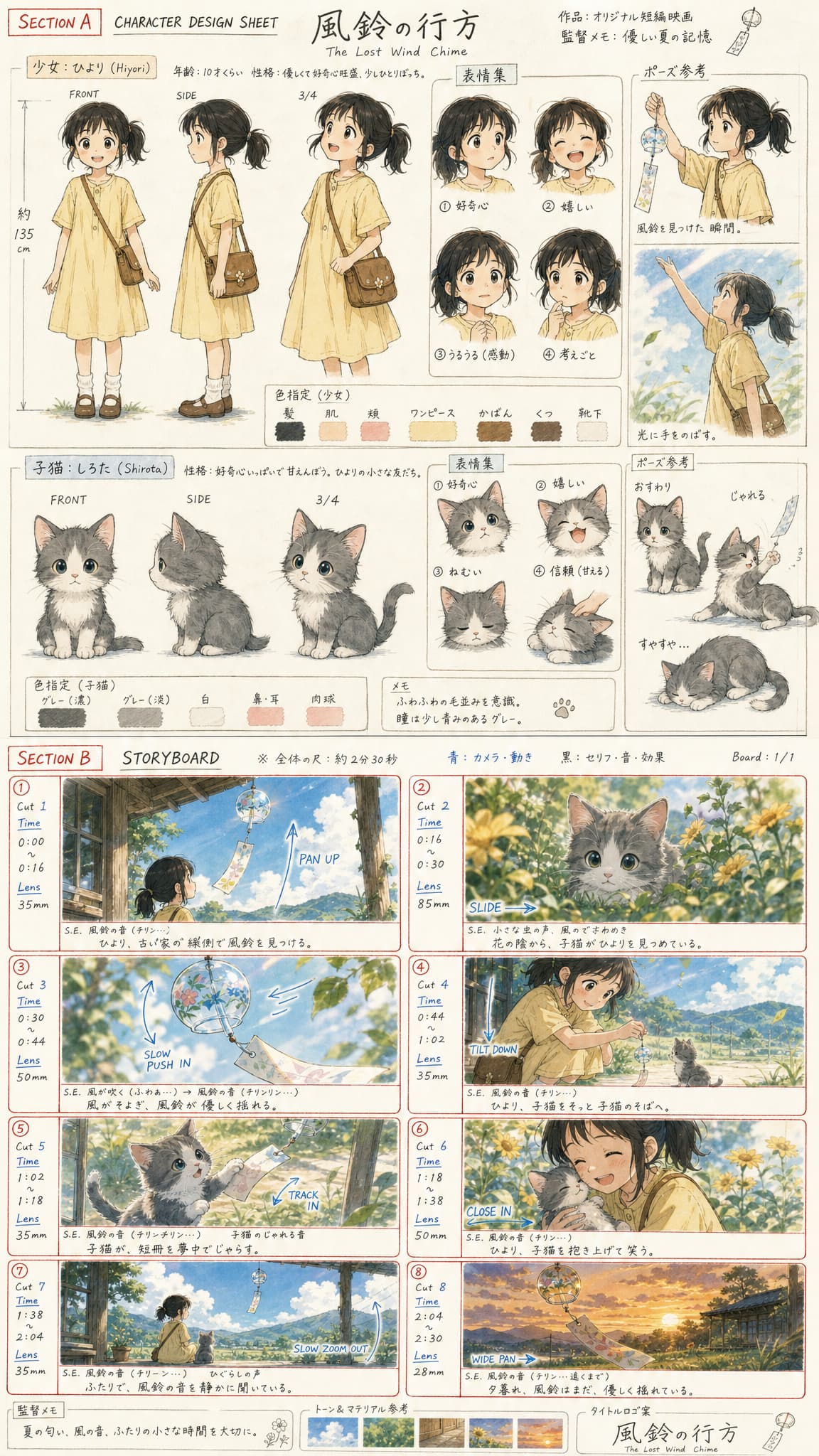
Create an anime character sheet and storyboard board with GPT Image 2, then turn it into a cinematic animated scene with Seedance 2.0.
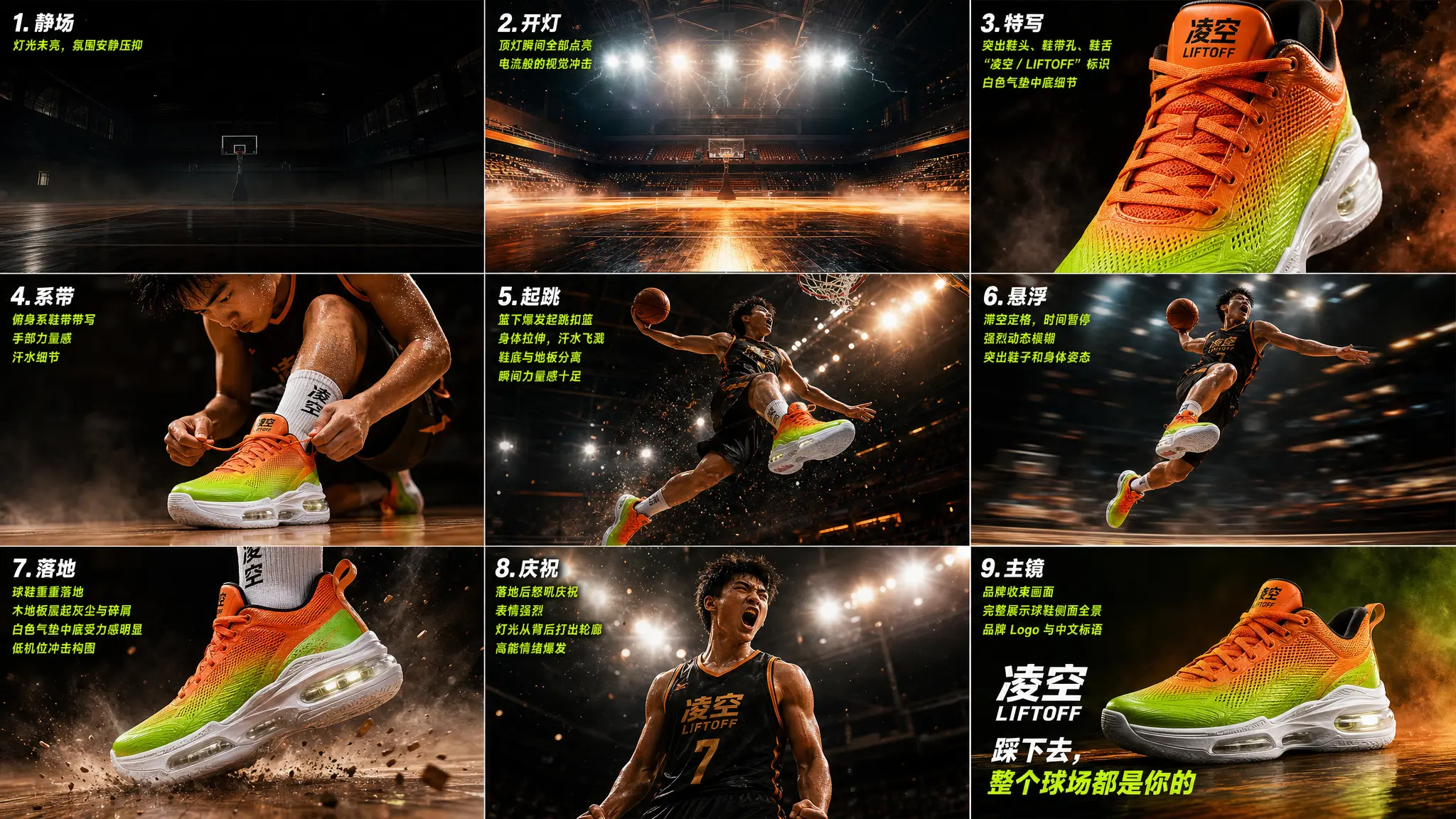
Create a storyboard first, then turn it into a short video.
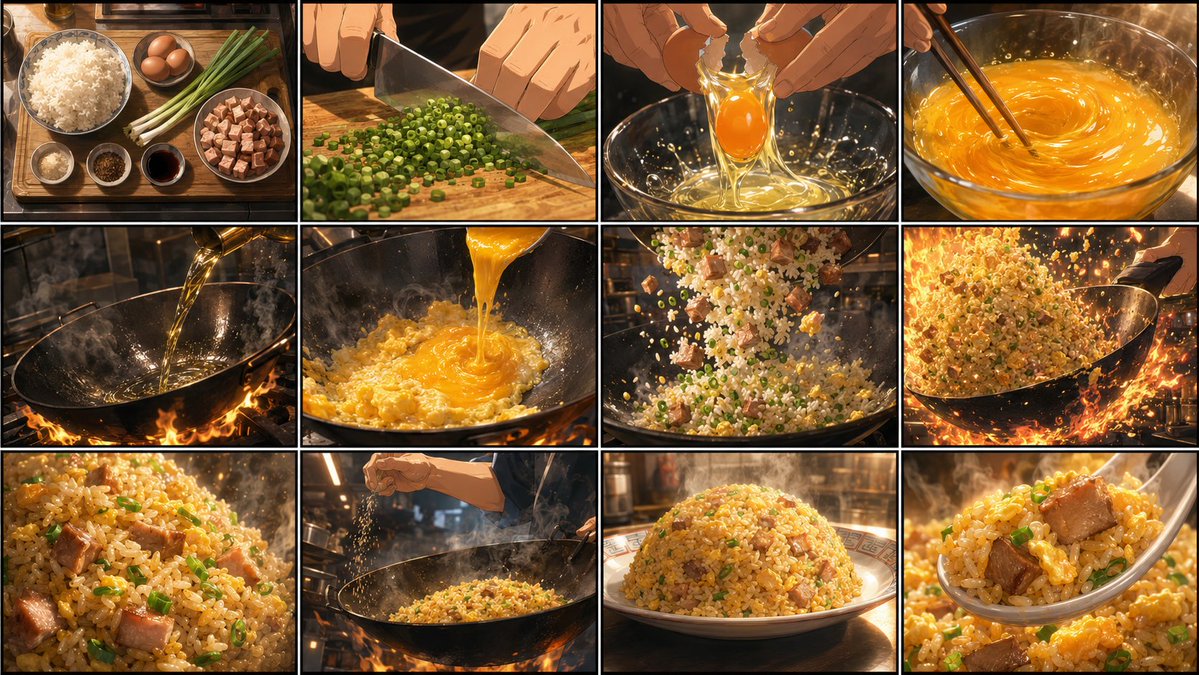
Create a 16:9 golden fried rice anime storyboard, then turn it into a fast-paced cooking animation with Seedance 2.0.
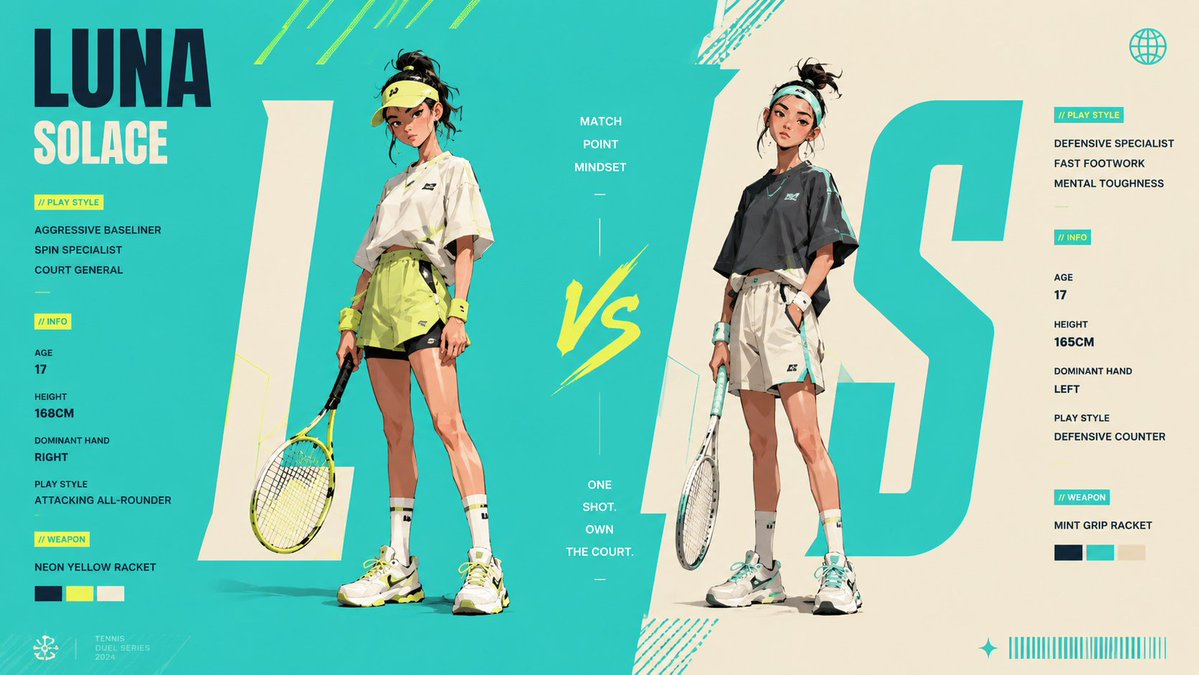
Generate a 16:9 anime tennis character design poster, then turn it into a high-energy sports battle video with Seedance 2.0.
Choose a video model for text-to-video, image-to-video, reference image, or storyboard generation. Each option opens directly in Canvas.
the strongest Video Model for AI films, short dramas, and storyboard-to-video. Pair GPT Image 2 frames with Seedance 2 for a controlled image-to-video workflow.
Useful for reference-driven character videos, travel selfie clips, multi-scene transformations, and creator-style social videos.
A strong option for text-to-video, first/end-frame generation, and reference-image video workflows.
A practical model for fast text-to-video drafts, social video ideas, and quick creative exploration before refining in Canvas.
Best for realistic motion, physical accuracy, complex actions, and prompt-driven scenes where natural camera movement matters.
Strong for cinematic clips, image-to-video, first-and-last-frame control, and reference-guided scenes with polished visual quality.
An AI video generator creates video from text prompts, uploaded images, reference frames, or storyboards. You describe the action, camera movement, subject, style, duration, and mood, then the model generates a short video from those instructions.
Oimi brings multiple leading AI video and image models into one canvas, so you do not need to switch between separate tools. You can create images, turn them into videos, compare model outputs, reuse templates, and continue the same workflow into follow-up image or video generation.
Yes. Open Canvas, upload an image or use a generated storyboard frame, then choose an image-to-video model and describe the motion, camera direction, and scene changes you want.
The prompt starts on this page, then opens Oimi Canvas. Canvas is where you select models, upload references, generate videos, compare clips, and continue the workflow.
Go deeper with video prompt guides, image-to-video workflows, and model-specific examples.
Create Seedance 2.0 videos from GPT Image 2 storyboards. Copy storyboard prompts, see video examples, and open the full Oimi Canvas workflow template.
Read guideCopy 6 curated Seedance 2.0 video prompts with playable Canvas workflows. See prompt examples for fashion ads, anime shorts, food clips, and POV shots.
Read guide