Firestarter KDA Dance Generator | Make Your Photo Dance Like Kai'Sa
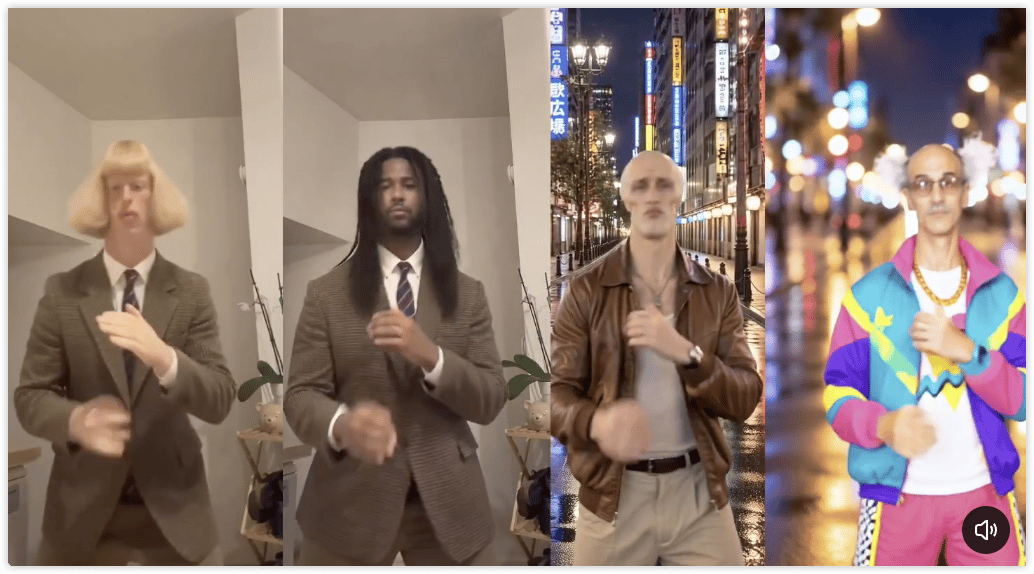
Turn any photo into the viral Firestarter KDA dance. AI motion transfer recreates Kai'Sa's iconic vogue part from K/DA's 2026 comeback — TikTok-ready in minutes.
How to use?
- Upload a photo of yourself or your character — that's it. No prompt needed.
- Click Generate. The built-in Firestarter KDA choreography does the rest.
- Wait a few moments and download your video.
Want a different clip? Upload your own reference video, then hit Generate to transfer its motion to your photo.
FAQ
1. What is the Firestarter KDA Dance?
It's the viral choreography from "FIRESTARTER," K/DA's 2026 comeback single. The most-recreated part is Kai'Sa's solo vogue segment — sharp arm lines, runway poses, and dips. Creators recreate it themselves or use AI motion transfer to make any character perform it.
2. How do I make my photo do the Firestarter KDA dance?
Just upload one photo and click Generate. The Firestarter KDA choreography is already built into this template — no prompt and no reference video needed. For best results, use a front-facing photo with your upper body clearly visible.
3. Do I need to write any prompts?
No. The template ships with the Firestarter KDA choreography pre-loaded.
4. What kind of photo works best?
Front-facing, good lighting, clean background, and your upper body fully in frame. Avoid heavy occlusion (hands covering the face, crossed arms) and extreme side angles.
5. Can I generate a different dance or another clip from the song?
Yes. Upload your own reference video — any dance clip works — then click Generate. The AI will transfer that video's motion onto your photo instead of the built-in choreography.