AI Product Commercial & Video Ad Generator – Storyboard to Video
Turn product ideas into high-converting AI video ads and commercials. Generate a 12-shot storyboard with GPT Image 2, then animate smooth motion with Seedance 2.0—starting with our strawberry shake ad workflow.
Create with this template
Adjust the media or text in each step, then click Generate to see the results. Want more control? Open the full workflow in AI Infinite Canvas.
Open in AI Infinite Canvas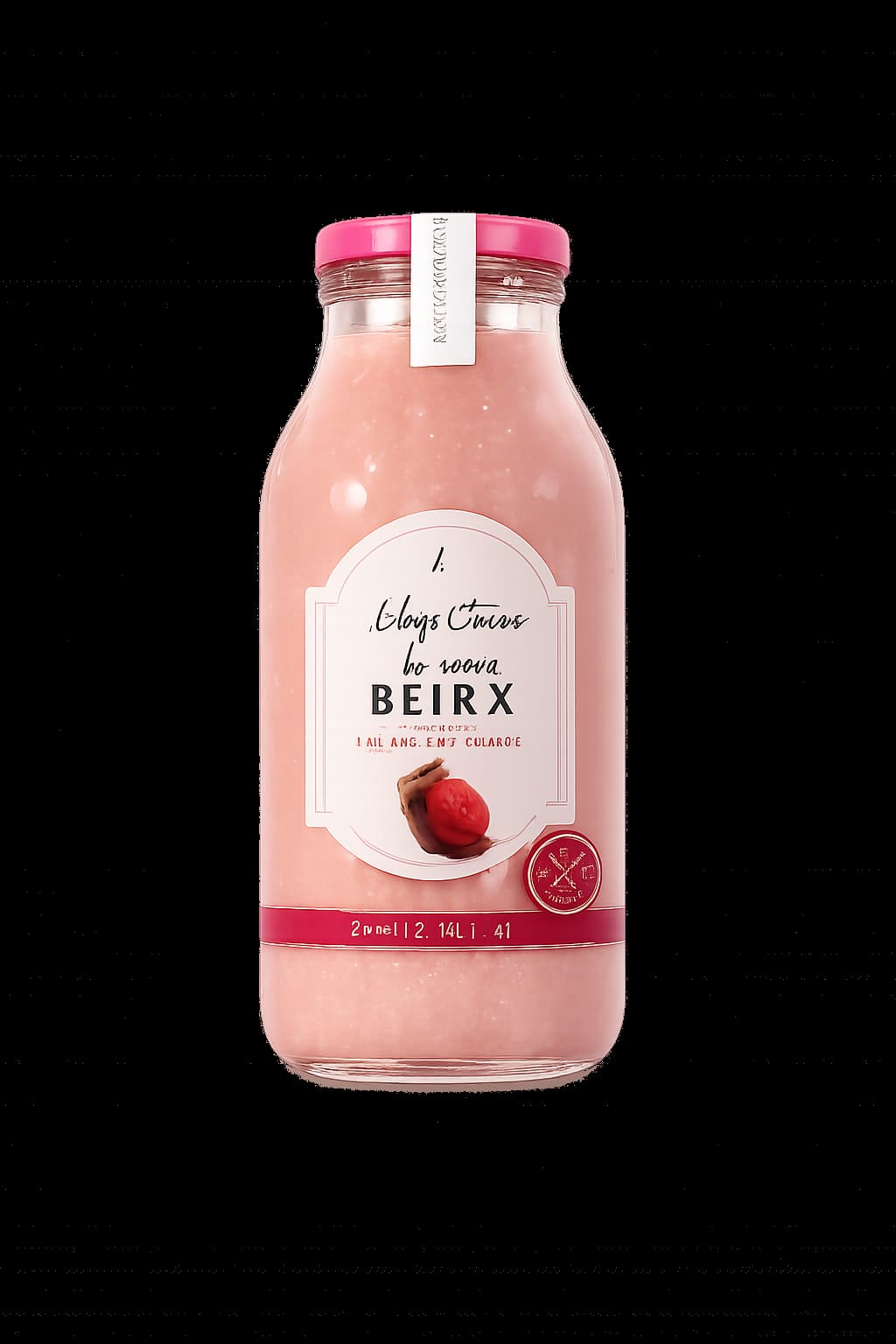
Step 2: Generate Ad Storyboard

Step 3: Generate Ad Video
Please do not close this page while generation is in progress. If you close it, you can check the progress and results in History in the top-right corner.
Turn Any Product Into a Commercial Video Ad
While this workflow starts with a 12-frame strawberry shake commercial, you can adapt the exact same setup for beverages, skincare bottles, streetwear drops, tech gadgets, or snack packaging. Pairing structured scene planning with AI video generation lets you test creative angles and visual pacing before committing to full production.
How to Use This AI Commercial Template
- Upload your product photo: Start in Step 1 by uploading a clear reference image of your product (JPG, PNG, or WebP up to 10 MB) so the visual identity stays anchored to your actual item.
- Generate a 12-shot ad storyboard: Keep the built-in 12-frame storyboard prompt or adjust camera angles, lighting, and setting details to match your brand tone, then generate the storyboard sheet with GPT Image 2.
- Animate into a commercial video: Move to Step 3 to turn the storyboard into a fast-paced video ad with Seedance 2.0, refining motion and pacing cues as needed.
- Expand on the canvas: Want custom nodes, extra shots, or deeper editing? Open the workflow in AI Infinite Canvas to build out more variations.
Why Use a Storyboard-to-Video Workflow for Ads
- Stronger product consistency: Anchoring on your uploaded product image helps keep packaging, labels, and form consistent across shots instead of drifting from frame to frame.
- Pacing control before rendering: Reviewing a 12-frame storyboard first makes it easier to spot awkward cuts or weak hooks before generating the final video clip.
- Repeatable creative structure: The prompt setup acts as a reusable ad storyboard template you can swap products into for rapid A/B testing.
Frequently Asked Questions
Can I use this for products other than a strawberry shake?
Yes. Upload a different product image in Step 1 and update the product and mood details in the prompt to promote drinks, skincare, apparel, accessories, or other consumer goods.
How is this different from a static storyboard template?
Traditional storyboard templates give you empty boxes or notes to fill out manually. This workflow combines a structured 12-frame storyboard template and prompt format with AI image and video generation so you can move from a single product photo to a finished commercial clip in one flow.
Why generate a storyboard first instead of going straight to video?
Generating a multi-shot storyboard first lets you check shot flow, framing, and visual direction early. Once the sequence looks solid, animating it helps reduce wasted renders and keeps ad pacing tight.
Can I customize the prompt, camera style, or aspect ratio?
Yes. You can edit the prompts directly in Steps 2 and 3, or open AI Infinite Canvas for node-level control and extra creative freedom. You can also browse more options in Templates or read guides on the Blog.
Create with more freedom
Explore the full workflow, prompts, and models on the AI infinite canvas, and let Agent help bring more of your ideas to life.