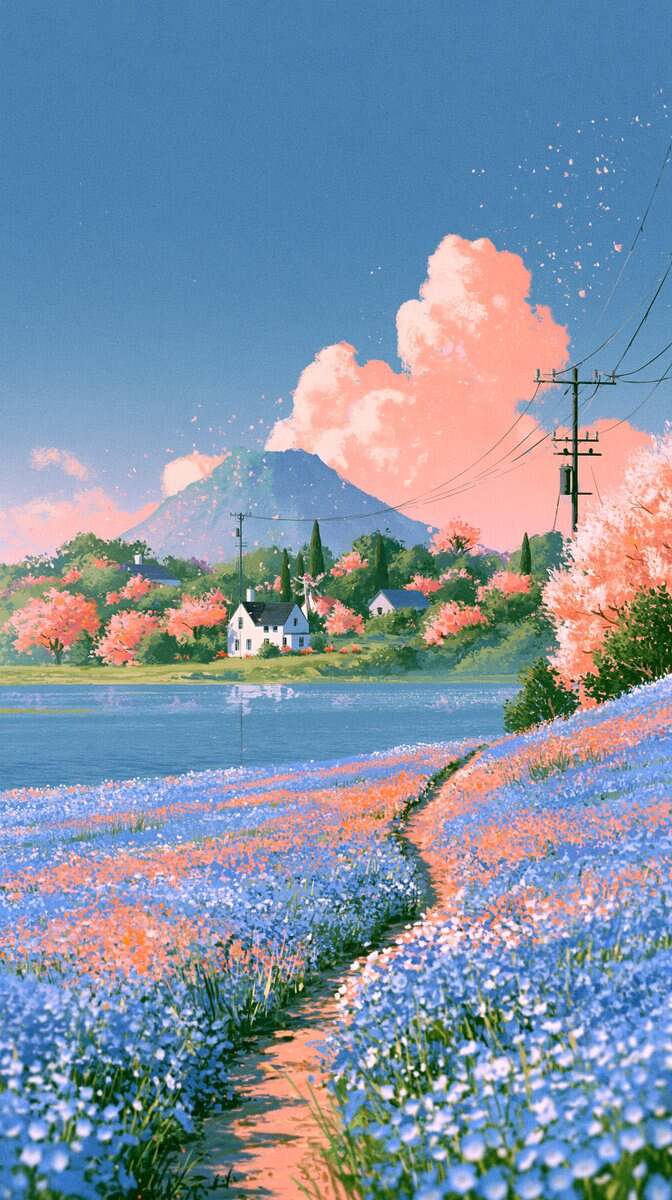
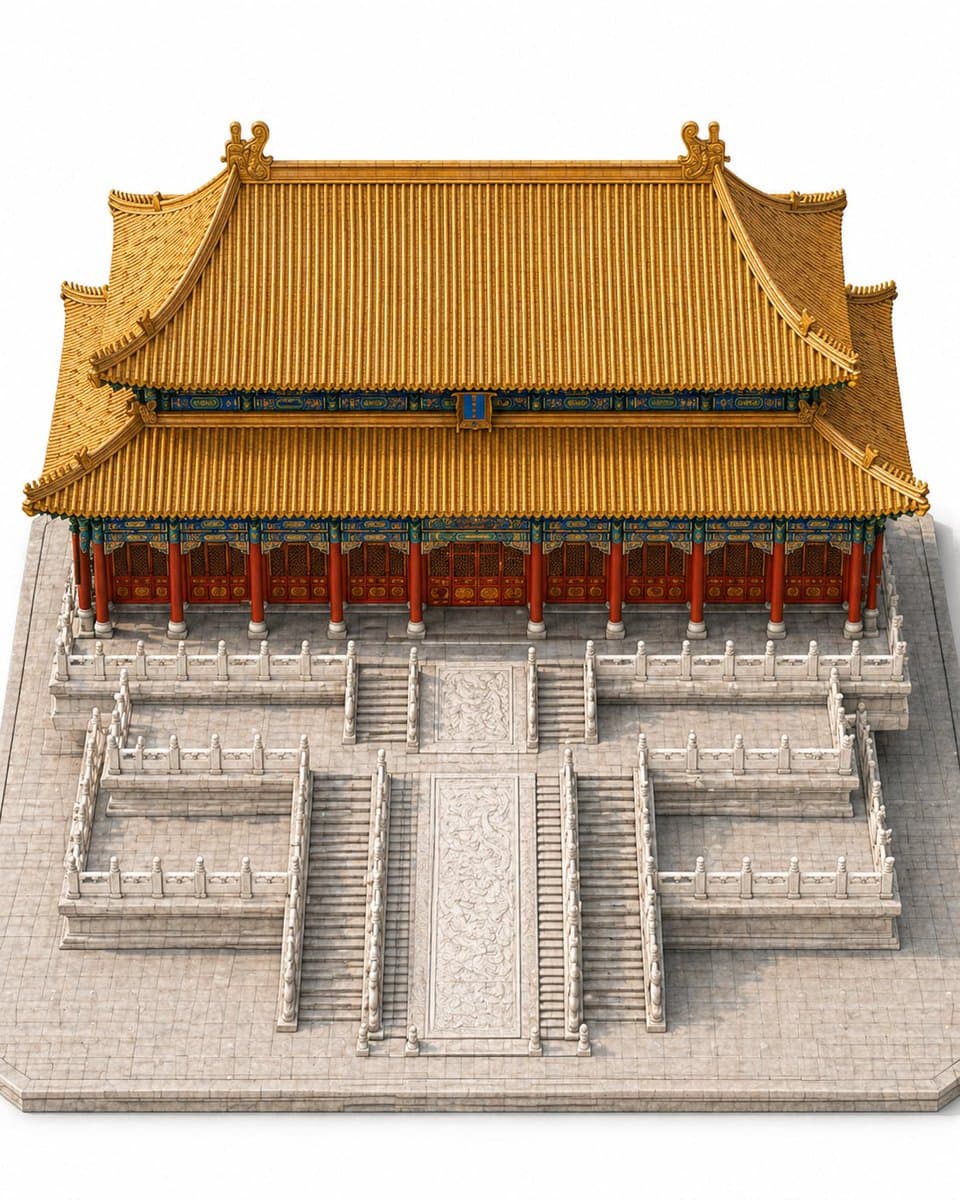
Seedance Anime Video Generator: Consistent Anime Characters
Generate anime videos with consistent characters – design the character sheet and storyboard, Seedance animates it. Vertical & horizontal, no watermark, 720P.
Create with this template
Adjust the media or text in each step, then click Generate to see the results. Want more control? Open the full workflow in AI Infinite Canvas.
Open in AI Infinite CanvasStep 2: Generate Anime development board

Step 4: Generate Seedance 2.0 Anime Video
Please do not close this page while generation is in progress. If you close it, you can check the progress and results in History in the top-right corner.
What Is a Seedance Anime Video?
Seedance is the video model that made one-person anime production real: you design an original character, break the scene into shots, and the model animates cinematic action — camera moves, hair in the wind, impact frames — that stays on-model from the first shot to the last. The hard part of anime AI video isn't motion; it's keeping the same face, outfit and style across every scene. This template is built around exactly that.
Why Make Your Anime Video with Oimi
Characters Stay On-Model
Design your character sheet first with Oimi's AI image models — face, outfit, color palette — then every storyboard frame is generated from that reference, so shot 8 looks like shot 1. No face drift between scenes.
Both Formats in One Workflow — Vertical & Horizontal
Vertical 9:16 for TikTok, Reels and Shorts, or horizontal 16:9 for YouTube — same run, no re-uploading.
No Watermark, 720P HD
Clean, watermark-free downloads in sharp 720P, ready to post as-is.
About Half the Price of Other Generators
Same clip, typically 50% cheaper than comparable anime AI video workflows.
Hundreds More Trend Templates on OimiTV
Anime is one flavor — OimiTV stacks hundreds of ready-to-run trend video templates, and every new viral format lands there first.
How to Make a Seedance Anime Video
Step 1 — Design Your Character
Generate an original character sheet: face, outfit, palette. Or upload your own illustration and keep it consistent throughout.
Step 2 — Build the Storyboard
Break your scene into shots — establishing wide, close-up, action beat, reaction. Regenerate any frame until the composition is right.
Step 3 — Animate and Download
Seedance turns the storyboard into cinematic motion. Download the watermark-free 720P clip, vertical or horizontal.
Tips for a Better Anime Video
- One location, one action per video — tight scope keeps characters on-model.
- Let the character sheet drive every frame; resist hand-editing single shots.
- Alternate wide and close-up shots for a real anime rhythm.
- Save the biggest motion (impact, transformation) for the last shot.
Seedance Anime Video — FAQs
What is a Seedance anime video generator?
A tool that turns a character design and storyboard into an animated anime clip using the Seedance video model — no animation skills, no timeline editing.
How do you keep anime characters consistent across shots?
Every frame is generated from the same character sheet reference, so the face, outfit and style stay on-model from the first shot to the last.
Do I need to write prompts?
No — this is a guided template workflow: character, storyboard, animate. Fine-tuning with your own prompts is optional.
Can I use my own character or photo?
Yes. Upload your illustration, VTuber model sheet or edited photo, and the storyboard frames are generated from your reference.
Vertical or horizontal — which should I pick?
9:16 for TikTok, Reels and Shorts; 16:9 for YouTube. Both from the same storyboard.
Is the video watermark-free?
Yes — clean, watermark-free 720P downloads.
How long does it take to generate?
Each clip usually renders in a few minutes.
Create with more freedom
Explore the full workflow, prompts, and models on the AI infinite canvas, and let Agent help bring more of your ideas to life.