Wan Animate 2.2 AI Motion Transfer
Transfer motion from a reference video onto any character — one image + one motion video, no prompt needed. Make any character talk, dance, fight, or copy any motion。
How to use it?
Open the current workflow, refer to the workflow example, upload a reference motion video and a person image, connect to the video node, select the motion transfer model, no prompts are needed, click Generate, and wait for the results to return.
FAQ?
What is Wan 2.2 Animate?
Wan 2.2 Animate is a revolutionary AI video generation model that can transform any static image into dynamic, expressive videos. It excels at motion transfer, allowing your character to perfectly replicate the actions, gestures, and facial expressions in a reference video.
Does Wan 2.2 Animate motion transfer require prompts?
No prompts are needed; only the original motion reference video and a person image are required.
What types of images can I use?
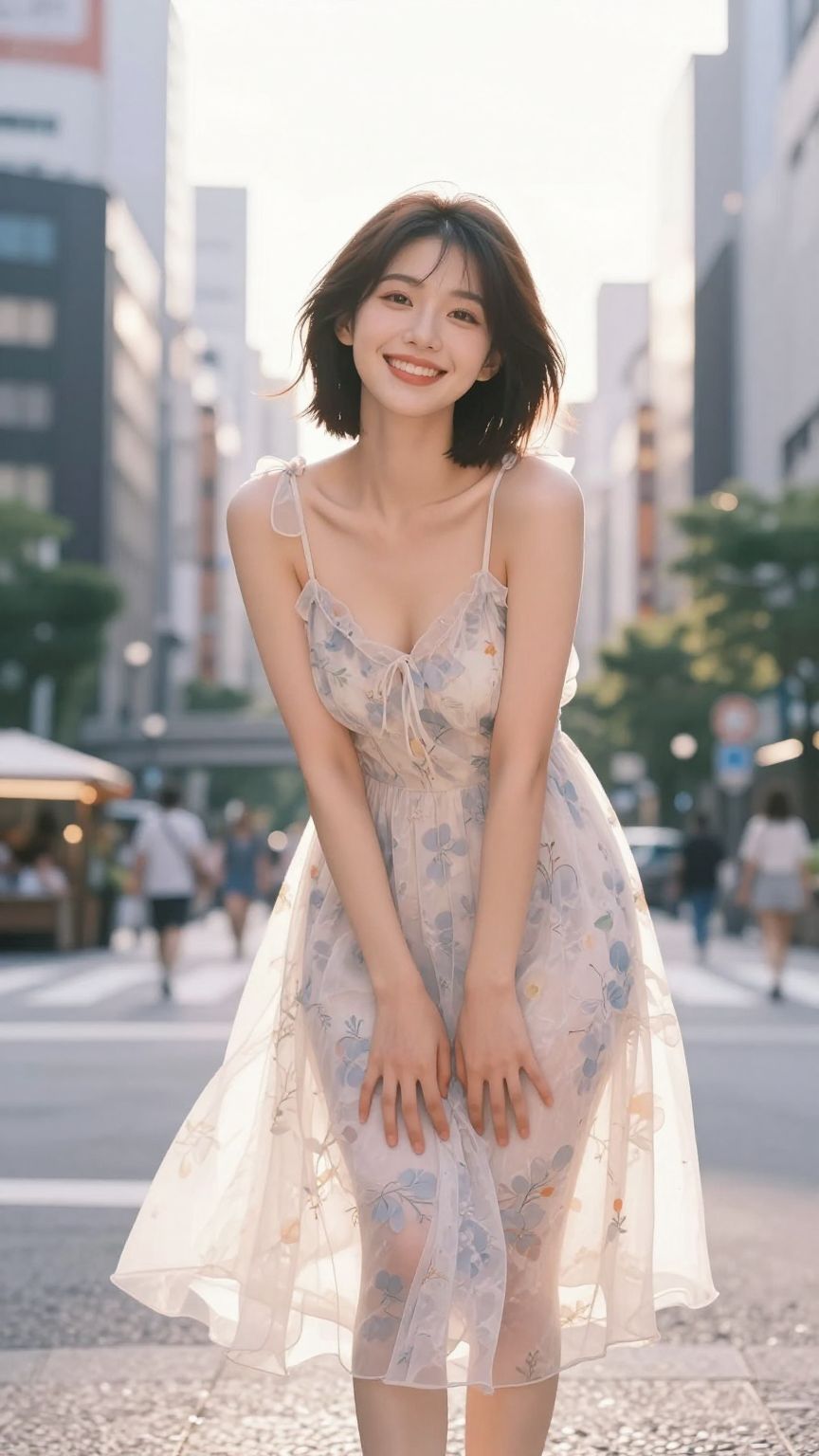
You can use portraits, half-body photos, or full-body photos. The model works with various materials such as photos, illustrations, and cartoons. For best results, please use clear, high-quality single-person images.
What are the requirements for a good motion reference video?
Clear, smooth videos with appropriate motion are best.
What video creation scenarios is Wan 2.2 Animate suitable for?
It is suitable for virtual anchors, short dance videos, film and television character replacement, and AI animation production, and can drive static images to imitate dynamic movements.