Midjourney Image to Prompt Generator
Upload an image, generate a detailed Midjourney prompt, then create and compare variations in Canvas. Turn image references into reusable prompts.
Use Cases
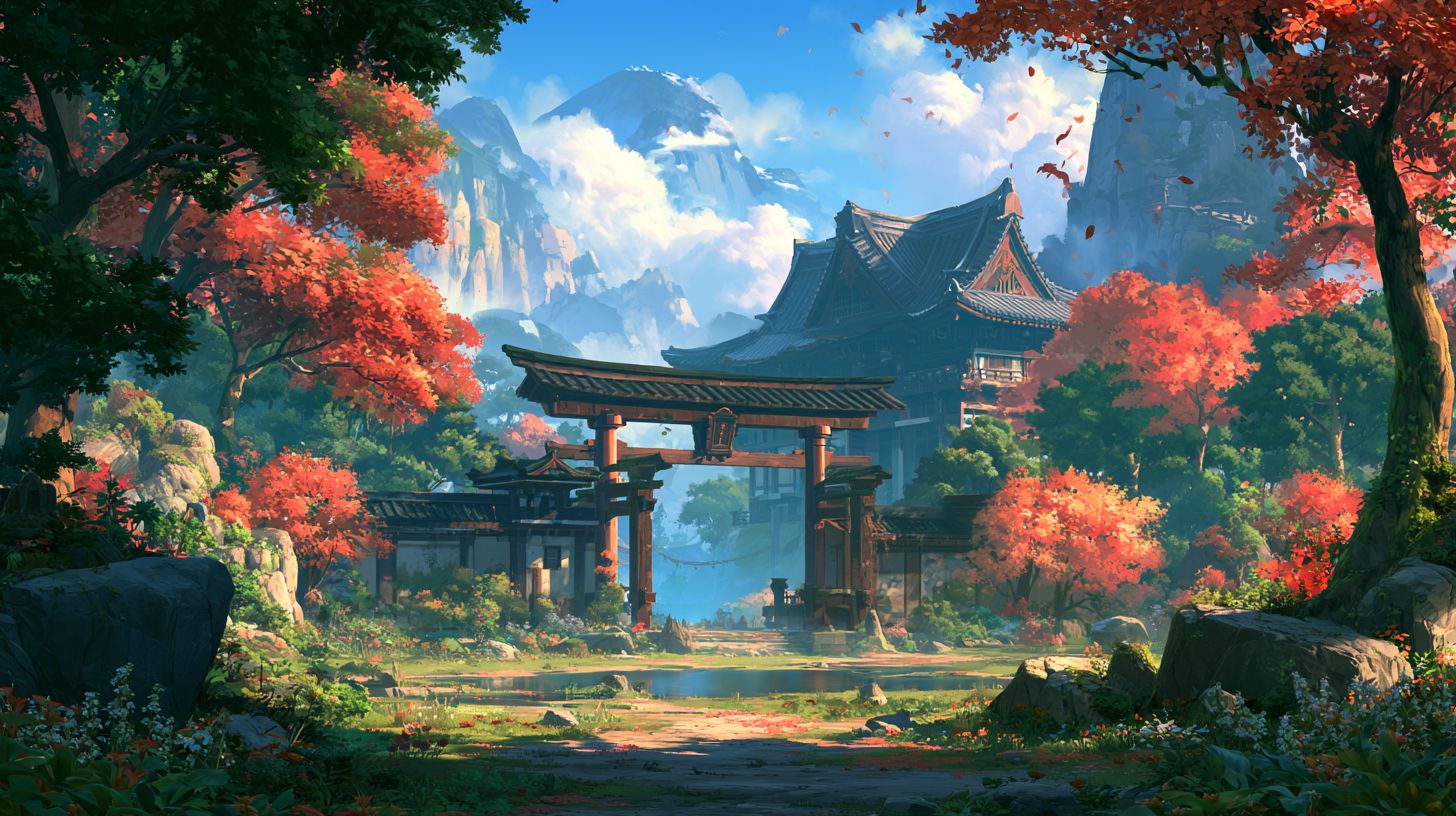
MJ Image
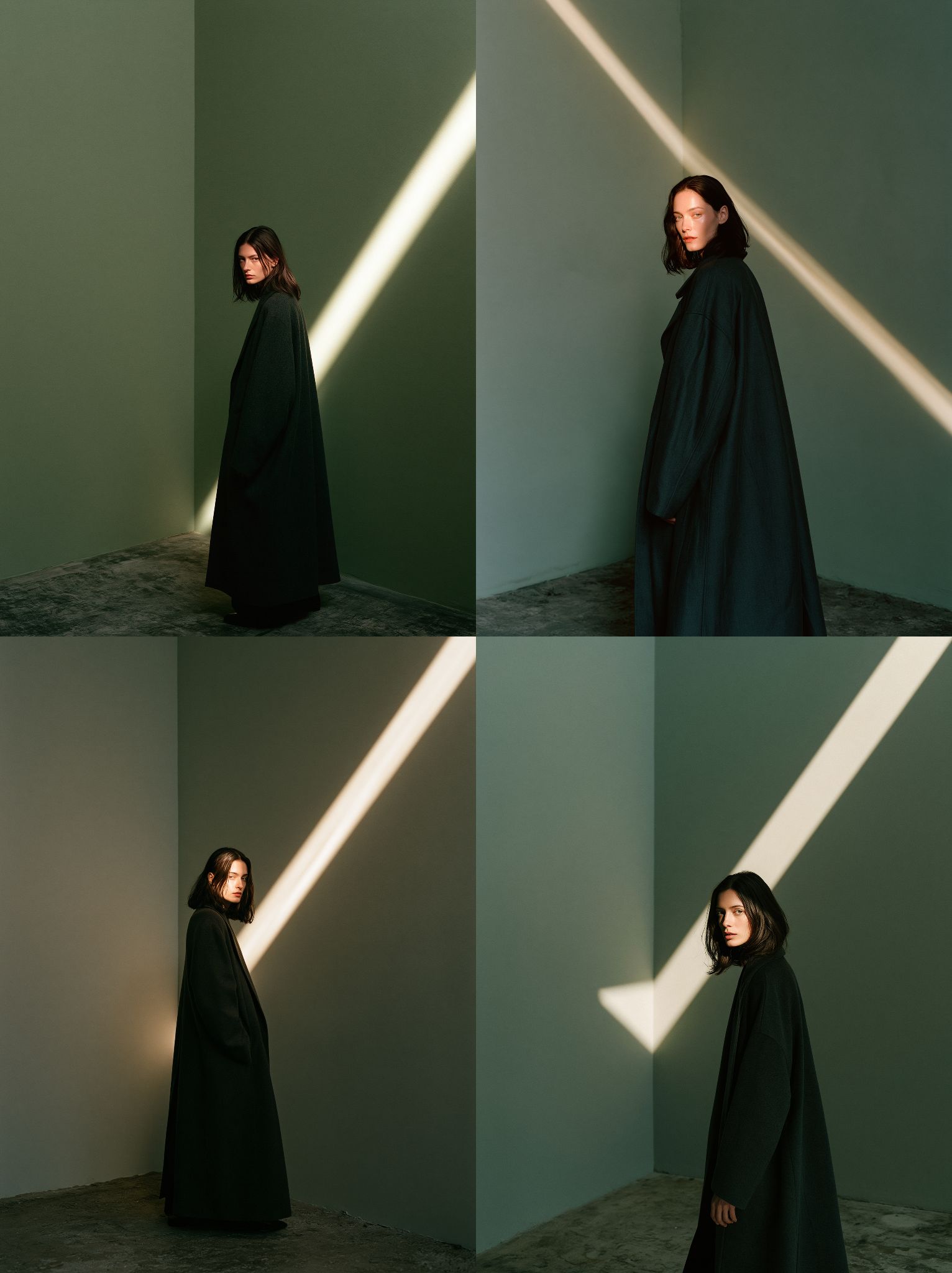
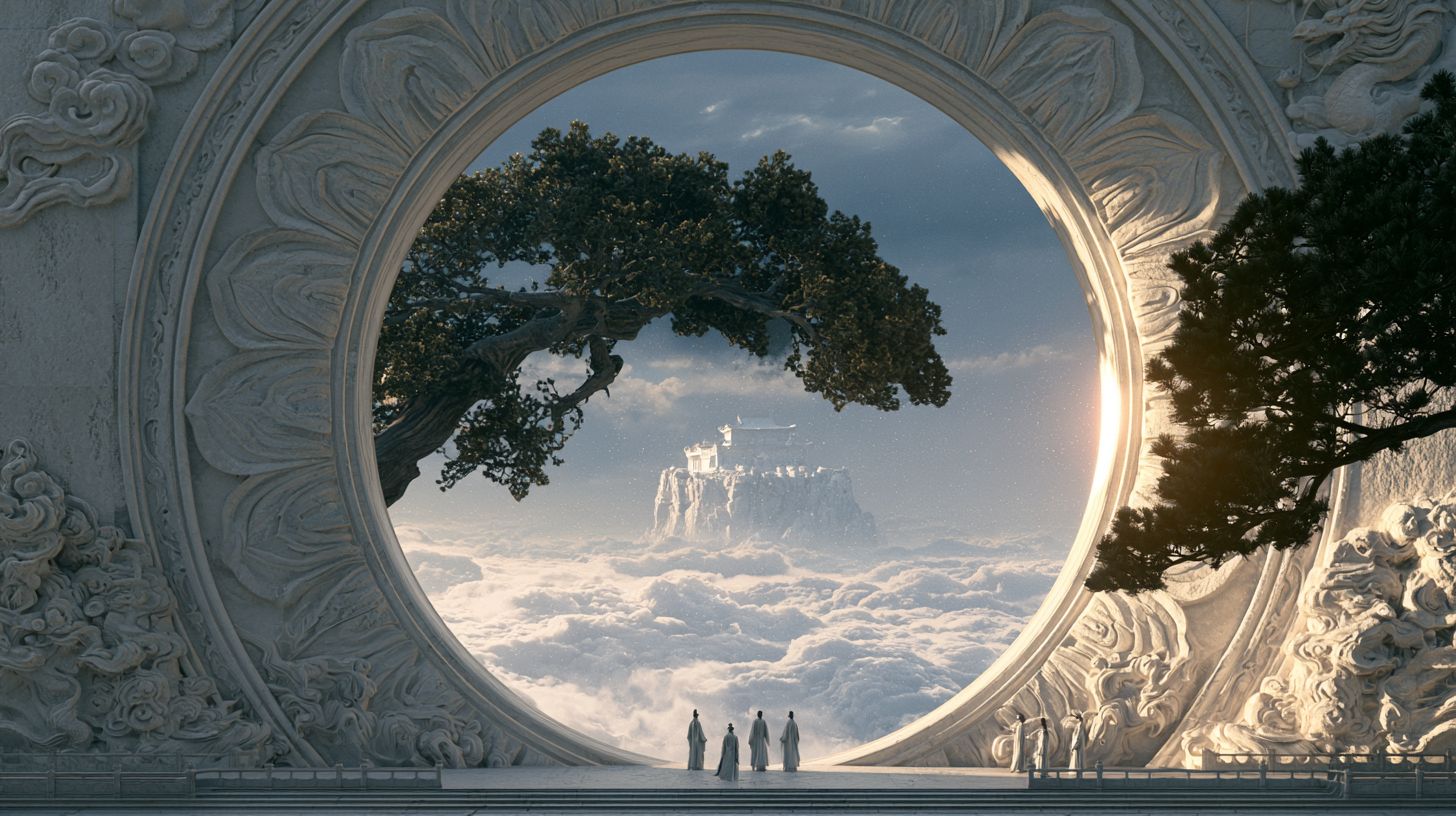
MJ Image
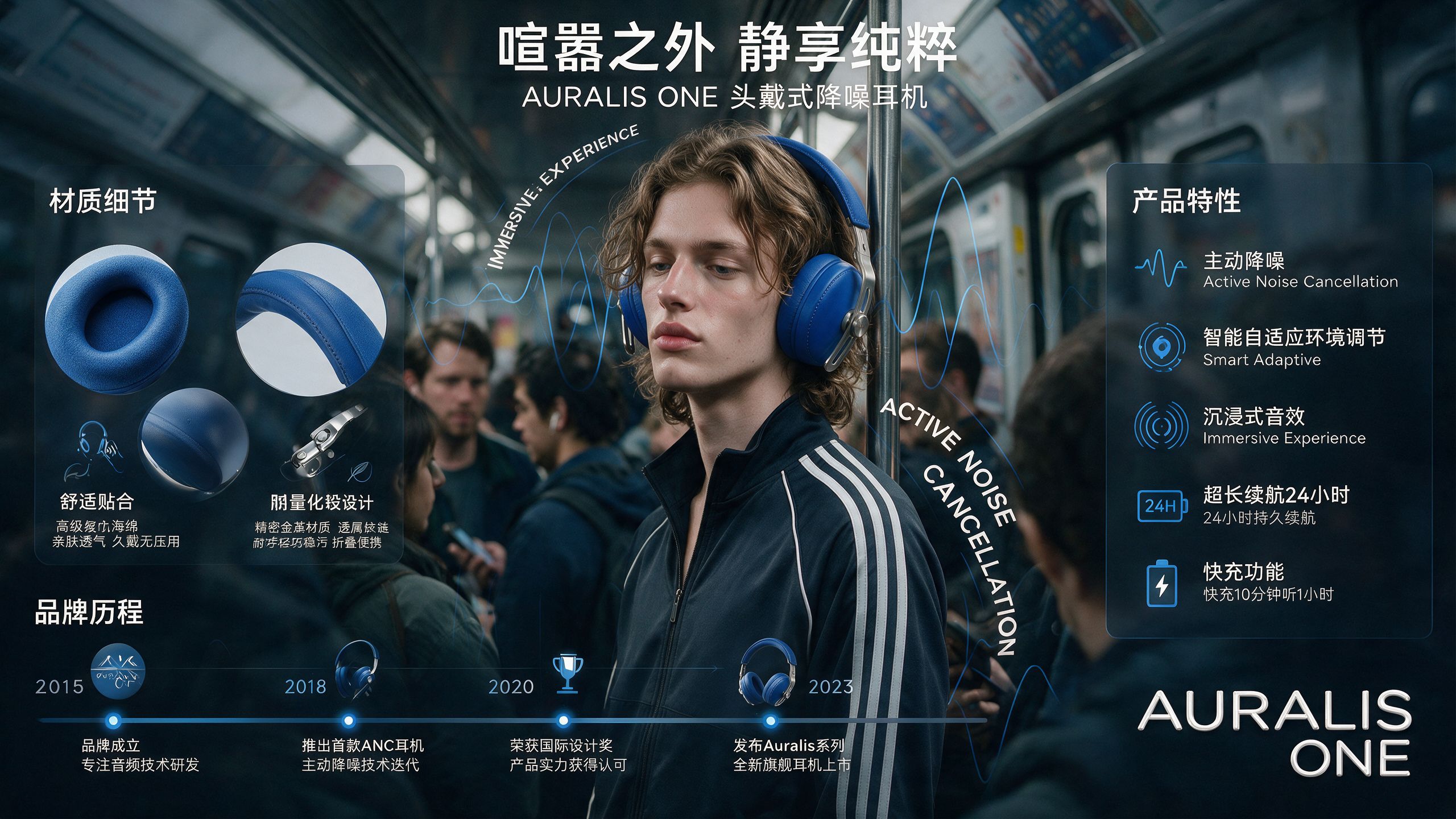
MJ Image
MJ Image
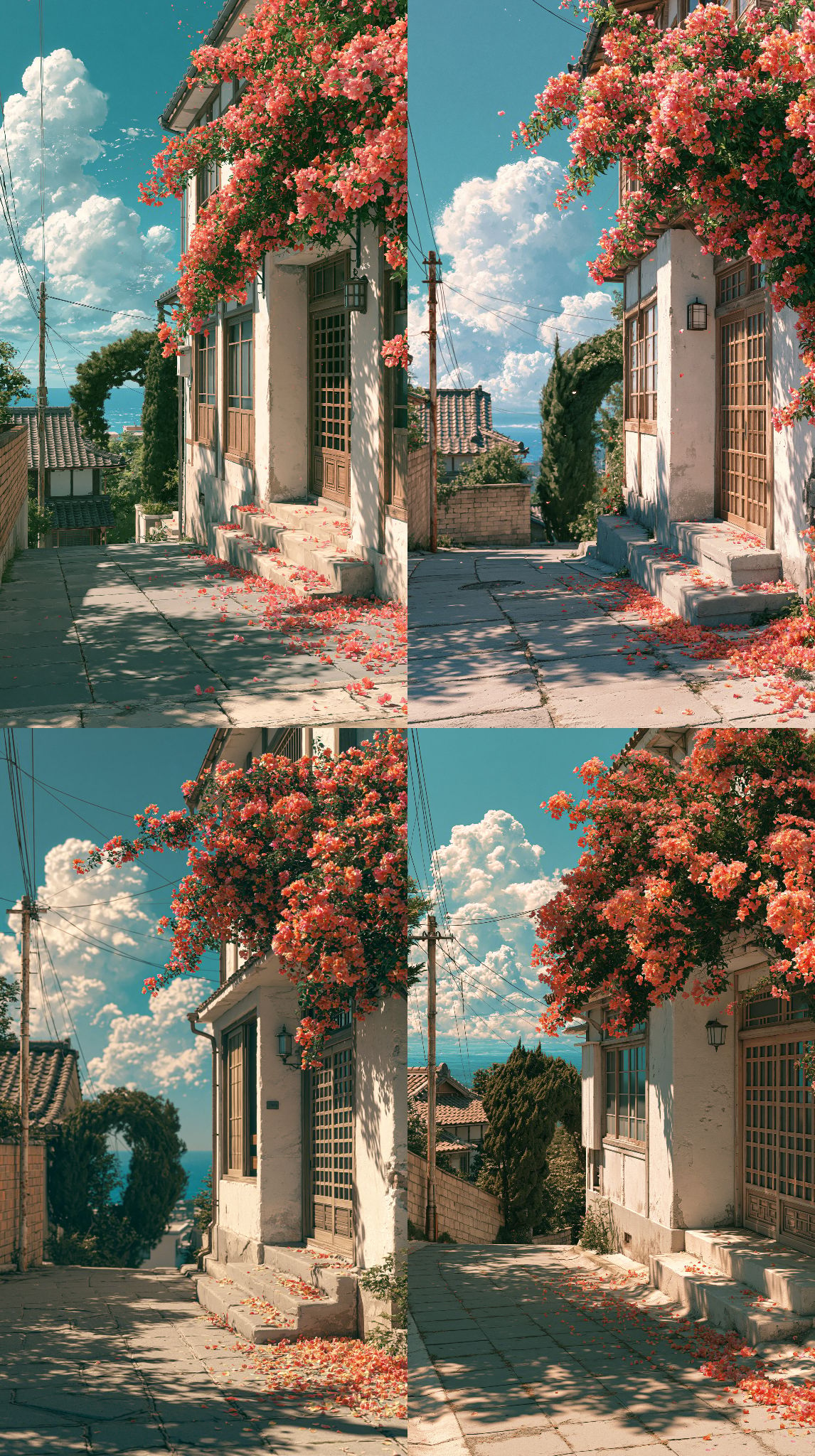
MJ Image
How to Use
-
Open the workflow template and upload your reference image.
-
Connect the image to a text node. Use the Midjourney Image-to-Prompt model, or another multimodal model that supports image input, such as Gemini or Qwen, to reverse-engineer a Midjourney-ready prompt from your image.
-
Connect the generated prompt to an image node. Select a Midjourney image model to generate new images, then compare the results with your original reference.
-
Refine the prompt if needed. Edit and improve the reverse-engineered prompt manually until the generated image better matches the style or direction you want.
FAQ
Which image formats are supported?
Common image formats are supported, including PNG, JPG, and JPEG.
Does the reference image have to be generated by Midjourney?
No. You can use any image, including hand-made designs, photographs, or images generated by other AI tools.
Who is this workflow for?
It is designed for anyone who wants to create images in a similar visual style from a reference image. No advanced design or prompt-writing experience is required.
Can I use it for free?
New users receive trial credits after signing up. You can use them to try the complete workflow: turn an image into a prompt, then generate Midjourney images from that prompt.
Ready to start creating?
Open the template in Oimi Canvas to view the full prompts and workflow.