 1 / 4
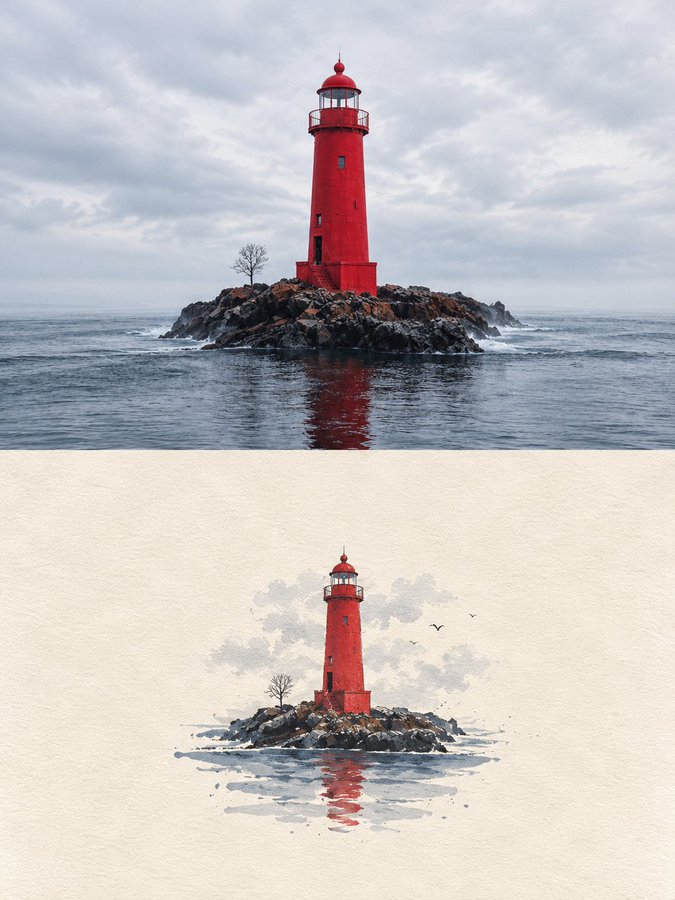
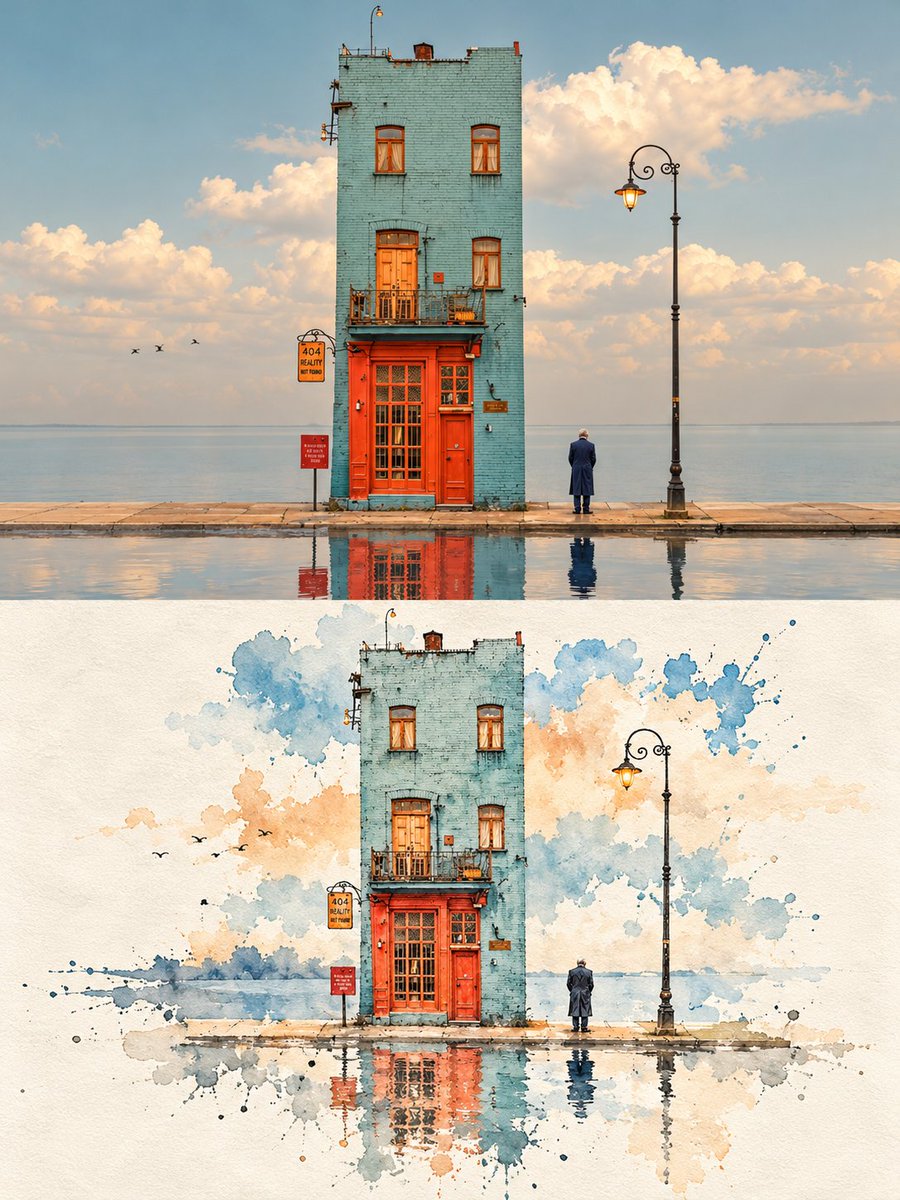
实景与水墨的双境对照
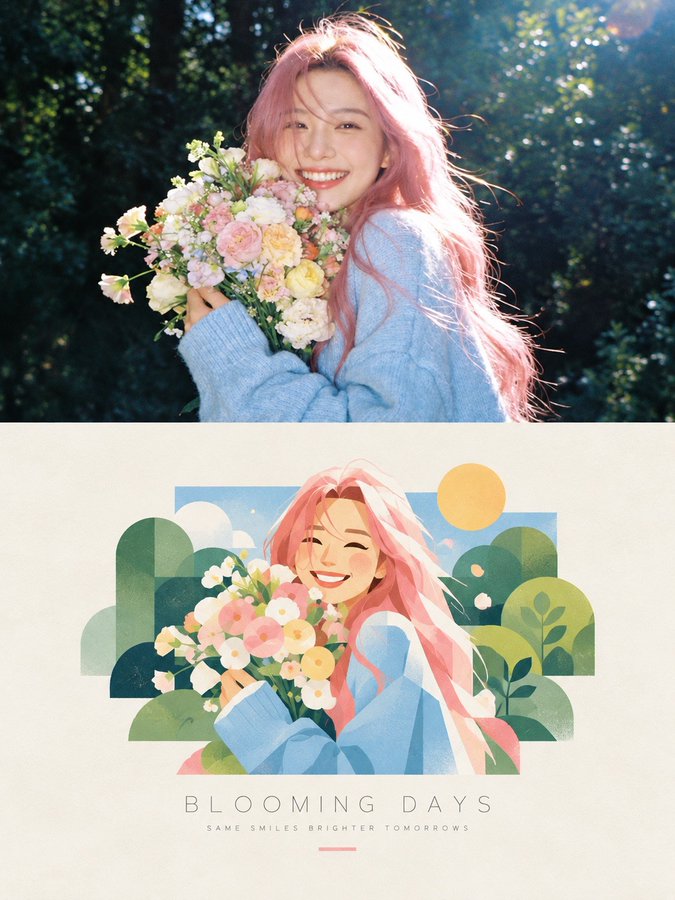
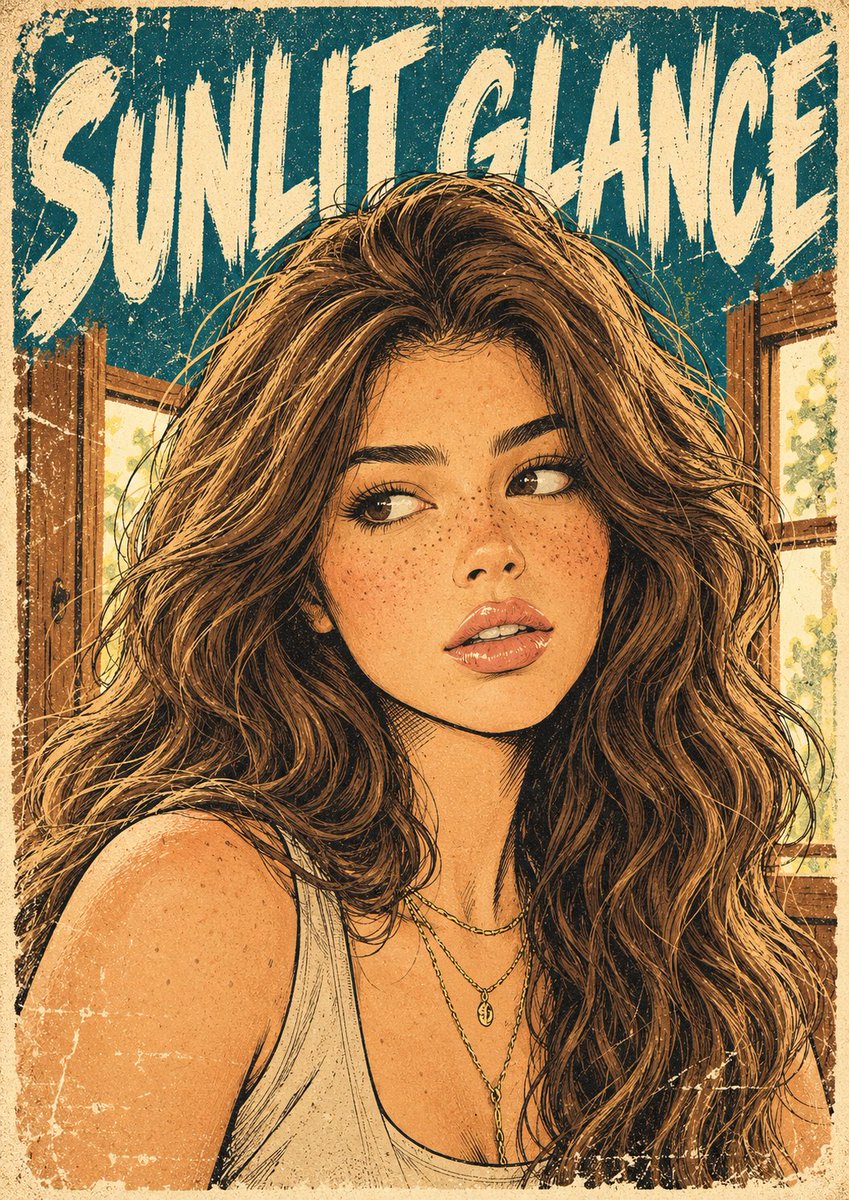
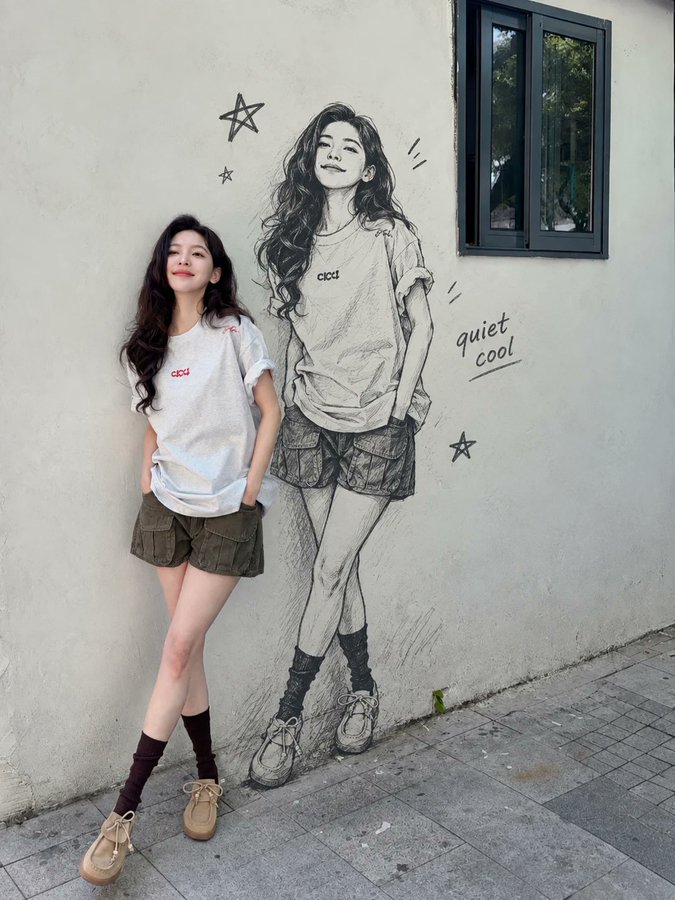
将实拍照片与极简水墨重构上下并置:上半保留真实光影与质感,下半以墨色晕染、飞白与大面积留白提炼同一主体,点缀少量东方色彩,呈现当代展览海报式的编辑美学。
完整提示词
The image is in a 3:4 vertical composition, divided into two regions, with a strict 1:1 ratio, each taking up 50% of the image. Upper Region - Original Photo Shoot Area Preserves the subject's identity, structure, perspective, and true material, natural light, and original color atmosphere, with only slight high-end color grading and image purification, presenting it with the texture of art magazines or exhibition photography. It allows for a moderate expansion of the background to fit the screen size, but does not stretch, distort, or reshape the subject, without changing the subject's structure, posture, and core composition. Lower Region - Minimalist Ink Wash Reconstruction Area First, refine the subject with the most memorable details, such as the outline, structure, trend, perspective, rhythm, and atmosphere, and then reconstruct the same scene into a minimalist ink wash material landscape. Do not copy the photo details, do not make a realistic copy, only preserve the most recognizable structure and charm, allowing people to recognize the corresponding relationship between the upper region and the original photo at first glance. The overall base of the lower half is milky white, warm white or paper white, with delicate paper fiber and natural texture. The main body is reconstructed in ink wash blending, dry-wet interplay, flying white, seepage, ink accumulation, and white space, forming a quiet, restrained, and poetic Eastern visual. Removing secondary details, only retaining the most distinctive contours, structural turns, spatial layers, and breath, not pursuing realistic completeness, but rather summarizing, refining, and leaving a lingering impression. The use of ink in black, gray, and light ink tones, layered and progressing, with varying intensities and rhythms. The most vibrant colors can be extracted from the original image to create a few spots of dyeing or coloring, without mechanically replicating the color values. The colors can be transformed locally into clear blue-gray, distant blue, soft gold, warm yellow, vermilion red, light cyan, etc., to emphasize the main focus and emotional rhythm, but the overall composition is still dominated by ink tones and negative space. Avoiding dull, heavy, old brown, excessive decoration, and vulgar color combinations. The main core areas should be more refined and concentrated, with edges gradually loosening, breaking away, disappearing, and scattering, forming a sense of breathing with the large negative space. The lower half of the composition should account for about 30%-45%, with the rest reserved for large negative spaces. The composition can be biased, framed, suspended, or slightly cut, but must maintain an asymmetrical balance and a high-end editorial feel. Negative space is not blank, but an important component of the visual structure. It is better to reduce information than to fill the entire image, so that the main focus looks like an ink seal or an oriental material work displayed on a page. Text Treatment Text is only allowed a very small amount of editing intervention, without preset titles and numbers. A small number of words or short sentences can be extracted from the subject, location, time, action, emotion, or metaphor, and quietly placed in the blank area or the edge of the subject. The text should be restrained, sparse, and have a sense of breathing, not noisy or dominant. Overall Presentation Contemporary Eastern aesthetics, minimalist ink wash reconstruction, large-scale art blank, small-scale seal impression, quiet editing layout and exhibition poster style. Avoid complex backgrounds, piled-up real details, overly decorative, excessive text, template layout and filled composition
(可选)
生成图片
生成期间,请勿关闭页面。如已关闭,可通过右上角的历史记录查看生成进度和结果。
如何使用
调整提示词
在创作表单中查看预填的提示词,按需修改主体、场景、颜色或风格。
上传参考图片和比例
如果页面提供参考图片上传入口,可以选择上传,也可以留空。请上传拥有使用权的图片,并按需调整图片比例。
生成图片
模型已内置,点击生成,稍等片刻,等待生成结果。
查看并下载
生成完成后查看结果并下载图片。想尝试其他效果,可以修改提示词或参考图片后再次生成。
使用技巧
需以上传的原照片为基准,上半部分保持主体结构、透视与真实材质不变,仅做轻度调色。替换主体(如风景、建筑、静物)时保留上下 1:1 分区、水墨重构与大面积留白的关系,点缀色从原图提取,文字仅少量置于留白处。具体效果请按实际生成结果微调。
常见问题
适合新手使用吗?
适合。不需要专业 AI 知识,也不需要学习画布操作。选择喜欢的提示词,在页面按需上传参考图或者微调提示词,模型已配置好,点击生成即可。第一次使用也能轻松开始创作。
提示词是免费的吗?
是的。这里的提示词收集整理自公共互联网,可免费查看、复制和使用,也可以按自己的创意修改。也可以通过作者,查看原始来源。
提示词怎么使用?
可以复制提示词,粘贴到 ChatGPT 等支持图片生成的工具中使用;也可以直接使用本页创作表单,模型已配置好,按需修改提示词、上传可选参考图并调整比例,点击生成即可。不同工具或模型的生成效果可能不同。
生成图片是否免费?
可以免费体验!注册即可获得免费体验算力,用于生成图片。体验满意后,可以订阅会员或购买算力,进行更多 AI 图片创作。不同模型和配置消耗的算力不同,具体以生成前的提示为准。
平台有哪些 AI 图像模型?
Oimi 已接入 GPT-Image-2、GPT-Image-2.5、Nano Banana 2.1、Nano Banana Pro、Midjourney V8.2 / V7、Niji Journey(NJ)、Seedream 5、Grok Image 2、万相 2.7 和 Z-Image 等图像模型,满足人像、产品、海报、插画及图片编辑等不同创作需求。无需在多个平台之间来回切换,也无需分别订阅多个平台的会员,在 Oimi 即可使用多种模型,统一使用算力进行创作。本页使用预配置模型,更多模型可在 AI 无限画布中体验。
积分除了生成图片,还能做什么?
Oimi 是一站式 AI 创作平台,算力还可用于 AI 文本、视频、音频、音乐等创作。浏览 OimiTV 精选模板,可以复用热门 AI 工作流,尝试制作社交媒体趋势视频,让图片创意延伸为视频和音乐作品。
支持多语言提示词吗?
支持!大部分 AI 图像模型支持英语、法语、德语、中文、日语、阿拉伯语等常见语言。可以使用自己熟悉的语言描述创意;不同模型对各语言的理解能力有所差异,生成效果也可能不同。
为什么提示词是其他语言?
提示词库保留了原作者使用的语言和表达,方便还原创作思路。你可以直接使用原文,也可以翻译成自己熟悉的语言后再生成。翻译时建议保留主体、构图、风格等关键描述,翻译后的效果可能略有不同。
可以修改这里的提示词吗?
可以。建议先修改主体或场景,再逐步调整颜色、构图、风格和细节。页面上方保留了原始提示词,方便对照和复制。修改创作表单不会改变提示词库中的原文。
必须上传参考图片吗?
不需要。参考图片为可选项,不上传也可以根据文字生成图片。支持参考图的模型会显示上传入口;上传后,生成时会结合参考图片。想恢复纯文字生成,可以移除参考图。请仅上传您拥有使用权的图片;涉及他人肖像时,请确保已获得相应授权。
为什么生成结果和示例图片不完全一样?
示例图片用于展示创作方向。生成结果会受到提示词、模型、参考图片、参数以及生成随机性的影响,即使使用相同提示词,也可能得到不同结果。想更接近示例,可以保留关键风格描述,并逐次调整少量内容。
手机上可以直接使用吗?
可以。直接在当前页面的创作表单中编辑提示词、从相册上传参考图、生成和下载图片,无需进入画布,也无需安装应用。
图像生成失败或出错会怎样?
如果图像生成任务因系统错误而失败,该任务已扣除的算力会自动退回账户。可以通过历史记录查看详情。内容违规等情况不适用自动退款。 内容规范
我的照片会被存储吗?
上传的照片或者生成的图片会临时存储一周左右,方便未及时下载或本地误删除的用户,在历史记录中查看生成记录并下载。一周后就会删除。 隐私政策
我的照片会被用于训练吗?
不会!所有照片仅用于图像生成,平台不会将其用于训练。
如果我是专业人士,可以在 AI 无限画布上使用吗?
可以。对于需要反复打磨作品的专业创作者,无限画布提供了更自由的创作空间:在 Oimi 的同一个工作区里组织素材、连续生成、编辑和对比图片,还能连接图生视频等后续工作流,无需在多个工具之间来回切换。可以通过表单中的画布入口打开,也可以将提示词复制到 AI 无限画布中使用。
可以使用 Agent 协助创作吗?
可以。在 AI 无限画布中使用画布 Agent 助手,用自然语言描述想法,让 AI 协助梳理创作思路、创建文本或生成图片,再结合画布中的素材继续调整和创作。