文字生成图片
把产品广告、海报、UI 模型、人像风格和社媒视觉想法快速变成图片草稿。
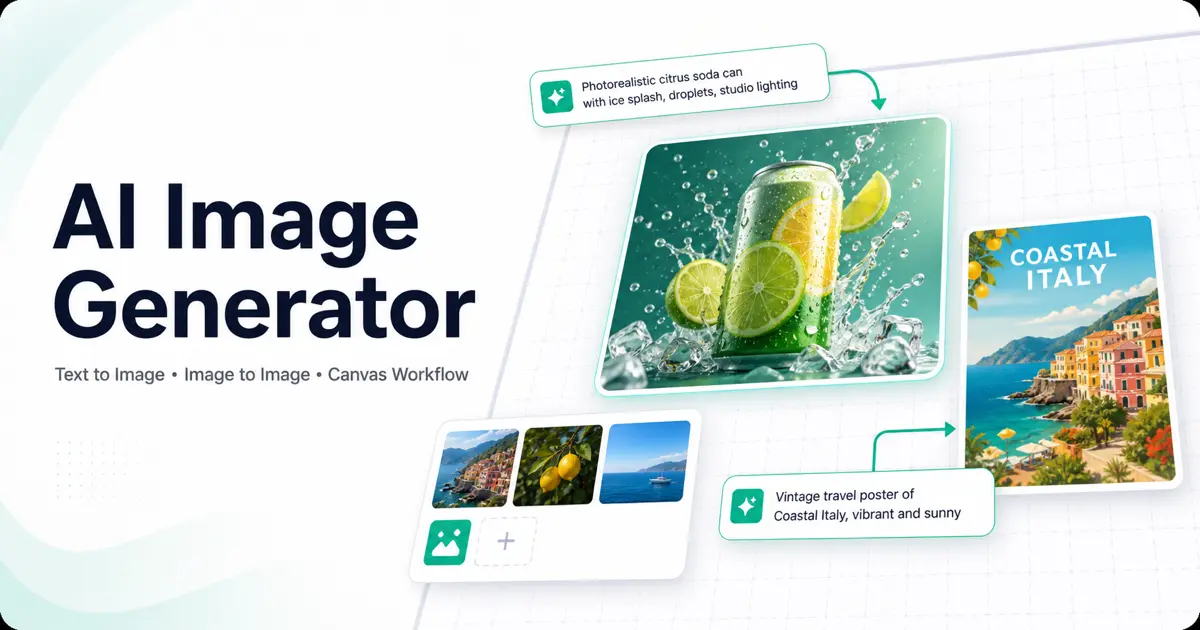
用文字提示词或参考图完成 AI 图片生成,并在无限画布中继续编辑、对比、扩展和复用每一次生成结果。
把产品广告、海报、UI 模型、人像风格和社媒视觉想法快速变成图片草稿。
上传参考图或已有照片,继续生成变体、替换风格、改变场景,或优化成新的图片版本。
把提示词、生成图、参考图和后续变体放在同一个视觉工作区里,不需要反复下载上传。
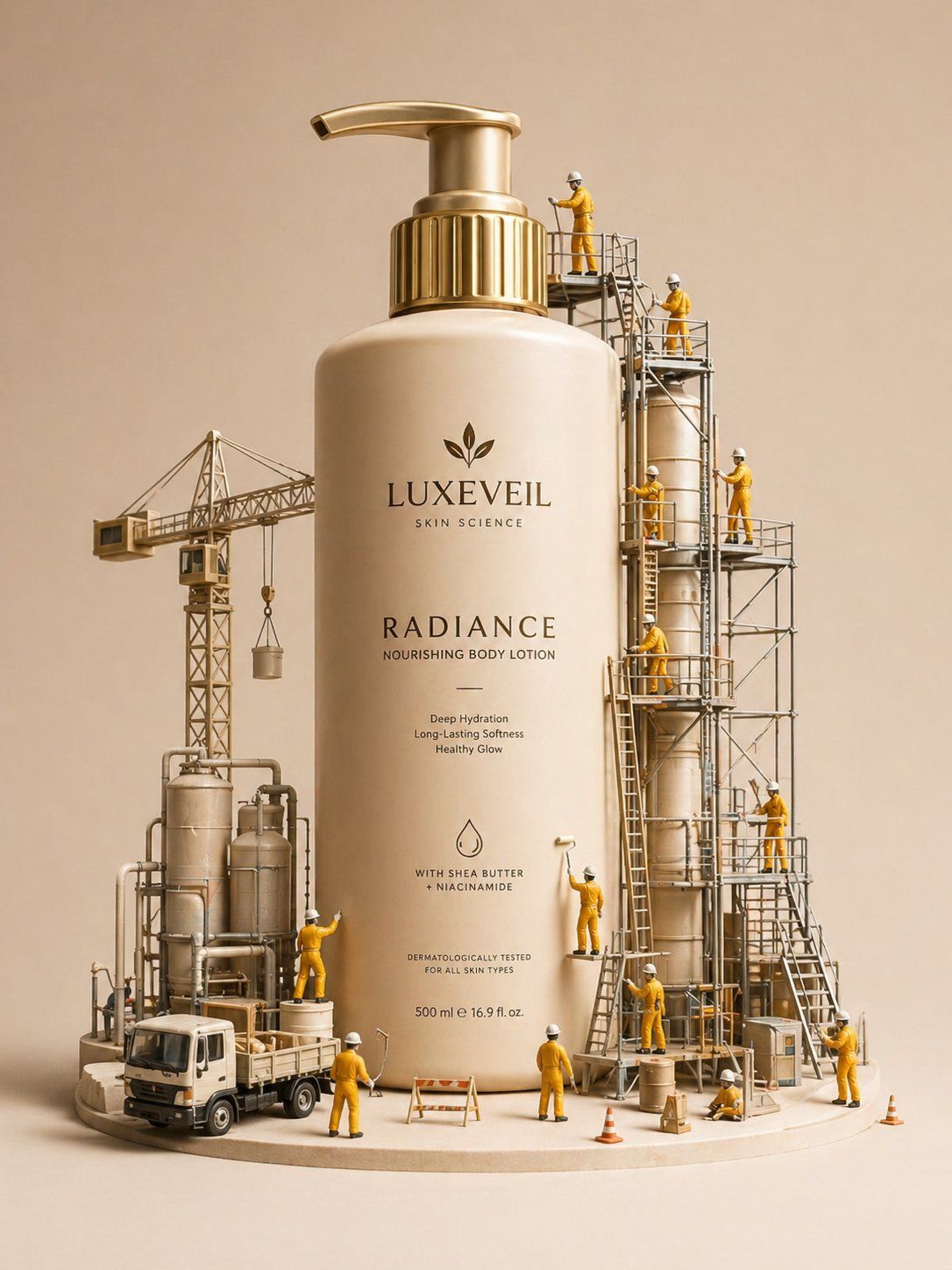
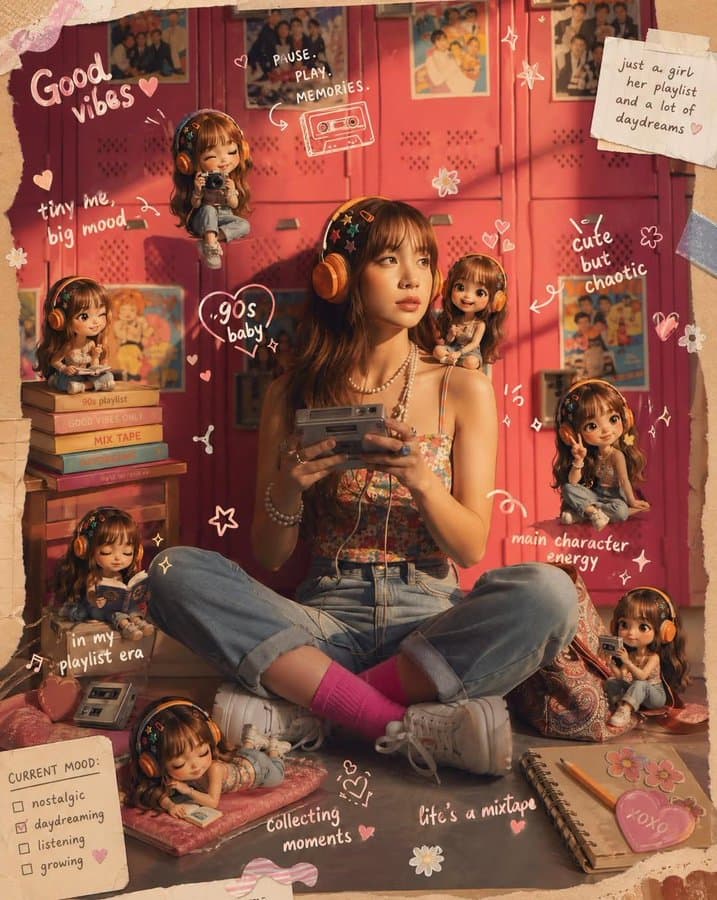
查看真实提示词和生成效果,点击任意案例即可进入画布生成类似结果。
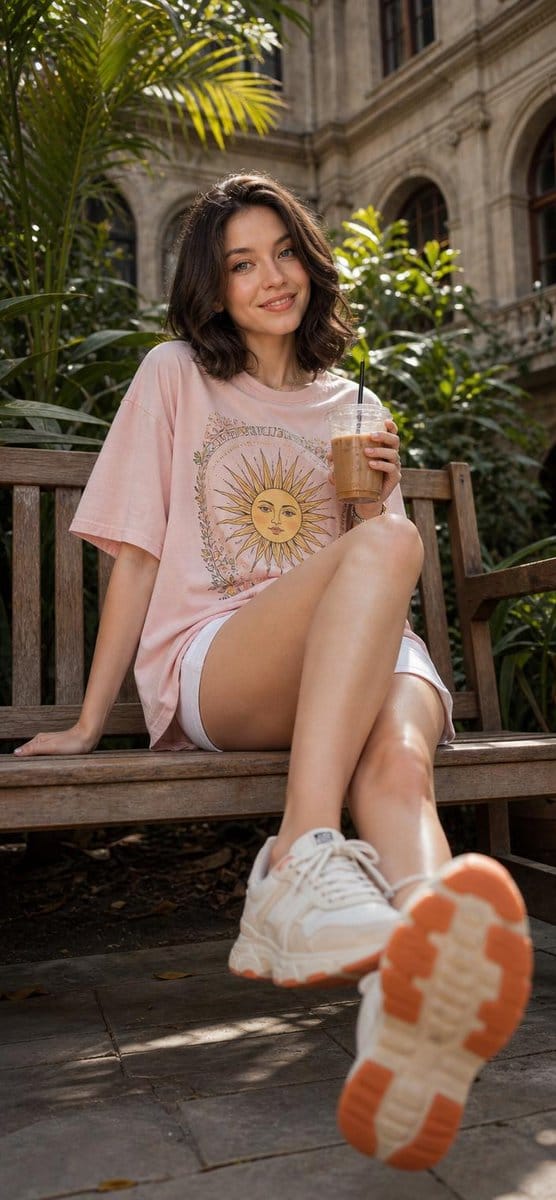
Cinematic lifestyle portrait of a cheerful young woman sitting on a rustic wooden bench in a lush botanical courtyard, holding an iced coffee in a cle...
生成图片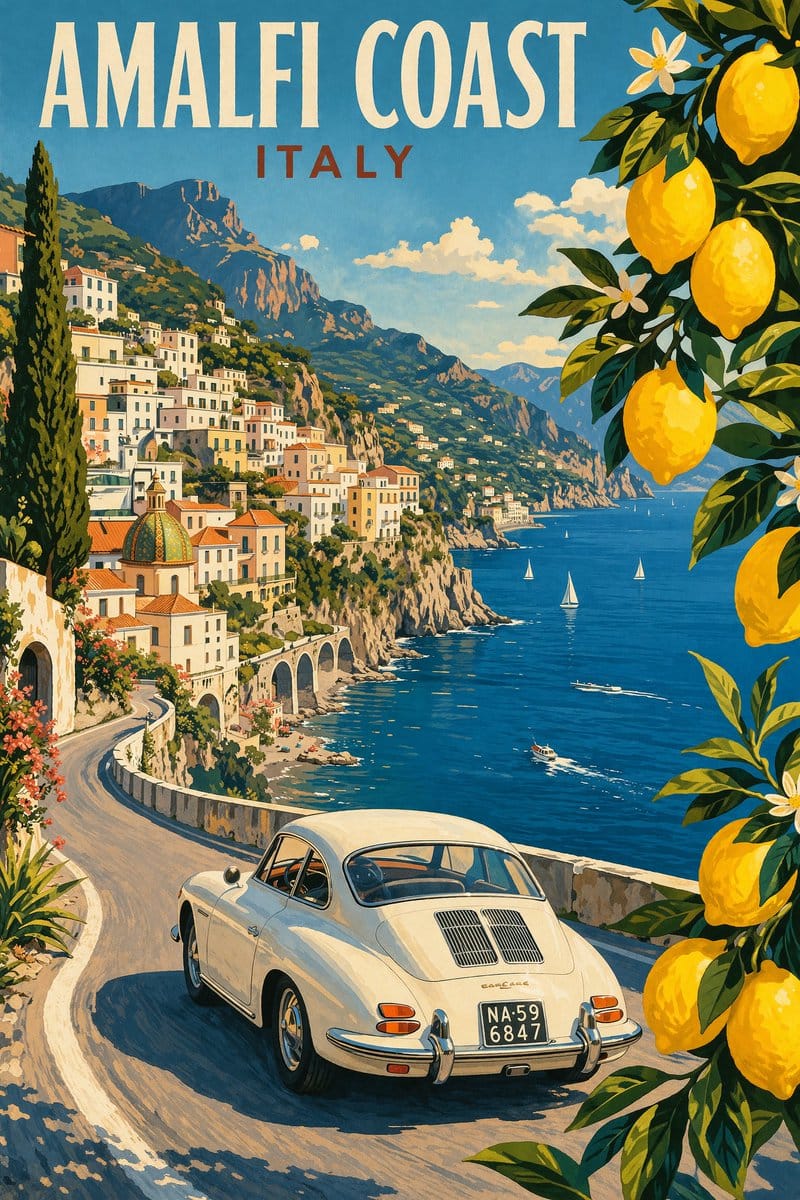
Modern pencil illustration of Vintage travel poster illustration of the Amalfi Coast, Italy, panoramic coastal cliff road scene, classic 1960s white c...
生成图片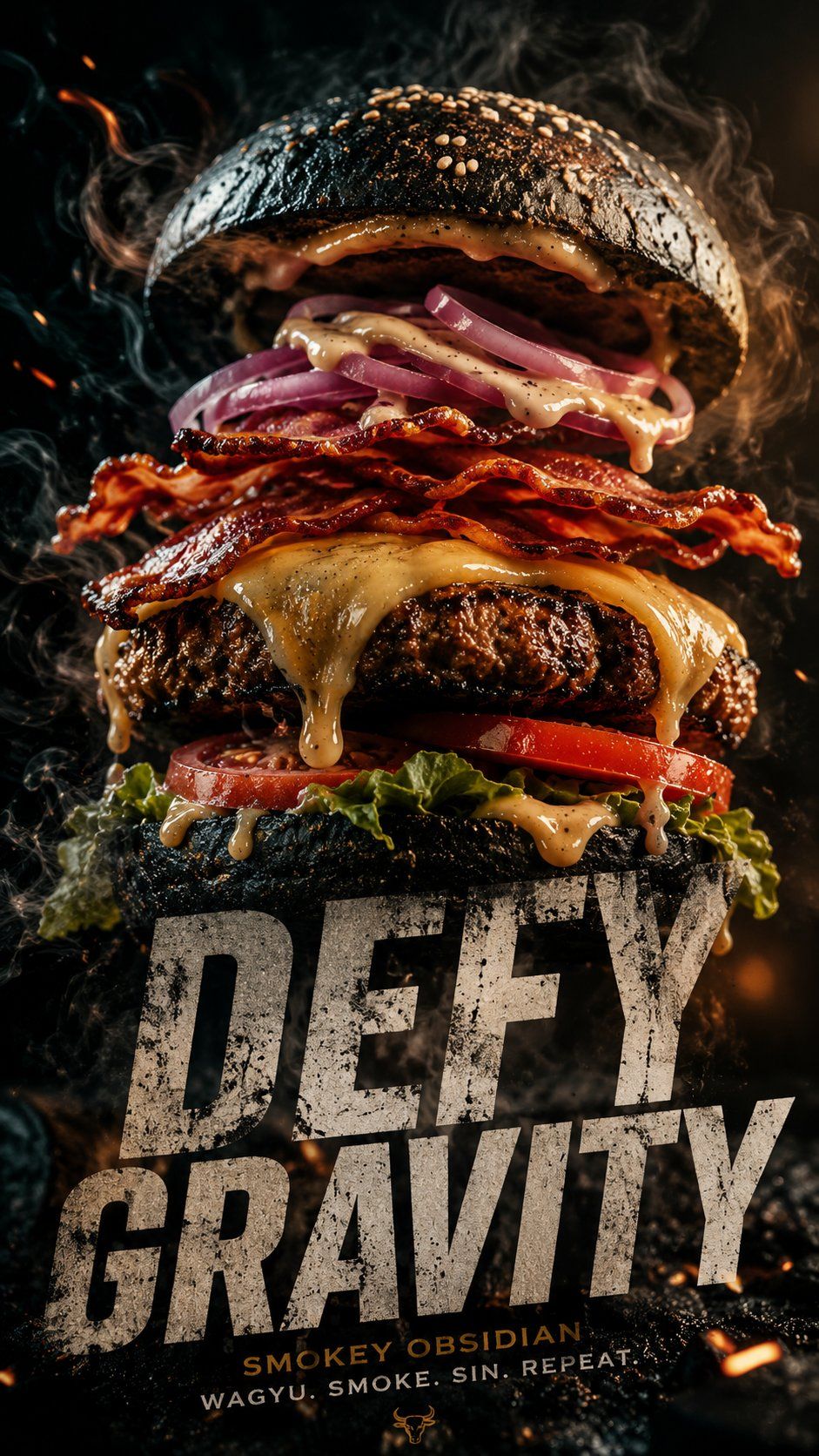
A cinematic 9:16 vertical composition featuring a gourmet "Smokey Obsidian" burger. WHAT: A towering burger with a charcoal brioche bun, thick Wagyu...
生成图片
Create a clean, pastel mobile app design sheet for a [WHAT THE APP DOES] app called "[APP NAME]". Style: soft pastel colors, warm modern UI, rounded c...
生成图片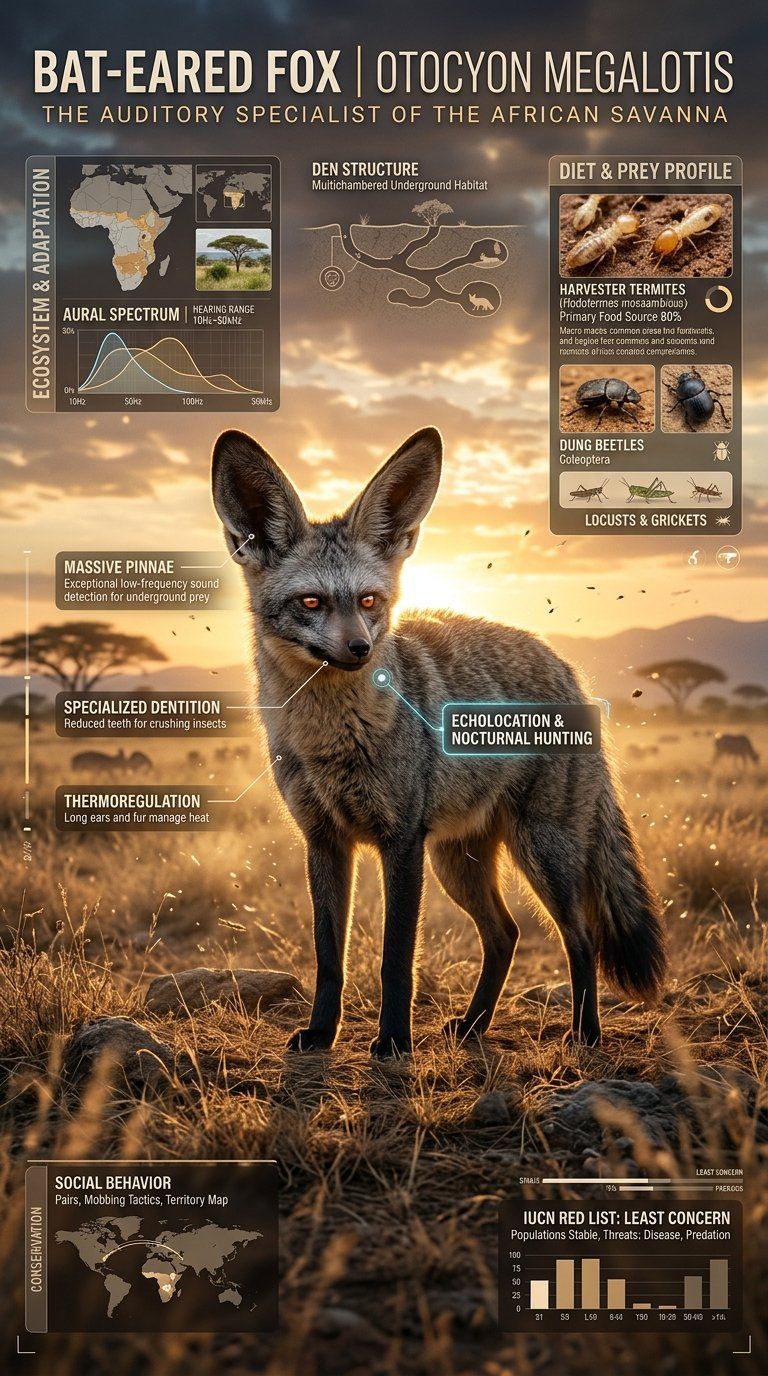
Create a premium cinematic wildlife infographic poster centered around a rare or visually unique animal species such as (animal). The entire artwork m...
生成图片
3D chibi-style miniature concept store of {Brand Name}, creatively designed with an exterior inspired by the brand's most iconic product or packaging....
生成图片选择一个模型开始图片生成工作流。点击后会直接进入画布,并预选对应模型。
AI 图片生成通常从文字提示词或参考图开始。你描述主体、风格、构图、光线和输出格式,模型会根据这些指令生成图像;也可以上传图片继续做图生图编辑。
Oimi 把多个全球领先的 AI 图像生成模型放在同一个画布里,不需要在不同工具之间来回切换。你可以文生图、上传参考图做图生图编辑、对比不同版本、复用提示词模板,并在需要时继续把同一套工作流延展到图生视频。
这个页面负责承接搜索和输入提示词,点击生成后会进入 Oimi Canvas。真正的生成、编辑、对比和工作流扩展都在画布中完成。
可以。进入画布后上传参考图,就可以通过图生图工作流生成变体、转换风格、改变场景,或继续优化已有图片。
继续查看适合 GPT Image 2 和 ChatGPT 风格图片生成的提示词案例。